


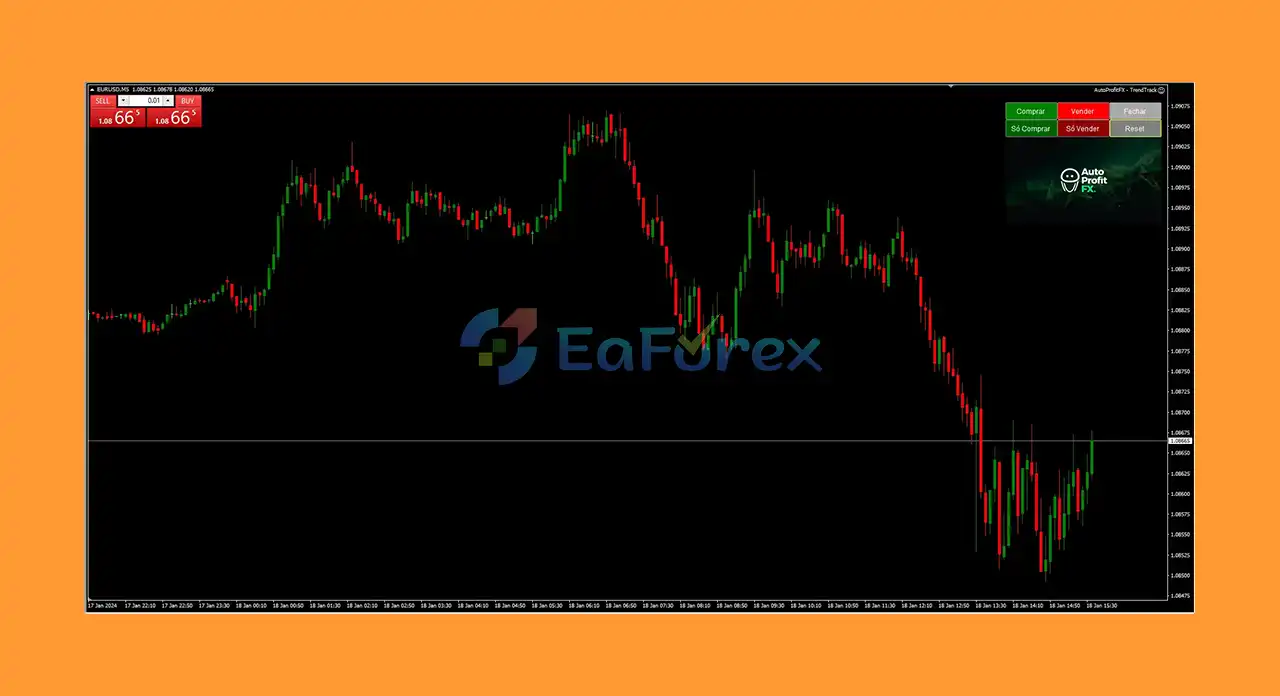
What is AutoProfitFX TrendTrack EA MT4?
AutoProfitFX TrendTrack MT4 is a powerful Expert Advisor (EA) specifically designed to automatically track and capitalize on forex market trends. This comprehensive review explores the key features, trading performance, and overall functionality of AutoProfitFX TrendTrack MT4, providing valuable insights for traders looking for an automated solution for effective trend analysis and profitable trading on the MetaTrader 4 platform.
Key Features of AutoProfitFX TrendTrack EA MT4
- Sophisticated Trend-Tracking Algorithm:Uses advanced algorithmic analysis to detect forex trends
- Dynamic Entry and Exit Points: Optimizes trade timing based on real-time trend movements
- Comprehensive Risk Management: Includes position sizing, stop-loss, and other safety features
- User-Friendly Interface; Easy setup and monitoring, suitable for beginners and pros
- Wide Compatibility: Works with all timeframes on MT4 platform
Performance Highlights
- Accurate trend identification across various market conditions
- Consistent and reliable trade execution
- Positive user feedback on ease of use and effectiveness
AutoProfitFX TrendTrack EA MT4 Review
Compatible with the popular MetaTrader 4 (MT4) platform, this Expert Advisor (EA) offers seamless accessibility for a wide range of traders who prefer trading within the trusted MT4 environment.
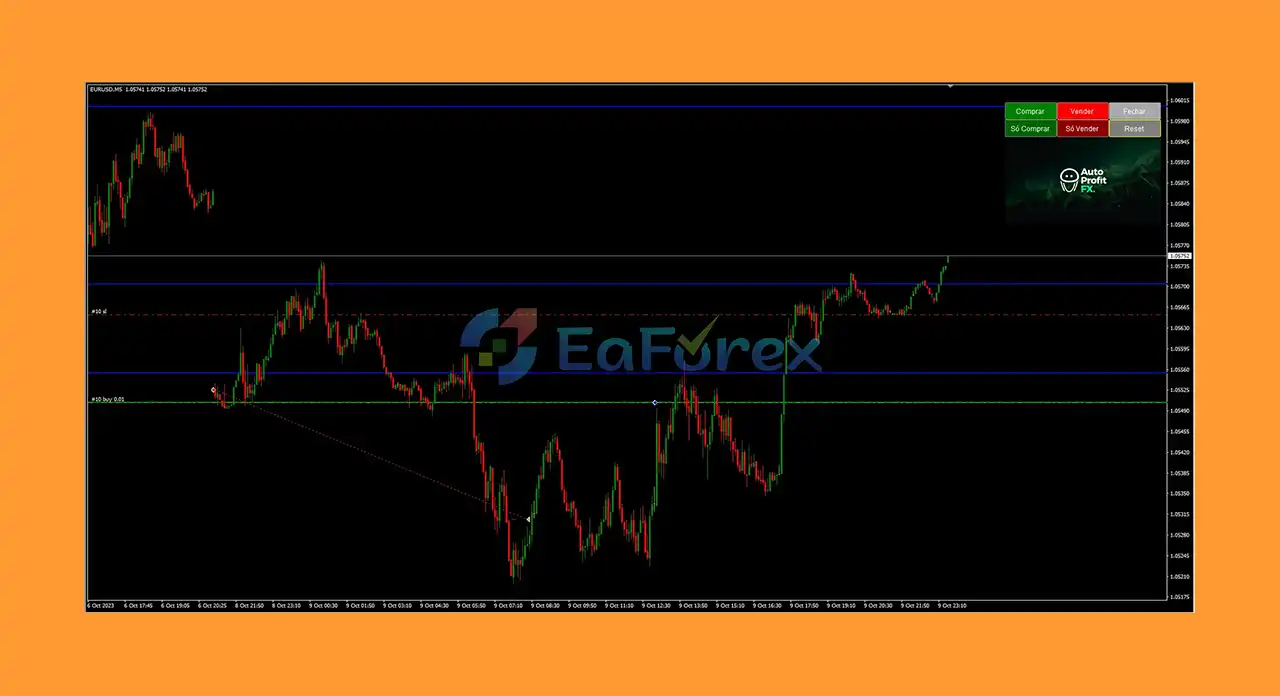
What is included in the package?
- Experts:
AutoProfitFX – TrendTrack.ex4
- Presets:
EURUSD_M5.setTrend Track.set
>>> Join VIP Membership Now <<<
How To Set Up EA
🔻AutoProfitFX TrendTrack EA is a MetaTrader 4 expert advisor focused on automated trend-following with Fibonacci-based Martingale recovery and solid risk management.
🔵 Step 1: Installation
- Download the AutoProfitFX TrendTrack EA
.ex4or.mq4file. - Open MetaTrader 4 platform.
- Navigate to File > Open Data Folder > MQL4 > Experts.
- Paste the EA file into the Experts folder.
- Restart MetaTrader 4 to load the EA.
🔵 Step 2: Attach EA to a Chart
- Open your preferred trading instrument chart (e.g., Forex or indices).
- Drag AutoProfitFX TrendTrack EA from the Navigator panel onto the chart.
- Enable AutoTrading from the MT4 toolbar.
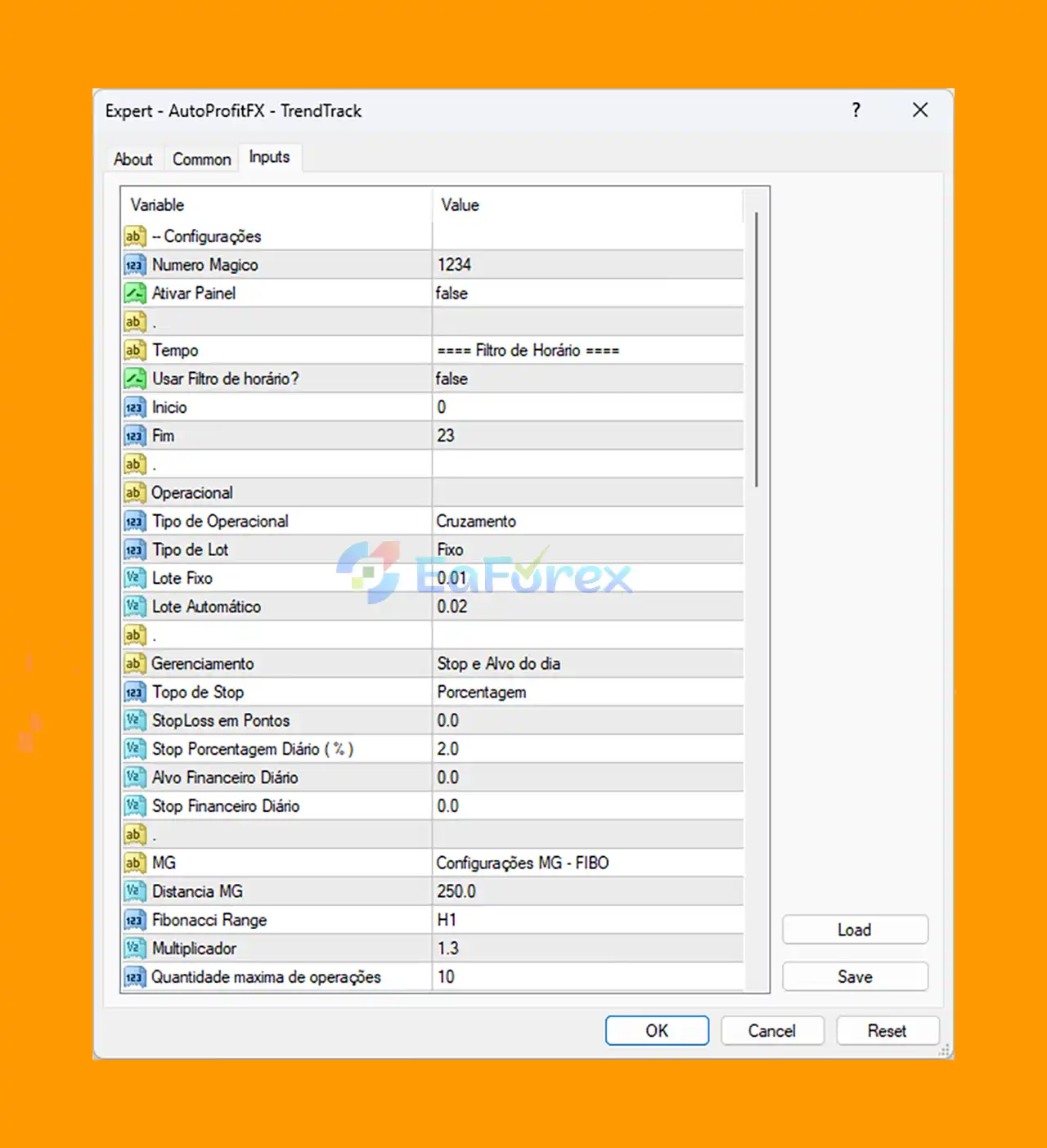
🔵 Step 3: Configure Key Trading Settings
- Magic Number: Set to
1234for unique trade management. - Panel Activation: Keep
falseto disable the on-chart panel and reduce clutter. - Time Filter: Disabled (
false) for 24/7 trading without time restrictions. - Operation Type: Use Cruzamento (Crossover), based on indicator crossover signals.
- Lot Type: Fixed lot size at
0.01for conservative risk management.
🔻Risk Management:
- Enable daily stop loss at
2%of account balance to limit drawdowns. - No fixed pip stop loss; rely on daily percentage stops.
🔻Martingale & Fibonacci Settings:
- Enable Fibonacci-based Martingale with multiplier
1.3. - Set Martingale trade distance to
250 pipsto space recovery trades. - Max concurrent trades:
10to control exposure.
🔵 Step 4: Backtest and Optimize
- Perform backtesting on historical data to ensure settings match your broker and risk appetite.
- Adjust parameters as needed to optimize performance and risk.
Conclusion
In summary, AutoProfitFX TrendTrack EA is a sophisticated and reliable automated trading solution designed to identify and capitalize on forex market trends efficiently. Powered by an advanced trend-tracking algorithm, this Expert Advisor excels at pinpointing optimal entry and exit points, ensuring traders maximize profit potential while effectively managing risk.
>>> Reviewed by Jason Stap <<<



