


What is GOLD ARUM PRO MT5?
GOLD ARUM PRO MT5 is a sophisticated automated trading system designed specifically for the Gold (XAUUSD) market. It combines multiple technical indicators with adaptive algorithms to deliver precise trade execution and consistent performance. Built with a focus on stability and structured risk management, this EA adapts to changing market conditions using dynamic lot sizing, volatility-based logic, and intelligent entry timing. Whether in trending or ranging markets, GOLD ARUM PRO ensures flexible and controlled trading behavior for long-term reliability.
>> Join our Channel Telegram <<<
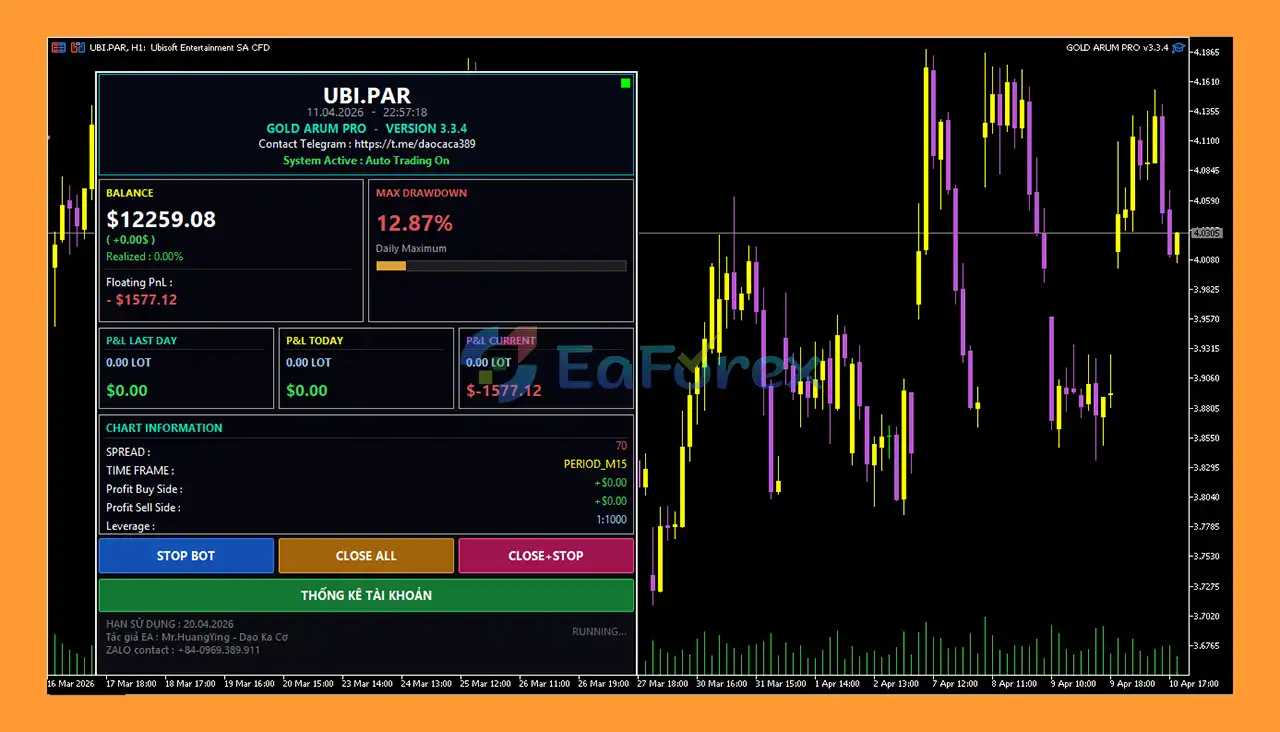
Main Features
- Multi-Indicator Signal System: Combines EMA, SAR, and Ichimoku to filter high-probability trade setups.
- Adaptive Lot Management Engine: Dynamically adjusts position sizes based on trend strength and performance.
- Hybrid Trading Strategy Logic: Integrates trend-following with flexible execution techniques for better accuracy.
- Smart Risk Control Framework: Uses Stop Loss, basket targets, and volatility filters to manage risk effectively.
- Price Trap Detection Logic: Identifies false breakouts to improve entry precision and reduce losses.
- Trend Confirmation System: Uses EMA and Ichimoku to validate strong directional market movements.
- Entry Timing Optimization: Applies SAR and candlestick signals to refine trade entry points.
Additional Features
- Adaptive Grid Hedging Strategy: Uses structured grid and hedge logic to manage market fluctuations.
- Volatility-Based Trade Execution: Adjusts trade spacing dynamically using ATR indicators.
- Basket Profit Closure System: Closes multiple trades together once overall profit targets are reached.
- High Market Adaptability: Performs efficiently in both trending and ranging gold conditions.
- Advanced Risk Handling Logic: Balances recovery strategies with controlled exposure management.
- Consistent Performance Design: Built for stable and reliable trading outcomes over time.
- Flexible Execution Control: Adapts trading behavior based on real-time market conditions.
Why Choose GOLD ARUM PRO EA MT5?
- Precision Trading Technology: Combines multiple indicators for accurate and reliable trade decisions.
- Adaptive Trading Intelligence: Automatically adjusts to changing market trends and volatility.
- Balanced Risk Management: Integrates multiple safety layers to protect trading capital.
- Versatile Market Performance: Works effectively in both sideways and trending environments.
- Optimized Entry and Exit Logic: Enhances timing for better trade efficiency and profitability.
- Automation with Control: Provides fully automated trading while maintaining structured logic.
- Designed for Long-Term Stability: Focuses on consistent results rather than risky short-term gains.
GOLD ARUM PRO EA MT5 Reviews
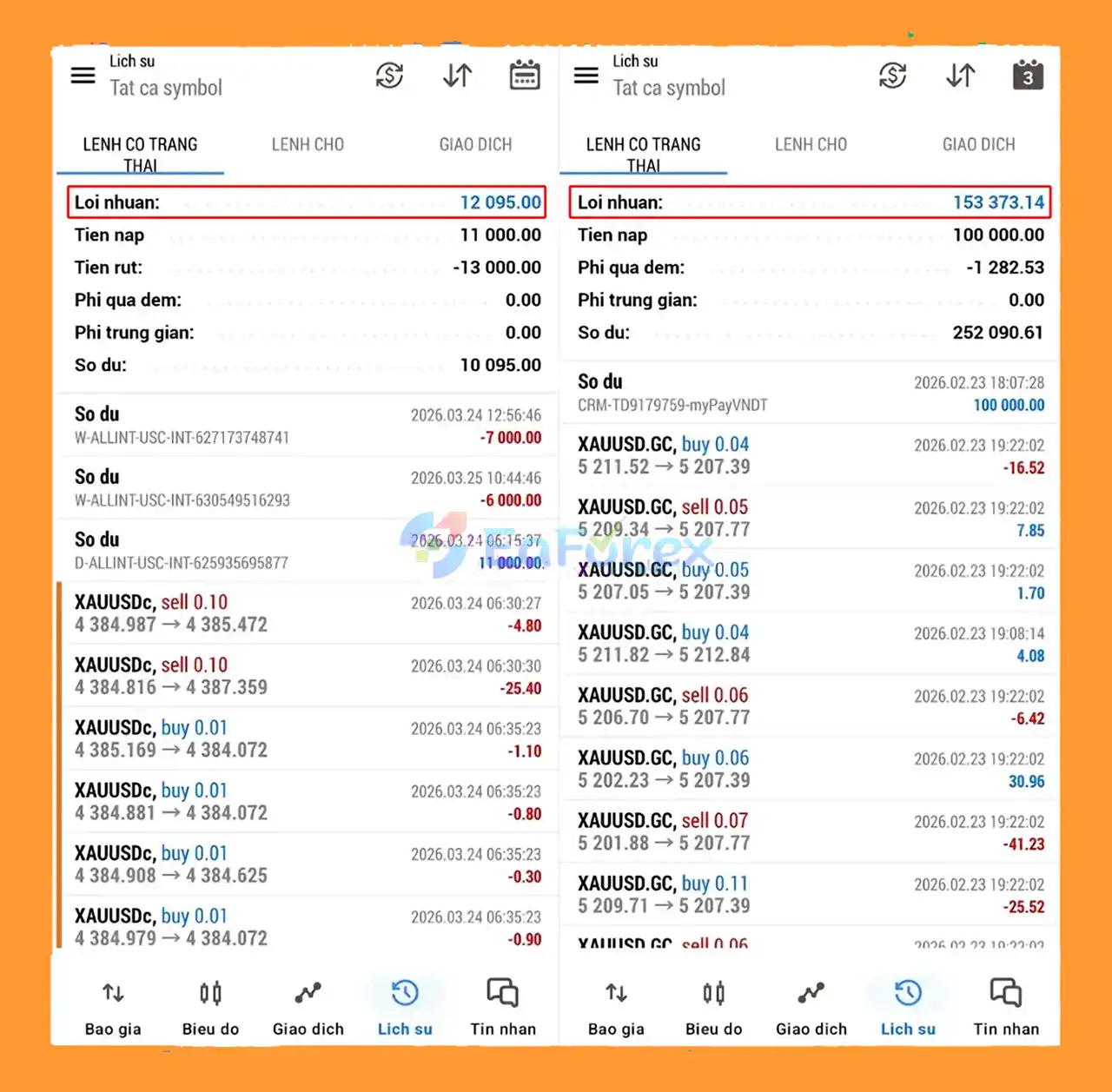
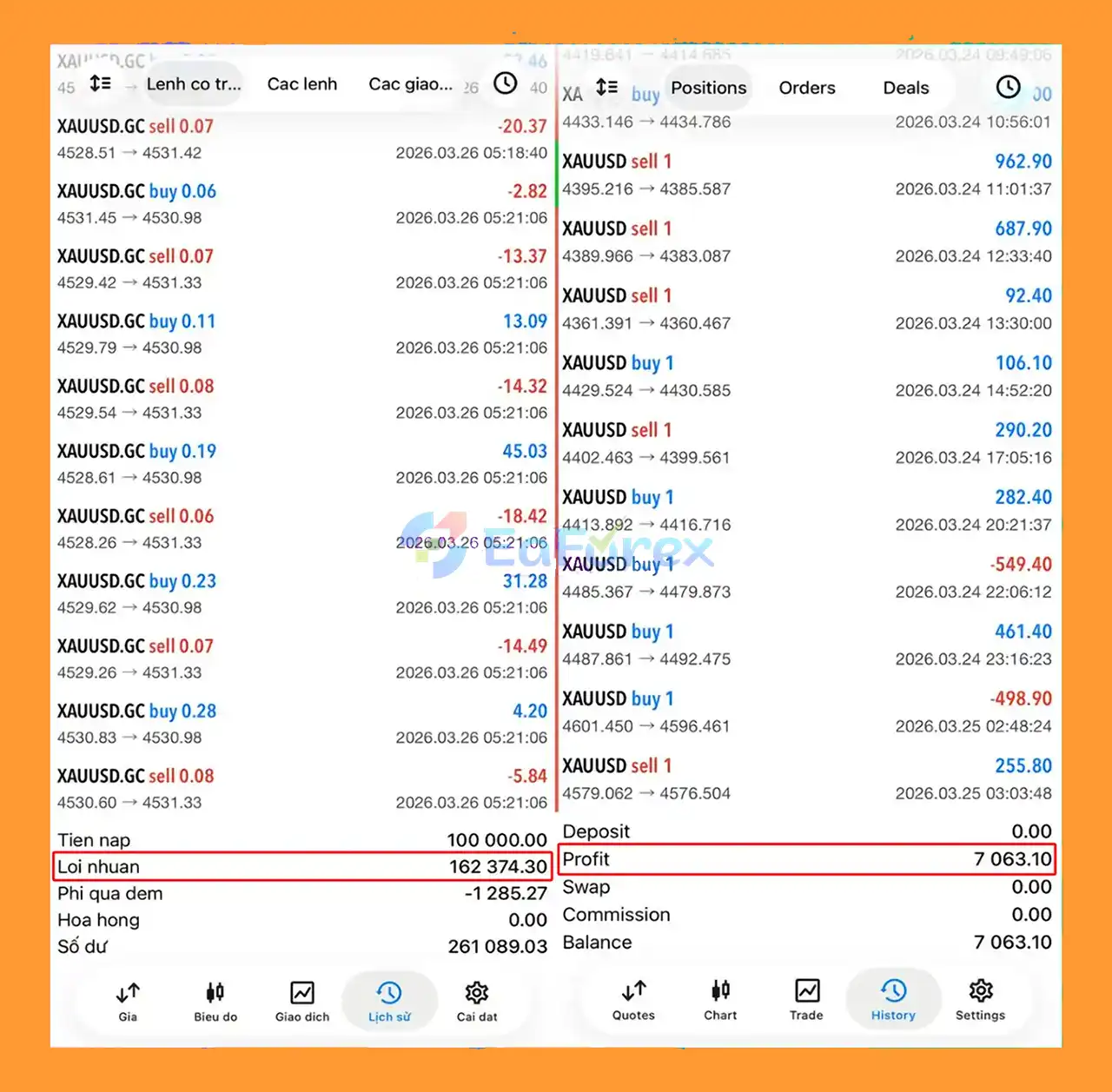
- Professional Trading Automation: Helps eliminate emotional decision-making through structured and rule-based trade execution.
- Emotion-Free Trading System: Enhances discipline and consistency by automating trading strategies effectively.
- Marketplace-Ready Expert Advisor (EA): Designed for traders seeking a reliable and high-performance automated trading solution.
- Flexible Gold Trading System: Optimized for adaptability, making it suitable for various gold market conditions and trading styles.
What’s Included in the Download Package?
- Experts:
- GOLD ARUM PRO v3.3.4.ex5
- SetFiles:
- Arum 100k M1.set
- Arum Exness 100k M1.set
How To Set Up EA
🔺Learn how to install and set up GOLD ARUM PRO MT5 EA on MetaTrader 5 in just a few steps:
Step 1: Download the EA
- Download the GOLD ARUM PRO MT5 file (.ex5).
- Extract the file if it is compressed (.zip/.rar).
Step 2: Install into MT5
- Open MetaTrader 5.
- Click File → Open Data Folder.
- Navigate to: MQL5 → Experts.
- Copy and paste the EA file into this folder.
Step 3: Restart MT5 Platform
- Close and reopen MetaTrader 5.
- Refresh the Navigator panel to see the EA.
Step 4: Attach EA to Chart
- Open a Gold (XAUUSD) or BTCUSD chart (recommended timeframe: H1).
- Drag and drop GOLD ARUM PRO MT5 onto the chart.
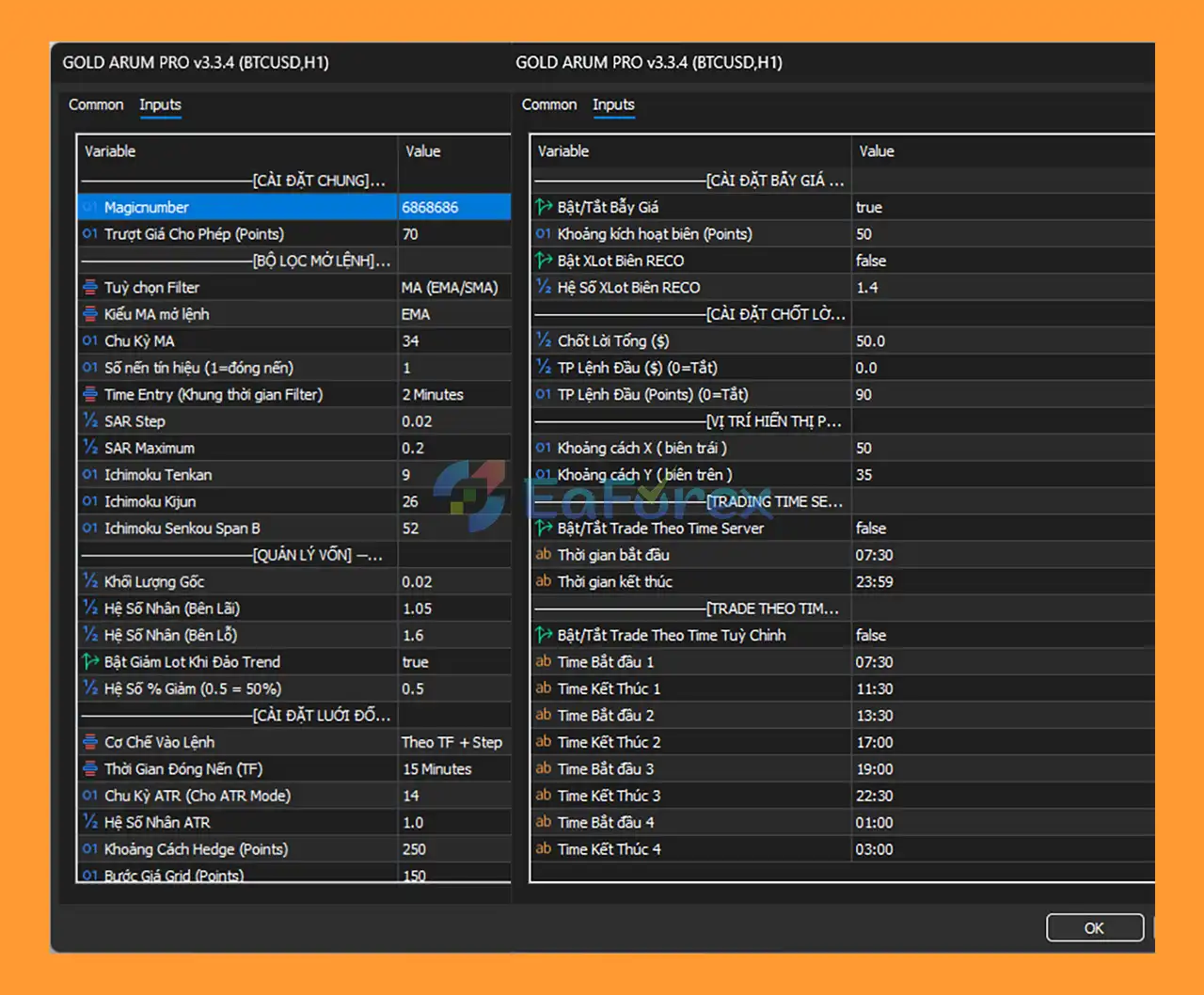
Step 5: Configure EA Settings
- Go to the Inputs tab.
- Customize:
- Lot size & risk management
- Indicator settings (EMA, SAR, Ichimoku)
- Grid, hedge, and trading time options
- Use default settings or optimize for your trading style.
Step 6: Enable Auto Trading
- Turn on Algo Trading in MT5.
- Ensure:
- “Allow Algo Trading” is enabled
- Permissions are correctly checked
Step 7: Start Automated Trading
- The EA will begin trading automatically based on its strategy.
Conclusion
>>> Reviewed by Jason Stap



