


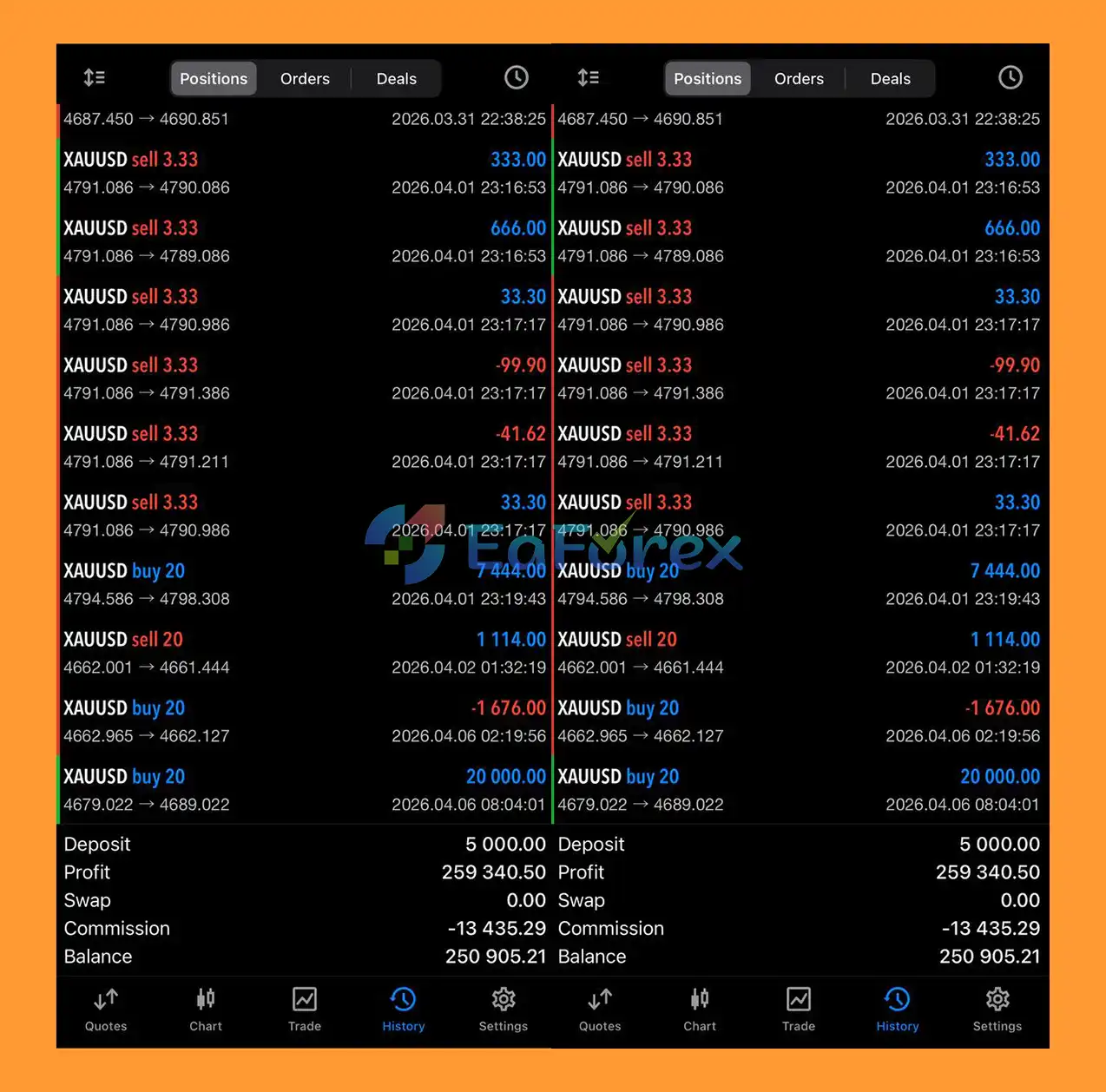
What is Liquidity Grabber Pro EA MT5?
Liquidity Grabber Pro EA MT5 is an advanced automated trading system designed for the MetaTrader 5 platform, built around smart money concepts and liquidity-based market behavior. It focuses on detecting institutional activity such as liquidity sweeps and stop hunts, using structured technical analysis to improve entry precision. By combining higher timeframe analysis with disciplined risk control, the EA aims to deliver stable, long-term performance in trend-driven and reversal-based market conditions.
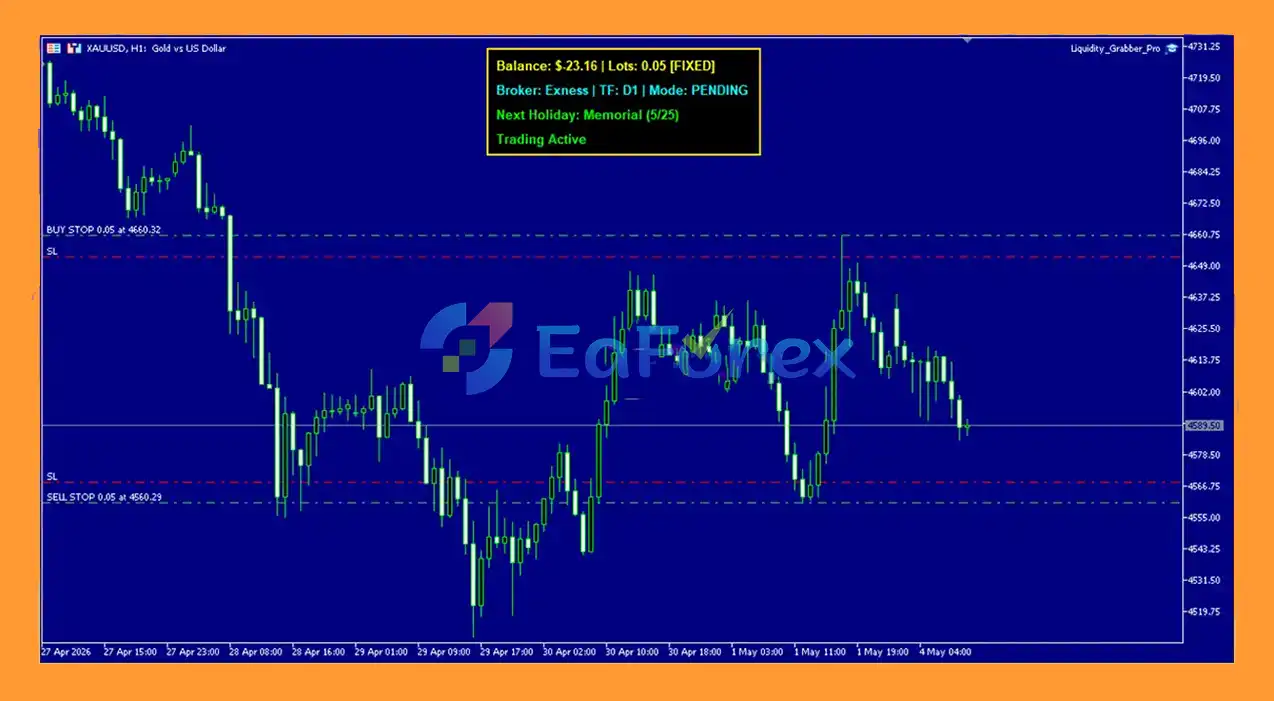
Main Features of Liquidity Grabber Pro EA MT5
- Smart Money Concept Integration: Detects liquidity sweeps and institutional price movements for high-precision entries.
- Liquidity Sweep Detection Logic: Identifies stop hunts and reversal zones created by market makers.
- Higher Timeframe Bias Analysis: Uses daily chart structure to align trades with dominant market direction.
- Reversal Entry Execution Model: Enters trades after liquidity grabs to capture strong directional moves.
- Indicator-Based Confirmation System: Applies technical indicators to filter signals and improve accuracy.
- Stable Fixed Lot Risk Control: Maintains consistent exposure with disciplined and predictable risk management.
- Low-Frequency High-Quality Trading: Focuses on daily setups to prioritize accuracy over trade volume.
Additional Features
- Advanced Market Protection Filters: Avoids trading during holidays and high-risk market opening periods.
- Hedge Protection Mechanism: Uses controlled opposite positions to reduce drawdown during adverse conditions.
- Structured Risk Management Approach: Relies on fixed lot sizing and Stop Loss for consistent capital protection.
- Institutional Trading Approach: Aligns trading logic with smart money behavior instead of retail patterns.
- Stable Long-Term Performance Focus: Prioritizes consistency and resilience over aggressive profit strategies.
- Volatility-Aware Execution Logic: Adjusts behavior based on market conditions and liquidity flow.
- Efficient Trade Filtering System: Reduces low-quality setups through strict confirmation rules.
Why Choose Liquidity Grabber Pro EA MT5?
- Smart Money Driven Strategy: Built around institutional trading behavior and liquidity analysis.
- Strong Capital Protection Design: Emphasizes controlled exposure and structured risk management.
- High-Precision Entry Logic: Focuses on liquidity-based reversals for better trade accuracy.
- Stable Long-Term Growth Focus: Designed for consistent performance rather than high-risk trading.
- Reduced Market Noise Exposure: Filters out unstable periods and low-quality signals.
- Disciplined Trading Framework: Enforces structured execution rules to avoid emotional trading.
- Reliable Algorithmic Performance: Suitable for traders seeking a systematic and professional EA approach.
Liquidity Grabber Pro EA MT5 Performance Review
- Reduced Market Noise Exposure: Focuses on high-quality, validated trading setups by minimizing low-probability trades and avoiding unnecessary market noise.
- High-Quality Trade Filtering: Improves decision accuracy by executing fewer but more reliable trading opportunities.
- Marketplace-Ready Trading Solution: A complete and ready-to-use system designed for traders who prefer structured automation.
- Structured Low-Risk Automated System: Built for disciplined trading with an emphasis on stability, consistency, and controlled risk exposure.
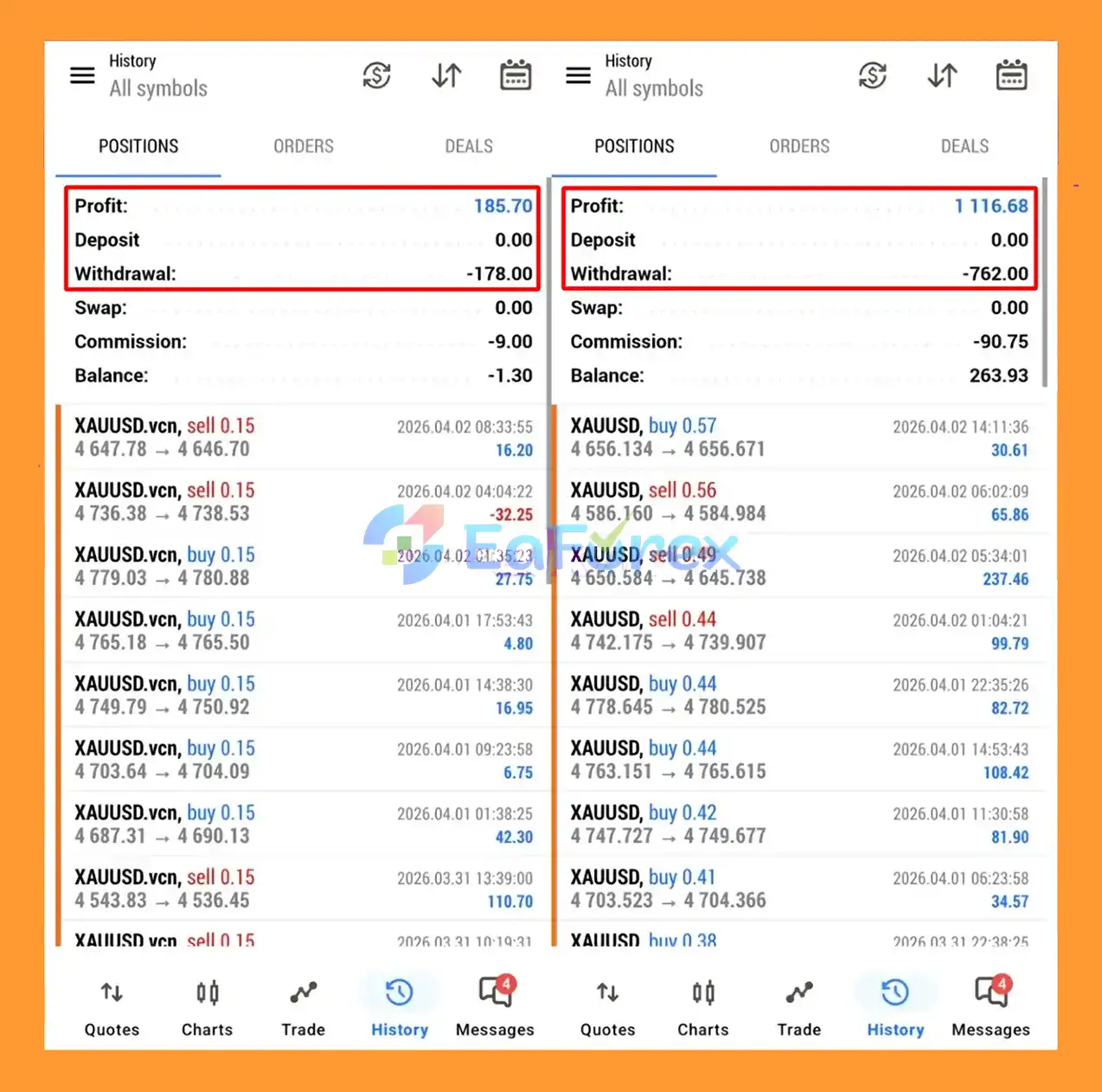
What’s Included in the Download Package?
- Experts:
- Liquidity_Grabber_Pro.ex5
- SetFiles:
- XAUUSD_3-digit decimal.set
- XAUUSD_3-digit decimal_exness.set
- XAUUSD_2-digit decimal_xm.set
- XAUUSD_2-digit decimal_vantage.set
- XAUUSD_2-digit decimal_icmarkets.set
How To Set Up EA
🔺Liquidity Grabber Pro MT5 is easy to install and configure. With proper settings and risk management, it can help automate your trading strategy efficiently while minimizing manual effort..Follow these simple steps to install and start using Liquidity Grabber Pro EA on MetaTrader 5:
1. Download & Extract
- Download the Liquidity Grabber Pro MT5 files.
- Extract the
.zipfile on your computer.
2. Open MT5 Data Folder
- Launch MetaTrader 5.
- Go to File → Open Data Folder.
3. Install the EA
- Navigate to: MQL5 → Experts
- Copy and paste the Liquidity Grabber Pro (.ex5 file) into this folder.
4. Restart Platform
- Restart MT5 or refresh the Navigator panel to load the EA.
5. Attach EA to Chart
- Open your preferred chart (recommended: XAUUSD, D1 timeframe).
- Drag and drop Liquidity Grabber Pro MT5 onto the chart.
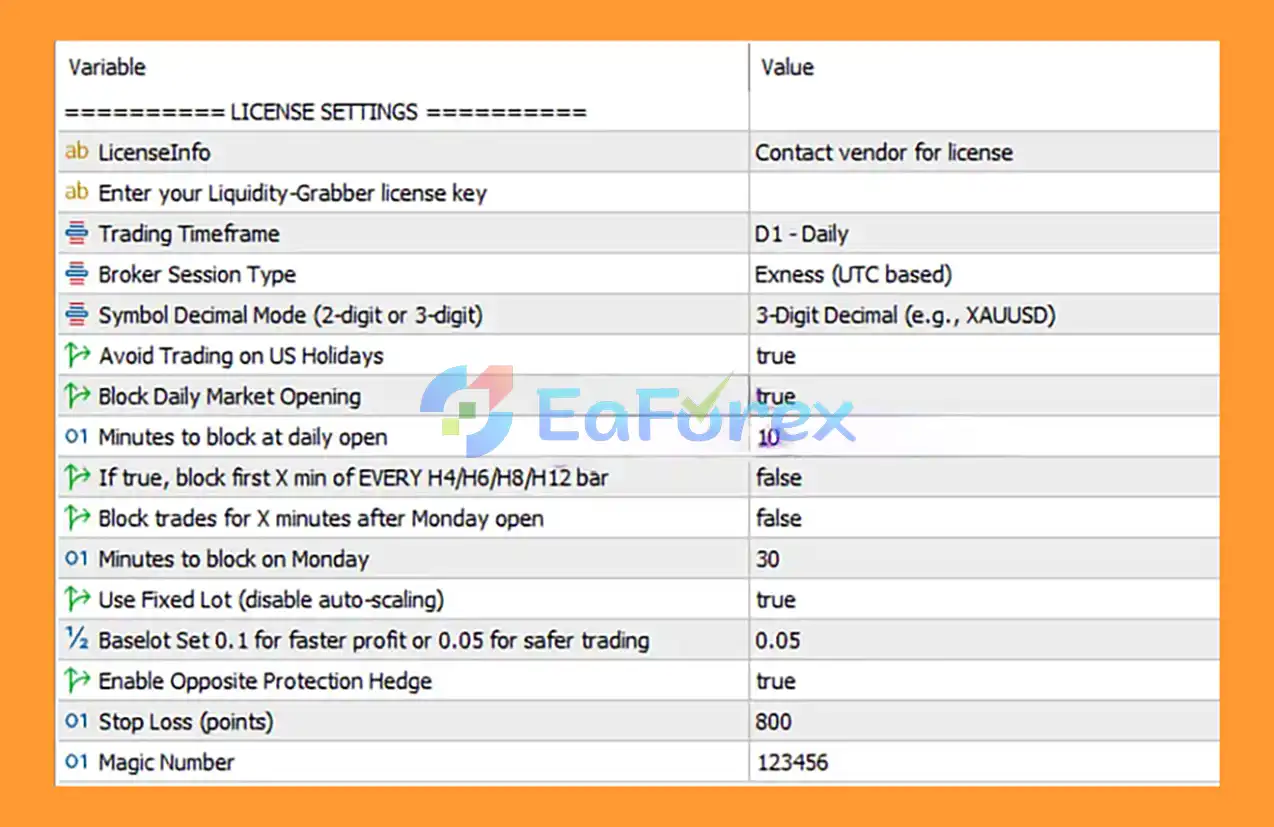
6. Enter License & Configure Settings
- Go to the Inputs tab:
- Enter your License Key (provided by the vendor).
- Set Broker Session Type (e.g., Exness UTC).
- Choose Symbol Decimal Mode (2-digit or 3-digit for gold).
- Configure risk:
- Fixed Lot or Auto Lot
- Base Lot (0.05 safer / 0.1 higher risk)
- Stop Loss (points)
- Optional protections:
- Enable Opposite Hedge Protection
- Avoid trading during US holidays
- Block trading during market open times
7. Enable Auto Trading
- Turn on AutoTrading (green button on MT5).
- Ensure:
- ✅ Allow Algo Trading
- ✅ Allow DLL Imports
Conclusion
In summary, Liquidity Grabber Pro EA MT5 is a smart money–driven automated trading system designed for MetaTrader 5 that focuses on identifying liquidity sweeps, stop hunts, and institutional market behavior to execute high-precision trades. By combining higher timeframe bias analysis, reversal entry logic, and strict risk management, it aims to filter out low-quality setups and target only high-probability opportunities. With its disciplined execution framework, volatility-aware filters, and stable fixed-lot approach, the EA is built to support consistent long-term performance while reducing exposure to market noise.
>>> Reviewed by Jason Stap <<<



