
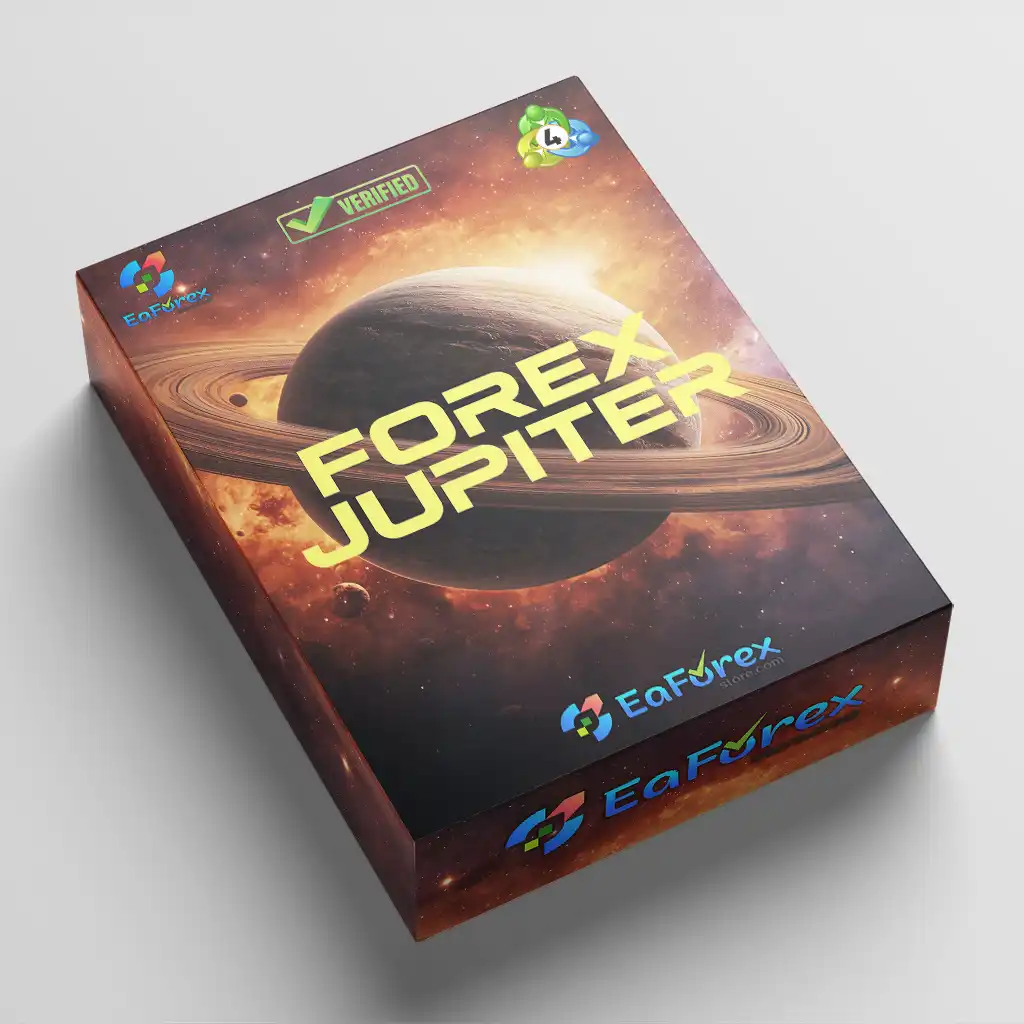

What is Forex Jupiter EA MT4
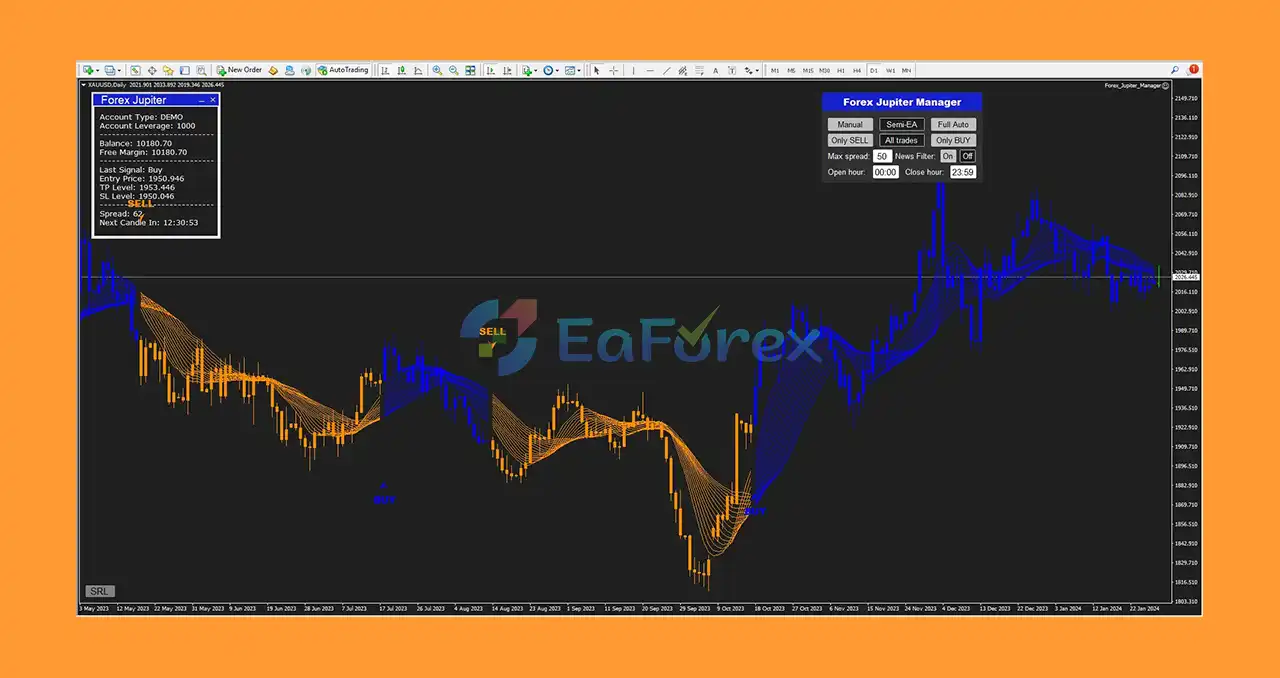
Forex Jupiter EA is a highly accurate trend indicator developed by trading expert Oliver Murphy, designed to help traders transform Forex trading into a reliable source of income. This innovative tool combines time-tested support and resistance strategies with advanced trend detection algorithms, delivering powerful and precise signals. Whether you're a beginner or an experienced trader, Forex Jupiter EA offers a safe, effective, and user-friendly solution to improve trading accuracy and profitability
Key Features of Forex Jupiter EA
🔻Main Trading Functions:
-
100% Automated Trading: Auto execution of buy/sell orders
-
No Signal Repainting: Signals remain stable after appearing
-
Full Trade Management System: Includes TakeProfit, StopLoss, and S/R levels
🔻Advanced Functionalities:
-
Built with cutting-edge AI algorithms
-
Designed by top forex professionals
-
Customizable: Adaptable to different trading styles and skill levels
Advantages of Using Forex Jupiter EA
🔻High Signal Accuracy: Based on live market data
🔻Safe & Consistent: No signal repainting = low risk
🔻Fast Execution: Boosts trading speed and response
🔻Beginner-Friendly: No prior experience needed
🔻 Profit Optimization: Strong S/R levels help determine precise TP & SL
Forex Jupiter EA Reviews
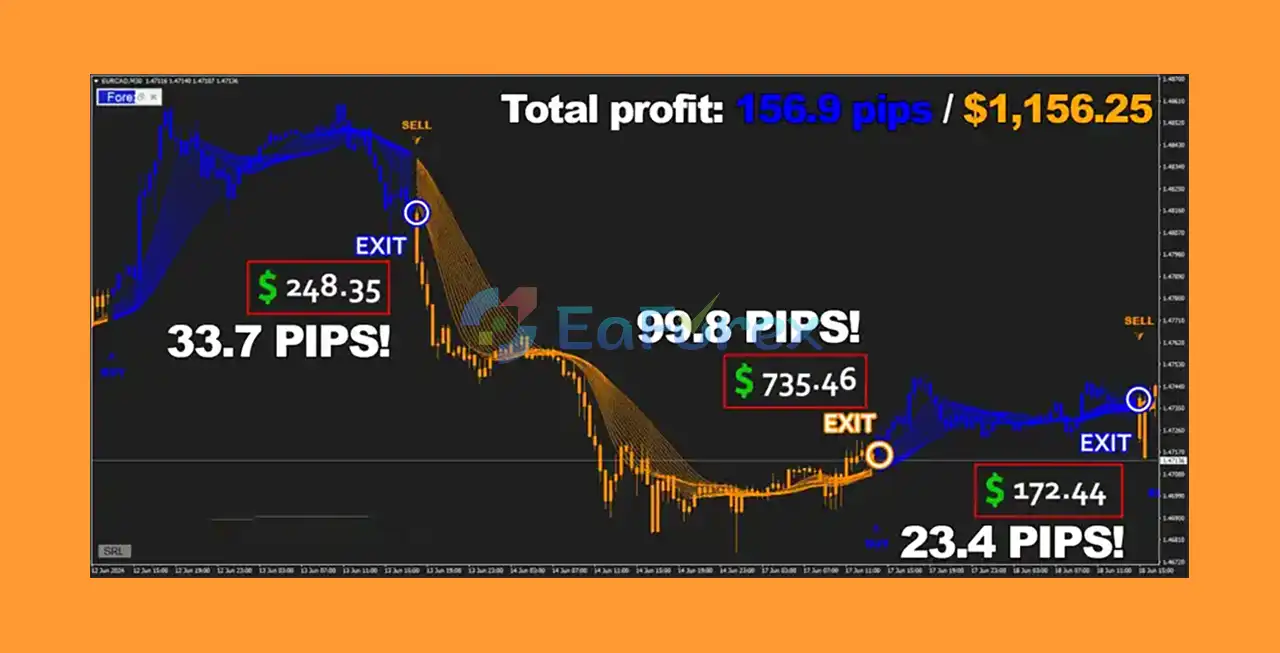
- Highly rated by real traders and community feedback
- Reliability, profitability and ease of use as reported by users
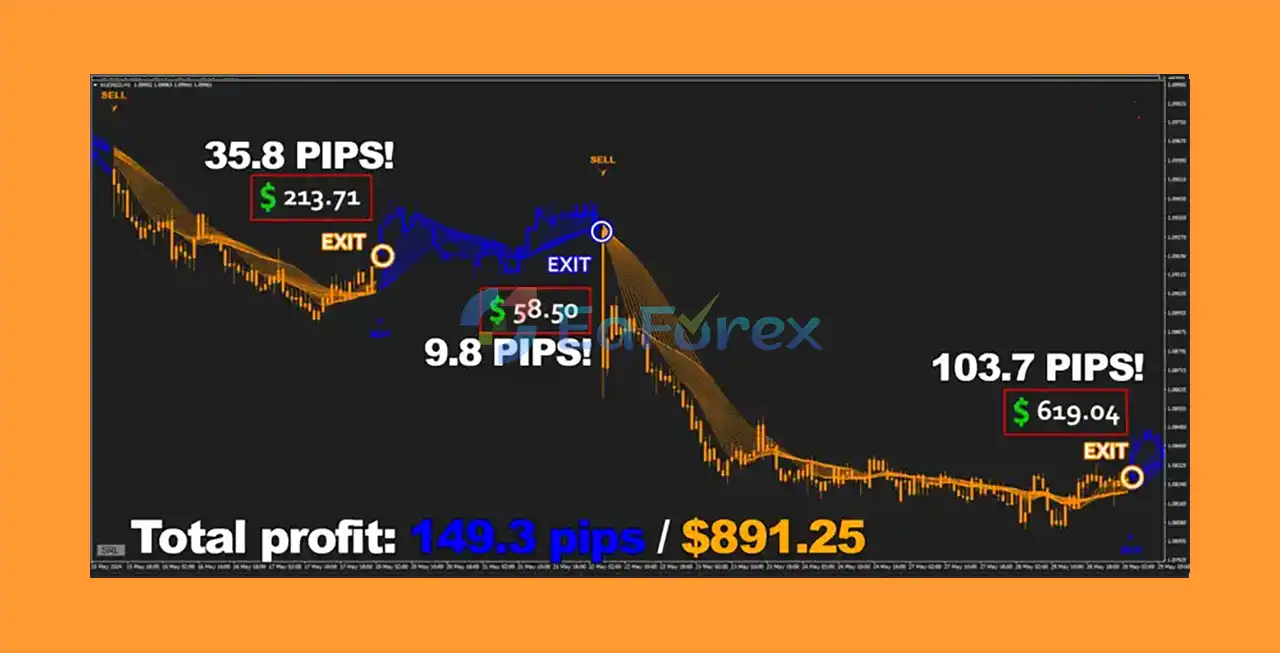
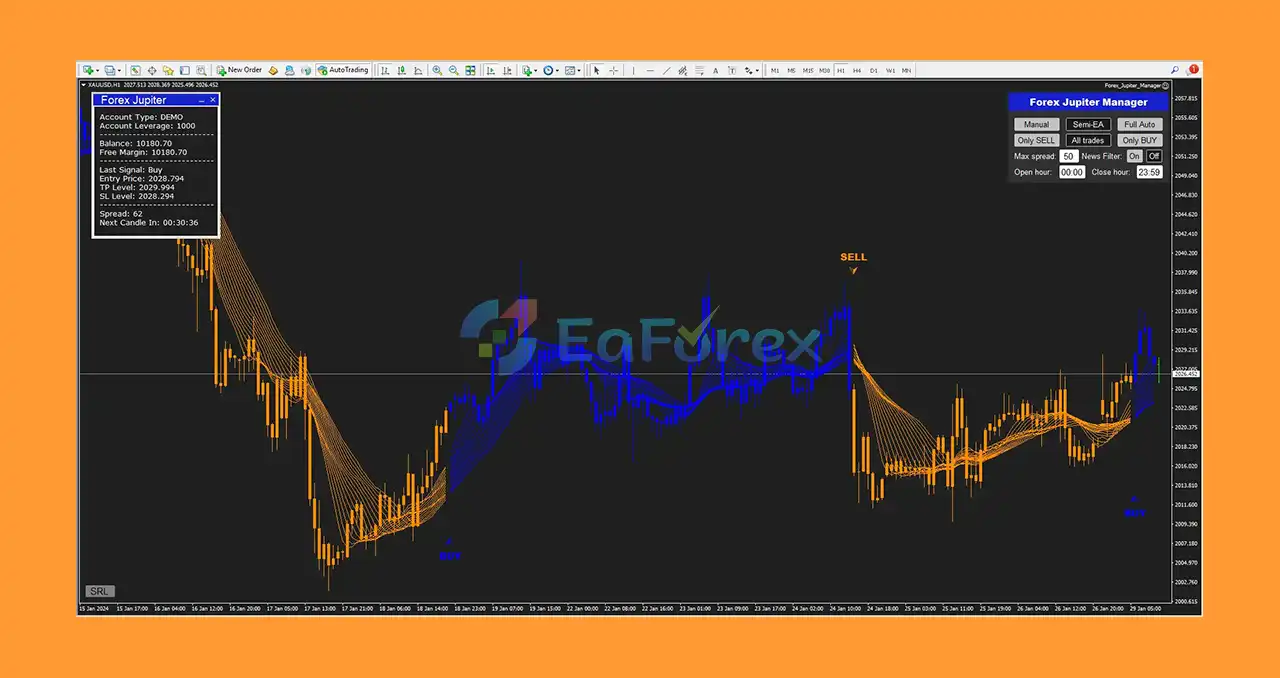
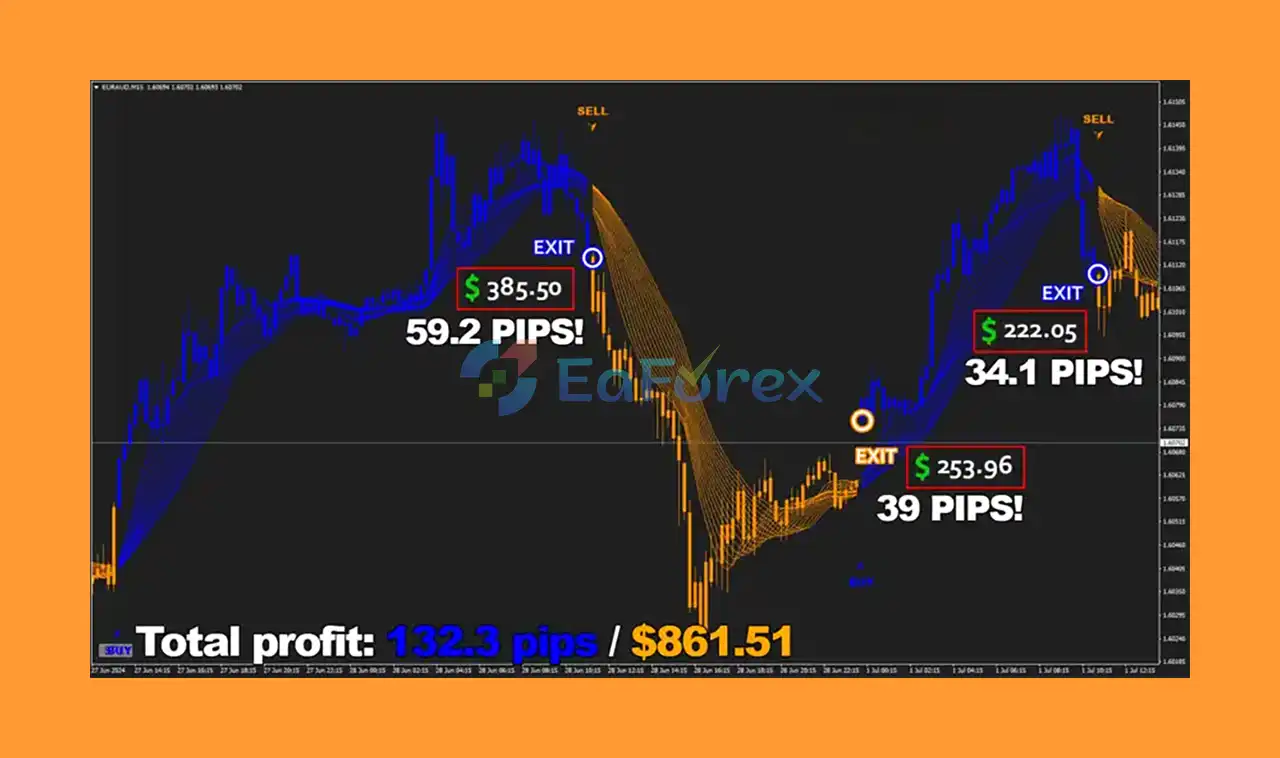
What’s Included in the Download Package
-
Expert Advisor:
Forex_Jupiter_Manager.ex4 -
Indicator File:
Forex_Jupiter_Indicator.ex4
>>> Join VIP Membership Now <<<
How To Set Up EA
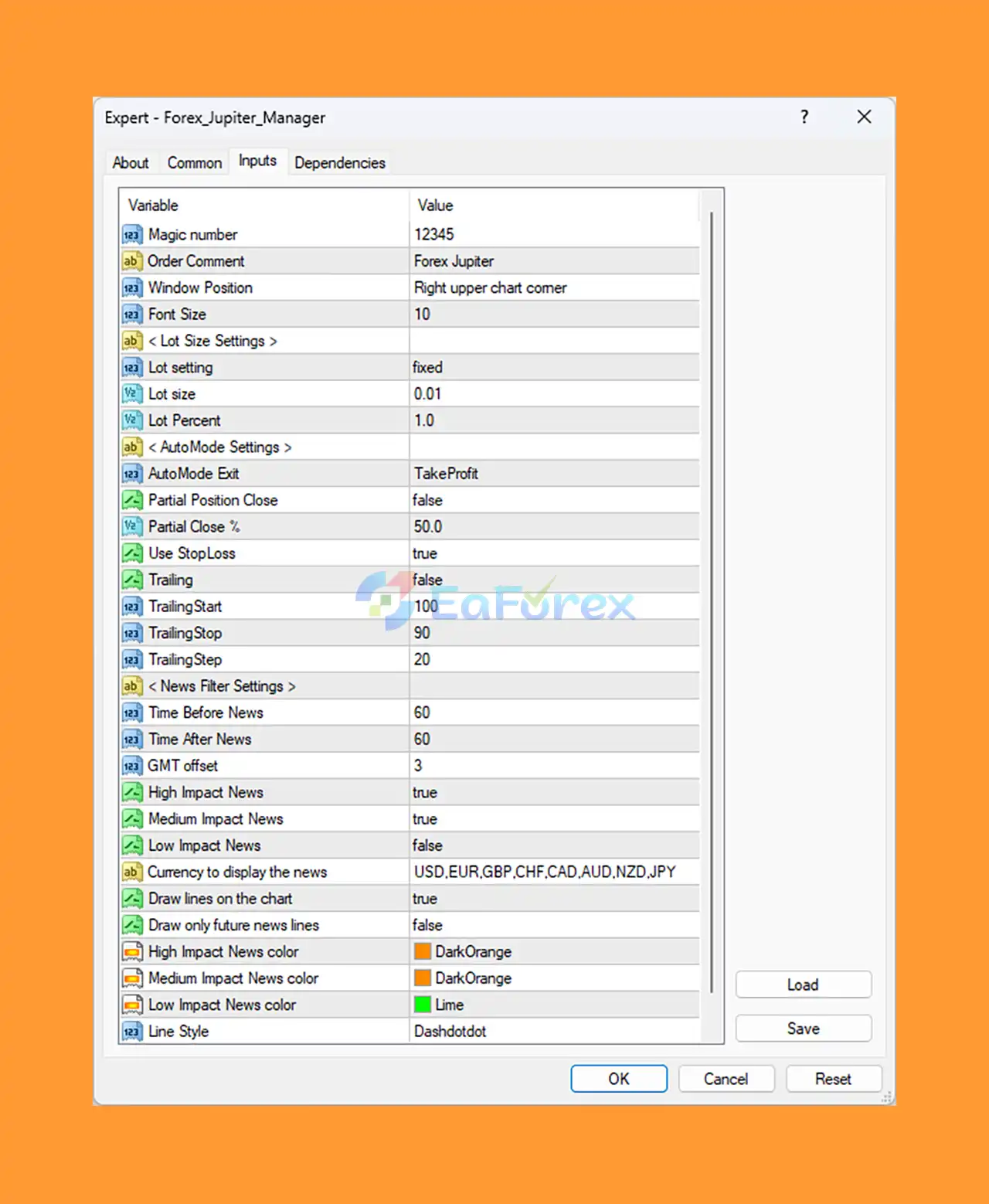
🔻Forex Jupiter EA is a precision-focused, fixed-lot Expert Advisor for MetaTrader 4, offering news filtering, customizable trade exit strategies, and visual chart tools. It’s ideal for traders looking for low-risk automation with news event protection.
🔵 Step 1: Installation Instructions
- Download the
ForexJupiterEA.ex4file. - Open MetaTrader 4 (MT4).
- Navigate to:
File→Open Data Folder. - Go to:
MQL4→Experts. - Paste the EA file into this folder.
- Restart MT4 or refresh the Navigator panel.
- Drag the EA onto a chart (recommended: major pairs, H1 timeframe).
🔵 Step 2: Core Trading Settings
| Parameter | Value | Description |
|---|---|---|
| Magic Number | 12345 |
Unique ID for tracking trades (important when running multiple EAs) |
| Order Comment | Forex Jupiter |
Custom trade label for easy identification |
| Lot Setting | fixed |
Uses fixed lot size (not auto-scaled by account size) |
| Lot Size | 0.01 |
Safe entry size — ideal for small accounts or prop firm testing |
🔻Best for conservative risk profiles, small accounts, or FTMO-style challenges.
🔵 Step 3: Trade Exit & Management
| Parameter | Value | Description |
|---|---|---|
| AutoMode Exit | TakeProfit |
EA exits trades at fixed TP (no trailing or SL-based exits) |
| Partial Close | false |
Entire position is closed at once |
| Use StopLoss | true |
Enables stop-loss for safety |
🔻Note: No partial close means you either win or lose the full position — good for clean risk/reward setups.
🔵 Step 4: Trailing Stop Settings (Optional)
| Parameter | Value | Meaning |
|---|---|---|
| Trailing | false |
Currently disabled — enable for dynamic profit-locking |
| TrailingStart | 100 |
Trailing begins after 10 pips in profit |
| TrailingStop | 90 |
SL is placed 9 pips behind price |
| TrailingStep | 20 |
SL moves every 2 pips profit thereafter |
🔻Suggestion: Enable Trailing for better profit protection during strong trends.
🔵 Step 5: News Filter System
| Feature | Value | Purpose |
|---|---|---|
| High/Medium News | true |
Pauses trading during major news events |
| Low Impact News | false |
Ignores low-impact announcements |
| Before News (min) | 60 |
Stops trading 1 hour before high-impact news |
| After News (min) | 60 |
Resumes trading 1 hour after news |
| GMT Offset | 3 |
Adjust to match your broker’s server time |
| Monitored Currencies | USD, EUR, GBP, CHF, CAD, AUD, NZD, JPY |
Focused on major currencies only |
🔻This built-in filter helps avoid volatility, slippage, and bad fills during macroeconomic events.
🔵 Step 6: Visual Chart Settings
- Info Panel Position: Right upper corner
- Draw Lines on Chart:
true - Line Style: Dashdotdot
- News Color Codes:
- High/Medium: DarkOrange
- Low: Lime
🔻 Great for traders who want real-time chart updates and event visibility.
Conclusion
In conclusion, Forex Jupiter EA MT4 stands out as a precision-driven, fully automated Expert Advisor built for traders who value accuracy, safety, and simplicity. Developed by trading expert Oliver Murphy, this advanced EA leverages AI-powered algorithms and proven support/resistance strategies to deliver non-repainting signals and high-probability trade setups—ensuring greater confidence and consistency in every trade.
>>> Reviewed by Jason Stap <<<



