









-
 Unlimited Activations
-
 Instant delivery
-
 Easy to install






 Unlimited Activations
Instant delivery
Easy to install
Unlimited Activations
Instant delivery
Easy to install
 Free Update
 Free Install Support

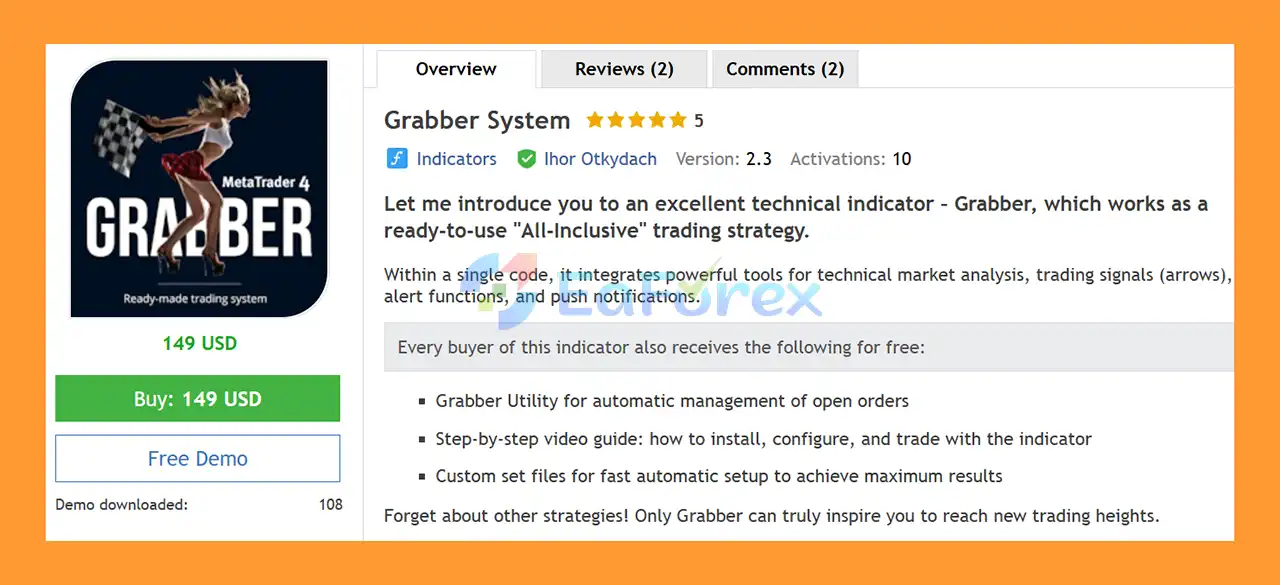
Grabber System EA MT5 is an all-in-one technical trading system for MetaTrader 5, designed to combine market analysis, trading signals, alerts, notifications, and trade management within a single solution.
The system is built around the Grabber technical indicator, which provides visual trading signals through arrows and can be used across multiple markets and timeframes. In addition to market analysis, Grabber includes alert functions and push notifications, helping traders monitor potential trading opportunities without constantly watching the chart.
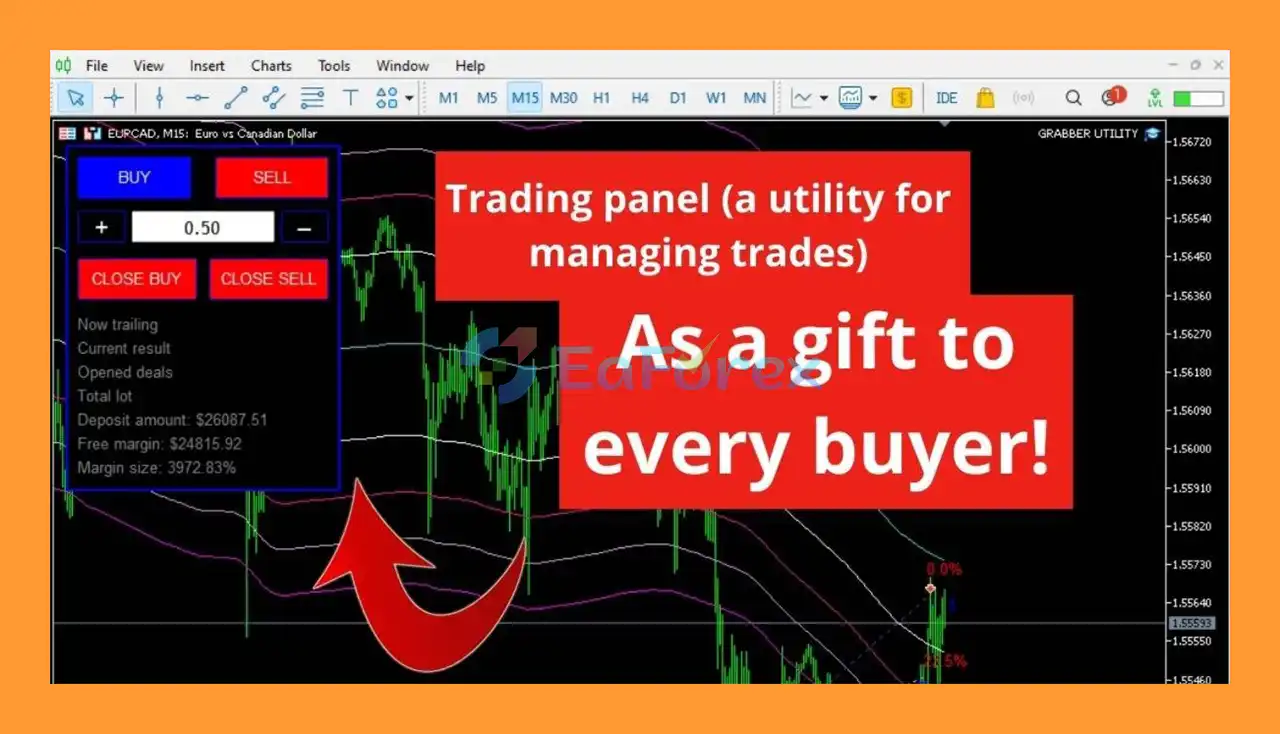
Grabber also includes a dedicated Grabber Utility for managing open positions and orders. This creates a more complete trading environment by combining signal generation with practical trade-management functionality.
The system supports timeframes from M5 to H4 and can be applied to a wide range of Forex instruments. Several currency pairs have been personally tested and are recommended as starting points.
• Author: Ihor Otkydach
• Experience: Over +10 years of experience on MQL5.
• Notable Products: Grabber System EA MT5, Algo Pumping EA MT5, One Man Army, Divergence Bomber, Swing Master EA, Scalper Investor, Enslaver and other advisors.
• Flagship Product: Grabber System is rated as the best performing product of the year.
>> Delivery time 24h-48h after payment.
>>> Refund if not delivered.
>>> You will receive the latest version without any limitations (ID+Time).
>> Reviewed by Jason Stap <<<
Grabber System EA MT5 is designed as an all-in-one trading strategy, combining several trading functions within a single system.
Instead of using separate indicators and tools for market analysis, signals, alerts, and trade management, traders can access these functions through the Grabber system.
The Grabber indicator is designed to analyze price behavior using technical trading logic and identify potential market opportunities.
Its visual interface can help traders recognize possible entry conditions directly on the MT5 chart.
The system provides visual arrow signals to highlight potential trading opportunities.
These signals can be used as part of a structured trading strategy, while traders can combine them with additional analysis and risk-management rules before entering a position.
Grabber System EA MT5 includes alert functions and push notifications, allowing traders to receive notifications when relevant trading conditions occur.
This can be particularly useful for traders who do not want to monitor MT5 charts continuously.
The Grabber Utility provides functionality for managing open orders and positions.
This allows the trading system to cover not only market analysis and signal generation but also elements of ongoing trade management.
Grabber supports a broad range of trading timeframes:
This gives traders flexibility to adapt the system to different trading styles, from shorter-term setups to higher-timeframe market analysis.
The system can be applied to different trading assets supported by MetaTrader 5.
The developer specifically recommends several Forex pairs that have been personally tested, including:
GBPUSD, GBPCAD, GBPCHF, AUDCAD, AUDUSD, AUDSGD, AUDCHF, NZDUSD, NZDCAD, EURCAD, EURUSD, EURAUD, EURGBP, EURCHF, USDCAD, and USDSGD.
Performance can vary significantly between symbols, brokers, spreads, and market conditions, so traders should test their preferred instruments before using the system with real funds.
Grabber System EA MT5 is designed to operate around the clock, allowing traders to monitor and trade supported markets whenever market conditions meet the system’s criteria.
However, continuous availability does not mean that every trading hour provides equally favorable conditions. Traders should consider liquidity, spreads, major news events, and their selected market session.
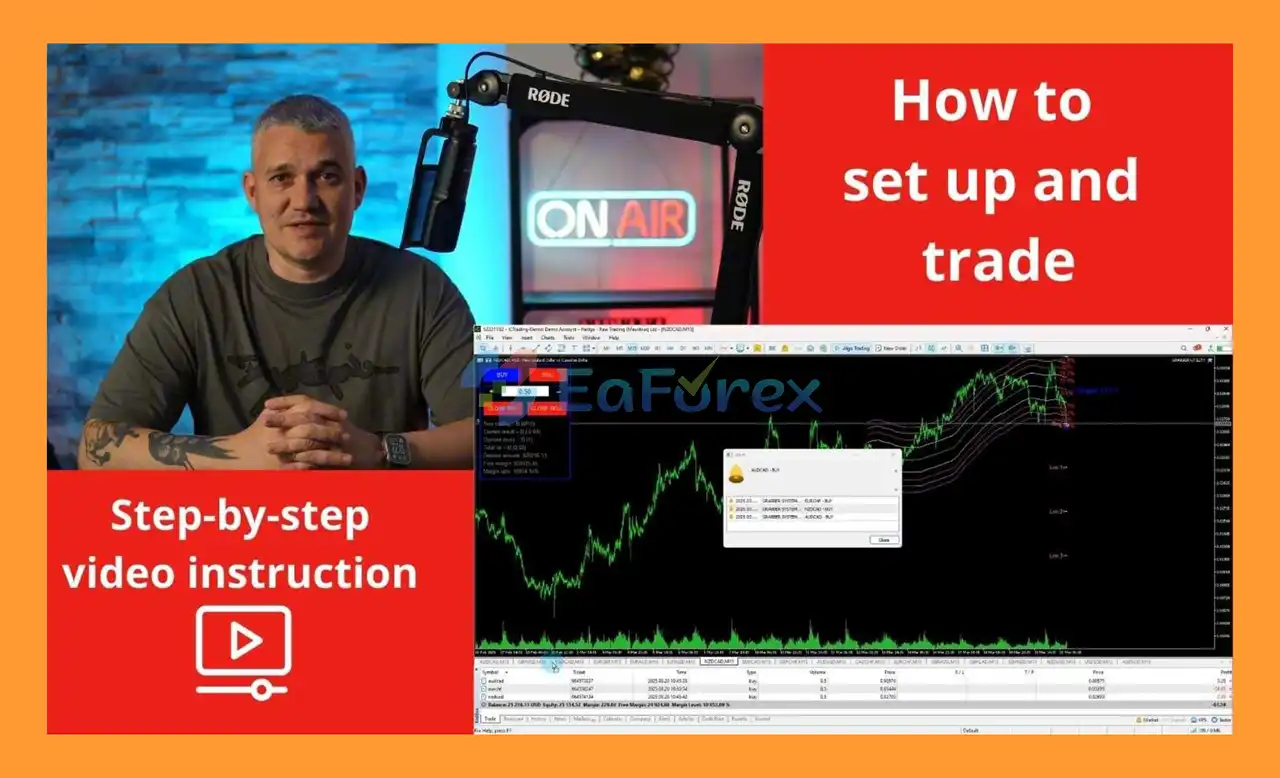
The product includes a step-by-step video guide explaining how to install, configure, and use the Grabber system.
This can help new users understand the required setup before applying the strategy to a live account.
Grabber System EA MT5 also provides custom set files designed to make the initial setup faster.
These predefined configurations can serve as starting points for traders who want to use tested parameters instead of configuring every setting manually.
Grabber System EA MT5 works primarily through its technical indicator and signal-generation framework.
After the system is installed on an MT5 chart, the indicator analyzes market conditions according to its internal technical logic.
When the required conditions are identified, the system can display a buy or sell arrow on the chart.
Depending on the configuration, traders can also receive an alert or push notification when a new signal appears.
The general workflow can be summarized as:
Market Data → Technical Analysis → Grabber Signal → Alert/Notification → Trade Decision → Position Management
The trader can then use the Grabber Utility to manage open positions and orders according to the selected trading plan.
Because the system can be applied to different symbols and timeframes, traders should evaluate the appropriate settings for each instrument rather than assuming that one configuration will perform identically across every market.
Grabber System EA MT5 combines technical analysis, trading signals, alerts, notifications, and trade management in one MT5-based system.
The arrow-based interface makes potential trading conditions easier to identify directly on the chart.
With support from M5 to H4, traders can experiment with different trading approaches and market conditions.
The system can be used across numerous Forex pairs, with a selection of tested pairs provided as recommended starting points.
Push notifications and alerts can help traders stay informed without continuously monitoring their trading terminal.
The supplied custom set files can simplify the initial configuration process.
The step-by-step video guide provides instructions for installation, configuration, and trading with the system.
Grabber System MT5 review
The developer provides personal trading results and educational guidance as part of the Grabber system.
However, historical or personal trading results should not be interpreted as guaranteed future performance. The actual outcome can vary depending on the currency pair, timeframe, broker, spread, commission, slippage, execution quality, leverage, and market conditions.
Risk management should therefore be treated as an essential part of using Grabber.
Traders should consider:
A trading signal is not the same as a guarantee of a profitable trade. Even a well-designed technical system can produce false signals during ranging markets, unexpected volatility, or changing market conditions.
Technical indicators cannot predict every market movement. Grabber System EA MT5 signals may occasionally be invalidated by sudden price reversals, breakouts, or unexpected market events.
A configuration that works well on one currency pair may not produce the same results on another.
Differences in volatility, liquidity, spread, and market structure can significantly affect performance.
Results can vary considerably between M5, M15, M30, H1, and H4.
Lower timeframes can be more sensitive to spread, slippage, market noise, and execution speed.
Live trading performance can differ depending on the broker’s execution environment.
Important factors include:
Although Grabber System EA MT5 can be used around the clock, not every trading session offers the same market conditions.
Low-liquidity periods can produce wider spreads or less favorable execution.
Preconfigured set files can simplify installation, but they should not be considered guarantees of future profitability.
Market conditions change, and previously effective parameters may require adjustment.
No indicator or trading strategy can guarantee profits.
Users should always test the system thoroughly and only trade with capital they can afford to lose.
| Pros | Cons |
|---|---|
| All-in-one MT5 trading system | Trading signals can produce false entries |
| Technical market analysis | Performance can vary between symbols |
| Visual buy/sell arrow signals | Lower timeframes may be affected by market noise |
| Alerts and push notifications | Broker execution can affect results |
| Grabber Utility for order management | Results are not guaranteed |
| Supports M5 to H4 | Different timeframes may require different settings |
| Suitable for multiple Forex pairs | Some pairs may perform differently from tested instruments |
| Custom set files available | Set files may require adjustment over time |
| Step-by-step video guide | Traders still need to understand the strategy |
| 24/7 market availability | Continuous market access does not eliminate trading risk |
Before using Grabber System EA MT5 with real money, it is recommended to install and test the system on a demo account.
Open MetaTrader 5.
Go to File → Open Data Folder.
Navigate to:
MQL5 → Indicators
Copy the Grabber System EA MT5 indicator files into the appropriate folder.
If the package includes an EA or utility component, place those files in:
MQL5 → Experts
Restart MetaTrader 5 or refresh the Navigator panel.
Open the desired currency pair.
Select your preferred timeframe from M5 to H4.
Find Grabber in the Navigator window.
Drag the indicator onto the chart.
Configure the required parameters according to the supplied instructions or recommended set file.
If you want to receive mobile notifications, enable the relevant MT5 notification settings and configure the Grabber System EA MT5 alert functions.
Make sure your MT5 terminal is properly connected and running if real-time notifications are required.
If a custom .set file is supplied, load the recommended configuration into the appropriate settings interface.
Always review the parameters before activating the strategy.
If using the Grabber Utility, install it according to the supplied instructions and configure the required order-management settings.
Run the system on a demo account and monitor its behavior across your selected symbols and timeframes.
Evaluate:
Only consider live deployment after you understand how the system behaves under your broker’s specific conditions.
🔺Grabber System EA MT5 is highly appreciated by the MQL5 community for bringing stable and reliable profits. Below are 5 star reviews from users:

User Reviews
🔺 Experts:
Grabber System MT5 is an all-in-one technical trading solution that combines market analysis, visual trading signals, alerts, push notifications, and open-order management within the MetaTrader 5 environment.
Its support for M5 to H4 timeframes, broad Forex compatibility, custom set files, and educational installation guide makes it a flexible system for traders who want a structured technical approach.
The combination of the Grabber Indicator and Grabber Utility provides a practical workflow from identifying potential market opportunities to managing open trades.
Nevertheless, traders should remember that indicator-based signals are not infallible. Performance can vary across currency pairs, timeframes, brokers, and market conditions. Historical results and recommended settings should always be treated as reference information rather than guarantees.
For the best evaluation, start with a demo account, test the recommended currency pairs, compare different timeframes, monitor drawdown and execution costs, and develop a clear risk-management plan before using real capital.
Grabber System MT5 is a technical trading tool, not a guarantee of profit. Responsible position sizing, realistic expectations, and proper testing remain essential for long-term automated and semi-automated trading.
1. What is Grabber System EA MT5 and how does it work?
Grabber System EA MT5 is an all-in-one Forex trading solution that combines technical analysis, arrow-based signals, alerts, push notifications, and automatic trade management. It simplifies trading by providing a single platform for detecting opportunities and managing trades across multiple markets and timeframes.
2. Which trading strategies does Grabber System EA MT5 use?
Grabber System EA MT5 primarily uses a swing trading strategy that identifies reversal points for optimal entries and exits. It also integrates technical indicators, visual signals, and automated trade management to maximize profitability while minimizing manual intervention.
3. Is Grabber System EA MT5 suitable for beginners?
Yes. Grabber System EA MT5 is beginner-friendly, featuring a step-by-step video guide, ready-to-use custom set files, and automated trade management. New traders can follow the instructions to start trading confidently without needing advanced technical knowledge.
4. Which assets and timeframes are compatible with Grabber System EA MT5?
The EA works on multiple timeframes (M5, M15, M30, H1, H4) and supports a wide range of currency pairs including GBPUSD, EURUSD, EURAUD, AUDUSD, USDCAD, and many more. Its versatility allows traders to operate across different markets and assets efficiently.
5. How does Grabber System EA MT5 manage trades?
Grabber System EA MT5 includes the Grabber Utility, which automatically manages open orders, adjusts entries and exits, and ensures trades are executed according to the system’s swing strategy. This reduces manual work and helps maintain consistent trading performance.
6. How do I install and start trading with Grabber System EA MT5?
After purchase, download the included Installation Guide and Settings File. Attach the EA to your desired chart on MT5, apply the pre-configured settings, and the system will start automatically detecting trading opportunities and managing trades. Users can also follow the video tutorial for step-by-step guidance.
In stock
In stock
In stock
In stock
In stock
Out of stock
No account yet?
Create an Account












 Automatic EA
 EA Best Seller
 Expert Advisor MT4
 Expert Advisor MT5
 HFT EA


Reviews
Clear filtersThere are no reviews yet.