
What is Solar Strategy EA MT4?
Solar Strategy EA V1.0 for MetaTrader 4 (MT4) is a powerful automated trading system designed to simplify complex market conditions and deliver consistent performance. In the ever-changing world of forex trading, precision and strategy are key.
Key Features of Solar Strategy EA
➫ Strategic Trading Algorithm:
- Rule-based, real-time market analysis.
- Smart trade entry and exit for maximum efficiency.
➫ Advanced Risk Management:
- Dynamic risk control: Stop Loss, Take Profit, position sizing.
- Adaptability to market volatility for capital preservation.
➫ User-Friendly Interface and Setup:
- Easy installation process with clear instructions.
- Suitable for beginners and advanced traders.
Why Choose Solar Strategy EA for MT4?
➫ Optimized for MetaTrader 4:
- Full compatibility with MT4 platform.
- Efficient trade execution and stable integration.
➫ Smart Algorithmic Trading:
- Real-time market analysis and precision trading.
- Adaptive to both trending and ranging markets.
➫ Customizable Settings for Personalization:
- Flexibility to adjust EA based on trading style.
Solar Strategy EA MT4 Review
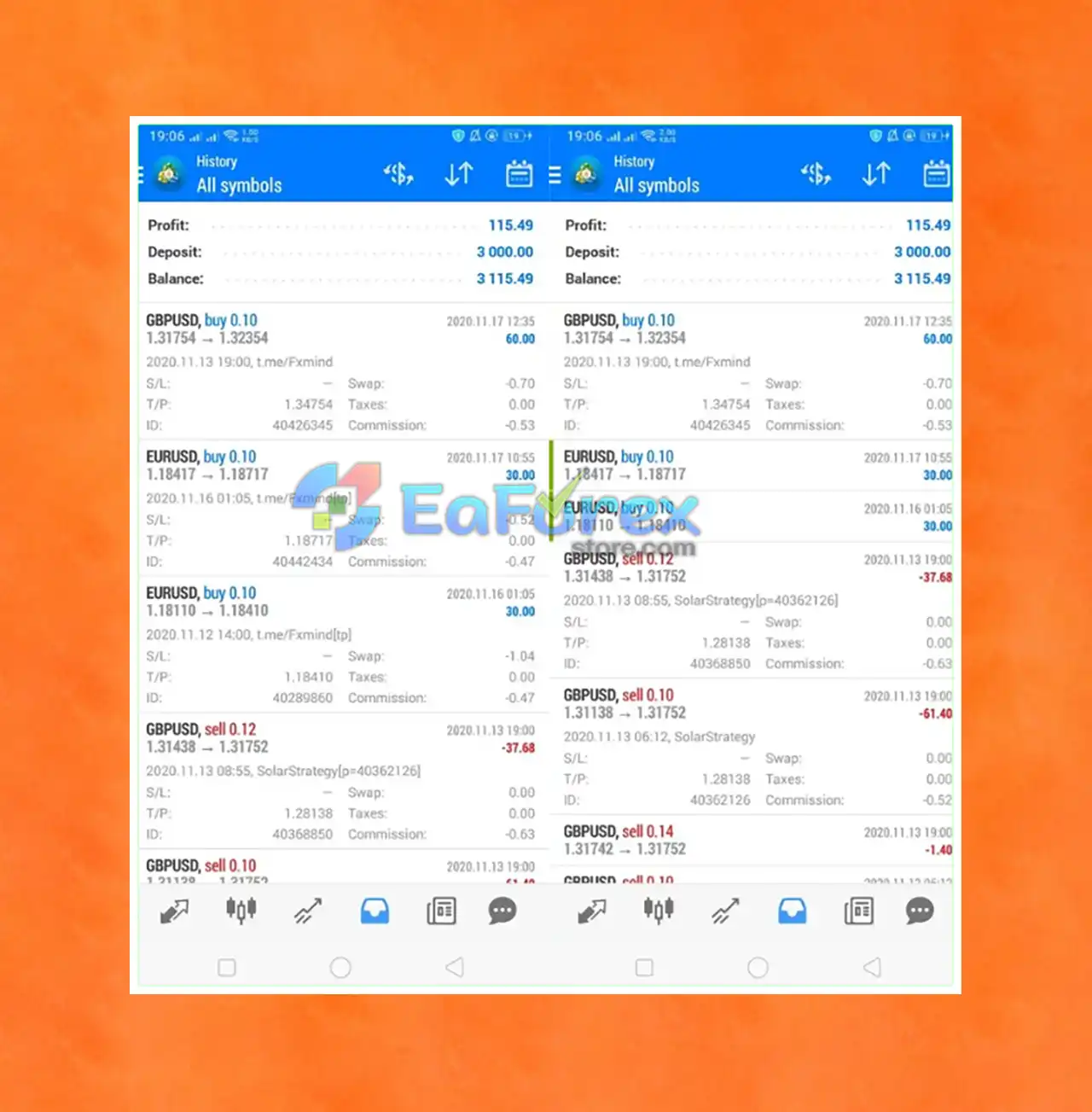
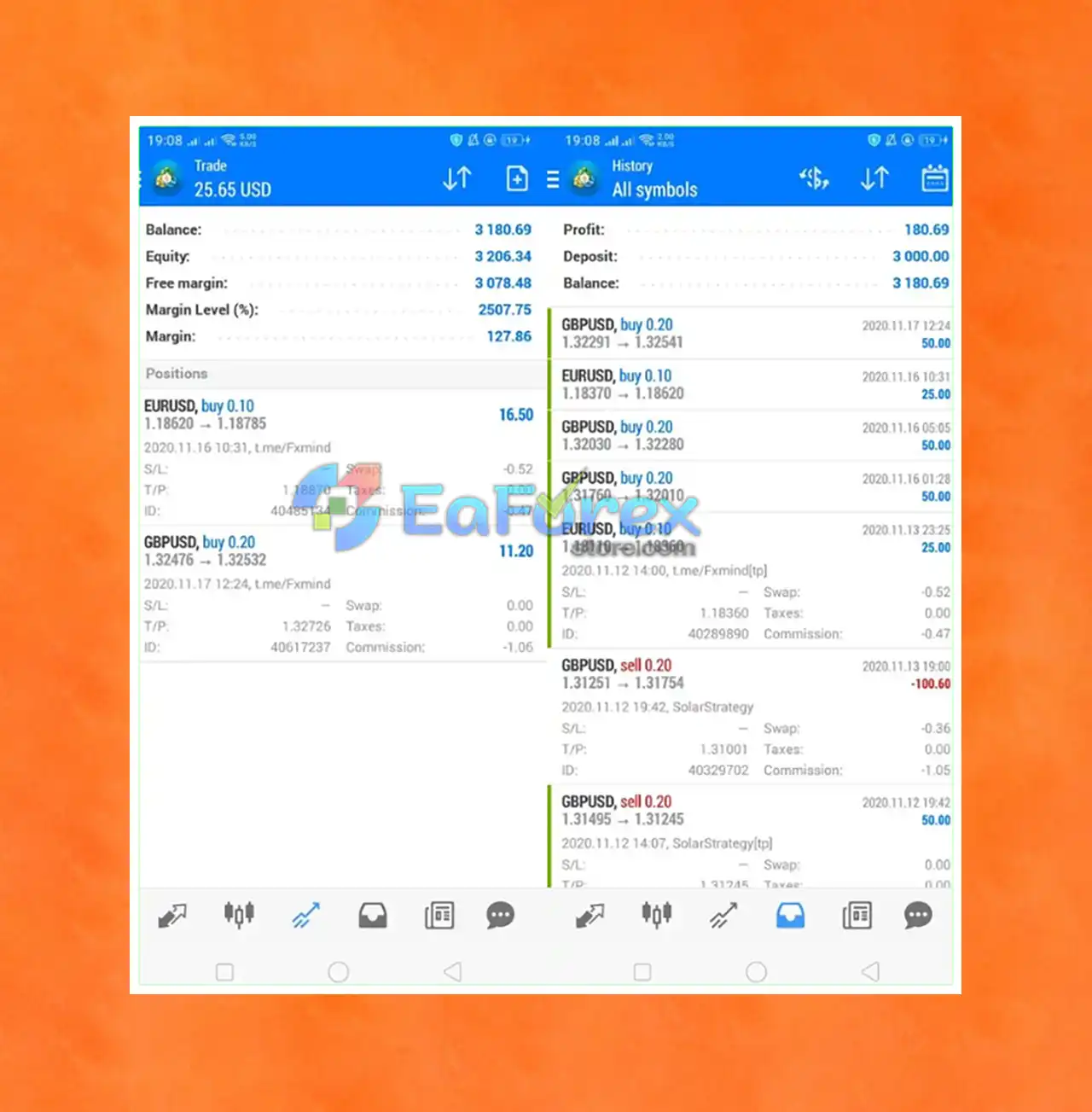
➫ Backtesting and Historical Performance:
- Results from various market conditions.
- Consistency over time.
- Solar Strategy EA has a solid track record of consistent returns across a wide range of market conditions.
- Built specifically for the MetaTrader 4 (MT4) platform.
- Consistent performance and user-friendly design make it a reliable choice for traders looking for an automated forex trading solution with long-term results.
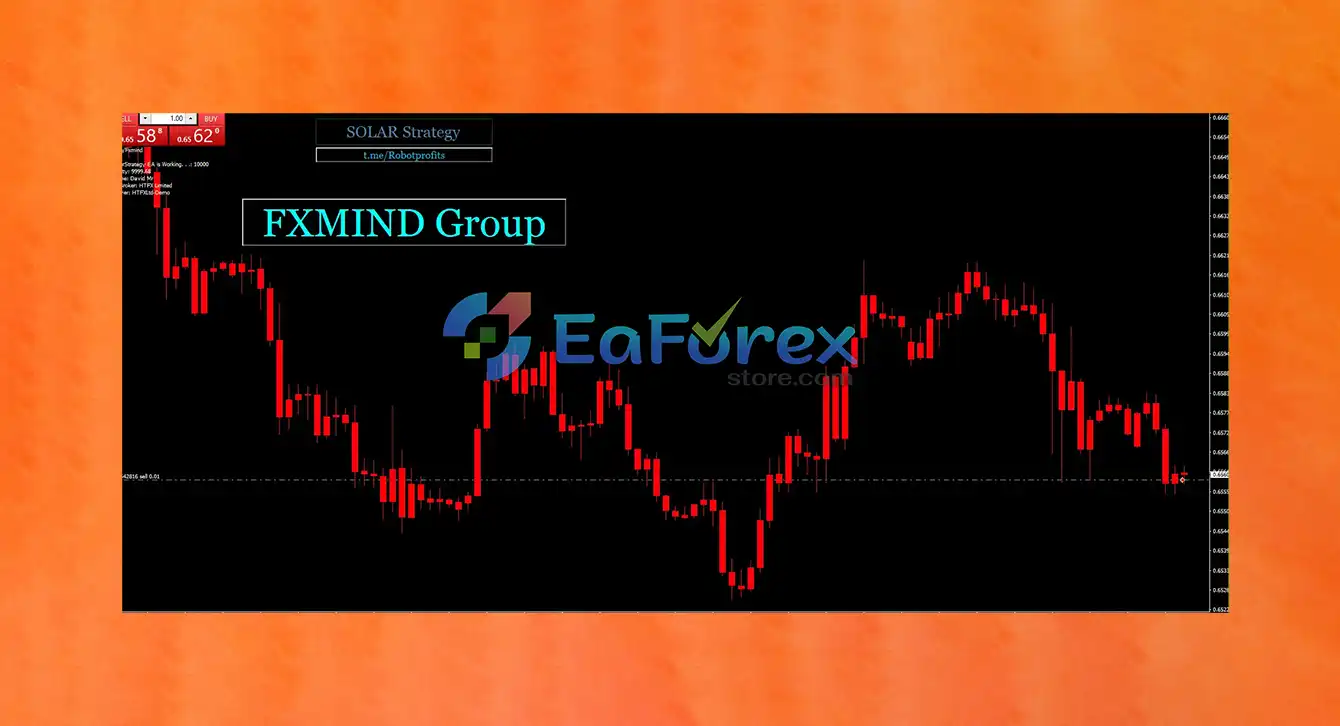
How To Set Up EA
Installing Solar Strategy EA MT4 V1.0 is quick and easy. Follow these steps to ensure proper setup and optimal performance:
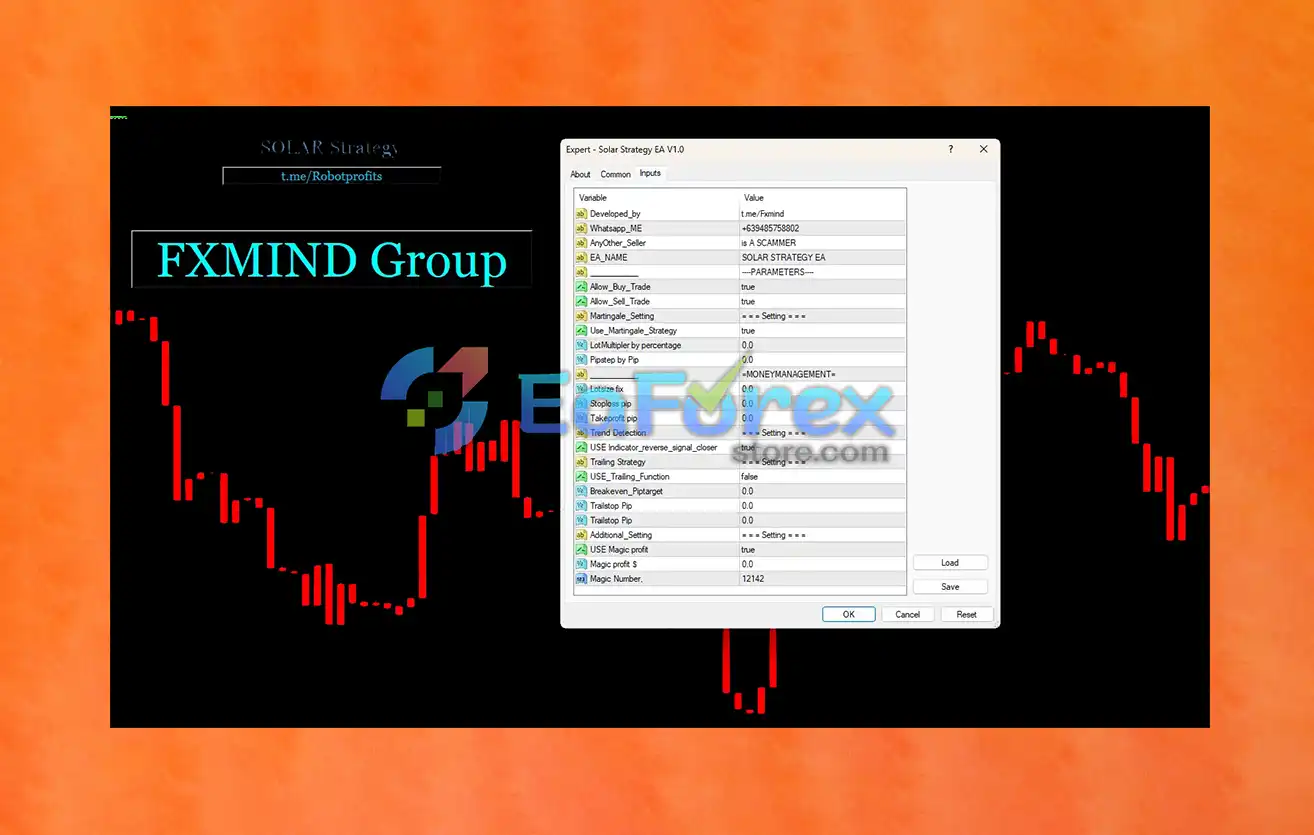
🟢 Download and Install the EA
- Place the Solar Strategy EA file into the
MQL4 > Expertsfolder in your MetaTrader 4 (MT4) directory. - Restart MT4, then locate the EA under the Navigator panel.
🟢 Attach EA to Chart
- Open a chart for your preferred currency pair.
- Drag Solar Strategy EA onto the chart.
🟢 Configure Core Settings
- Allow_Buy_Trade = true → Enables long trades.
- Allow_Sell_Trade = true → Enables short trades.
- Use_Martingale_Strategy = false → Martingale is disabled for safer trading.
- LotMultiplier_by_percentage = 0.0 → Lot size not scaled; use manual or fixed lot size.
- USE_Indicator_reverse_signal_closer = true → Activates reverse signal for better trade exits.
- USE_Magic_profit = true → Enables profit-locking feature.
- Magic profit $ = 0.0 → Set your desired profit target to activate this function.
- Magic Number = 12142 → Unique identifier for managing EA trades.
🟢 Money Management Notes
- Stoploss Pp / Takeprofit Pp = 0.0 → No default SL/TP; customize based on your strategy.
- USE_Trailing_Function = false → Trailing stop disabled by default; optional to enable.
- Breakeven_Pctarget = 0.0 → No breakeven set; can be customized if needed.
🟢 Enable AutoTrading
-
Click the AutoTrading button on MT4 to activate the EA.
Conclusion
In summary, Solar Strategy EA is a powerful automated trading solution engineered to deliver precision, stability, and intelligent risk management in the forex market. Designed for traders of all experience levels, it combines advanced features with a user-friendly setup, making it easy to integrate into any trading strategy. Whether you're a beginner or a professional, Solar Strategy EA is a smart choice for achieving consistent results through automated forex trading.
>>> Reviewed by Jason Stap <<<



