









-
 Unlimited Activations
-
 Instant delivery
-
 Easy to install
 Unlimited Activations
Instant delivery
Easy to install
Unlimited Activations
Instant delivery
Easy to install
 Free Update
 Free Install Support

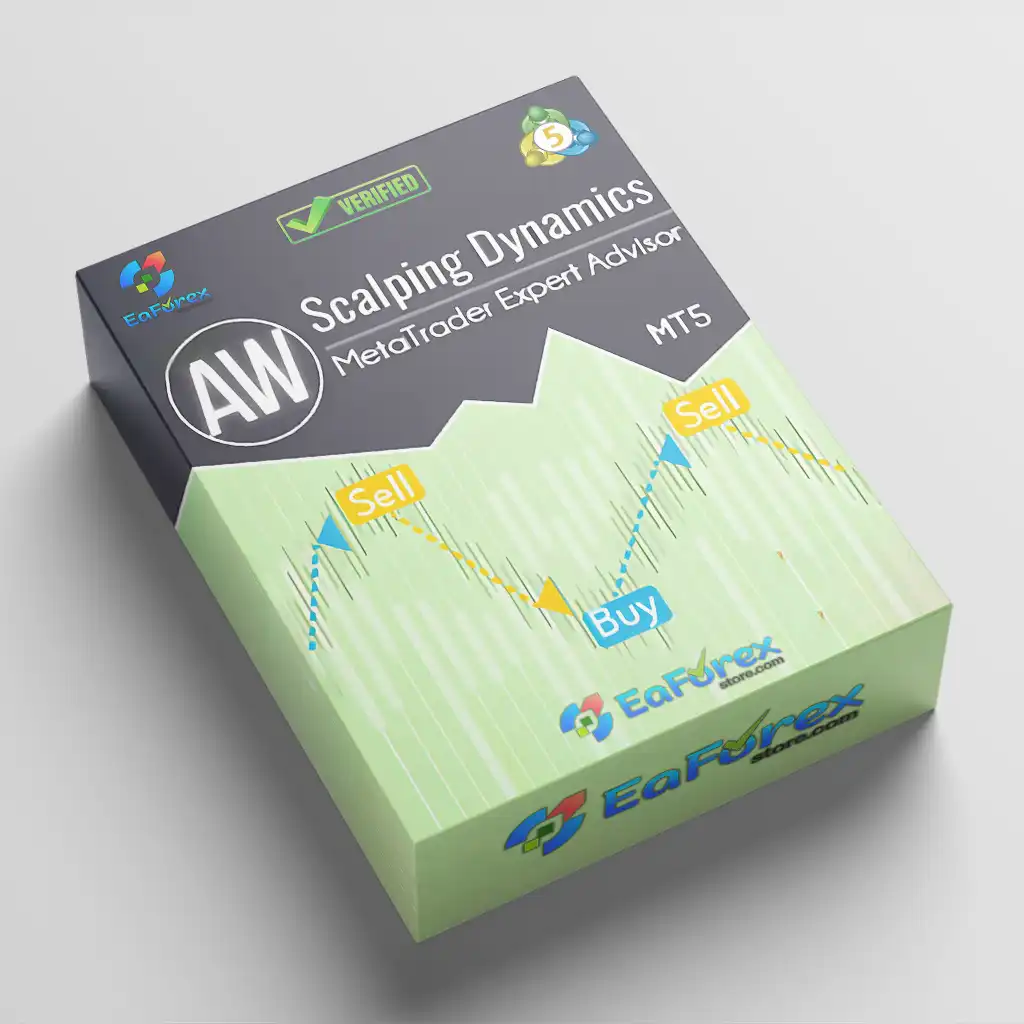
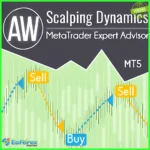
AW Scalping Dynamics MT5 is a fully automated MetaTrader 5 Expert Advisor designed to trade market reversals by analyzing the activity and strength of the current trend. The EA combines trend analysis, oscillator reversal signals, dynamic order management, and configurable basket controls to identify potential scalping opportunities.
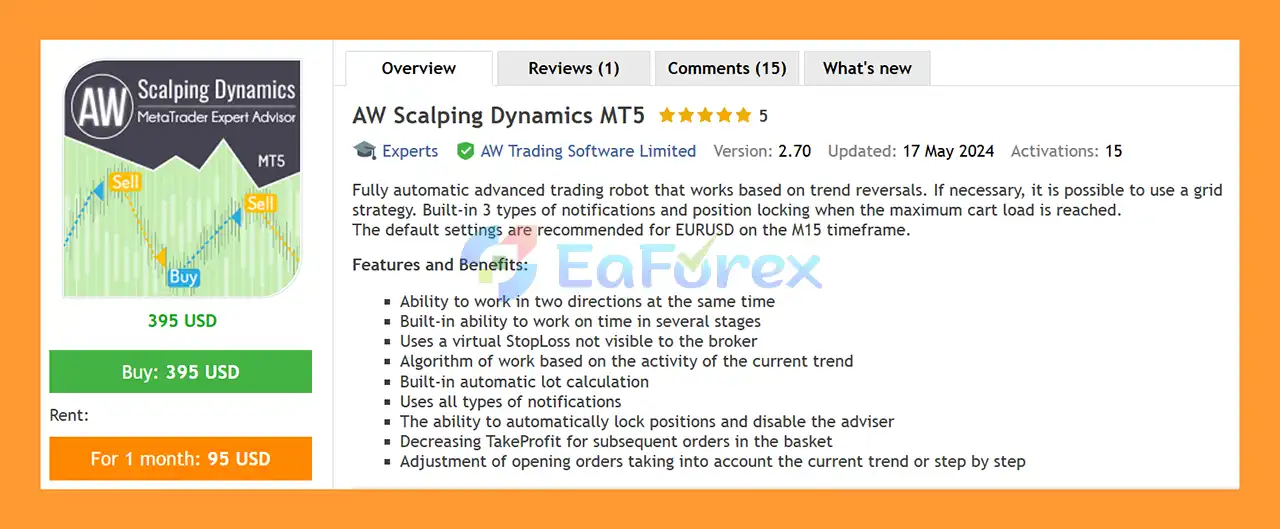
The default configuration is recommended for EURUSD on the M15 timeframe, making it a suitable starting point for traders who want to evaluate the system under its intended conditions.
One of the key characteristics of AW Scalping Dynamics MT5 is its flexible approach to position management. The EA can operate in both directions, use staged order entries, and optionally apply a Grid strategy when configured to do so. It also includes an automatic lot-sizing system, virtual Stop Loss, multiple notifications, and a maximum-basket locking mechanism designed to prevent the EA from continuously adding positions beyond a predefined limit.
• Author: Alexander Nechaev.
• Experience: Over +8 years of experience on MQL5.
• Notable Products: AW Scalping Dynamics MT5, AW Recovery EA MT5, AW Recovery EA MT4, AW Gold Trend Trading EA and other advisors.
• Flagship Product: AW Scalping Dynamics MT5 is rated as the best performing product of the year.
>> Delivery time 24h-48h after payment.
>>> Refund if not delivered.
>>> You will receive the latest version without any limitations (ID+Time).>>Reviewed by Jason Stap <<
AW Scalping Dynamics MT5 uses a combination of trend activity analysis and oscillator reversal signals to determine when trading opportunities may occur.
The system first evaluates the current trend using the Main Trend Filter. This variable plays an important role in determining how active the market trend is before the EA considers reversal signals.
The Main Trend Filter determines the level of trend activity required before the EA proceeds with its trading logic.
A lower value makes the system more sensitive to potential trend reversals and can result in fewer orders being opened.
When a new order is opened, the EA can reduce the trend activity threshold using the Trend Filter Decrease Per Order parameter. This allows subsequent signals to be evaluated differently as additional positions are added to the basket.
After the trend filter identifies a suitable market condition, the EA uses its built-in custom oscillator to look for potential reversal signals.
The oscillator works differently from a conventional indicator that simply waits for an oscillator line to cross a particular level. Instead, the price must move through a defined channel to generate a signal.
Several parameters control the sensitivity of these signals:
Smaller coefficients create a narrower price channel, meaning the market requires a smaller price movement to trigger a potential signal. Increasing the coefficients expands the channel and requires a larger price movement before a signal is generated.
AW Scalping Dynamics MT5 may appeal to traders who want an automated reversal strategy with flexible basket management and built-in exposure controls.
Rather than relying exclusively on a single entry signal, the EA combines trend activity analysis with oscillator-based reversal signals.
Another important advantage is its configurable maximum-basket protection. Traders can specify the maximum number of positions that the EA is allowed to open.
For example, if the Maximum Basket value is set to 4, the EA can build a basket of up to four positions. When conditions for a fifth order occur, the EA does not open another trade. Instead, it activates the locking function and disables itself.
This mechanism can help prevent the EA from continuously increasing exposure beyond the user’s predefined basket size.
The EA may be suitable for traders looking for:
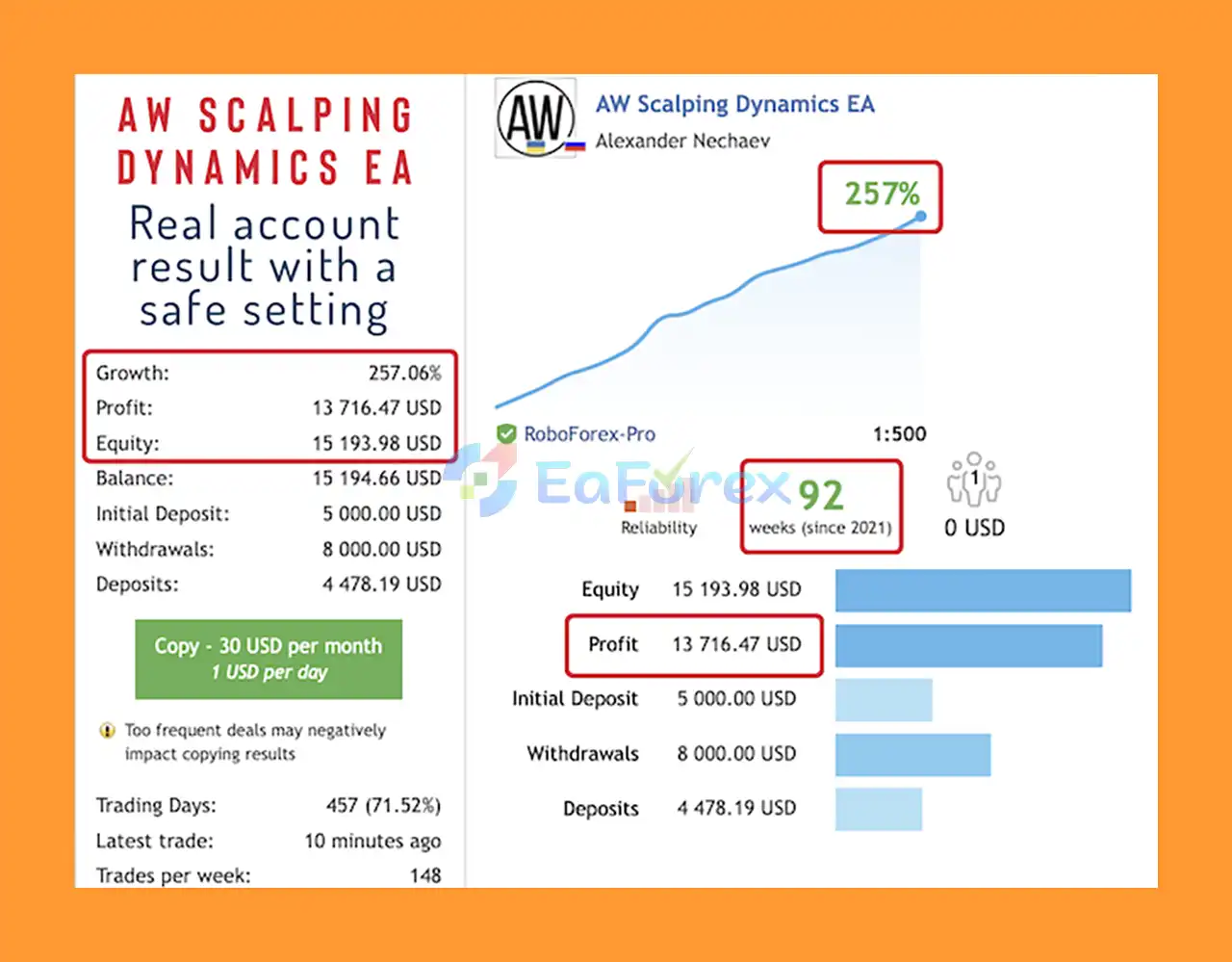
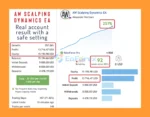
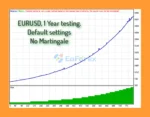
AW Scalping Dynamics MT5 Live Results
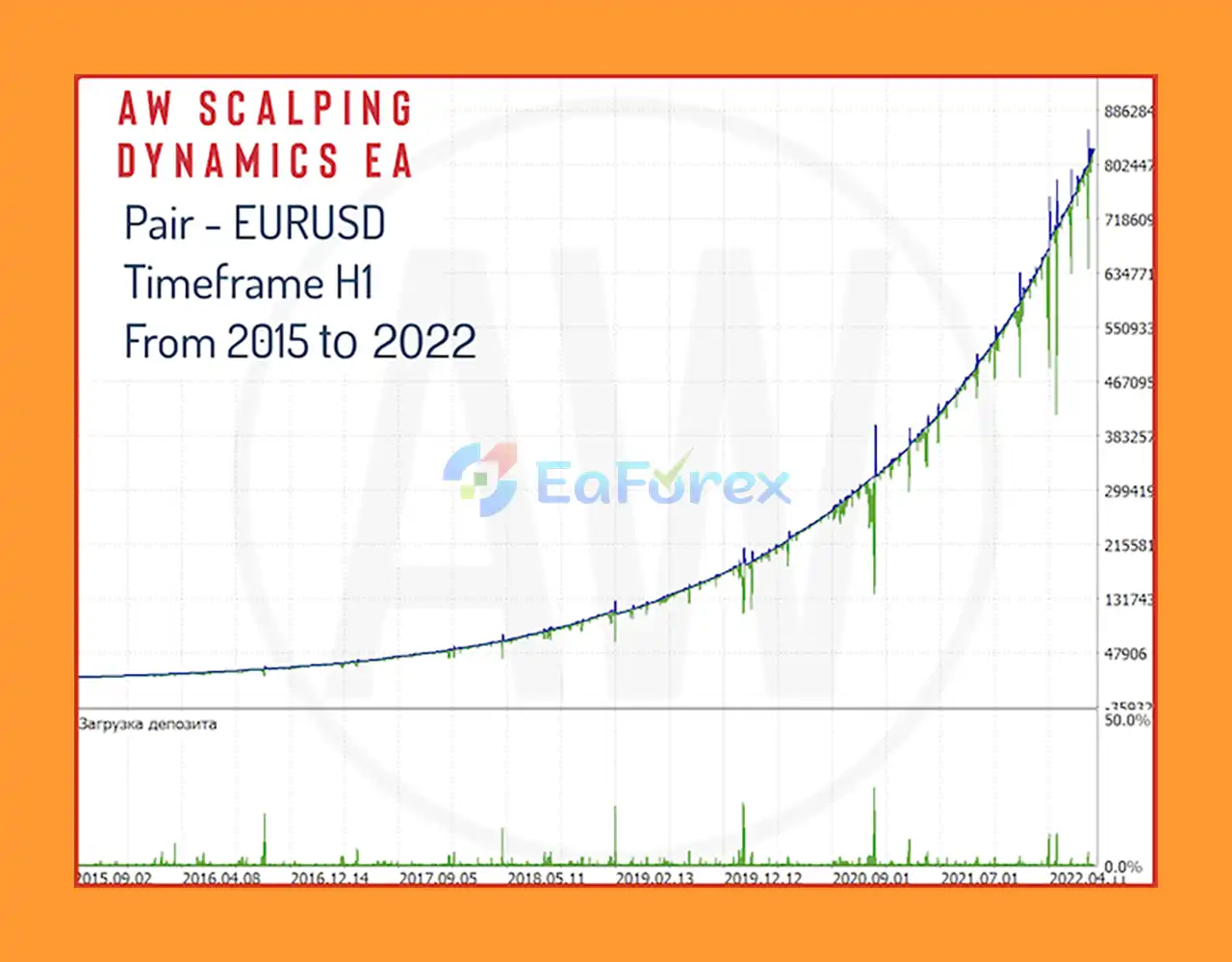
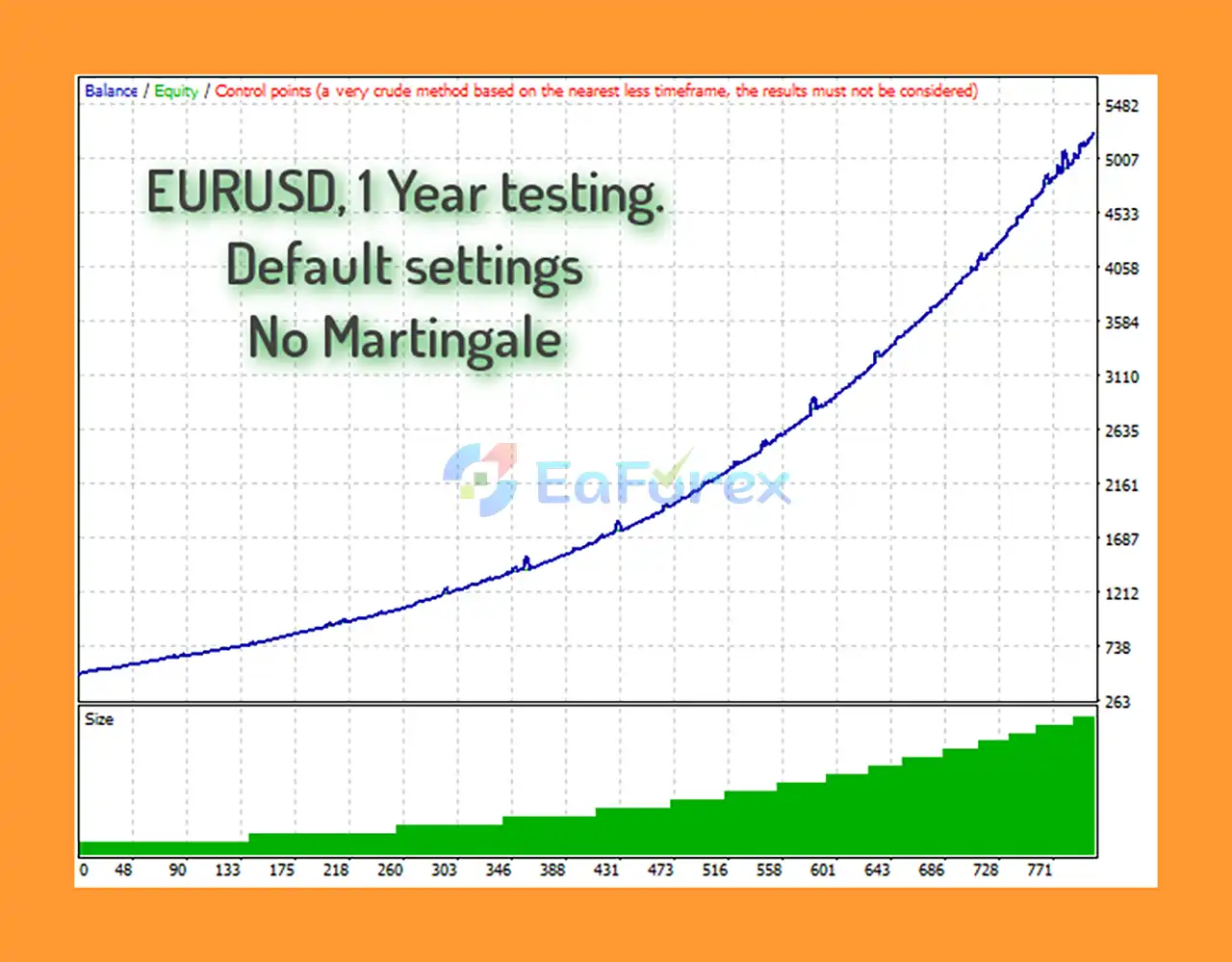
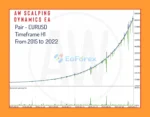
AW Scalping Dynamics MT5 Backtestss
AW Scalping Dynamics MT5 Backtest
Risk and exposure management are important components of AW Scalping Dynamics MT5.
Because the EA can optionally use Grid-style basket trading, controlling the maximum number of positions is particularly important.
The built-in locking function allows traders to define the maximum number of positions in a basket.
For example:
Maximum Basket = 4
The EA can open up to four orders according to the selected trading logic. If another position would normally be opened, the EA instead locks the entire position and disables itself.
This prevents additional trades from being opened by the EA after the predefined basket limit has been reached.
AW Scalping Dynamics MT5 includes an automatic lot calculation feature designed to adjust trading volume according to the configured parameters.
Automatic position sizing can simplify account management, but traders should still verify the resulting lot size before using the EA on a live account.
The EA uses a virtual Stop Loss, meaning the configured Stop Loss is not directly visible to the broker as a conventional server-side Stop Loss order.
This can provide a different approach to trade management, but it also introduces an important consideration: because the protection is managed by the EA, it depends on the terminal, VPS, internet connection, and EA functioning correctly.
The EA can decrease the Take Profit level for subsequent orders in a basket.
This allows the system to modify profit targets as additional positions are opened instead of applying exactly the same Take Profit condition to every order.
The locking mechanism provides an additional layer of exposure control. Once the maximum basket size is reached, the EA can lock the existing position and disable further automated processing.
However, traders should understand that locking a position does not eliminate market risk. The position remains exposed to price movements after the EA has stopped processing it.
AW Scalping Dynamics MT5 can optionally use Grid trading, which introduces additional risks that traders should understand before using the system with real capital.
A reversal strategy may perform poorly when the market continues moving strongly in one direction without producing the expected reversal. In such circumstances, additional basket positions can accumulate and floating drawdown can increase.
Important risks include:
The EA should be thoroughly tested on a demo account before being used with real money.
Install MetaTrader 5 and log in to a compatible trading account.
Copy the AW Scalping Dynamics MT5 Expert Advisor file into the appropriate MQL5 Experts folder and restart or refresh MetaTrader 5.
For the default configuration, open:
EURUSD – M15
The M15 timeframe is the developer’s recommended starting configuration.
Drag AW Scalping Dynamics MT5 onto the EURUSD M15 chart and enable automated trading.
Review the available parameters, including:
Define the maximum number of positions the EA can open in a basket.
For example, setting Maximum Basket = 4 limits the basket to four orders before the locking mechanism is activated.
Run the EA on a demo account and monitor its behavior across different market conditions.
Pay particular attention to:
Because the EA relies on continuous operation and uses a virtual Stop Loss, a reliable VPS is recommended for live automated trading.
🔺AW Scalping Dynamics MT5 is highly appreciated by the MQL5 community for bringing stable and reliable profits. Below are 5 star reviews from users:
🔺 Experts:
AW Scalping Dynamics MT5 is a fully automated trend-reversal Expert Advisor for MetaTrader 5, with a default configuration designed for EURUSD on the M15 timeframe.
The EA combines trend activity analysis, a custom oscillator, reversal signals, automatic lot sizing, virtual Stop Loss management, and configurable basket control. Its optional Grid functionality gives traders additional flexibility, while the Maximum Basket locking system is designed to prevent the EA from continuously adding positions beyond a predefined limit.
One of its more distinctive features is the way the custom oscillator generates signals. Rather than simply waiting for a conventional level crossover, the system evaluates whether price has moved through a defined channel, with K1 and K2 coefficients controlling the channel’s sensitivity.
However, traders should pay particular attention to the risks associated with Grid trading, basket positions, and virtual Stop Loss management. These features can provide flexibility but can also increase exposure when market conditions move against the strategy.
For users interested in automated reversal scalping, AW Scalping Dynamics MT5 may be worth testing, especially with its recommended EURUSD M15 setup. Start with conservative parameters, use a demo account first, and carefully evaluate maximum basket exposure and drawdown before considering live trading.
Risk Disclaimer: Forex and CFD trading involves substantial risk. No Expert Advisor can guarantee profits. Past performance and backtest results do not guarantee future results. Always use appropriate risk management and only trade with capital you can afford to lose.
1. What is AW Scalping Dynamics MT5?
AW Scalping Dynamics MT5 is a fully automated trading robot designed for the EURUSD pair, specializing in trend reversal trading. It uses advanced trend detection and oscillator algorithms to identify precise entry points and, when necessary, activates an intelligent grid strategy for recovery and profit optimization.
2. How does AW Scalping Dynamics MT5 work?
The EA analyzes trend activity and oscillator signals to detect potential market reversals. Once a reversal is confirmed, it opens trades with dynamic take-profit levels. If the market moves unfavorably, the EA can switch to a grid recovery mode, balancing profitability and drawdown control with smart averaging and position management.
3. Which trading pairs and timeframes are recommended for AW Scalping Dynamics MT5?
AW Scalping Dynamics MT5 is optimized for EURUSD, performing best on the M15 timeframe. However, its flexible logic and dynamic filters allow traders to experiment with other major currency pairs and timeframes depending on market volatility.
4. What risk management features are included in AW Scalping Dynamics MT5?
The EA includes virtual stop loss protection, a smart position locking system, and automatic lot sizing to manage exposure. It also limits the maximum number of orders per basket and hides stop levels from brokers for additional safety.
5. Is AW Scalping Dynamics MT5 suitable for beginners?
Yes. The EA features ready-to-use default settings, an intuitive interface, and a comprehensive notification system via push, email, and pop-ups. It allows both beginners and experienced traders to operate efficiently with minimal supervision.
6. Why should traders choose AW Scalping Dynamics MT5?
Traders choose AW Scalping Dynamics MT5 for its accurate reversal detection, adaptive grid strategy, and professional-grade automation. It offers a balance of profitability, control, and safety, making it one of the most reliable and consistent scalping EAs available for MT5 users.
In stock
In stock
In stock
In stock
In stock
Out of stock
No account yet?
Create an Account












 Automatic EA
 EA Best Seller
 Expert Advisor MT4
 Expert Advisor MT5
 HFT EA


Reviews
Clear filtersThere are no reviews yet.