










-
 Unlimited Activations
-
 Instant delivery
-
 Easy to install




 Unlimited Activations
Instant delivery
Easy to install
Unlimited Activations
Instant delivery
Easy to install
 Free Update
 Free Install Support

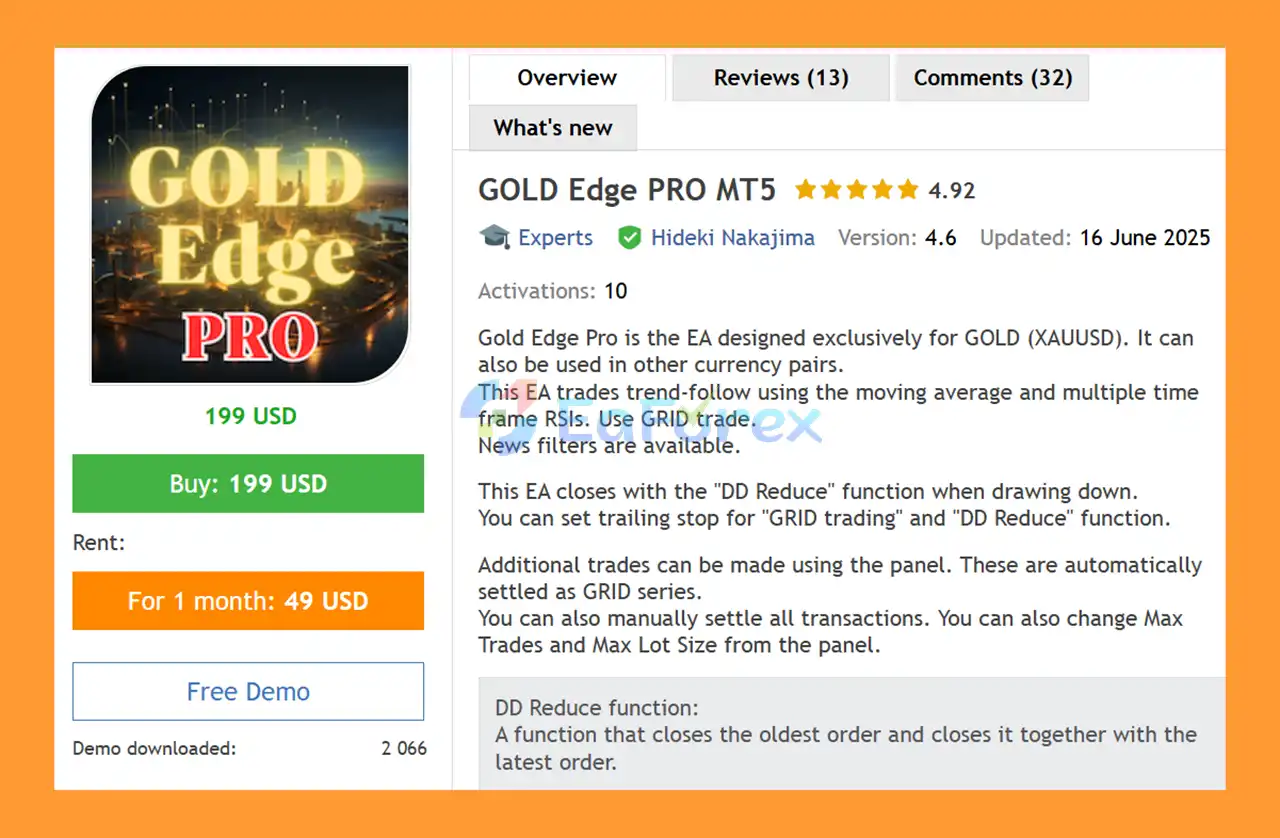
GOLD Edge PRO MT5 is a professional MetaTrader 5 Expert Advisor (EA) primarily designed for GOLD (XAUUSD) trading. The system can also be used with selected currency pairs such as EURUSD, GBPUSD, AUDUSD, and other instruments when the appropriate settings are applied.
The EA uses a trend-following trading approach based on Moving Average analysis and multiple-timeframe RSI confirmation. Unlike conventional single-position trading systems, GOLD Edge PRO MT5 incorporates a Grid Trading strategy to manage additional positions as the market develops.
One of the key features of the PRO version is the DD Reduce function, which is designed to reduce drawdown by closing the oldest position together with the latest position in the trading series.
The EA also provides extensive risk-management and trading-control features, including News Filter, Daily Profit Stop, Spread Filter, Non-Trading Days, Auto Set Distance, Trading Time controls, Candle Filter, and a customizable trading panel.
GOLD Edge PRO MT5 analyzes market conditions before opening trades, meaning it may not trade every day. This selective approach is intended to prevent unnecessary trading when market conditions do not meet the system’s criteria.
• Author: Hideki Nakajima
• Experience: Over +3 years of experience on MQL5.
• Notable Products: GOLD Edge PRO MT5, GOLD Edge PRO MT4, Genius Edge MT5 and other advisors.
• Flagship Product: GOLD Edge PRO MT5 is rated as the best performing product of the year.
>> Delivery time 24h-48h after payment.
>>> Refund if not delivered.
>>> You will receive the latest version without any limitations (ID+Time).>>Reviewed by Jason Stap <<
GOLD Edge PRO MT5 combines trend-following analysis, Moving Average signals, multiple-timeframe RSI confirmation, and Grid Trading to identify and manage trading opportunities.
Before entering the market, the EA analyzes current market conditions. If the required conditions are not met, the system may remain inactive. Therefore, traders should not expect the EA to open positions every day.
The core trading logic uses Moving Average analysis to identify the prevailing market direction. Multiple-timeframe RSI information is then used as an additional confirmation tool.
This combination helps the EA evaluate whether market momentum and trend conditions are suitable for initiating a trading sequence.
When a trading opportunity is identified, GOLD Edge PRO MT5 can use a Grid Trading approach to manage additional positions.
The distance between grid positions can be configured manually or automatically, depending on the selected settings.
The Auto Set Distance feature automatically calculates the grid interval, making the EA easier to adapt to different currency pairs. This is particularly useful because the appropriate grid distance can vary significantly between Gold and Forex markets.
One of the most important features of GOLD Edge PRO MT5 is the DD Reduce function.
When drawdown conditions require intervention, the EA can close the oldest open order together with the latest order in the trading sequence.
This mechanism is designed to help reduce accumulated exposure and manage the drawdown of a Grid series.
Traders can also configure trailing-stop functionality for both Grid Trading and DD Reduce operations.
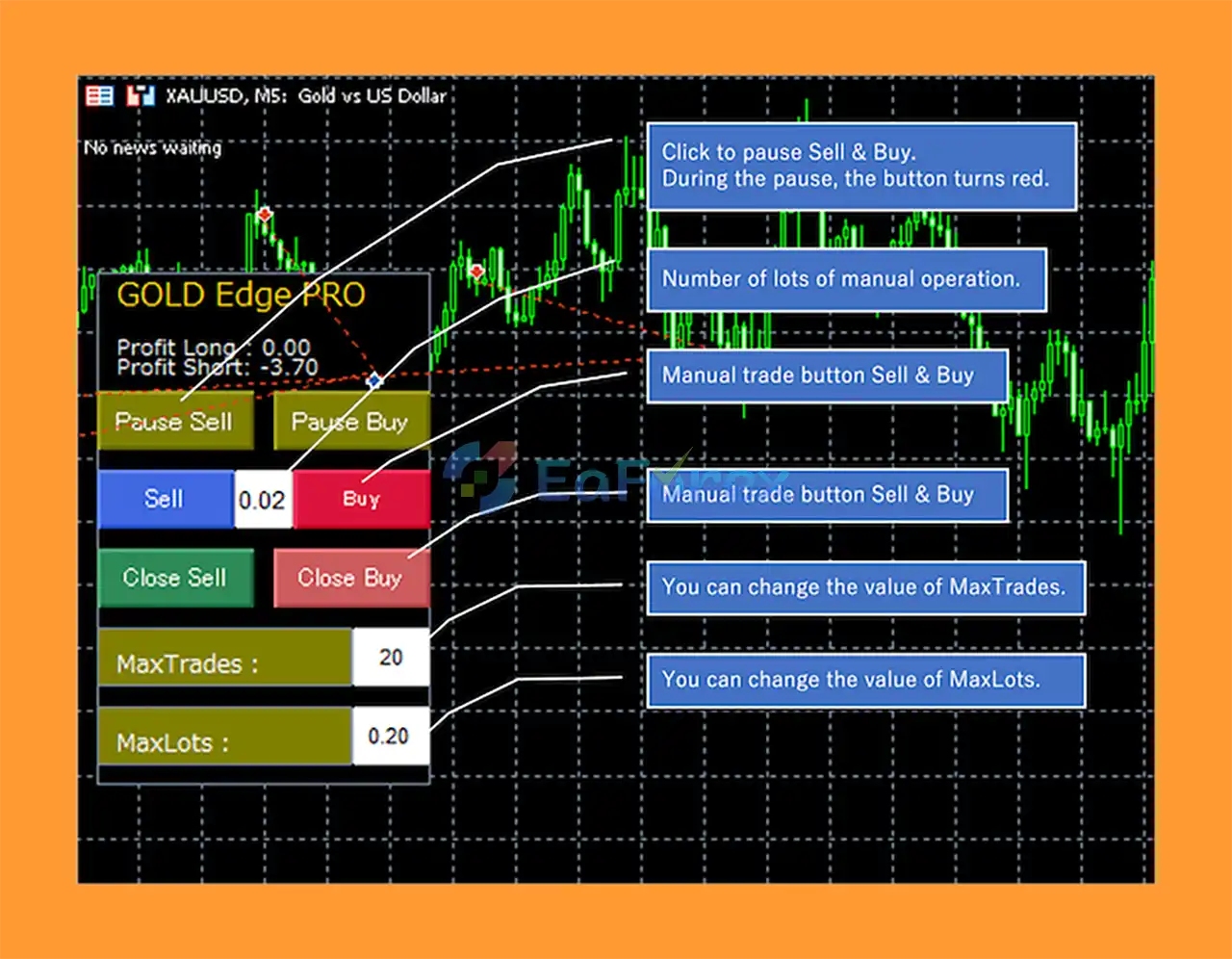
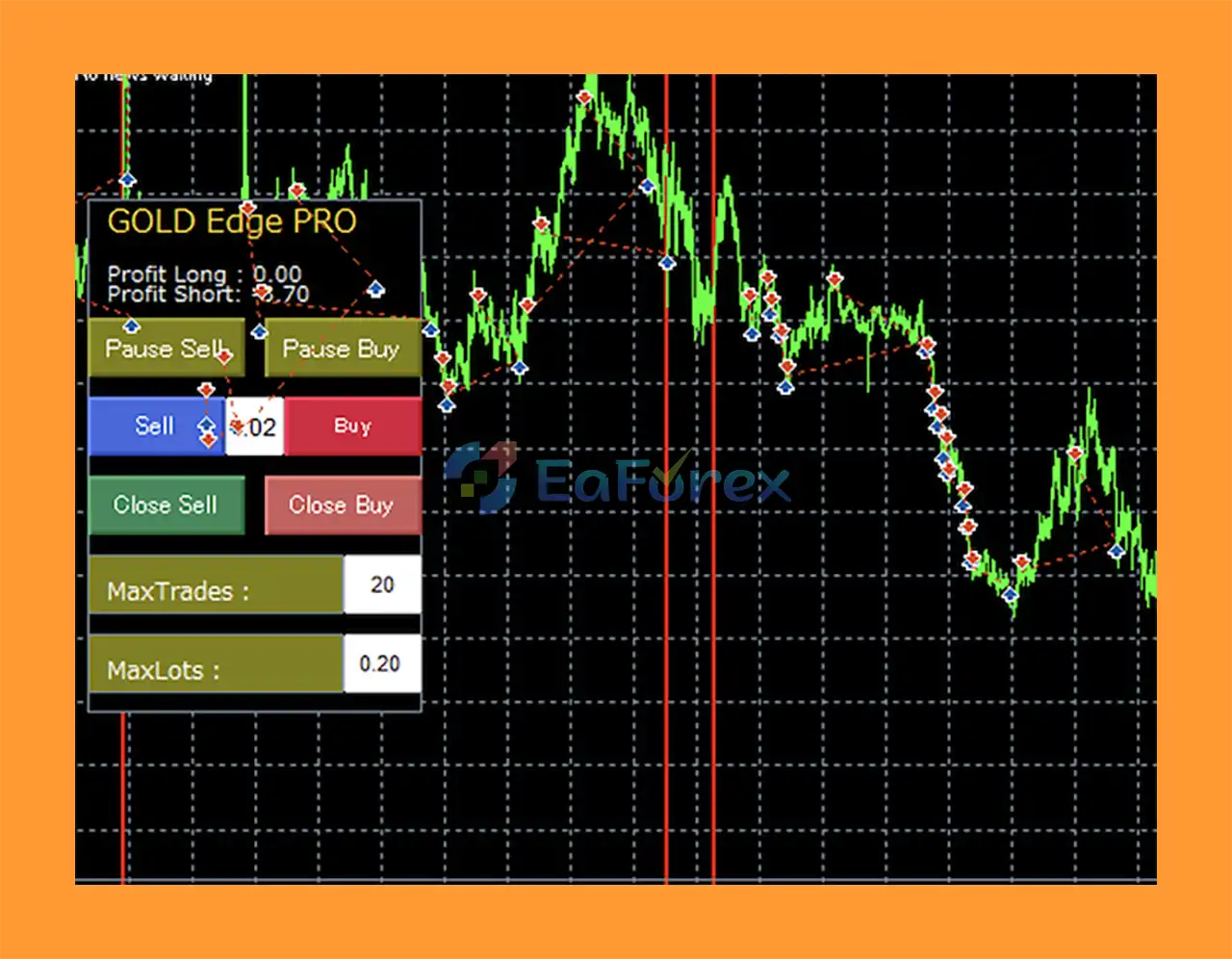
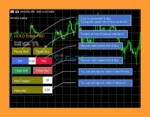
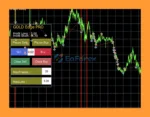
The integrated trading panel allows users to manually manage certain aspects of the system.
Depending on the configuration, traders can:
GOLD Edge PRO MT5 may be suitable for traders looking for a Gold-focused automated trading system with extensive Grid Trading controls and drawdown-management features.
One of its main advantages is the combination of several market filters and risk-control functions in a single Expert Advisor.
The PRO version includes nine additional features that provide more control over when and how the EA operates.
For traders focused on XAUUSD, the system offers dedicated recommendations and a low-risk configuration for Gold. It can also be adapted to other Forex pairs using the appropriate settings and recommended .set files from the guide.
Another advantage is the ability to control important parameters directly through the trading panel, including Maximum Trades and Maximum Lot Size.
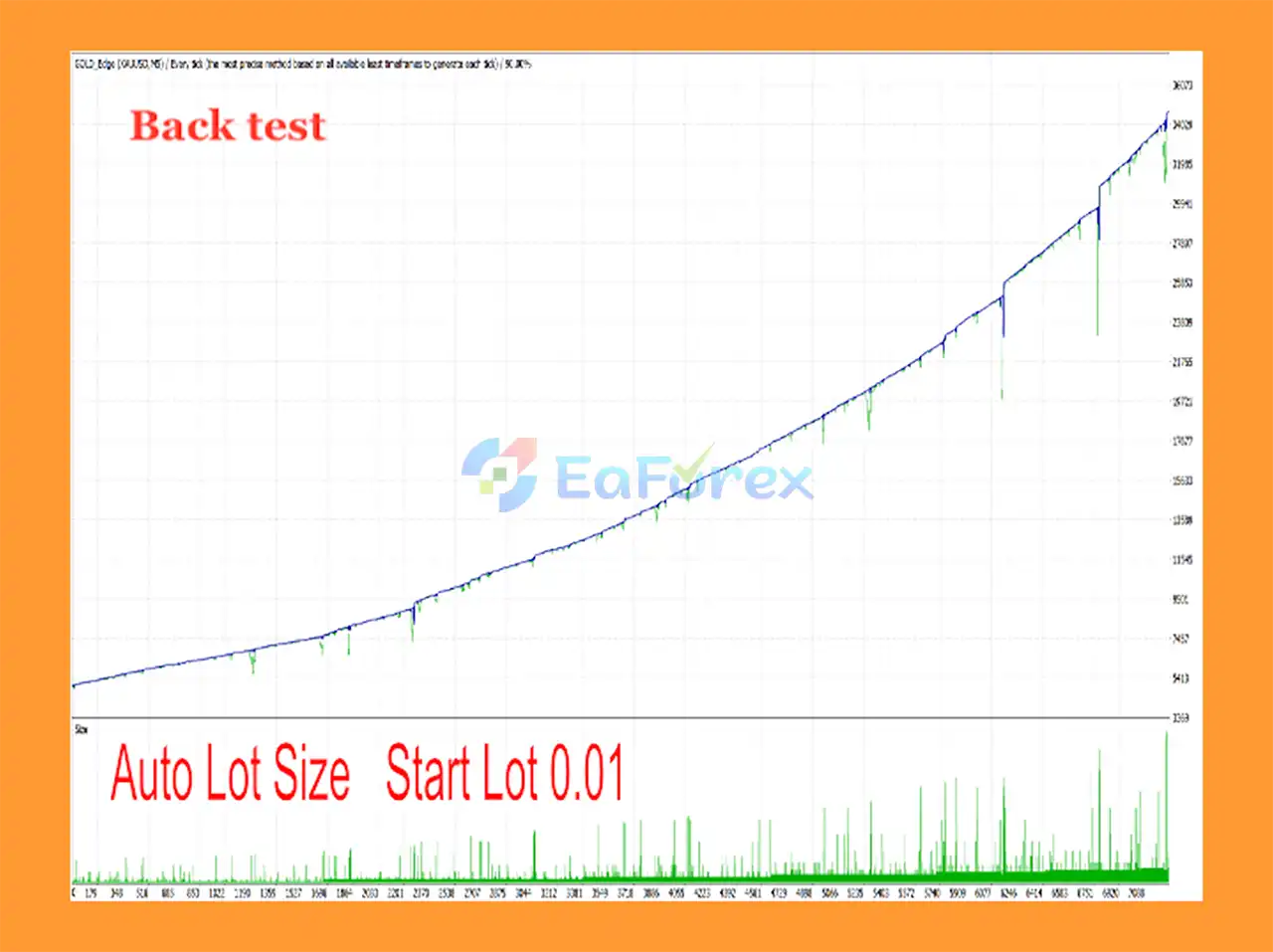
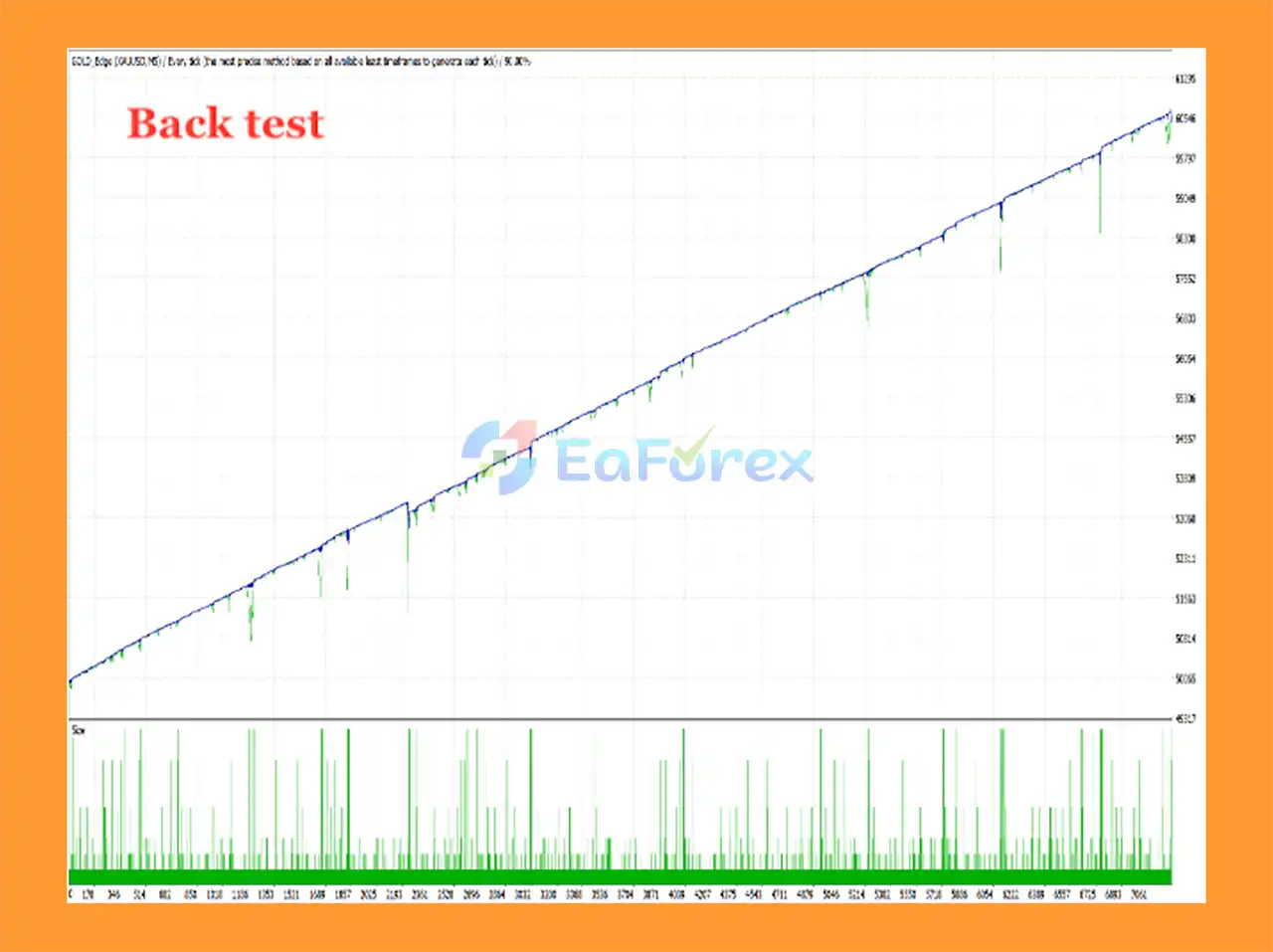
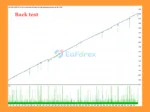
GOLD Edge PRO MT5 Backtest Result
GOLD Edge PRO MT5 Backtest Results
GOLD Edge PRO MT5 Reviews
GOLD Edge PRO MT5 Review
GOLD Edge PRO MT5 provides several features designed to control trading exposure and manage potentially unfavorable market conditions.
The News Filter can pause trading around important economic announcements. This is useful because major news events can cause sudden volatility, wider spreads, and rapid price movements.
The Daily Profit Stop allows traders to define a daily profit target.
For example, if the value is set to 10, the EA can stop opening new trades after reaching approximately $10 in profit in the account’s currency, according to the system’s operating conditions.
The Spread Filter prevents new trades when the current spread exceeds the configured limit.
This can help avoid initiating Grid sequences during periods of unusually high transaction costs.
Traders can specify particular days when the EA should not trade.
This feature can be useful for avoiding periods such as:
The EA can also be configured to close open positions on designated non-trading days.
The additional Time to Trade option allows traders to define specific trading hours. The EA can also close open trades when the configured trading period has ended, depending on the selected settings.
Users can control the maximum number of trades and maximum lot size through the panel.
These settings are particularly important when using a Grid strategy because additional positions can increase total market exposure.
The most important consideration when using GOLD Edge PRO MT5 is that it employs a Grid Trading strategy.
Grid systems can accumulate multiple positions when the market moves against the initial trade direction. During strong or prolonged trends, this may result in significant floating drawdown and increased margin usage.
The DD Reduce function is designed to help manage drawdown, but it does not eliminate the risks associated with Grid Trading.
Other important risks include:
.set files can result in unsuitable trading parameters.The recommended minimum balance should not be interpreted as a guarantee of safe trading. Traders should carefully evaluate their own risk tolerance, leverage, broker conditions, and maximum acceptable drawdown before using the EA on a live account.
.set file selection is importantInstall the MetaTrader 5 platform from your preferred broker and log in to your trading account.
Inside MetaTrader 5, go to:
File → Open Data Folder → MQL5 → Experts
Copy the GOLD Edge PRO MT5 EA file into the Experts folder.
Restart the platform or refresh the Expert Advisors section in the Navigator window.
Attach GOLD Edge PRO MT5 to the desired chart.
The recommended timeframe is:
M5 (5-minute)
For XAUUSD, use the recommended .set file supplied in the official guide, such as the low-risk configuration where applicable.
Configure the important parameters according to your account and trading objectives, including:
For Grid-based trading, broker conditions are particularly important. Check:
Always test the EA on a demo account before using real money.
Monitor the number of open positions, floating drawdown, margin usage, Grid distance, and overall trading behavior under different market conditions.
Read the Guide and FAQ carefully before using the EA or asking technical questions.
The recommended settings vary depending on the trading instrument.
.set fileGOLD Edge PRO MT5 can also be used with instruments such as:
For other instruments, traders should use the appropriate .set file and configuration specified in the official guide rather than applying the XAUUSD settings directly.
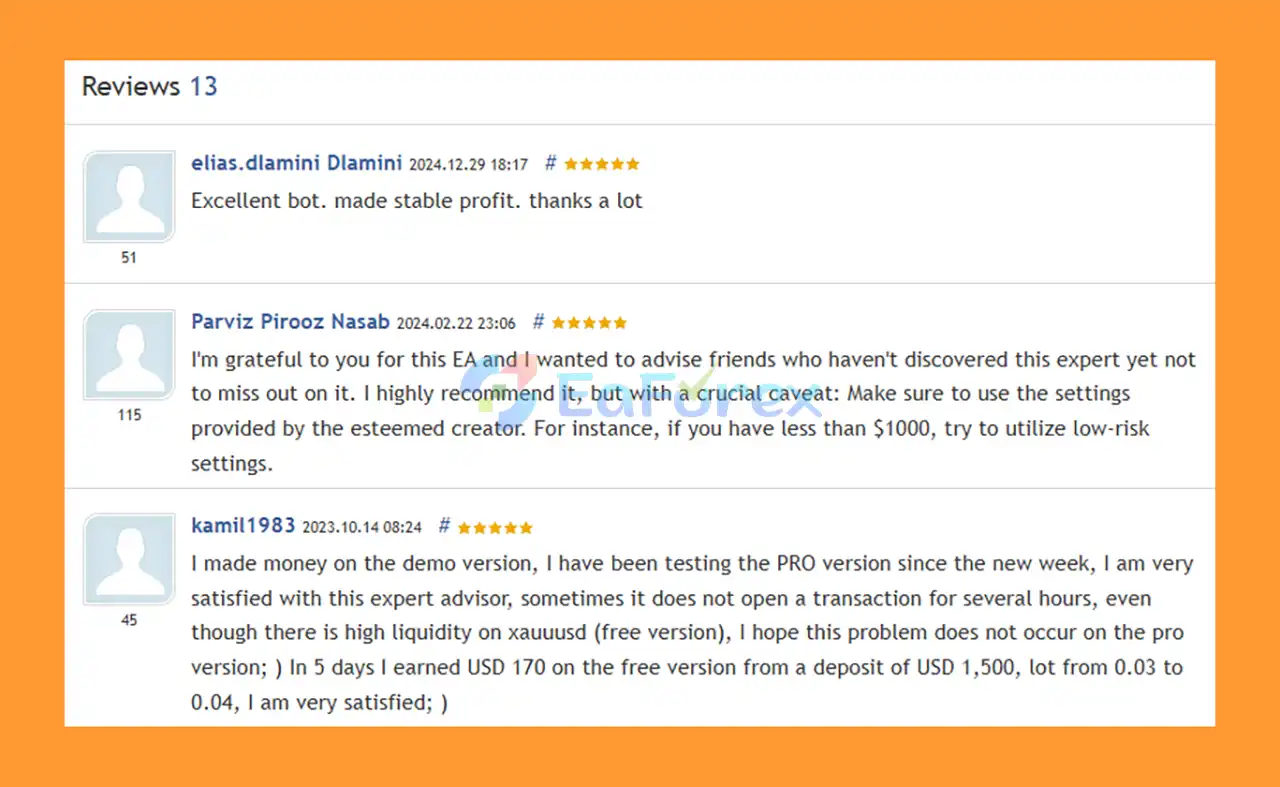
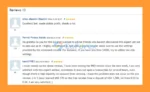
🔺GOLD Edge PRO MT5 is highly appreciated by the MQL5 community for bringing stable and reliable profits. Below are 5 star reviews from users:
User Reviews
🔺Experts:
🔺Presets:
>>> Join VIP Membership Now <<<
GOLD Edge PRO MT5 is a feature-rich Gold and Forex Expert Advisor for MetaTrader 5 that combines trend-following analysis with Grid Trading and drawdown-management technology.
Its core strategy uses Moving Average and multiple-timeframe RSI analysis, while the Grid system provides additional trade management when market conditions develop. The DD Reduce function adds another layer of drawdown management by pairing the oldest and latest orders when reducing exposure.
The PRO version also provides extensive controls, including News Filter, Daily Profit Stop, Spread Filter, Non-Trading Days, Auto Set Distance, Trading Time controls, Candle Filter, and a customizable trading panel.
However, traders should clearly understand that Grid Trading carries substantial risk, especially on volatile instruments such as XAUUSD. Adequate capital, conservative lot sizing, suitable leverage, and careful monitoring are essential.
GOLD Edge PRO MT5 should therefore be treated as an automated trading tool rather than a guaranteed-profit system. Always follow the recommended settings, read the Guide and FAQ, test the EA on a demo account, and use risk parameters that match your own trading capital and risk tolerance.
1. What is GOLD Edge PRO MT5?
GOLD Edge PRO MT5 is an advanced Expert Advisor (EA) built primarily for trading XAUUSD (Gold) while also supporting forex pairs like EURUSD, GBPUSD, and AUDUSD. It combines grid trading logic with trend-following strategies, multi-timeframe RSI filters, and smart risk management tools like DD Reduce and trailing stops.
2. Is GOLD Edge PRO MT5 only for Gold trading?
No. While it is specifically optimized for Gold (XAUUSD), the EA is also designed to work effectively with other major forex pairs, including EURUSD, GBPUSD, and AUDUSD. This makes it versatile for traders who want both Gold and multi-currency exposure.
3. How does the DD Reduce function work in GOLD Edge PRO MT5?
The DD Reduce function automatically manages drawdowns by closing both older and newer grid trades together. This helps reduce risk, control floating losses, and maintain a stable equity curve, especially during high volatility periods.
4. What are the risk management features in GOLD Edge PRO MT5?
The EA includes multiple built-in protections such as:
News filter to pause trading during high-impact events
Spread filter to avoid trading when spreads are too wide
Daily profit stop to lock in profits and stop trading after targets are reached
Non-trading day settings to avoid risky market conditions
5. How much capital do I need to start using GOLD Edge PRO MT5?
You can start with a small trading account, but for best results, it is recommended to use a broker with low spreads (RAW, ECN, PRO, or ZERO accounts). The EA comes with multiple preset files, including low-risk settings, so traders can adjust according to their capital and risk appetite.
6. What’s included when I purchase GOLD Edge PRO MT5?
The package includes:
The Expert Advisor file (MT5 version)
Installation guide and setup instructions
Pre-optimized preset files for different strategies (low risk, normal, auto, currency-specific)
Access to updates and support through the vendor’s community channels
In stock
In stock
In stock
In stock
In stock
Out of stock
No account yet?
Create an Account












 Automatic EA
 EA Best Seller
 Expert Advisor MT4
 Expert Advisor MT5
 HFT EA


Reviews
Clear filtersThere are no reviews yet.