









-
 Unlimited Activations
-
 Instant delivery
-
 Easy to install




 Unlimited Activations
Instant delivery
Easy to install
Unlimited Activations
Instant delivery
Easy to install
 Free Update
 Free Install Support

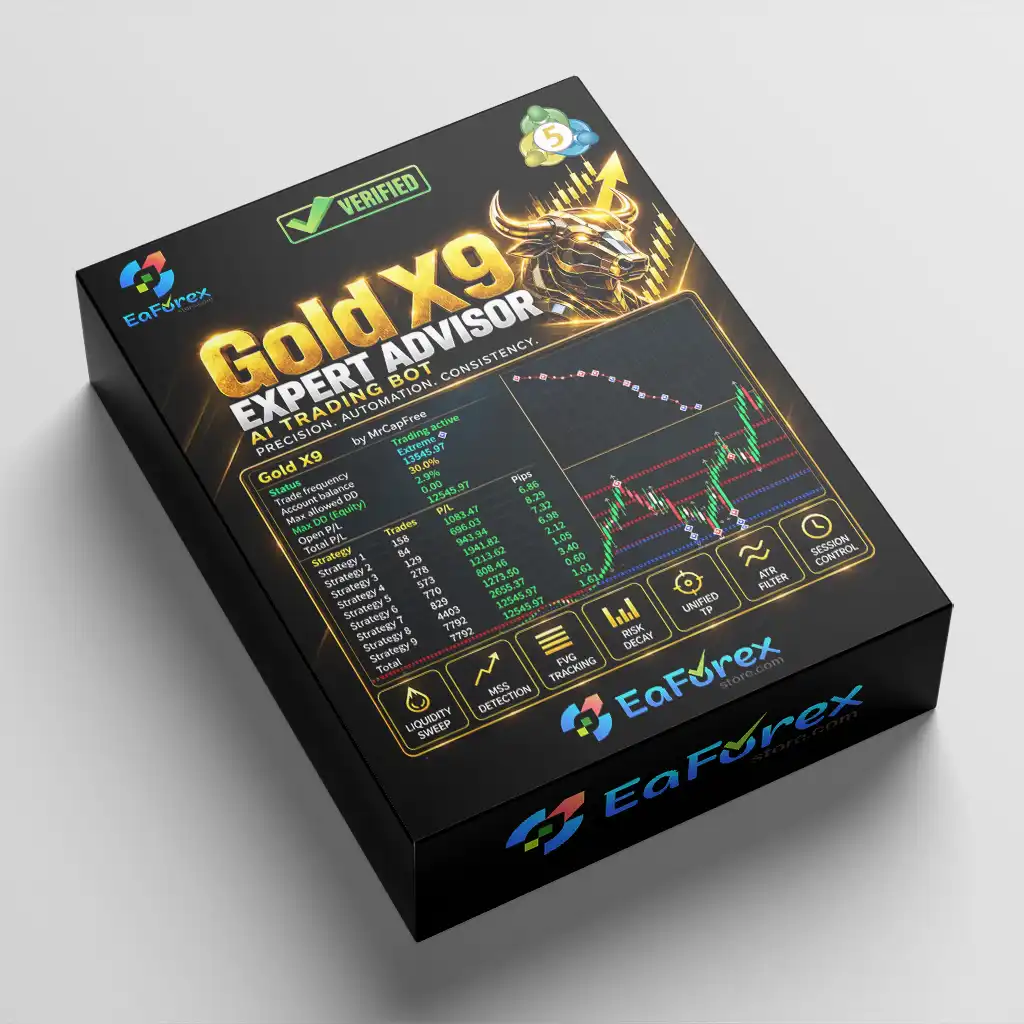
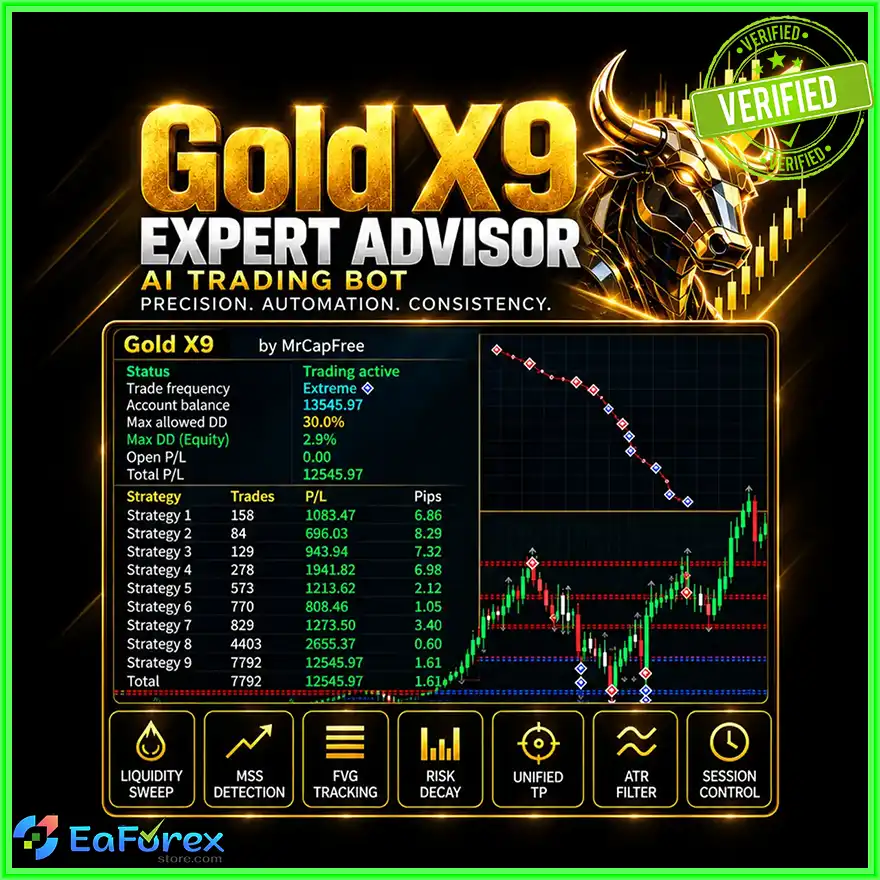
Gold X9 EA MT5 is an automated Expert Advisor designed for trading Gold (XAUUSD) on the MetaTrader 5 (MT5) platform. It combines nine selectable trading strategies with flexible money management, equity-based drawdown controls, spread protection, and an optional news filter.
Each strategy has an independent on/off switch, allowing traders to test individual approaches or enable multiple strategies simultaneously. The EA also provides several position-sizing methods, configurable entry and exit parameters, and an on-chart information panel to help users monitor account and trading conditions.
Gold X9 EA MT5 is designed for traders who want greater control over strategy selection and risk settings within a single automated trading system. However, enabling more strategies does not automatically improve performance, and the results will depend on market conditions, broker execution, and the selected configuration.
Gold X9 EA MT5 includes nine strategies, each with its own activation switch. Traders can enable individual strategies for isolated testing or combine several strategies in one trading setup.
This flexibility makes it easier to compare configurations and identify which combinations are suitable for a particular broker and trading environment. However, the underlying logic of each strategy should be reviewed before live deployment.
The EA offers multiple position-sizing methods to accommodate different trading preferences, including:
Choosing the appropriate method is important because larger positions can increase both profit potential and the speed at which losses accumulate.
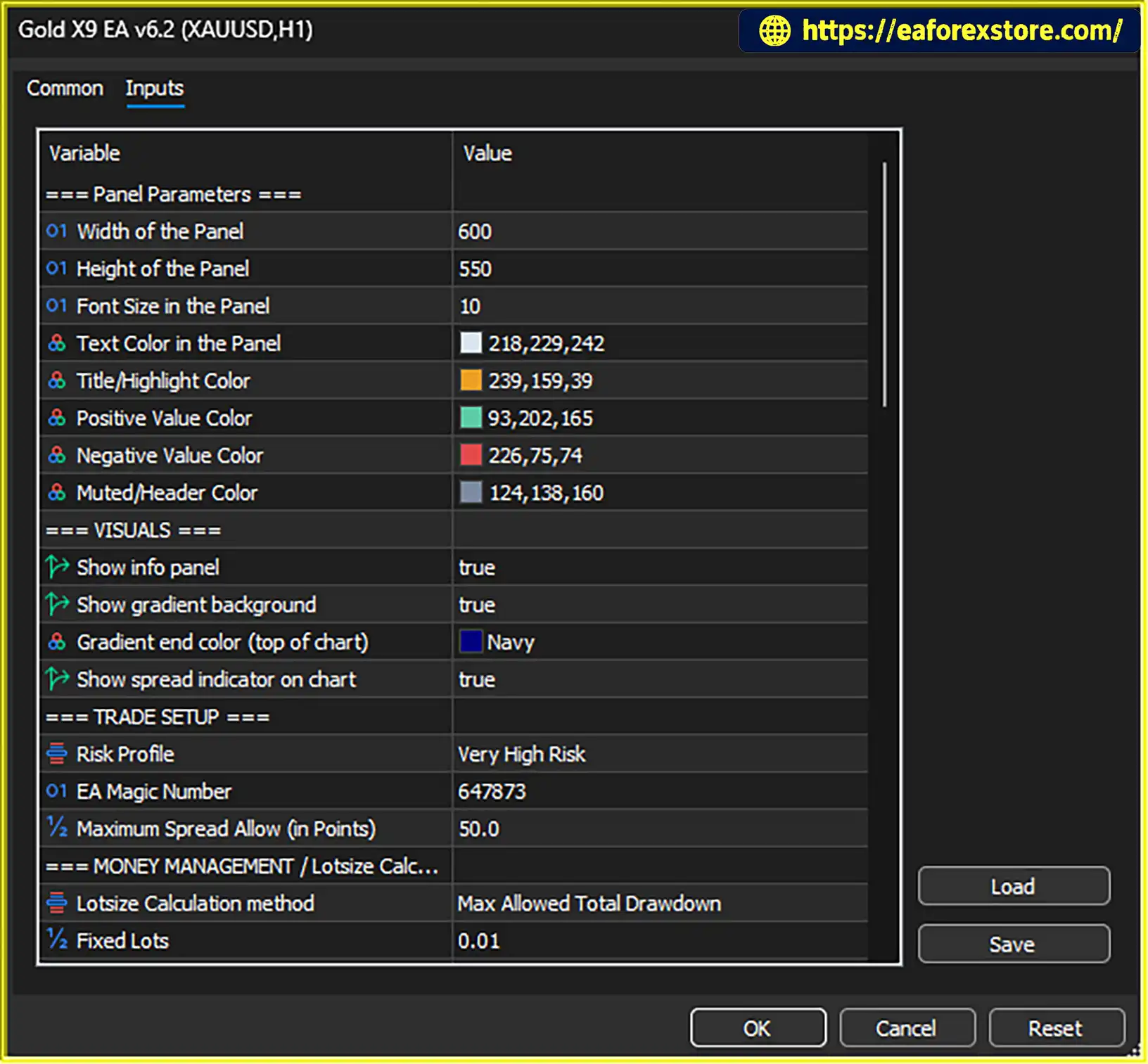
Gold X9 EA MT5 includes a risk profile setting that controls the general aggressiveness of the configuration. The supplied setup reportedly uses the highest available risk profile.
Although an aggressive profile may suit certain testing objectives, it can also increase exposure and potential losses. Beginners should consider starting with a lower-risk configuration and evaluating it on a demo account before committing real funds.
The EA supports daily and overall drawdown limits based on account equity. Users can configure dynamic or static modes according to their risk-management preferences.
When a configured limit is reached, the EA stops opening new trades. This feature can help enforce predefined trading boundaries, but it should not be treated as a guarantee against losses. Existing positions may remain open and continue losing money unless separate closing rules are configured.
The built-in news filter can use selected keywords, currency settings, and configurable waiting periods before and after calendar events.
This feature is intended to prevent new entries during selected news windows, when gold spreads and price volatility can increase significantly. Its effectiveness depends on the accuracy and availability of the economic calendar and the user’s filter settings.
Gold X9 EA MT5 includes a maximum spread setting that blocks new entries when the spread exceeds the configured threshold.
Spread protection can be particularly useful when trading XAUUSD during volatile sessions, low-liquidity periods, or major economic announcements. However, the filter does not eliminate slippage, commissions, or all execution-related costs.
The EA provides settings for fine-tuning several trading parameters, including:
These controls allow traders to customize supported strategy parameters without necessarily changing the underlying strategy code. The available settings and their precise behavior should be verified in the EA documentation.
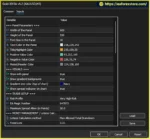
The built-in information panel displays relevant account and EA information directly on the MT5 chart. It also includes a spread indicator and adjustable colors.
This visual interface helps traders monitor trading conditions and key information without relying entirely on separate indicators or external monitoring tools.
Gold X9 EA MT5 uses a configurable framework that combines strategy selection, entry and exit adjustments, and account-level protection settings.
A typical setup process follows these steps:
Once attached to an MT5 chart and enabled, the EA manages its automated trading according to the selected strategies and configuration.
The exact entry logic, exit rules, and interaction between all nine strategies are not fully specified in the supplied description. Traders should therefore verify these details through the official documentation and controlled Strategy Tester experiments rather than assuming that every strategy operates independently in all circumstances.
Gold X9 EA MT5 provides nine selectable strategies within a single Expert Advisor. Traders can compare individual strategies and experiment with different combinations without installing a separate EA for each approach.
The available lot-sizing methods give users more flexibility when designing a trading configuration. Drawdown-based sizing may be particularly relevant to traders who want position size to reflect a predefined loss allowance.
Daily and total drawdown limits, spread protection, and optional news filtering provide several layers of entry control. These features can help traders follow a more structured risk-management process.
Independent strategy switches make it possible to test one strategy at a time, compare configurations, and evaluate whether combining strategies produces acceptable results.
For more meaningful comparisons, traders should use consistent testing periods, realistic trading costs, and comparable risk settings.
The built-in panel and spread indicator provide a practical way to monitor relevant information from the trading chart, reducing the need for additional monitoring tools.
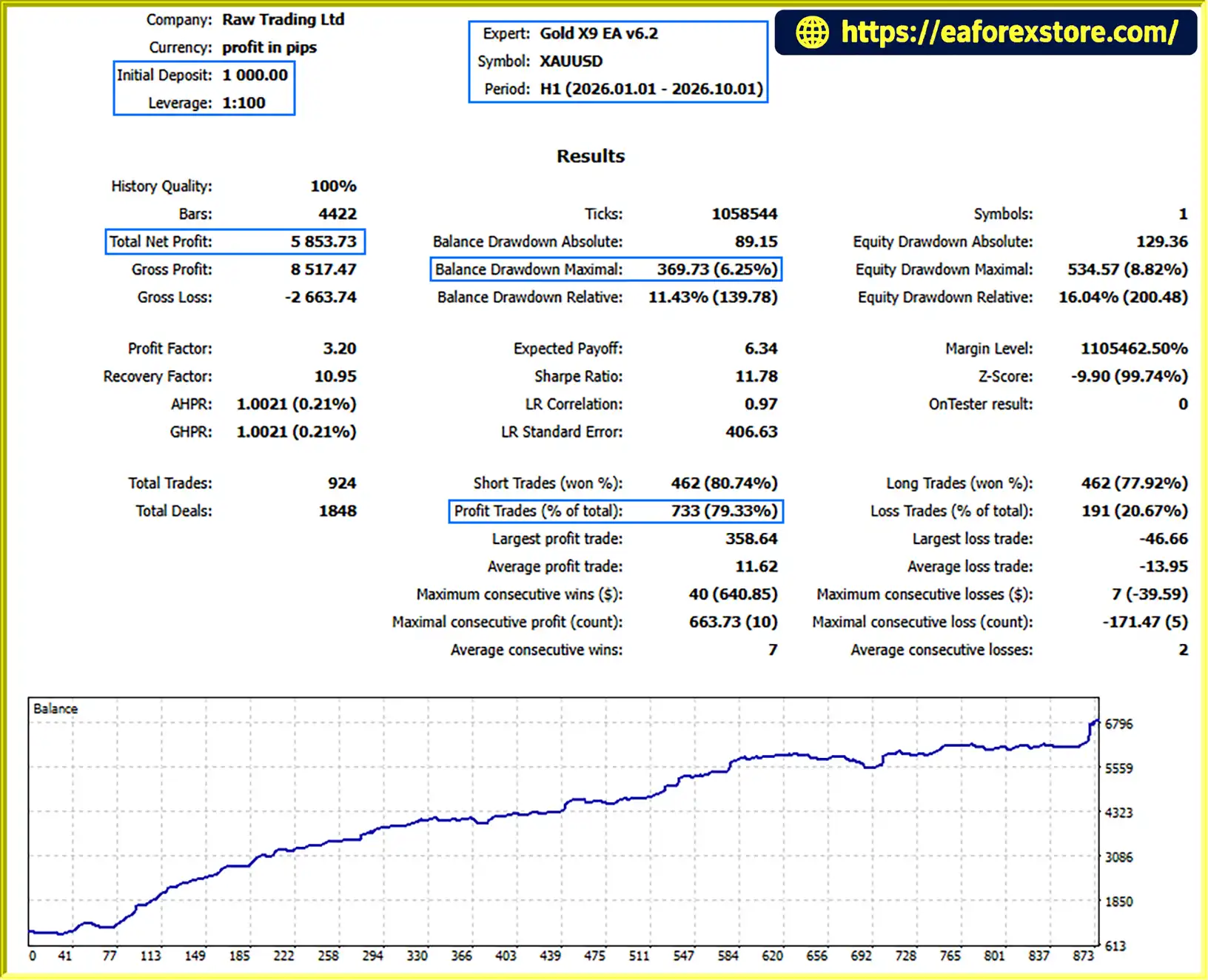
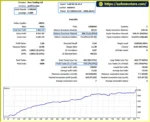
🔺XAUUSD (Gold) pair – 9 months
Gold X9 EA MT5 backtets
Risk management is especially important when using an automated gold trading system with multiple selectable strategies.
Start with a lower risk profile. The supplied configuration reportedly uses the highest risk setting. A more conservative profile and small position sizes are generally more appropriate for initial testing.
Monitor combined exposure. Running several strategies simultaneously can increase the number of open positions and the total account exposure. Nine strategies should not be assumed to diversify risk automatically, as they may react similarly to the same market conditions.
Set realistic drawdown limits. Daily and total equity limits can help establish trading boundaries. Confirm whether these limits are calculated from the day’s starting equity, a reference balance, peak equity, or another basis, and check whether they reset automatically.
Understand what happens when a limit is reached. According to the supplied description, reaching a drawdown limit stops new trades. It does not necessarily close existing positions, so losses may continue after the threshold is triggered.
Use the news filter carefully. Confirm that the economic calendar is available, the selected keywords and currencies are correct, and the before-and-after event windows match your requirements.
Account for spread and slippage. A maximum spread filter can reject entries under unfavorable conditions, but it cannot guarantee execution at a requested price. Fast gold movements and market gaps can also cause stop-loss slippage.
Test strategy combinations separately. Compare each strategy individually before enabling multiple strategies together. This helps identify which configurations contribute to performance and which increase drawdown.
Verify the stop-loss and take-profit behavior. A stop loss may execute at a worse price during volatile conditions, while a take-profit level may never be reached. Neither profit targets nor drawdown controls guarantee a specific trading outcome.
Follow these general steps to install and configure Gold X9 EA MT5:
setting
MQL5 → Experts and place the supplied EA file in that directory.Menu names may vary slightly between MT5 versions. Follow the provider’s installation instructions if the EA requires additional files, licensing activation, or specific settings.
>>> Join VIP Membership Now <<<
Gold X9 EA MT5 is an automated gold-trading Expert Advisor built around nine selectable strategies, flexible money management, equity-based drawdown controls, spread protection, and optional news filtering.
Its main attraction is configurability: traders can test individual strategies, adjust position sizing, and tailor protective settings within one MT5 trading system. The information panel also offers a convenient way to monitor important account and spread details.
However, more strategies and more configuration options do not automatically translate into better trading performance. The aggressive default risk profile, potential for overlapping exposure, and limitations of drawdown protection deserve particular attention.
Before using Gold X9 EA MT5 with real money, test each strategy separately, evaluate combined configurations, and confirm how the drawdown rules handle existing positions. Since no verified performance statistics were supplied, profitability should not be assumed.
As with any automated trading system, results are uncertain, and traders should only risk capital they can afford to lose.
1. What is Gold X9 EA MT5?
Gold X9 EA MT5 is an automated Expert Advisor designed for trading Gold (XAUUSD) on the MetaTrader 5 platform. It combines nine selectable trading strategies with flexible money management, equity-based drawdown controls, spread protection, and an optional economic news filter.
2. What are the main features of Gold X9 EA MT5?
The EA offers nine independently selectable strategies, multiple position-sizing methods, adjustable risk profiles, daily and total drawdown limits, a maximum spread filter, an optional news filter, configurable stop-loss and take-profit settings, trailing stops, breakeven adjustments, and an on-chart information panel.
3. How does Gold X9 EA MT5 work?
Users select one or more of the nine available strategies and configure position sizing, entry and exit parameters, drawdown limits, and protective filters. Once attached to an XAUUSD chart in MT5 with automated trading enabled, the EA manages trading according to the selected strategies and settings. The exact entry logic of all nine strategies is not fully specified in the supplied description.
4. Does Gold X9 EA MT5 support different money-management methods?
Yes. Gold X9 EA MT5 supports fixed-lot sizing, risk-scaling factors, and drawdown-based lot sizing. Separate lot settings for individual strategies are also available where supported. Users should choose settings carefully because larger positions can increase both potential profits and potential losses.
5. Does Gold X9 EA MT5 include drawdown and news protection?
Yes. The EA provides configurable daily and total equity drawdown limits, with dynamic and static modes. It can also use an optional economic news filter with configurable keywords, currencies, and waiting periods around selected events. According to the supplied description, reaching a drawdown limit stops new trades but does not necessarily close existing positions.
6. What are the reported backtest results for Gold X9 EA MT5?
The supplied product description reports the following nine-month XAUUSD backtest results:
Initial deposit: $1,000
Total net profit: $5,853.73
Win rate: 79.33%
Maximum drawdown: 6.25%
These figures are reported results and have not been independently verified here. Actual performance may differ depending on market conditions, broker execution, trading costs, and EA settings. Past performance does not guarantee future results.
7. Is Gold X9 EA MT5 suitable for beginners?
Beginners may appreciate its selectable strategies and configurable risk controls, but they should understand the EA's settings before using it. The supplied configuration reportedly uses the highest risk profile, which may expose an account to substantial losses. Beginners should start with a lower-risk configuration, test strategies individually, and use a demo account before considering live trading.
8. How do you install Gold X9 EA MT5?
Download the EA package, open MetaTrader 5, and select File → Open Data Folder. Copy Gold X9 EA v6.2.ex5 into the MQL5/Experts folder, refresh the Expert Advisors list, and attach the EA to an XAUUSD chart. Configure the strategies, position sizing, drawdown limits, and protective filters, then enable algorithmic trading. Test the setup in Strategy Tester and on a demo account before using real funds. The package also lists several risk-profile preset files and a settings guide in PDF format.
In stock
In stock
In stock
In stock
In stock
Out of stock
No account yet?
Create an Account












 Automatic EA
 EA Best Seller
 Expert Advisor MT4
 Expert Advisor MT5
 HFT EA


Reviews
Clear filtersThere are no reviews yet.