









-
 Unlimited Activations
-
 Instant delivery
-
 Easy to install




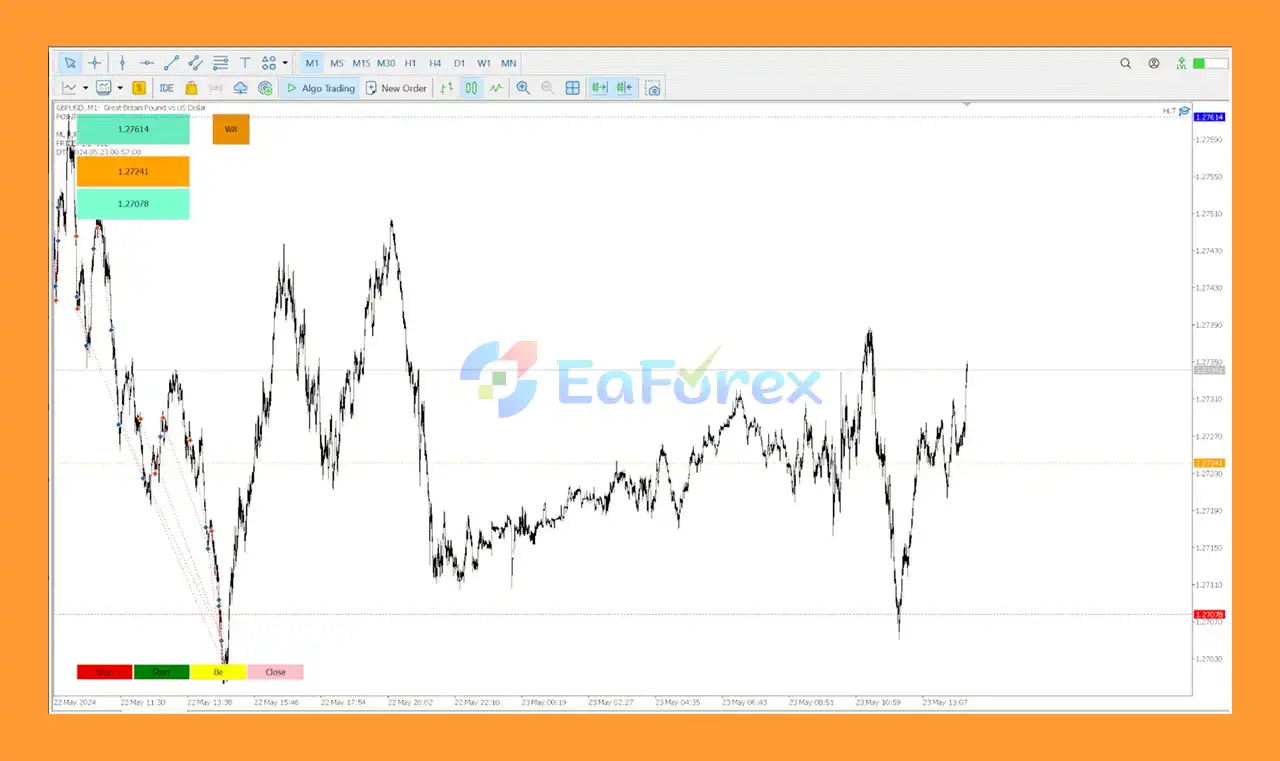
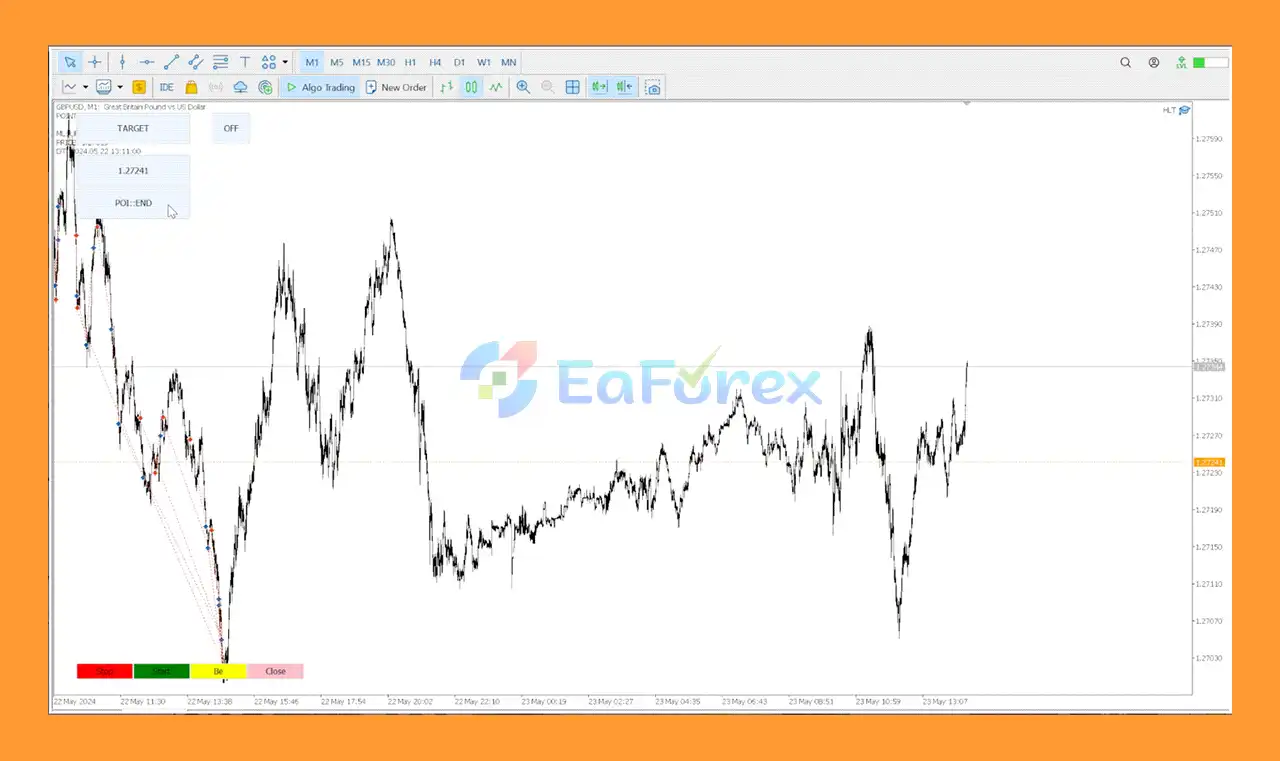






 Unlimited Activations
Instant delivery
Easy to install
Unlimited Activations
Instant delivery
Easy to install
 Free Update
 Free Install Support

HINN Lazy Trader EA MT5 is a flexible and highly configurable Expert Advisor for MetaTrader 5, designed to automate chart monitoring, trade execution, and position management according to rules defined by the user.
Instead of relying on discretionary decisions or opening trades based on intuition, Lazy Trader follows a predefined trading scenario. The user configures the market conditions that must be present before an entry, selects the preferred entry models, defines trading times, and establishes the rules that determine when trading should stop.
Once the parameters are configured, the EA takes over the routine work of monitoring the charts and executing trades when the specified conditions are satisfied.
HINN Lazy Trader EA MT5 can combine multiple technical concepts, market-structure approaches, moving averages, opening ranges, and candlestick patterns to help traders build a customized automated trading framework.
• Author: Georg Vahi
• Experience: Over +3 years of experience on MQL5.
• Notable Products: HINN Lazy Trader MT5, HINN MagicEntry Extra MT5 and others.
• Flagship Product: HINN Lazy Trader EA MT5 is rated as the best performing product of the year.
>> Delivery time 24h-48h after payment.
>>> Refund if not delivered.
>>> You will receive the latest version without any limitations (ID+Time).>>Reviewed by Jason Stap <<
The core concept of Lazy Trader is flexibility. Rather than forcing users into a single fixed strategy, the EA allows them to define the conditions that a chart must satisfy before a position can be opened.
This makes the system suitable for traders who already have a specific trading methodology and want to automate its repetitive execution.
Lazy Trader incorporates concepts associated with several well-known trading methodologies, including:
These concepts can be used individually or combined to create more specific entry conditions.
The EA allows different technical concepts to be combined when determining the preferred market direction.
Traders can configure conditions for establishing a directional bias before looking for an entry. This can help create a more structured process in which the EA first evaluates market context and then searches for qualifying setups.
Lazy Trader is not limited to one type of market behavior.
The system supports both:
This provides flexibility for traders who use different entry models depending on market structure and price behavior.
One of the notable characteristics of HINN Lazy Trader EA MT5 is its ability to monitor multiple timeframes.
The EA can evaluate the relevance of configured conditions across different timeframes and check those conditions on every tick. This allows traders to build scenarios where higher-timeframe context and lower-timeframe entry conditions work together.
Lazy Trader can manage and analyze multiple positions simultaneously.
According to the supplied product description, the EA is designed to handle an unlimited number of positions within the limits and rules configured by the user.
This can reduce the need to manually monitor individual positions once the trading scenario has been established.
Every position opened by Lazy Trader has a preset stop-loss placed immediately at market entry.
The user defines the intended risk for each position in advance. This means risk parameters are established as part of the trading plan rather than being decided after a position has already been opened.
The EA includes configurable trading-time settings, allowing users to determine when the system is permitted to operate.
Trading schedules can be adapted according to the user’s strategy, preferred market sessions, or account and broker requirements.
Lazy Trader also provides settings for managing overnight positions.
Users can configure whether positions should remain open overnight and adapt the behavior according to their broker’s requirements and their own trading plan.
Once the required parameters have been configured, Lazy Trader can operate autonomously.
The EA continuously monitors the market and only considers trades when the predefined conditions are satisfied.
The basic workflow of Lazy Trader can be divided into several stages.
The trader first determines what the market must look like before an entry is allowed.
These conditions can include market structure, directional bias, moving averages, opening ranges, candlestick patterns, timeframe relationships, and other supported parameters.
The user then chooses which entry models should be used.
Depending on the configured strategy, Lazy Trader can work with structural trend-following or reversal-based candlestick entries.
Risk is defined before trading begins.
Each position can have its required risk parameters and a predefined stop-loss, which is placed when the trade enters the market.
The trader determines when the EA is allowed to search for and execute trades.
This gives users greater control over the operating schedule and allows the system to be adapted to different trading approaches.
Once active, Lazy Trader continuously monitors the market and evaluates the configured conditions.
The EA does not need to rely on human intuition or manually watching charts throughout the trading session.
When all required conditions are satisfied, the EA can execute the configured trade scenario automatically.
If the conditions are not satisfied, Lazy Trader does not open a position simply because the market is moving.
This rule-based approach is central to the design of the system.
Many Expert Advisors are built around one predefined strategy. Lazy Trader takes a different approach by allowing users to construct their own trading scenarios using the supported technical concepts.
This can make it particularly interesting for experienced traders who already have a methodology they want to automate.
Lazy Trader is built around clearly defined conditions.
The EA does not make discretionary decisions based on intuition. Instead, it follows the parameters supplied by the user.
This creates a more systematic relationship between the trading plan and the automated execution process.
The ability to work with market structure, opening ranges, moving averages, directional bias, and structural candlestick patterns gives traders multiple ways to construct their trading logic.
Manual chart monitoring can require significant attention, especially when a strategy involves multiple timeframes and several conditions.
Lazy Trader automates the routine process of monitoring those conditions and executing qualifying setups.
With predefined stop-losses and user-defined risk parameters, the EA is designed to make risk management part of the trading process from the beginning.
🔺HINN Lazy Trader EA MT5 combines full automation with smart risk control, including breakeven adjustments and trailing stops. Multi-asset and multi-timeframe support ensures consistent opportunities, allowing traders to save time while maximizing profits.
HINN Lazy Trader EA MT5 Review
HINN Lazy Trader EA Review
HINN Lazy Trader EA MT5 does not guarantee profits or a specific level of trading performance. Its results will depend heavily on the conditions and parameters configured by the user.
The EA’s risk-management framework is centered around predefined rules.
Positions opened by the EA receive a stop-loss at market entry. This establishes a defined exit level from the beginning of the trade.
The trader determines the intended risk before the EA begins operating. Proper position sizing remains important because the same strategy can produce very different account-level outcomes depending on lot size and account balance.
Because Lazy Trader only opens positions when the configured requirements are met, users can create specific filters designed to prevent trades outside their intended scenarios.
The EA can manage multiple positions simultaneously, which makes overall exposure an important consideration. Even when each individual trade has controlled risk, several simultaneous positions can increase total account exposure.
Configurable trading periods allow users to restrict when the EA can operate. Overnight settings can also be adjusted according to the user’s strategy and broker conditions.
Important: Automated risk controls do not eliminate trading risk. Market gaps, slippage, spread expansion, execution problems, volatility, and unexpected market behavior can cause actual results to differ from the intended trading scenario.
Although HINN Lazy Trader EA MT5 offers extensive configuration options, its flexibility also creates potential challenges.
A highly configurable Expert Advisor requires users to understand what they are configuring. Poorly designed conditions can result in excessive trading, too few trades, or unsuitable market exposure.
Lazy Trader does not automatically turn every configuration into a profitable strategy. The quality of the underlying trading rules remains important.
A trading setup that performs well under one market regime may behave differently when volatility, liquidity, trends, or correlations change.
The ability to handle many positions simultaneously means traders must monitor aggregate exposure, not only the risk of each individual trade.
Actual execution can be affected by spread, slippage, latency, liquidity, and broker-specific trading conditions.
Although the EA can operate autonomously, users should not assume that automation removes the need for oversight. VPS connectivity, MetaTrader 5 settings, broker conditions, and account restrictions can all affect execution.
Risk Warning: Forex, CFDs, cryptocurrencies, and other leveraged financial instruments involve substantial risk of loss. Past performance, backtests, or hypothetical results do not guarantee future results. Always test the EA on a demo account and use risk settings appropriate for your account before considering live deployment.
Installing HINN Lazy Trader EA MT5 follows the standard MetaTrader 5 Expert Advisor workflow.
Download and install MetaTrader 5 from your broker or the official MetaTrader platform.
Copy the HINN Lazy Trader EA files into the appropriate MetaTrader 5 Experts directory.
After installation, restart MetaTrader 5 or refresh the Navigator window so the EA appears under Expert Advisors.
Open the trading instrument and timeframe you want to use.
Because Lazy Trader is designed to work with configurable market conditions and multiple timeframes, carefully review the strategy requirements before choosing the chart setup.
Drag the EA onto the selected chart and enable Algo Trading.
Set the parameters that define:
Before using the EA on a live account, test the selected configuration with historical data and on a demo account.
Avoid assuming that default or aggressive settings are appropriate for every account.
For continuous automated operation, a reliable VPS can help maintain the MetaTrader 5 terminal online and reduce interruptions caused by a local computer being shut down or disconnected.
🔺 HINN Lazy Trader EA is highly appreciated by the MQL5 community for bringing stable and reliable profits. Below are 5 star reviews from users:
User Reviews
In summary, HINN Lazy Trader EA MT5 is designed as a flexible automation framework for traders who want to turn a clearly defined trading methodology into an automated MetaTrader 5 system.
Its main concept is straightforward: the trader defines the scenario, while Lazy Trader handles the routine chart monitoring and execution.
The EA supports a broad range of concepts, including market structure, swing analysis, opening ranges, moving averages, directional bias, and structural candlestick patterns. It can also manage multiple positions, apply predefined stop-losses, operate across multiple timeframes, and follow configurable trading schedules.
This makes HINN Lazy Trader EA MT5 more than a simple one-strategy trading robot. Its value is primarily in the flexibility to build and automate a rule-based trading process according to the user’s own requirements.
However, that flexibility also means configuration quality is critical. The EA should not be viewed as a guarantee of profitability, and automated execution does not remove the risks associated with financial markets.
For traders who already understand their preferred trading conditions and want to automate the repetitive process of watching charts, validating setups, executing entries, and managing positions, HINN Lazy Trader EA MT5 provides a configurable framework for implementing that approach.
1. What is HINN Lazy Trader EA MT5?
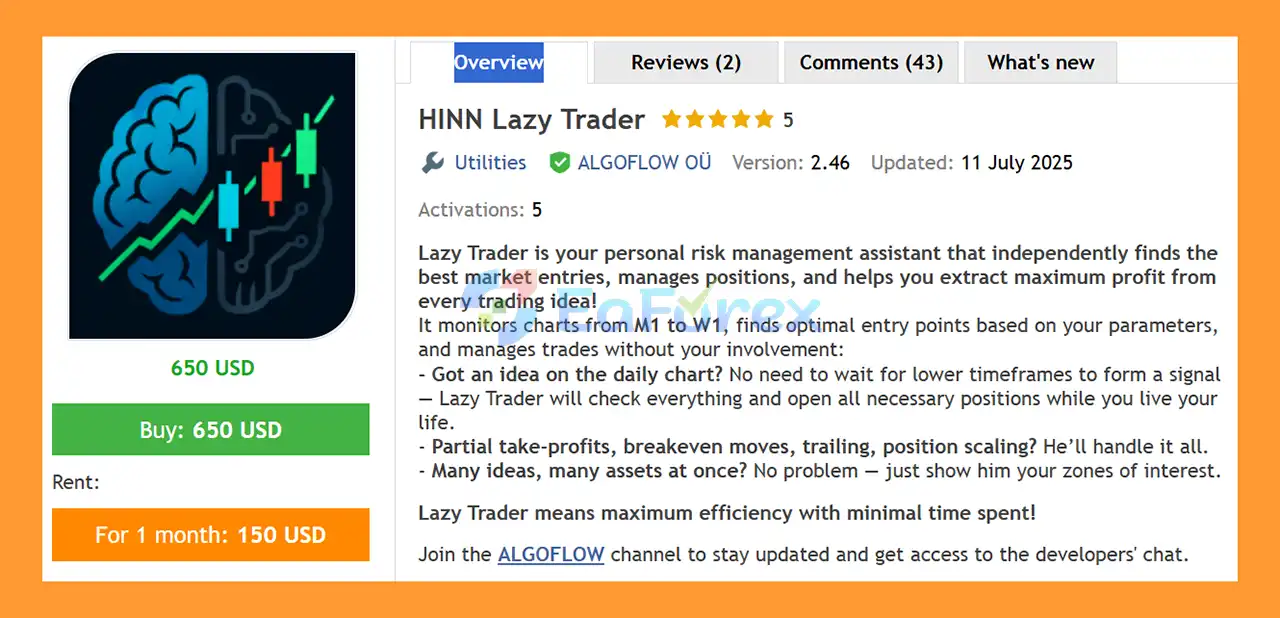
HINN Lazy Trader EA MT5 is an automated Forex trading assistant that manages trades with minimal user involvement. It identifies optimal entries, monitors multiple timeframes, and autonomously handles position management for consistent, risk-aware trading.
2. Who developed HINN Lazy Trader EA MT5?
The EA was developed by Georg Vahi, an MQL5 programmer with over 3 years of experience. He is also known for other trading tools like HINN MagicEntry Extra MT5.
3. How does HINN Lazy Trader EA MT5 work?
The EA scans multiple timeframes (M1 to W1) to find the best entry points based on your predefined zones and strategy settings. It automatically manages trades, including partial take-profits, breakeven adjustments, trailing stops, and position scaling.
4. Can HINN Lazy Trader EA MT5 manage multiple assets?
Yes. The EA supports multi-asset trading, allowing you to monitor and trade several ideas or currency pairs simultaneously while maintaining smart risk management.
5. What trade management features does HINN Lazy Trader EA MT5 include?
Key features include partial take-profits, trailing stops, breakeven adjustments, position scaling, and automated risk control to protect capital and optimize trade outcomes.
6. Is HINN Lazy Trader EA MT5 suitable for hands-off trading?
Absolutely. The EA is designed for time-saving automation, allowing traders to focus on strategy or life while the EA handles entries, exits, and trade management across multiple timeframes and assets.
7. What do users say about HINN Lazy Trader EA MT5?
The EA is highly rated in the MQL5 community for stable and reliable profits, praised for its full automation, smart risk management, and multi-asset, multi-timeframe capabilities.
In stock
In stock
In stock
In stock
In stock
Out of stock
No account yet?
Create an Account












 Automatic EA
 EA Best Seller
 Expert Advisor MT4
 Expert Advisor MT5
 HFT EA


Reviews
Clear filtersThere are no reviews yet.