
Product Overview
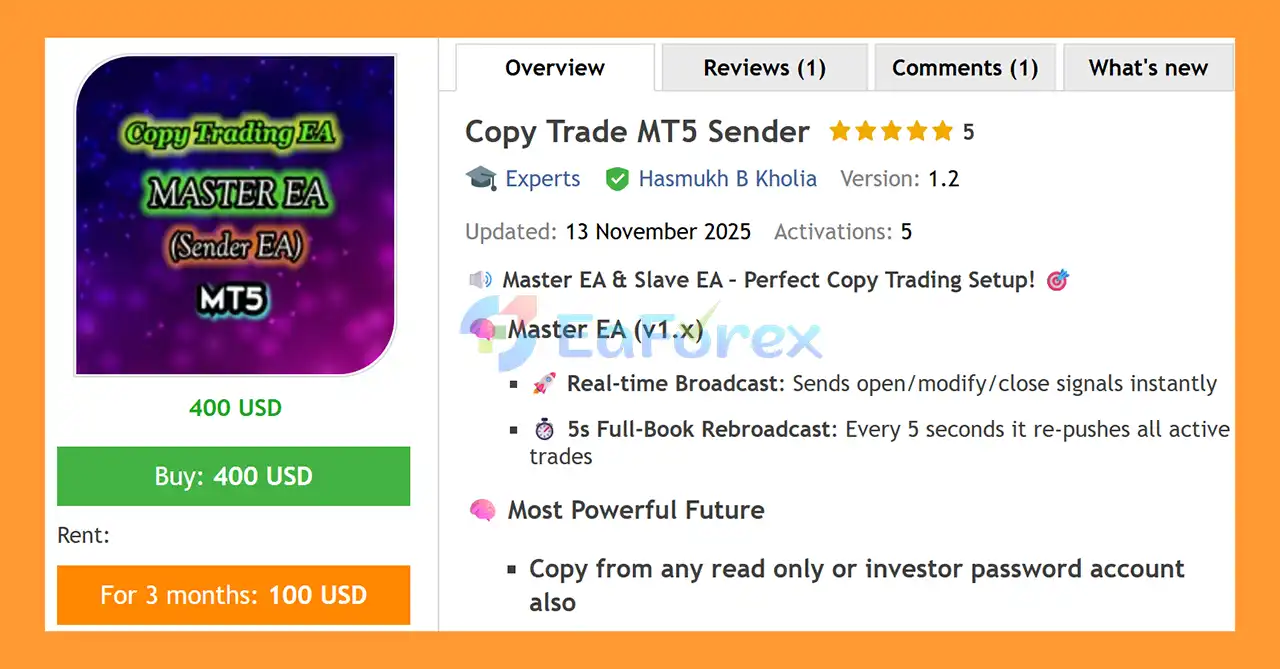
Copy Trade MT5 Sender is a professional MetaTrader 5 copy trading solution designed to broadcast trading activity from a Master trading account to connected MT5 receiver accounts.
The system is built for traders, money managers, signal providers, and trading groups who need to replicate trading activity across multiple MetaTrader 5 accounts with minimal delay.
The Master EA monitors trading activity and broadcasts trade instructions whenever positions are opened, modified, or closed. In addition to real-time event broadcasting, the system performs a full-book rebroadcast every 5 seconds, helping connected receiver accounts stay synchronized with the Master account.
One of the notable features is the ability to copy trading activity from accounts using read-only or investor passwords, depending on the broker and account configuration.
When the Master and Receiver MT5 terminals operate on the same VPS, the system is designed for extremely fast account-to-account trade copying with very low communication latency.
About the Developer
• Author: Hasmukh B Kholia.
• Experience: Over +1 years of experience on MQL5.
• Notable Products: Copy Trade MT5 Sender, VTech BTC Miracle EA MT4 and other advisors.
• Flagship Product: Copy Trade MT5 Sender is rated as the best performing product of the year.
>> Delivery time 24h-48h after payment.
>>> Refund if not delivered.
>>> You will receive the latest version without any limitations (ID+Time).>>Reviewed by Jason Stap <<
Main Features of Copy Trade MT5 Sender
Real-Time Trade Broadcasting
Copy Trade MT5 Sender continuously monitors the Master account and broadcasts trading events as they occur.
The system can transmit:
- New trade openings
- Position modifications
- Stop Loss changes
- Take Profit changes
- Position closures
- Other supported trade-state changes
This allows receiver accounts to replicate the Master account without requiring manual intervention.
5-Second Full-Book Rebroadcast
In addition to event-based broadcasting, the Master EA performs a full-book synchronization approximately every 5 seconds.
During this process, active trades are re-broadcast to help maintain synchronization between the Master and Receiver accounts.
This additional synchronization layer can be particularly useful if a temporary communication issue or terminal interruption causes an event to be missed.
MT5 to MT5 Copy Trading
The system is specifically designed for MetaTrader 5 to MetaTrader 5 trade copying.
This makes it suitable for users who need to replicate trades between multiple MT5 accounts while maintaining an automated connection between the source and destination terminals.
Read-Only / Investor Password Support
A key feature is the ability to copy trading activity from a Master account that is accessible through a read-only or investor password, where supported by the broker and account configuration.
This can be useful when the account owner wants the copying system to monitor trading activity without providing full trading authorization to the monitoring terminal.
Ultra-Low-Latency Copying
When the Master and Receiver MT5 terminals are hosted on the same VPS, Copy Trade MT5 Sender is designed to minimize communication latency between the two terminals.
The setup can therefore provide extremely fast transmission of trading instructions between MT5 instances.
The actual execution time will still depend on factors such as broker infrastructure, terminal processing, market liquidity, spread, and order execution conditions.
Automated Synchronization
Once properly configured, the system can automatically monitor and replicate supported trading activity.
This eliminates the need to manually duplicate every trade across multiple accounts.
How Does Copy Trade MT5 Sender Work?
Copy Trade MT5 Sender uses a Master-to-Receiver architecture.
The general workflow is:
Master MT5 Account → Master EA → Trade Signal → Receiver Communication → Receiver MT5 EA → Trade Execution
Step 1: Master Account
The Master EA is attached to the designated Master MT5 account.
It monitors the account for changes in trading activity.
Step 2: Trade Detection
When the Master account opens, modifies, or closes a supported position, the EA detects the event.
Step 3: Real-Time Broadcast
The trade information is immediately broadcast to the connected Receiver system.
Step 4: Receiver Processing
The Receiver EA receives the trading instruction and processes it according to its configured settings.
Step 5: Trade Execution
The Receiver account attempts to reproduce the corresponding trading action.
Step 6: Periodic Synchronization
Every approximately 5 seconds, the Master EA performs a full-book rebroadcast of active trades.
This provides an additional synchronization mechanism to help keep the Receiver accounts aligned with the Master account.
Why Choose Copy Trade MT5 Sender?
Copy Trade MT5 Sender is designed for users who need to replicate trading activity across multiple MetaTrader 5 accounts.
It may be useful for:
- Individual traders managing multiple accounts
- Professional traders
- Signal providers
- Money managers
- Trading teams
- Account management setups
- Traders running multiple MT5 terminals
- Users who need fast Master-to-Receiver synchronization
The combination of real-time broadcasting, periodic full-book synchronization, investor-password support, and same-VPS deployment provides a flexible architecture for automated MT5 copy trading.
Copy Trade MT5 Review
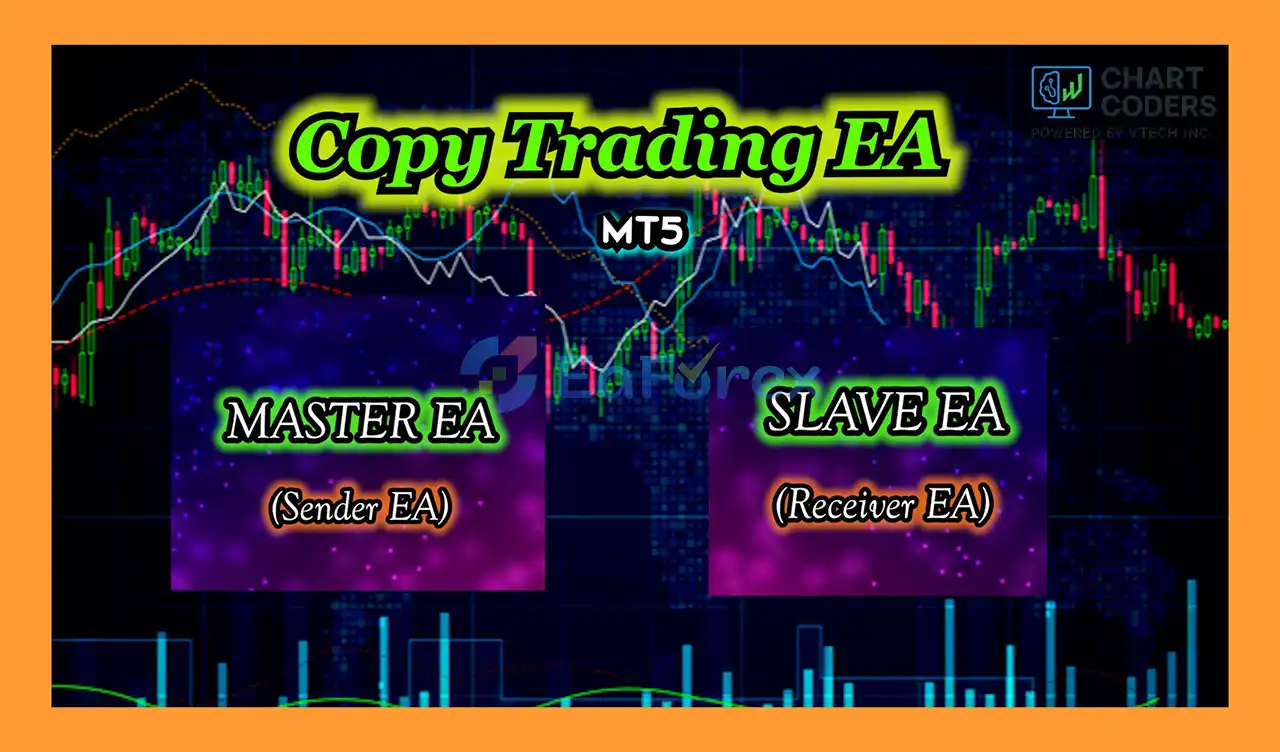
- Master/Slave Instant Signal Replication System: The EA operates on a Master/Slave architecture designed for fast and accurate trade copying. The Master EA acts as the central controller responsible for broadcasting all trading activity.
- Master EA Installed on the Source MT5 Account: The Master EA is placed on the primary MT5 account, where it functions as the signal origin. Instead of executing trades itself, it monitors and captures every trading action generated on the account.
- Real-Time Transmission of All Trade Actions: The system instantly sends open, modify, and close orders to connected Slave accounts in real time, ensuring precise and immediate synchronization across all linked platforms.
Performance and Risk Management
Copy trading speed is influenced by more than the EA itself.
Even when the Master and Receiver terminals are hosted on the same VPS, several external factors can affect final execution.
Important factors include:
- Broker server latency
- VPS performance
- Internet connectivity
- Market liquidity
- Spread conditions
- Slippage
- Order execution speed
- Symbol specifications
- Trading-session conditions
- Broker-specific execution rules
A signal may therefore be transmitted extremely quickly while the Receiver broker may still execute the corresponding trade at a different price.
Position Size Management
Receiver accounts should be configured with appropriate lot-sizing and risk parameters.
Depending on the system's available settings, users should carefully configure the relationship between Master account volume and Receiver account volume.
For example, traders may use proportional or fixed-volume approaches depending on their account-management requirements.
Account Compatibility
Different brokers can have different:
- Symbol names
- Contract specifications
- Minimum lot sizes
- Maximum lot sizes
- Margin requirements
- Stop-level requirements
- Execution policies
These differences should be checked before deploying the copier on live accounts.
Weaknesses and Risk Warnings
Copying Is Not Instantaneous Execution
Although the system is designed for very fast broadcasting, no copy-trading solution can guarantee zero latency.
There can always be a difference between the time a Master trade is created and the time the Receiver broker accepts the order.
Slippage Can Occur
The Receiver account may receive a different execution price from the Master account.
This can happen during fast-moving markets, news events, low-liquidity periods, or periods of widened spreads.
Broker Differences
The same symbol may behave differently between brokers.
For example, one broker may use a symbol such as XAUUSD, while another may use a suffix or different contract specification.
Proper symbol mapping and configuration are therefore important.
VPS Dependency
A stable VPS environment is recommended for continuous copy trading.
If the VPS, MT5 terminal, internet connection, or broker server becomes unavailable, copying may be interrupted.
Investor Password Limitations
Read-only or investor-password functionality depends on how the broker and MetaTrader account are configured.
Users should verify that their specific account supports the required monitoring access.
Trade Risk Is Also Copied
Copying trades does not eliminate the underlying risk of the Master strategy.
If the Master account experiences losses, Receiver accounts can also experience corresponding losses depending on their configured risk settings.
Users should never assume that fast execution automatically means lower trading risk.
Pros and Cons
Pros
- Designed specifically for MetaTrader 5
- Real-time trade broadcasting
- Supports opening, modifying, and closing signals
- Full-book rebroadcast approximately every 5 seconds
- MT5-to-MT5 copy trading
- Supports read-only/investor-password account monitoring where supported
- Suitable for multiple MT5 account setups
- Very fast communication when terminals share the same VPS
- Automated trade synchronization
- Useful for traders, signal providers, and account managers
Cons
- Execution can still be affected by broker latency
- Slippage between Master and Receiver accounts is possible
- Requires proper MT5 configuration
- VPS or terminal interruptions can affect copying
- Different brokers may require symbol mapping
- Investor-password support depends on account configuration
- Copying trades also copies the underlying strategy risk
- No system can guarantee identical execution prices across brokers
How to Install Copy Trade MT5 Sender
Step 1: Prepare the Master MT5 Account
Install MetaTrader 5 and log in to the account that will act as the Master account.
Step 2: Install the Master EA
Copy the Master EA files into:
MetaTrader 5 → File → Open Data Folder → MQL5 → Experts
Restart MT5 or refresh the Navigator window.
Step 3: Attach the Master EA
Attach the Copy Trade MT5 Sender / Master EA to the appropriate chart according to the developer's setup instructions.
Make sure automated trading is enabled.
Step 4: Configure the Receiver MT5 Account
Install the corresponding Receiver/Client EA on the MT5 account that will receive the copied trades.
Step 5: Configure the Copy Settings
Configure the available parameters, such as:
- Master/Receiver connection
- Lot-size management
- Symbol mapping
- Risk multiplier
- Trade synchronization
- Position management
- Other available copier settings
Step 6: Use the Same VPS for Low-Latency Copying
For the fastest communication setup, the Master and Receiver MT5 terminals can be installed on the same VPS.
This can reduce communication distance between the terminals and help minimize local communication latency.
Step 7: Test on Demo Accounts
Before using real capital, test the entire Master-to-Receiver setup on demo accounts.
Check:
- Trade opening
- Trade modification
- Stop Loss synchronization
- Take Profit synchronization
- Trade closure
- Lot-size calculations
- Symbol mapping
- Reconnection behavior
- Full-book synchronization
Only move to live trading after confirming that the configuration works correctly.
What’s Included in the Download Package?
- Experts:
- Setting (If Any).docx
- Installation Guide.docx
Final Thoughts
In summary, Copy Trade MT5 Sender is designed as a fast and flexible MetaTrader 5 copy trading solution for replicating trading activity between Master and Receiver accounts.
Its combination of real-time trade broadcasting, 5-second full-book synchronization, investor-password support, and same-VPS deployment makes it suitable for traders who need automated synchronization across multiple MT5 accounts.
The system can be particularly useful for traders, signal providers, money managers, and users operating multiple trading accounts who want to automate the replication process rather than manually reproduce every position.
However, traders should understand that fast signal transmission does not guarantee identical execution. Broker latency, slippage, spreads, liquidity, symbol specifications, and server conditions can all create differences between Master and Receiver trades.
For this reason, thorough demo testing is recommended before deploying the copier with real funds. Proper VPS configuration, symbol mapping, lot-size management, and risk controls are essential for a reliable copy-trading setup.
Copy Trade MT5 Sender is a trade replication tool, not a strategy that guarantees profits. The performance and risk of the copied account ultimately depend on the underlying trading strategy and execution environment.



