









-
 Unlimited Activations
-
 Instant delivery
-
 Easy to install


 Unlimited Activations
Instant delivery
Easy to install
Unlimited Activations
Instant delivery
Easy to install
 Free Update
 Free Install Support

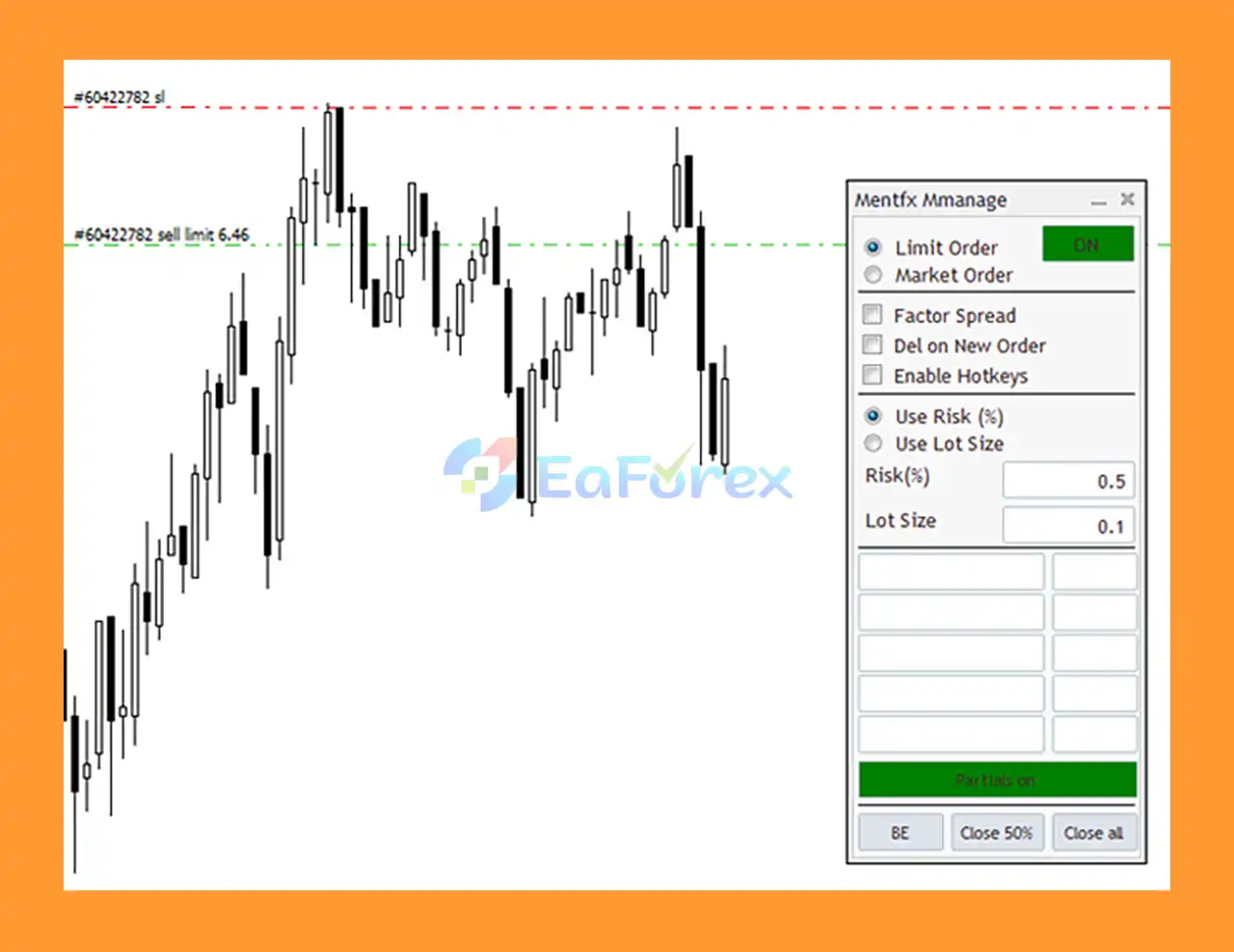
Mentfx Mmanage MT5 is an advanced Trade Manager for MetaTrader 5 designed to simplify position sizing, order placement, risk calculation, trade management, and partial trade closing.
Unlike a traditional Expert Advisor that automatically searches for market signals and opens trades according to a predefined strategy, Mentfx Mmanage MT5 is primarily a manual trading and trade-management tool. It helps traders turn their planned entry and Stop Loss levels into a structured trade setup with calculated risk and position size.
The main concept is simple: draw your desired entry and Stop Loss on the chart, and the Trade Manager calculates the necessary trading parameters based on your selected risk percentage.
The tool supports both market orders and limit orders, while accounting for spread when calculating the order setup. It also provides advanced targeting and partial-position management, allowing traders to manage existing trades without having to manually calculate every parameter.
With convenient hotkey functionality and a drag-and-drop interface, Mentfx Mmanage MT5 is designed to make trade execution and management faster, more consistent, and easier to control.
>> Delivery time 24h-48h after payment.
>>> Refund if not delivered.
>>> You will receive the latest version without any limitations (ID+Time).>>Reviewed by Jason Stap <<
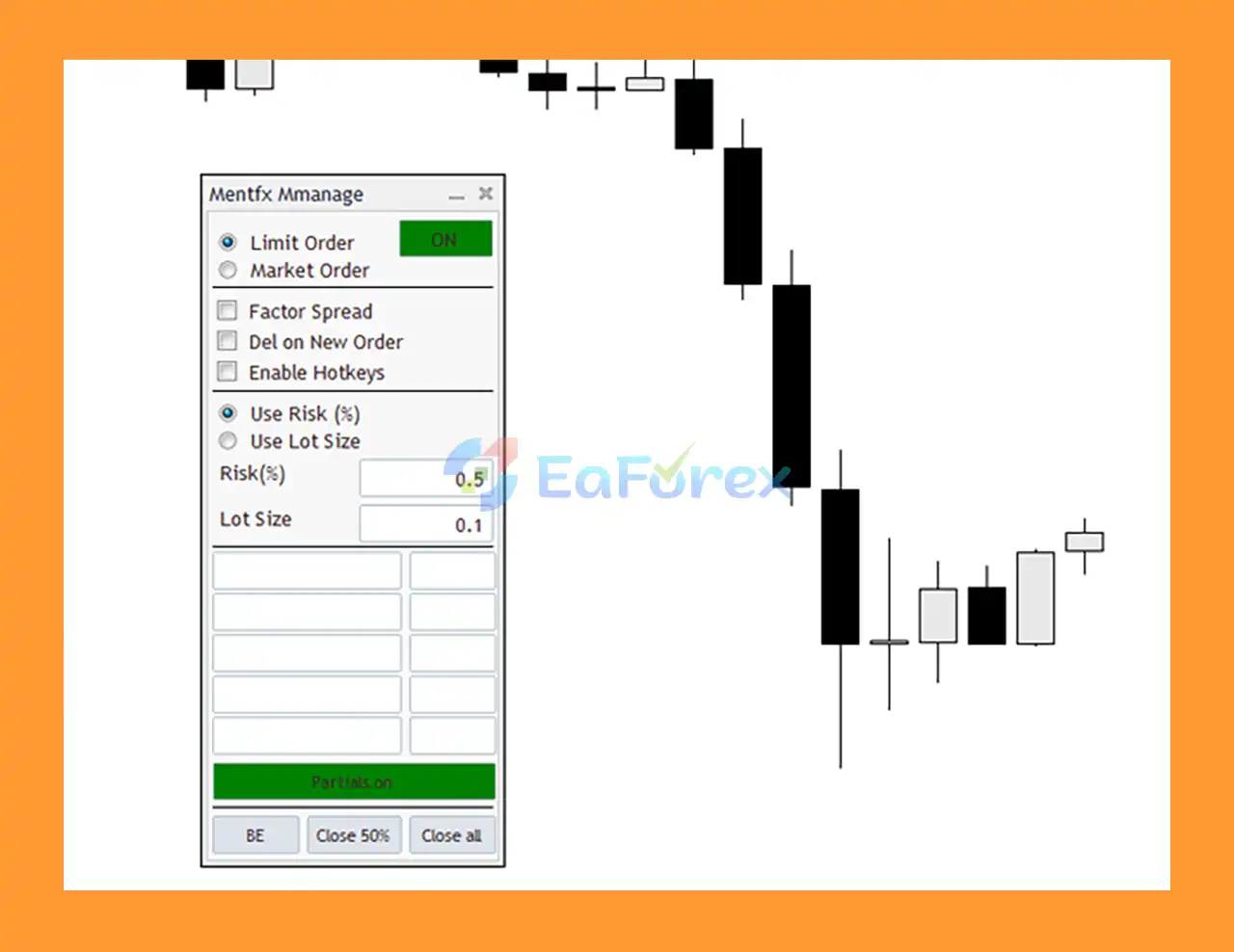
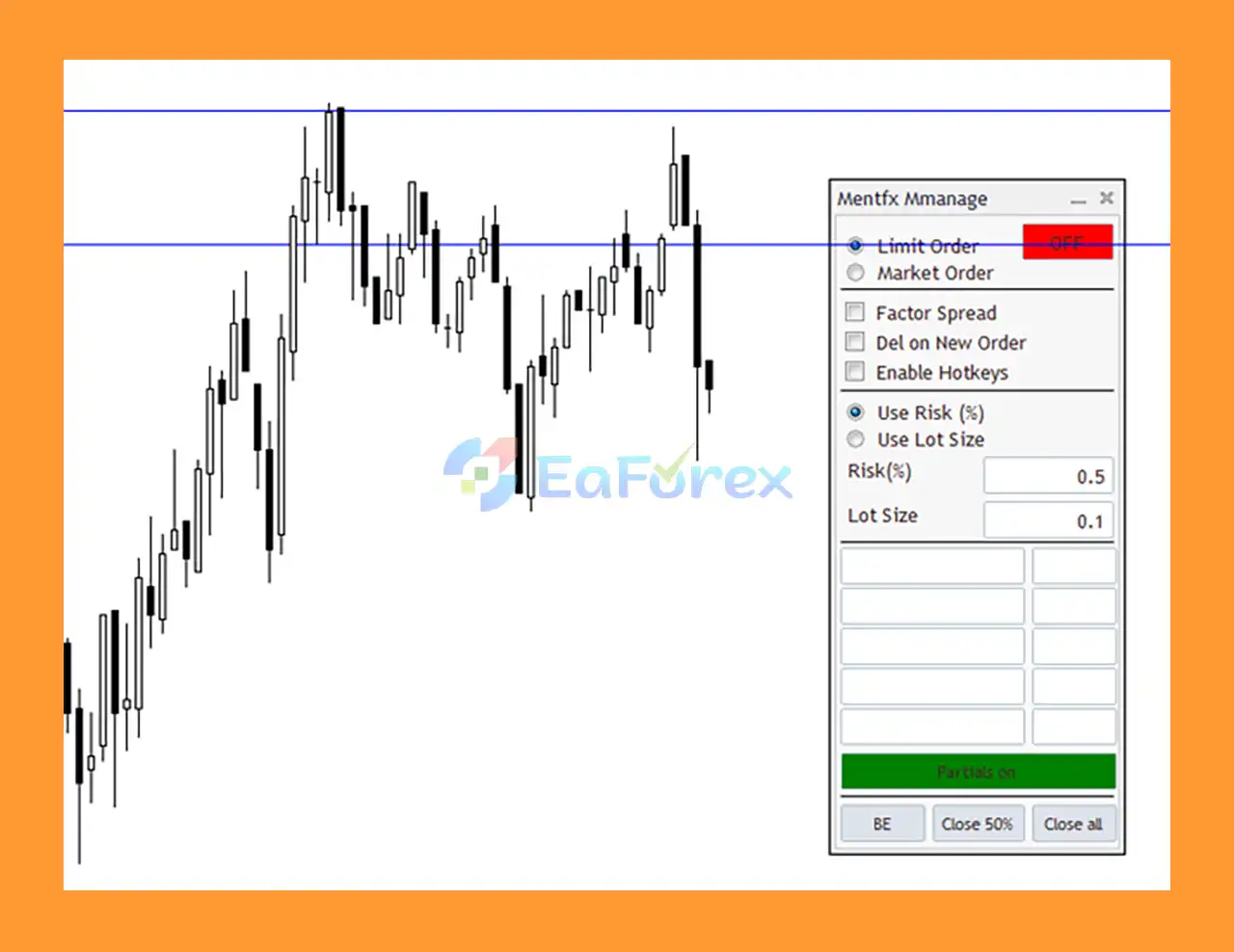
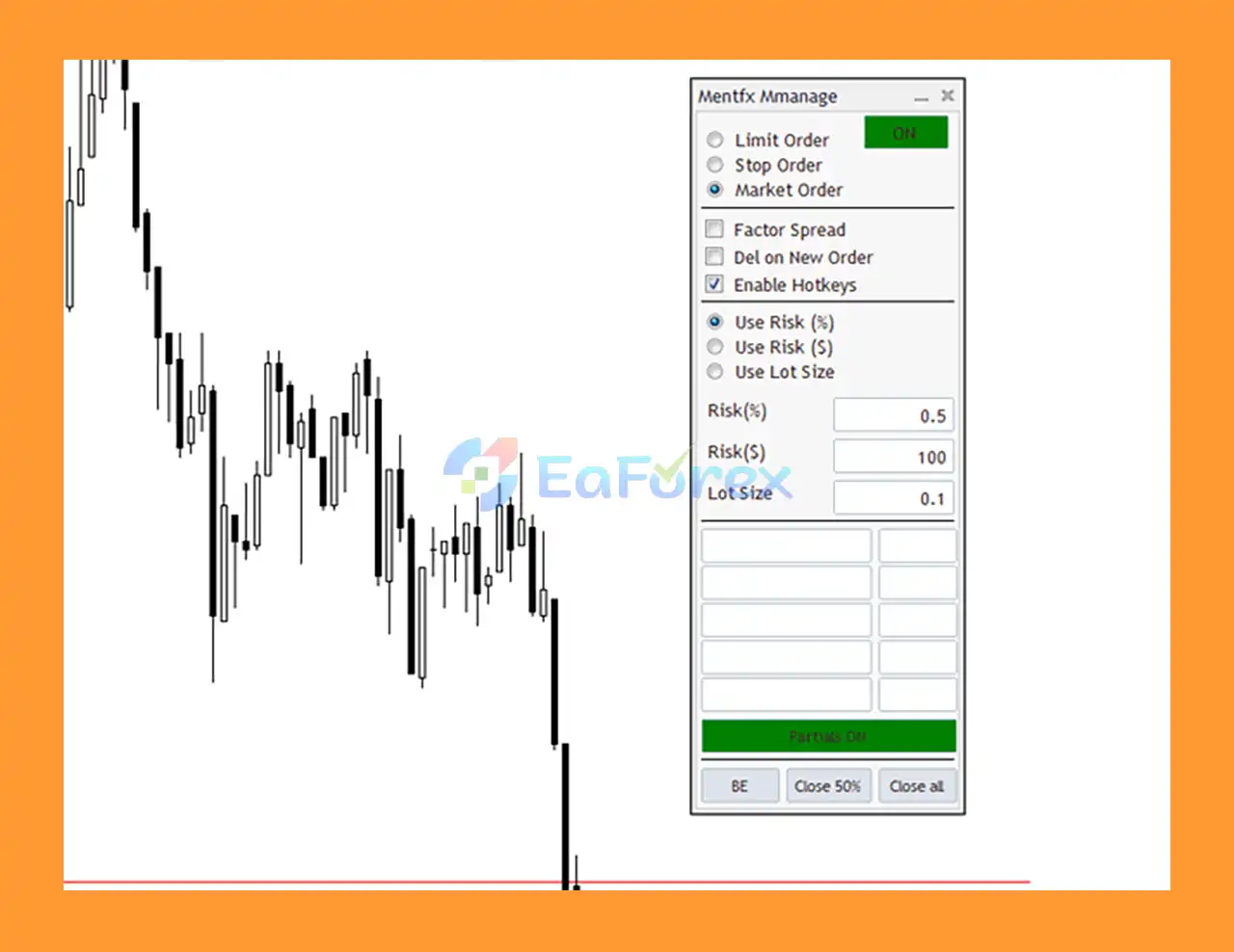
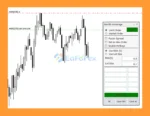
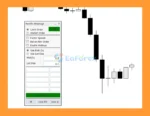
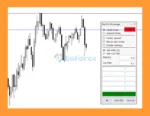
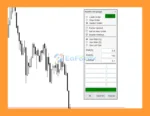
Mentfx Mmanage MT5 uses a visual chart-based interface that allows traders to create trade setups directly on the chart.
Instead of manually entering multiple numbers, traders can visually define:
The Trade Manager then calculates the relevant trade parameters automatically.
One of the key functions of Mentfx Mmanage MT5 is automated risk calculation.
After selecting the desired entry and Stop Loss, the tool can calculate the appropriate position size according to the trader’s specified percentage risk.
This can help reduce manual calculation errors and maintain more consistent risk across different trades.
The Trade Manager supports market order execution, allowing traders to enter a position immediately when their trading conditions are met.
Mentfx Mmanage MT5 also supports limit orders, allowing traders to plan entries at specific price levels rather than entering immediately at the current market price.
The tool factors spread into its order calculations, which can be particularly useful when planning entries and Stop Loss levels around the current market price.
Accounting for spread can help traders better understand the practical execution conditions of their planned trade.
Mentfx Mmanage MT5 provides advanced targeting functionality that allows traders to define and manage multiple potential trade targets.
This can be useful for traders who use structured take-profit plans rather than closing an entire position at a single price.
The tool allows traders to close portions of an open position directly through the Trade Manager.
For example, a trader can take partial profit at one target while keeping the remaining position open for a later target.
The built-in hotkey functionality is designed to make trade management faster.
Instead of repeatedly navigating through menus, traders can use configured keyboard shortcuts to access important trade-management functions.
The tool is designed around direct interaction with the trading chart, making trade planning more visual.
Traders can see their intended entry, Stop Loss, and target structure directly alongside price action.
Because the Trade Manager can automate certain aspects of position management, traders can define their management plan in advance rather than manually adjusting every position continuously.
However, this does not eliminate the need for appropriate account monitoring and risk control.
Mentfx Mmanage MT5 is designed around a simple visual workflow.
The trader identifies where they want to enter the market and draws the desired entry level directly on the chart.
The trader then places the Stop Loss at the level that represents the invalidation point of the trading idea.
The trader specifies the percentage of account equity or balance they are willing to risk on the trade according to the available settings.
Based on the entry price, Stop Loss distance, account information, and selected risk percentage, the tool calculates the appropriate position size.
This removes much of the manual lot-size calculation normally required before placing a trade.
The trader can choose between supported order types, including:
The tool also factors spread into the relevant calculations.
Once the setup is confirmed, the Trade Manager can execute or place the selected order according to the defined parameters.
After the trade is active, the trader can use the management features to monitor targets and close portions of the position.
This allows a trader to follow a predefined trade-management plan without manually calculating every partial close.
Mentfx Mmanage MT5 may be useful for traders who already have their own trading strategy but want a more efficient way to execute and manage trades.
Instead of providing market-entry signals itself, the tool focuses on the operational side of trading.
Key advantages include:
This makes the tool particularly relevant for traders who already know where they want to enter and where their Stop Loss should be, but want the platform to handle the mathematical and execution-related details.
Mentfx Mmanage mt5 Reviews
Mentfx Mmanage mt5 EA Reviews
Mentfx Mmanage mt5 EA Review
Mentfx Mmanage EA mt5 Review
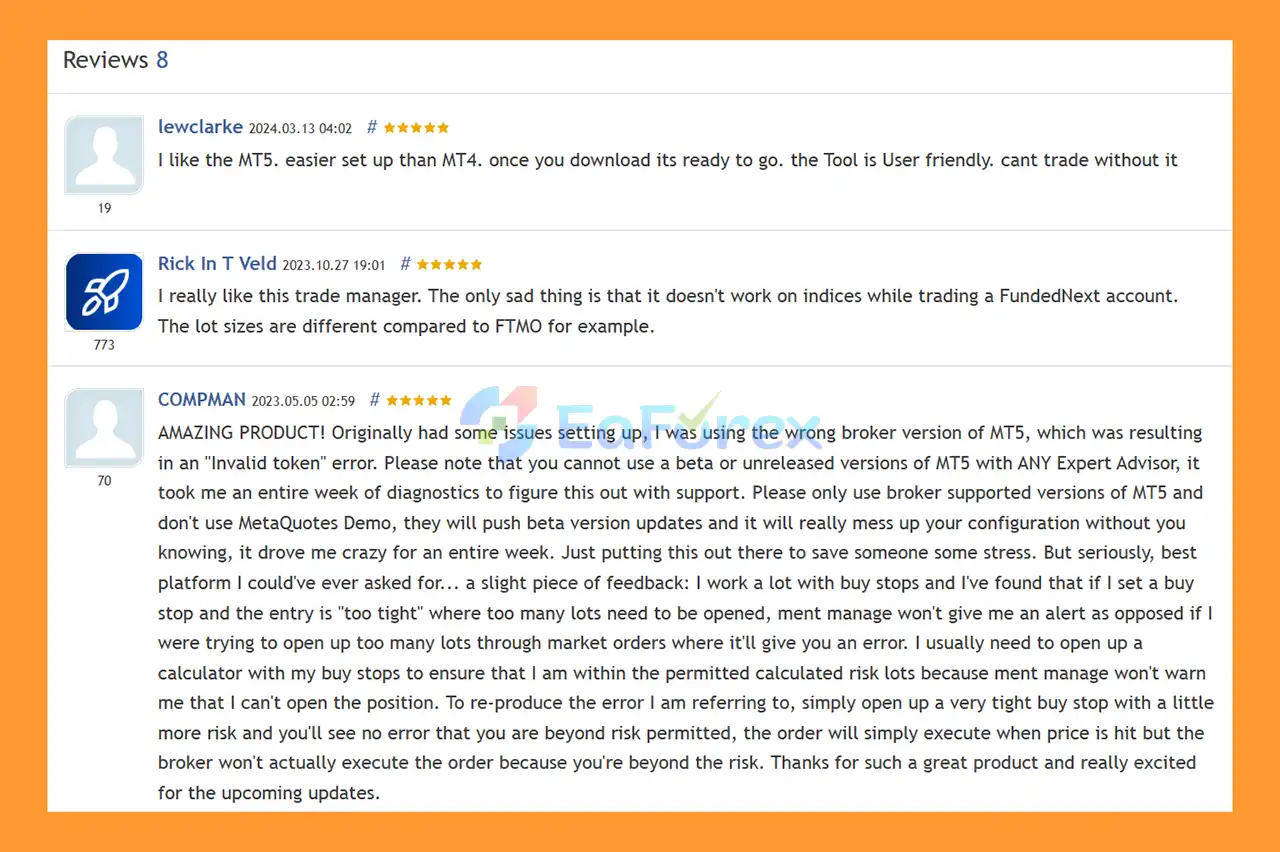
🔺Mentfx Mmanage MT5 is highly appreciated by the MQL5 community for bringing stable and reliable profits. Below are 5 star reviews from users:
User Reviews
Mentfx Mmanage MT5 is primarily a trade execution and management tool, so its effectiveness depends heavily on the trader’s underlying strategy and decisions.
The tool does not automatically transform a losing trading strategy into a profitable one. Instead, its purpose is to make trade planning and risk management more structured.
The ability to define risk as a percentage allows traders to maintain a consistent risk framework across different trades.
For example, instead of manually selecting the same lot size for every position, the position size can be calculated according to the distance between entry and Stop Loss.
The distance between the entry and Stop Loss directly affects the position size required for a specific percentage risk.
A wider Stop Loss generally requires a smaller position size to maintain the same account-level risk, while a tighter Stop Loss may result in a larger calculated position.
Partial closing can help traders implement multi-target strategies.
A trader may choose to close part of a position at an initial target while allowing the remaining position to continue toward another target.
The tool’s spread-aware order functionality can help account for the difference between bid and ask prices when planning trades.
However, actual execution can still differ because spreads may change rapidly during volatile or low-liquidity conditions.
Even with automated calculations, traders remain responsible for:
Risk-management tools reduce manual errors, but they do not eliminate trading risk.
Mentfx Mmanage MT5 is a Trade Manager, not a complete automated trading strategy.
It does not replace the need for a valid market-analysis and entry methodology.
The tool calculates and executes based on the parameters supplied by the trader. If the entry or Stop Loss is poorly chosen, accurate position sizing cannot make the underlying trade idea safer.
Although the tool accounts for spread in its calculations, live spreads can expand rapidly during major news releases, market openings, or periods of reduced liquidity.
The actual execution price may differ from the expected price, particularly during volatile market conditions.
Position-size calculations should always be considered alongside the account’s leverage and available margin.
A mathematically calculated position size may still be unsuitable if the account does not have sufficient free margin.
Because the tool depends on MetaTrader 5 and the trading environment, traders should consider platform connectivity, VPS availability, broker execution, and internet reliability when using automated trade-management functions.
Users should understand basic concepts such as:
Risk Warning: Forex, CFDs, and leveraged financial products involve substantial risk. Mentfx Mmanage MT5 is a trading-management tool and does not guarantee profitable results. Traders should use appropriate risk controls and test the tool before relying on it in live trading.
Download the Mentfx Mmanage MT5 files from the official product source.
Launch MetaTrader 5 and log in to the account where you want to use the Trade Manager.
Inside MT5, select:
File → Open Data Folder
Then navigate to the appropriate:
MQL5 → Experts
folder.
Place the Mentfx Mmanage MT5 files into the appropriate MT5 Expert Advisors directory.
Restart MetaTrader 5 or refresh the Expert Advisors section in the Navigator panel.
Open the instrument and timeframe where you want to plan your trade.
Locate Mentfx Mmanage MT5 under:
Navigator → Expert Advisors
Drag the Trade Manager onto the desired chart.
Make sure Algo Trading is enabled and that the EA has the required permissions.
Set your preferred risk percentage and configure the available hotkey options according to your trading workflow.
Before using the Trade Manager with significant live capital, test its order placement, position-size calculations, Stop Loss, target management, and partial-closing functionality on a demo account.
🔺 Experts:
In summary, Mentfx Mmanage MT5 is an advanced Trade Manager for MetaTrader 5 designed to simplify the practical side of trading. Rather than generating its own market signals, the tool allows traders to define their intended entry and Stop Loss directly on the chart and then automatically calculate the required position size according to a chosen risk percentage.
Its combination of drag-and-drop functionality, market and limit orders, spread-aware calculations, advanced targeting, partial-position closing, and hotkeys can make trade execution and position management more structured.
The main value of the tool is its ability to reduce repetitive calculations and help traders apply a predefined risk-management plan more consistently.
However, Mentfx Mmanage MT5 should be viewed as a trade-management solution rather than a standalone trading strategy. The quality of the underlying trade setup, entry decision, Stop Loss placement, and overall risk management remains the responsibility of the trader.
For traders who already have a defined trading methodology and want a more efficient way to calculate risk, place orders, and manage open positions, the tool provides a visual and practical workflow within MetaTrader 5.
1. What is Mentfx Mmanage MT5?
Mentfx Mmanage MT5 is an advanced drag-and-drop trade management tool for MetaTrader 5. It allows traders to visually draw entries, stops, and targets on the chart while the system automatically calculates risk, lot size, and order types for fast, accurate execution.
2. How does the drag-and-drop entry system work?
You simply draw your entry line and stop loss directly on your chart. Mentfx Mmanage MT5 then calculates the precise lot size based on your chosen risk percentage and can instantly place market or limit orders with professional accuracy.
3. Does the tool automatically calculate risk and lot size?
Yes. Mentfx Mmanage MT5 converts your selected risk percentage into exact lot size automatically, eliminating manual calculations and reducing the chance of human error.
4. Can Mentfx Mmanage MT5 be used for all trading styles?
Absolutely. The tool supports scalping, day trading, swing trading, and ICT/Smart Money Concepts. Its flexibility makes it suitable for both beginners and advanced discretionary traders.
5. What order types does Mentfx Mmanage MT5 support?
It supports both market and limit orders, with built-in spread-awareness to ensure accurate placements and prevent invalid entries during volatile market conditions.
6. Does the tool support multiple take-profit targets or partial closes?
Yes, Mentfx Mmanage MT5 includes partial-close features, multiple TP levels, and advanced targeting tools, allowing traders to scale out of positions efficiently.
7. Can I manage trades using hotkeys?
Yes. The tool provides customizable hotkeys for placing trades, closing partial positions, enabling breakeven, closing all orders, toggling automation, and adjusting trade settings instantly.
8. Does Mentfx Mmanage MT5 continue managing trades while I’m away?
Yes. Once your rules are set, the tool can manage stops, targets, and partial closures automatically, even when you’re not actively monitoring the screen.
9. Is Mentfx Mmanage MT5 beginner-friendly?
Very. The visual mapping system, automated calculations, and step-by-step installation guide make it simple to use—even for traders with limited technical experience.
In stock
In stock
In stock
In stock
In stock
Out of stock
No account yet?
Create an Account












 Automatic EA
 EA Best Seller
 Expert Advisor MT4
 Expert Advisor MT5
 HFT EA


Reviews
Clear filtersThere are no reviews yet.