









-
 Unlimited Activations
-
 Instant delivery
-
 Easy to install







 Unlimited Activations
Instant delivery
Easy to install
Unlimited Activations
Instant delivery
Easy to install
 Free Update
 Free Install Support

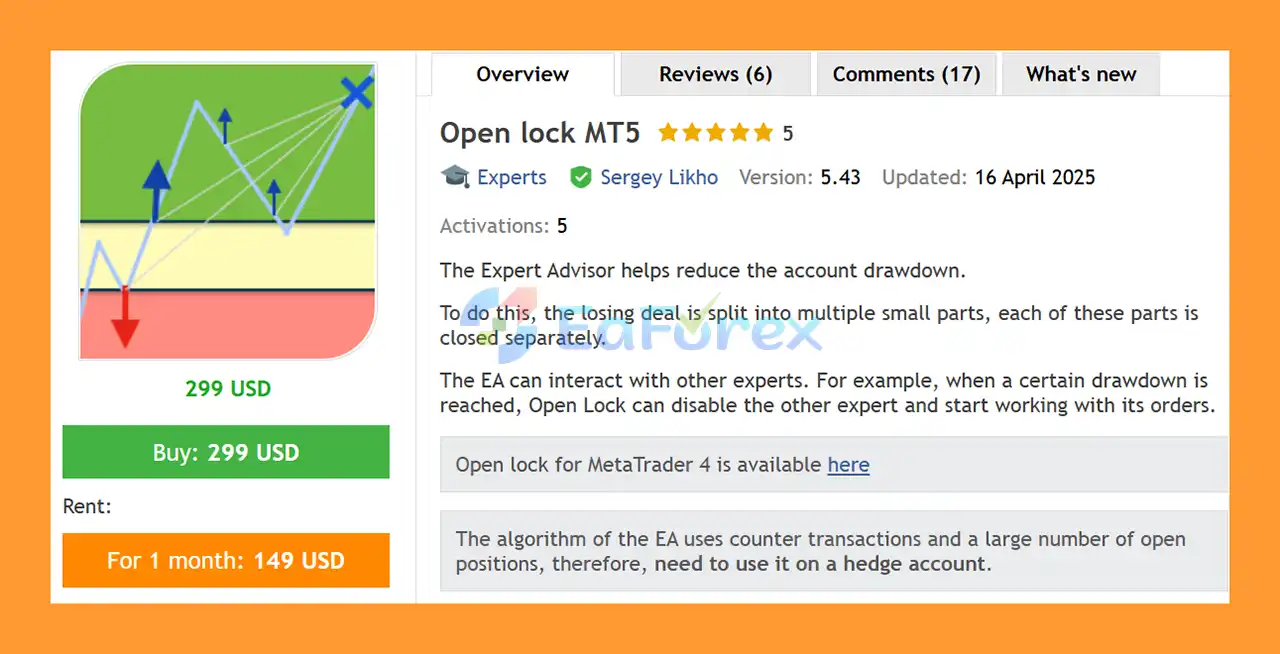
Open Lock MT5 is an advanced MetaTrader 5 Expert Advisor designed to help reduce account drawdown and manage losing trading positions. Instead of simply closing a losing trade, the EA uses a structured recovery approach based on locking, averaging, and partial position closure.
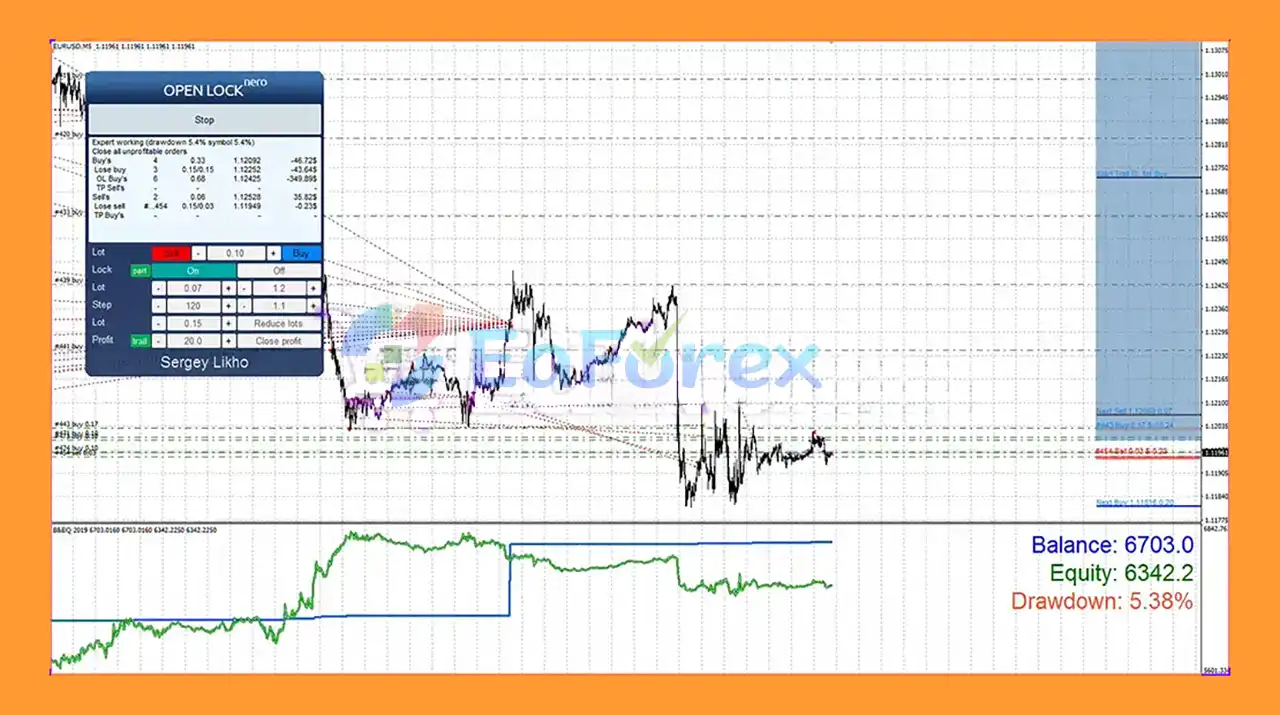
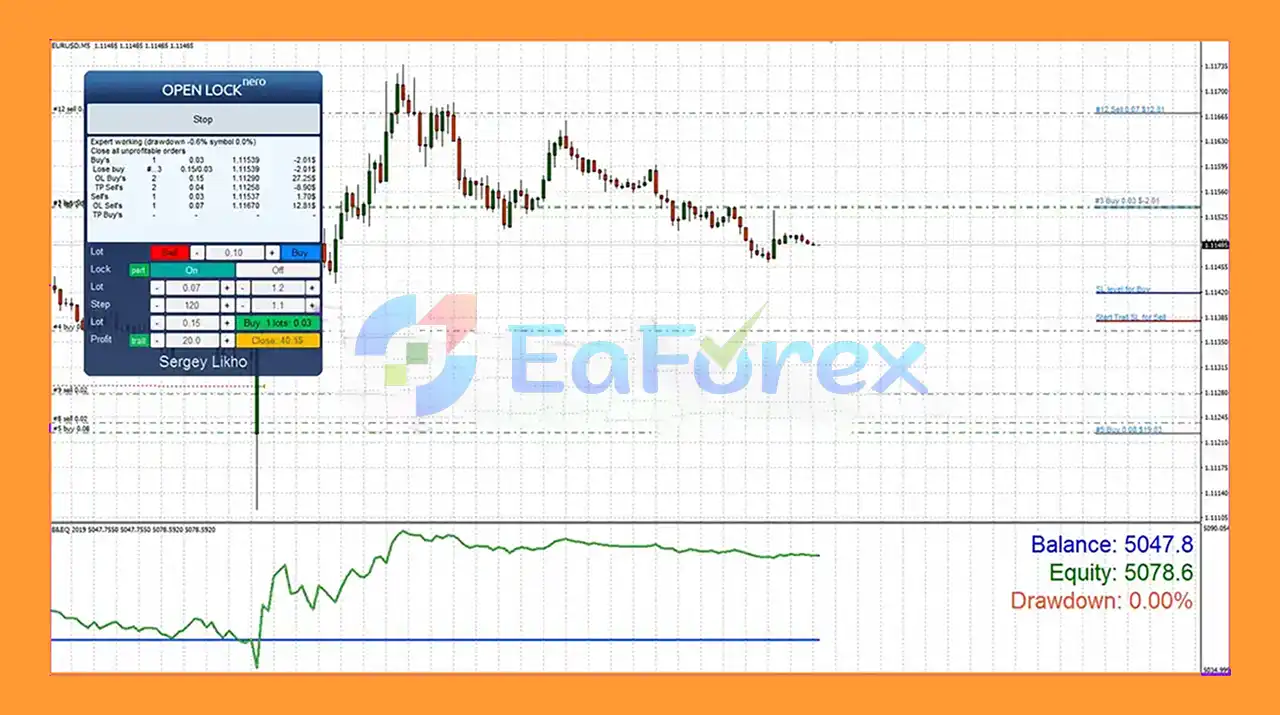
When a position moves into loss, Open Lock MT5 can split the losing exposure into smaller portions and manage these portions individually. The EA can open additional averaging positions with relatively small lot sizes, using their profits to gradually reduce the volume of the losing position.
Open Lock MT5 can also work alongside other Expert Advisors. When a predefined drawdown level is reached, it can stop other EAs from continuing to open trades and take over the management of their positions.
This makes Open Lock MT5 particularly useful as a drawdown management and recovery tool for automated MT5 trading accounts.
• Author: Sergey Likho
• Experience: Over +10 years of experience on MQL5.
• Notable Products: Open lock MT5, Open lock MT4, Metusha EA MT4 and other advisors.
• Flagship Product: Open lock MT5 is rated as the best performing product of the year.
>> Delivery time 24h-48h after payment.
>>> Refund if not delivered.
>>> You will receive the latest version without any limitations (ID+Time).>>Reviewed by Jason Stap <<
Open Lock MT5 is designed to help control losing positions and reduce account drawdown through a combination of locking, averaging, and partial closure techniques.
The EA can lock losing positions to help prevent further deterioration when a predefined risk or drawdown condition is reached.
Open Lock MT5 can open additional averaging positions using configurable lot sizes and spacing. These trades are intended to generate profits that can subsequently be used to partially close losing positions.
Instead of requiring the entire losing position to be closed at once, the EA can close portions of the position according to the configured Close Lot and Close Profit parameters.
This approach allows the trader to gradually reduce the exposure of a losing position.
The EA supports dynamic lot sizing. When enabled, each new averaging order can be calculated using a configurable Lot Multiplier.
The distance between averaging orders can also be adjusted dynamically using a configurable Step Multiplier.
Open Lock MT5 can begin operating immediately after startup or wait until the account reaches a specified drawdown level.
The EA includes an Action When the Risk Limit Is Reached feature. Depending on the configuration, it can do nothing, lock all positions and stop, or close all positions and stop when the account reaches a critically low equity level.
Open Lock MT5 can work together with other EAs. When the configured drawdown level is reached, it can stop other Expert Advisors by closing the relevant charts.
It supports different options for single-symbol and multi-currency Expert Advisors.
Users can allow averaging orders to be opened continuously or restrict them to a specific daily schedule.
The EA supports:
Open Lock MT5 can manage all unprofitable positions or target a specific position using its ticket number.
The EA provides two configuration methods:
The Expert Inputs mode can be useful when running the EA through a MetaQuotes VPS environment.
Open Lock MT5 is based on three primary methods:
1. Locking
When a position reaches the configured risk or drawdown condition, the EA can use locking to prevent the losing exposure from continuing to increase.
2. Averaging
The EA can open additional positions using configurable lot sizes and spacing. These averaging orders are intended to seek profitable trades while keeping the additional position size under user-defined limits.
3. Partial Closure
Profits generated by the averaging positions can be used to partially close the original losing position. Rather than attempting to recover the entire loss through one trade, the EA can gradually reduce the size of the losing exposure.
A simplified workflow is:
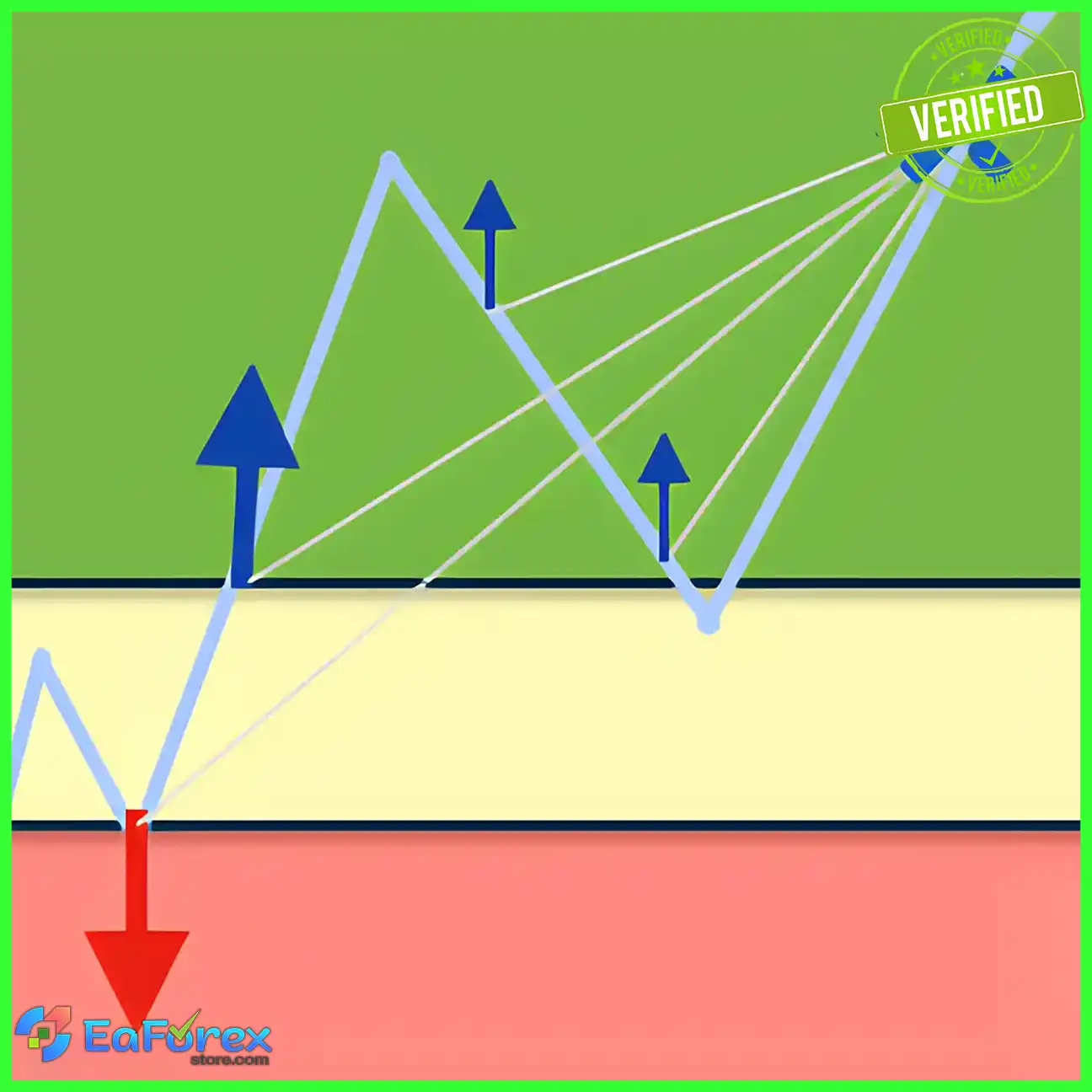
Losing Position → Locking → Averaging Orders → Profitable Recovery Trades → Partial Closure → Reduced Exposure
Users can also configure Open Lock MT5 to begin working immediately or only after a specific drawdown threshold has been reached.
Open Lock MT5 is different from a conventional trading EA because its primary purpose is position management and drawdown recovery, rather than simply generating new trading signals.
It can be particularly useful for traders who already use other Expert Advisors and want an additional layer of automated position management.
One of its strongest features is its ability to interact with other EAs. When the account reaches a predefined drawdown level, Open Lock MT5 can stop other Expert Advisors and begin managing the existing positions.
The ability to control maximum averaging lot size, maximum averaging orders, order spacing, trading direction, risk limits, and trading schedules gives users considerable flexibility when designing their recovery configuration.
The partial closure mechanism is also useful for traders who want to gradually reduce a losing position instead of closing the entire exposure immediately.
Open lock EA Reviews
Open lock EA Reviews
Open Lock MT5 is primarily a risk and position-management tool, so its performance depends heavily on how it is configured and the market conditions in which it operates.
Users can control the maximum lot size of averaging orders and the maximum number of averaging positions in each direction. This allows traders to place limits on additional exposure.
The Maximal Step parameter can also be used to limit the distance between averaging positions when dynamic step functionality is enabled.
Another important protection is the Equity Level in Currency and Equity Level in Percent settings. These parameters allow traders to define critical equity or drawdown conditions.
When the risk limit is reached, Open Lock MT5 can be configured to:
The EA also provides an option to stop other Expert Advisors when the specified drawdown level is reached.
However, averaging and recovery strategies can significantly increase exposure if market prices continue moving against the position. Risk limits should therefore be configured conservatively.
Open Lock MT5 should not be considered a guaranteed loss-recovery system.
The biggest risk comes from averaging losing positions. If the market continues moving strongly in the wrong direction, additional averaging orders can increase exposure and drawdown.
Dynamic lot sizing can further increase risk when the lot multiplier is enabled. Traders should understand how the multiplier affects total exposure before using it on a live account.
Locking also does not eliminate losses. A locked position can continue to consume margin and remain exposed to market conditions, spreads, swaps, and other trading costs.
The EA’s ability to stop other Expert Advisors also requires careful configuration. Incorrect settings may interfere with other automated strategies running on the same MT5 terminal.
Additional risks include:
For these reasons, Open Lock MT5 should first be tested on a demo account and used with conservative risk parameters before being deployed on a live trading account.
Installing Open Lock MT5 on MetaTrader 5 is straightforward:
For users running Open Lock MT5 together with another Expert Advisor, special attention should be given to the Magic Number, Trading Mode, Stop Another Advisors, and Close Orders settings.
The developer also recommends testing the EA using the control panel buttons when performing initial testing and learning how the recovery mechanism operates.
🔺Open lock MT5 is highly appreciated by the MQL5 community for bringing stable and reliable profits. Below are 5 star reviews from users:
User Reviews
>>> Join VIP Membership Now <<<
Open Lock MT5 is a specialized drawdown management and recovery Expert Advisor for MetaTrader 5. Rather than focusing primarily on generating trading signals, it is designed to manage losing positions through a combination of locking, averaging, and partial closure.
Its ability to interact with other Expert Advisors makes it particularly interesting for traders running automated portfolios. When a specified drawdown level is reached, the EA can stop other trading robots and begin managing their positions according to the configured recovery rules.
The extensive settings for lot size, lot multiplier, averaging steps, maximum averaging orders, trading direction, equity limits, drawdown activation, and partial closure provide significant control over the recovery process.
However, traders should understand that recovery strategies are not risk-free. Averaging can increase exposure, while aggressive lot multipliers can accelerate drawdown if the market continues moving against the position.
For this reason, Open Lock MT5 is best viewed as a risk-management and position-recovery tool, not a guaranteed method for eliminating trading losses. Proper testing, conservative configuration, sufficient free margin, and disciplined risk management remain essential for long-term use.
1. What is Open Lock MT5?
Open Lock MT5 is an advanced Expert Advisor (EA) designed to reduce drawdown and protect trading capital. It works by breaking down losing trades into smaller parts, applying locking mechanisms, and gradually closing positions to stabilize equity and minimize risk.
2. How does Open Lock MT5 control drawdown?
Instead of closing losing trades at once, Open Lock MT5 splits them into smaller pieces and closes them step by step. This approach, combined with locking and averaging techniques, helps protect account balance while reducing equity stress.
3. Can Open Lock MT5 work with other Expert Advisors?
Yes. Open Lock MT5 can interact with other EAs, automatically disabling them when a defined drawdown level is reached. It can also function as a dedicated drawdown manager, ensuring overall portfolio safety.
4. Is Open Lock MT5 suitable for hedge accounts?
Absolutely. Open Lock MT5 is designed specifically for hedge accounts, where it can efficiently manage both buy and sell positions using locking, averaging, and partial closing strategies.
5. What risk management tools are included in Open Lock MT5?
Open Lock MT5 comes with multiple protective features, such as:
Locking mechanism to stop further losses
Averaging with small lot sizes
Partial closure of losing trades
Automated equity protection with customizable thresholds
Risk limit actions to lock or close all trades during high drawdown
6. Who should use Open Lock MT5?
Open Lock MT5 is ideal for both manual traders and EA users who want extra protection against drawdown. It works as a capital preservation tool, making it suitable for traders running multiple strategies or those seeking stable long-term growth.
In stock
In stock
In stock
In stock
In stock
Out of stock
No account yet?
Create an Account












 Automatic EA
 EA Best Seller
 Expert Advisor MT4
 Expert Advisor MT5
 HFT EA


Reviews
Clear filtersThere are no reviews yet.