









-
 Unlimited Activations
-
 Instant delivery
-
 Easy to install







 Unlimited Activations
Instant delivery
Easy to install
Unlimited Activations
Instant delivery
Easy to install
 Free Update
 Free Install Support

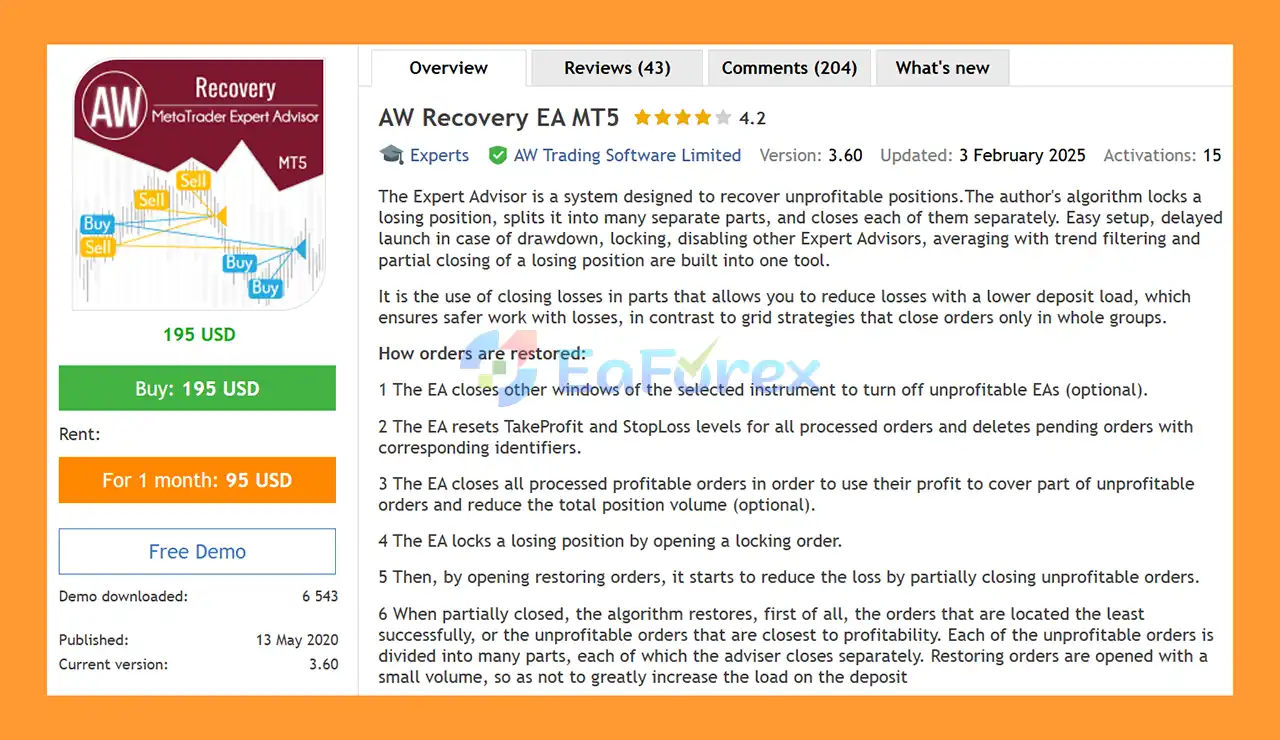
AW Recovery EA MT5 is an advanced Forex recovery Expert Advisor designed to help manage and recover unprofitable positions through a structured partial-closing and averaging approach.
Unlike conventional grid recovery systems that typically close groups of positions together, AW Recovery EA MT5 uses a different approach: it locks losing positions, divides them into multiple parts, and gradually closes those parts individually as recovery opportunities become available.
The objective is to reduce the overall losing exposure while attempting to keep the additional deposit load relatively controlled.
AW Recovery EA MT5 can also work alongside other Expert Advisors. It can optionally identify and disable other EAs responsible for losing positions, reset their Take Profit and Stop Loss levels, remove related pending orders, and take over the recovery process.
The EA includes locking, averaging, trend filtering, partial closing, protective mechanisms, and configurable recovery settings, making it a specialized tool for traders who need to manage existing drawdown situations.
Importantly, AW Recovery EA MT5 is not a multi-currency EA. Each instance operates only on the symbol where it is installed.
• Author: Alexander Nechaev.
• Experience: Over +8 years of experience on MQL5.
• Notable Products: AW Recovery EA MT5, AW Recovery EA MT4, AW Scalping Dynamics MT5, AW Gold Trend Trading EA and other advisors.
• Flagship Product: AW Recovery EA MT5 is rated as the best performing product of the year.
>> Delivery time 24h-48h after payment.
>>> Refund if not delivered.
>>> You will receive the latest version without any limitations (ID+Time).>>Reviewed by Jason Stap <<
AW Recovery EA MT5 is designed specifically to work with losing positions and attempt to reduce their overall loss through controlled recovery operations.
One of the main characteristics of the system is its ability to divide losing positions into smaller parts and close those portions separately.
This can provide more flexibility than closing an entire losing position at once.
The EA can automatically lock a losing position by opening a corresponding locking order. This allows the recovery process to begin while the existing loss is controlled through the locking mechanism.
AW Recovery EA MT5 can open recovery orders using an averaging mechanism combined with an optional trend filter.
The trend filter is designed to help determine whether additional recovery positions should be opened based on the prevailing market direction.
When recovery begins, the EA can reset Take Profit and Stop Loss levels for the processed positions.
The system can automatically delete pending orders associated with the processed positions according to its recovery logic.
AW Recovery EA MT5 can work alongside other Expert Advisors and can optionally disable other EAs when recovery operations are activated.
This makes it possible to use AW Recovery as a dedicated recovery tool for positions created by another trading system.
The EA can optionally close profitable positions from the processed group and use the realized profit to help reduce part of the unprofitable exposure.
Recovery orders can be opened with relatively small volumes to help avoid unnecessarily increasing the deposit load during the recovery process.
The system allows traders to configure:
AW Recovery EA MT5 includes several protective mechanisms, trend filtering, position overlap controls, and other risk-management functions designed to make the recovery process more structured.
AW Recovery EA MT5 follows a multi-stage process when it detects a losing position on the current trading symbol.
The EA monitors the current symbol for a position that has entered drawdown.
AW Recovery EA MT5 remains in standby mode until there is a losing position on the symbol where it is installed.
If configured to do so, the EA can close other chart windows or disable Expert Advisors responsible for the processed orders.
This helps prevent the original strategy from continuing to open new trades while the recovery system is operating.
This feature is optional, so traders can also choose to work without disabling other EAs.
The EA can reset the Take Profit and Stop Loss levels of the positions being processed.
It can also remove pending orders associated with the relevant identifiers.
If enabled, AW Recovery EA MT5 can close profitable positions from the processed group.
The realized profit can then be used to offset part of the losing exposure and reduce the overall position volume.
The EA opens a locking order against the losing position.
This creates a locked position structure from which the recovery process can begin.
The EA then starts opening recovery or averaging positions according to the configured step, volume, multiplier, and trend-filter conditions.
Rather than closing the entire losing order at once, the algorithm divides each losing position into multiple smaller portions.
It can prioritize positions that are:
Each portion can then be closed separately when the required recovery conditions are met.
Recovery orders are opened with controlled volumes, while losing positions are gradually reduced through partial closing.
The overall objective is to reduce the total loss and position exposure without immediately closing the entire losing structure.
AW Recovery EA MT5 is designed for a very specific purpose: managing existing losing positions and attempting to recover drawdown through a systematic process.
Its biggest distinction is the use of partial loss recovery rather than relying exclusively on conventional grid-style group closures.
By splitting losing positions into smaller portions, the EA can potentially provide more flexibility in managing individual orders and reducing exposure gradually.
Another useful feature is its ability to work with other Expert Advisors. Traders can use AW Recovery as a recovery layer for an existing strategy and optionally allow it to disable the original EA when a recovery process begins.
The EA may be suitable for:
However, it should be emphasized that a recovery EA does not eliminate trading losses. Its purpose is to manage an existing losing position and attempt to improve the outcome under suitable market conditions.
AW Recovery MT5 Review
AW Recovery EA MT5 Review
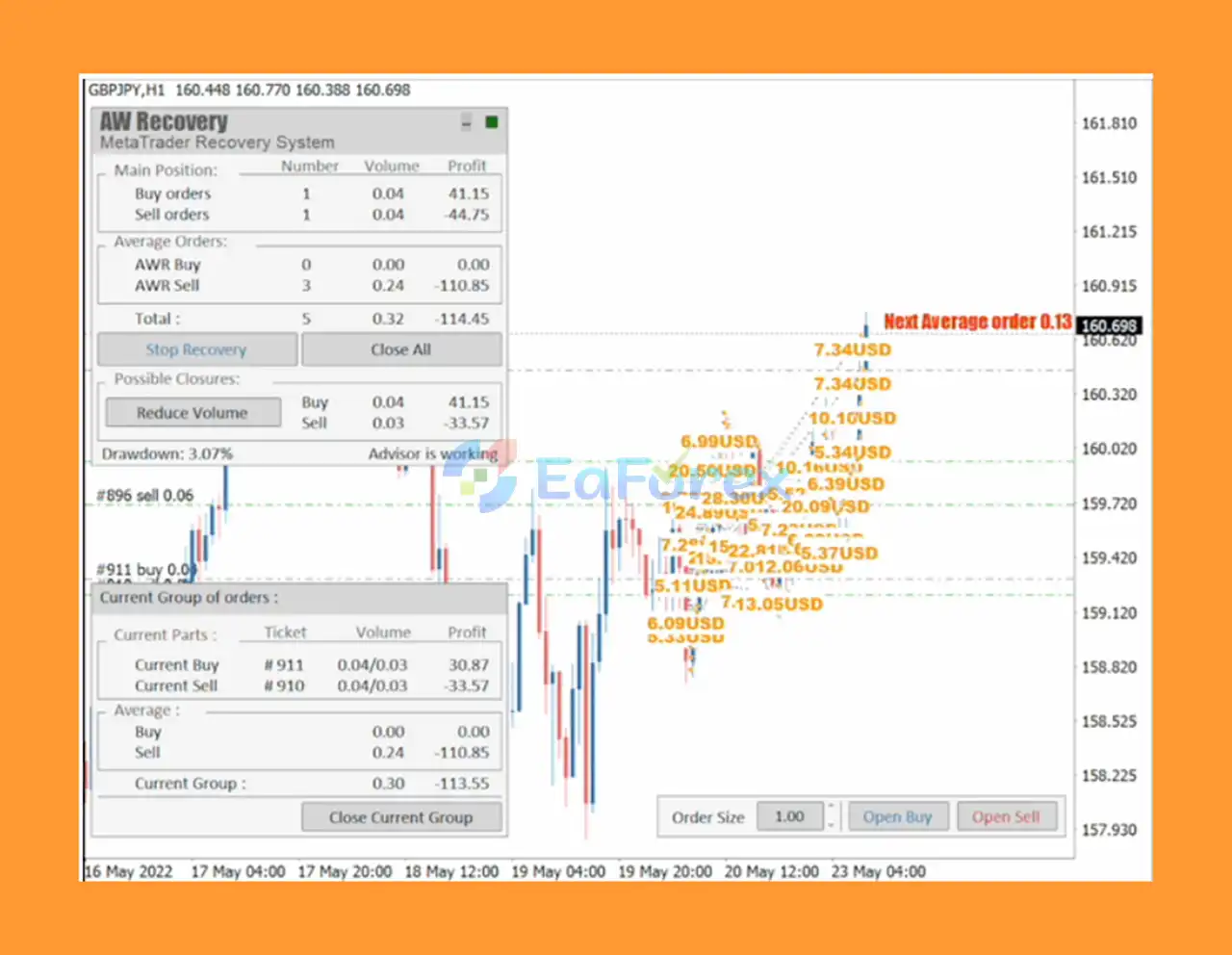
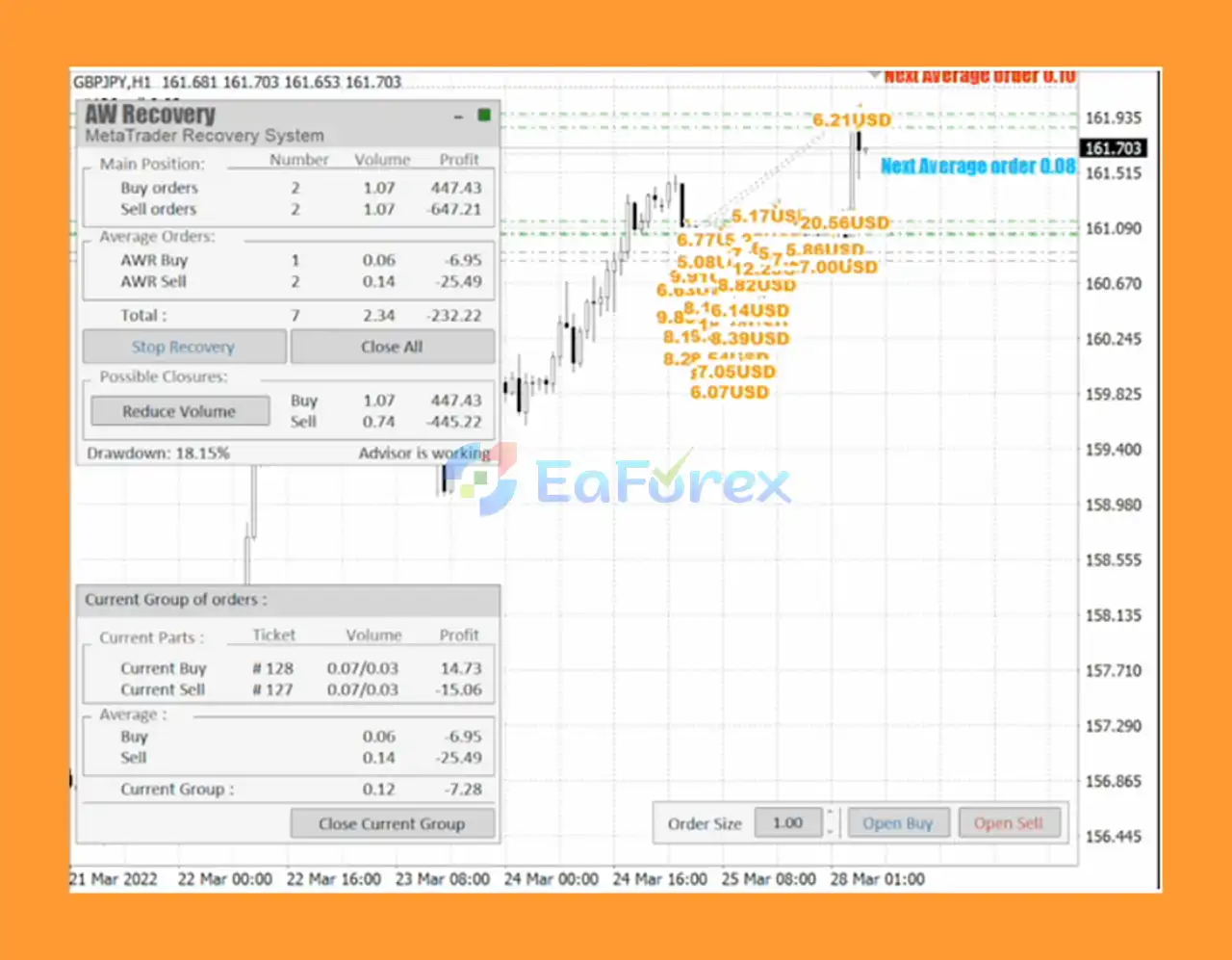
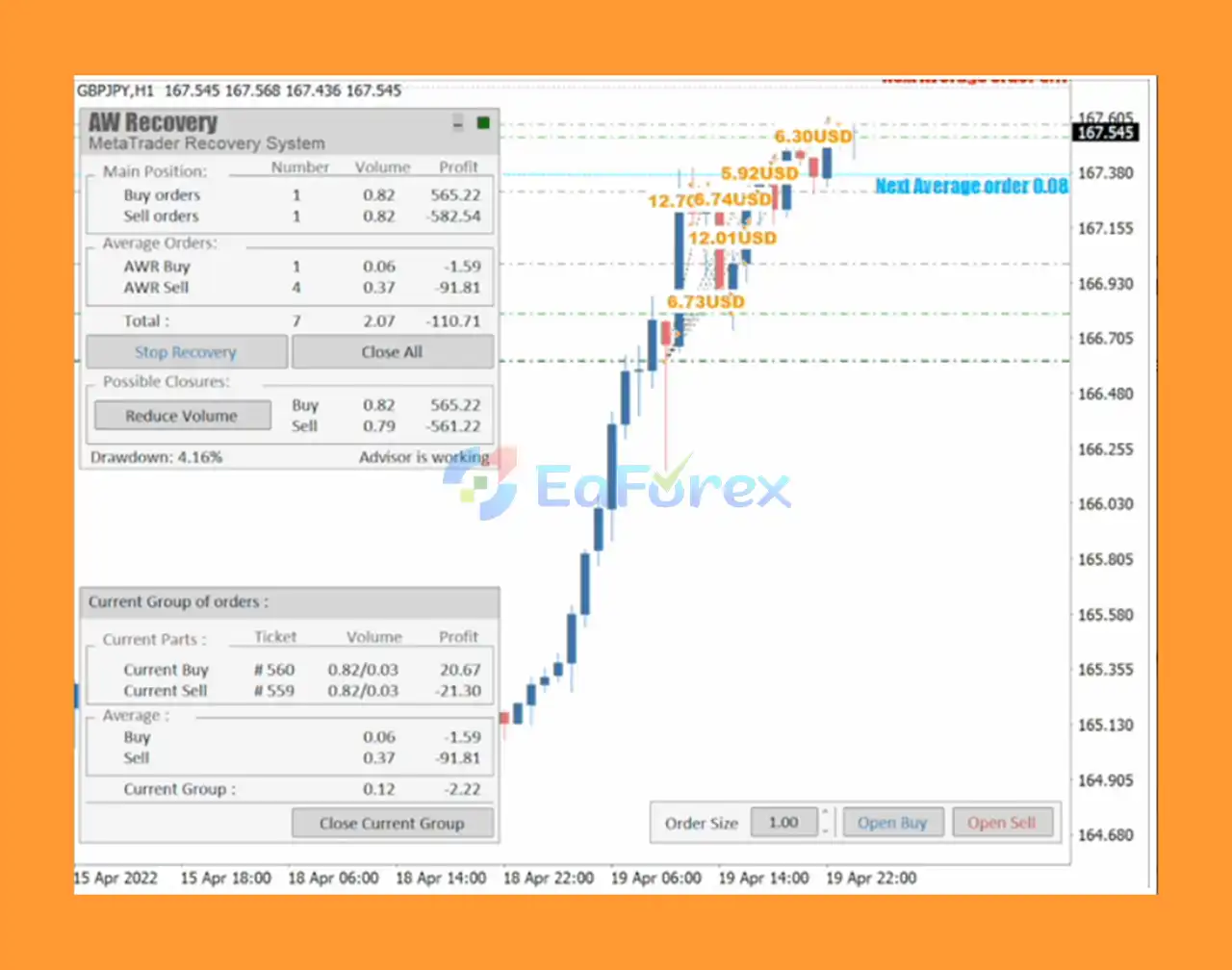
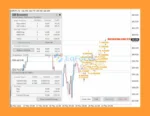
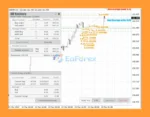
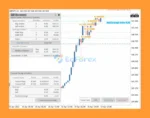
AW Recovery EA MT5 Trading Result
AW Recovery EA MT5 includes several parameters designed to control recovery exposure.
Traders can define the volume of the first recovery or averaging order.
The averaging step determines the required price distance between recovery operations.
A multiplier can be configured to determine how recovery order volumes change as the recovery sequence progresses.
The EA allows traders to configure the relationship between averaging volume and partial-closing volume.
A trend filter can be enabled to help align recovery operations with the prevailing market direction.
Traders can select the appropriate trend-filter period according to their strategy.
A Take Profit target can be configured for closing parts of losing positions after a recovery movement.
The EA can use a locking order to control an existing losing position before beginning the recovery process.
AW Recovery EA MT5 can be tested under specific drawdown conditions to evaluate how the recovery system behaves before being deployed on a live account.
Because the EA can use averaging and recovery positions, traders should carefully evaluate the maximum possible exposure before using it with real capital.
AW Recovery EA MT5 is a specialized recovery tool and should not be interpreted as a guaranteed loss-recovery system.
Recovering a losing position can be significantly more difficult than preventing the initial loss. If the market continues moving strongly against the recovery structure, additional positions may increase exposure and drawdown.
Important risks include:
The most important point is that AW Recovery EA MT5 should not be used as a substitute for proper initial risk management. Recovery systems are generally best treated as advanced tools for experienced traders who fully understand position sizing, leverage, margin, and drawdown.
Copy the AW Recovery EA MT5 file into:
MetaTrader 5 → File → Open Data Folder → MQL5 → Experts
Restart MetaTrader 5 or refresh the Expert Advisors section in the Navigator.
AW Recovery EA MT5 works only on the symbol where it is installed.
For example, if you want to recover positions on XAUUSD, attach the EA to the XAUUSD chart.
Drag AW Recovery EA MT5 from the Navigator window onto the selected chart.
The EA will remain in standby mode until it detects a losing position on the current symbol.
Adjust the main recovery settings according to your account and risk tolerance:
Avoid using aggressive multipliers without sufficient testing.
If the losing positions were created by another Expert Advisor, choose whether AW Recovery should:
The developer recommends using the MetaTrader 5 Strategy Tester with Visualization mode to simulate drawdown recovery.
During testing, enter a deposit amount corresponding to the account you want to recover and configure the desired drawdown level.
The EA can then be tested against historical market conditions.
Use the EA’s panel and visualization tools to observe how it handles:
After extensive demo and historical testing, the EA can be considered for live use.
Because recovery strategies can increase exposure during losing periods, conservative settings and adequate free margin are strongly recommended.
🔺EA CyberPunk MT5 is highly appreciated by the MQL5 community for bringing stable and reliable profits. Below are 5 star reviews from users:
User Reviews
🔺 Experts:
AW Recovery EA MT5 is a specialized Forex drawdown recovery Expert Advisor designed to manage unprofitable positions using locking, averaging, trend filtering, and partial position closing.
Its most distinctive feature is the ability to divide losing positions into multiple parts and close those portions individually. This provides a different approach from traditional grid systems that generally manage groups of positions as a whole.
The EA can also work alongside other Expert Advisors, allowing traders to use it as a dedicated recovery layer. It can optionally disable other EAs, reset TP and SL levels, remove pending orders, use profitable positions to reduce losing exposure, and gradually manage the recovery process.
However, recovery trading carries substantial risk. Averaging, multipliers, and additional positions can increase margin requirements and drawdown, especially when the market continues trending against the original position.
For this reason, AW Recovery EA MT5 is best considered an advanced position-management and recovery tool, rather than a guaranteed solution for trading losses.
Experienced MT5 traders who understand drawdown, margin, averaging, hedging, and position sizing may find AW Recovery EA MT5 useful for systematically managing difficult positions and testing different recovery scenarios before deciding whether to deploy the system on a live account.
1. What is AW Recovery EA MT5?
AW Recovery EA MT5 is an advanced automated recovery Expert Advisor that helps traders restore losing positions safely. It uses a proprietary locking and partial closing algorithm to gradually reduce drawdown and recover unprofitable trades with precision.
2. How does AW Recovery EA MT5 recover losing trades?
The EA locks losing positions to stabilize the balance, then splits them into smaller parts and closes each portion separately. This method allows losses to be reduced progressively while using profits from other trades to offset drawdown effectively.
3. Is AW Recovery EA MT5 safe to use?
Yes. The EA is built with comprehensive risk management tools — including trend filtering, deposit load control, and selective profit utilization. It avoids aggressive strategies like martingale or grid trading, ensuring low-risk, controlled recovery.
4. Can AW Recovery EA MT5 work with other Expert Advisors?
Absolutely. AW Recovery EA MT5 is designed to cooperate or take over from other EAs automatically when a drawdown occurs. It can disable underperforming robots during recovery, ensuring full protection of your trading capital.
5. Who should use AW Recovery EA MT5?
This EA is ideal for traders facing drawdown or open losses who want to recover safely without manual intervention. It suits both beginners and professionals seeking a smart, automated recovery tool that maintains account stability.
6. Why choose AW Recovery EA MT5 over other recovery systems?
AW Recovery EA MT5 stands out for its proven, algorithmic recovery process—featuring partial closing, intelligent averaging, and full transparency. It offers safe, strategic, and fully customizable recovery, making it one of the best tools for capital protection in Forex trading.
In stock
In stock
In stock
In stock
In stock
Out of stock
No account yet?
Create an Account












 Automatic EA
 EA Best Seller
 Expert Advisor MT4
 Expert Advisor MT5
 HFT EA


Reviews
Clear filtersThere are no reviews yet.