









-
 Unlimited Activations
-
 Instant delivery
-
 Easy to install




 Unlimited Activations
Instant delivery
Easy to install
Unlimited Activations
Instant delivery
Easy to install
 Free Update
 Free Install Support

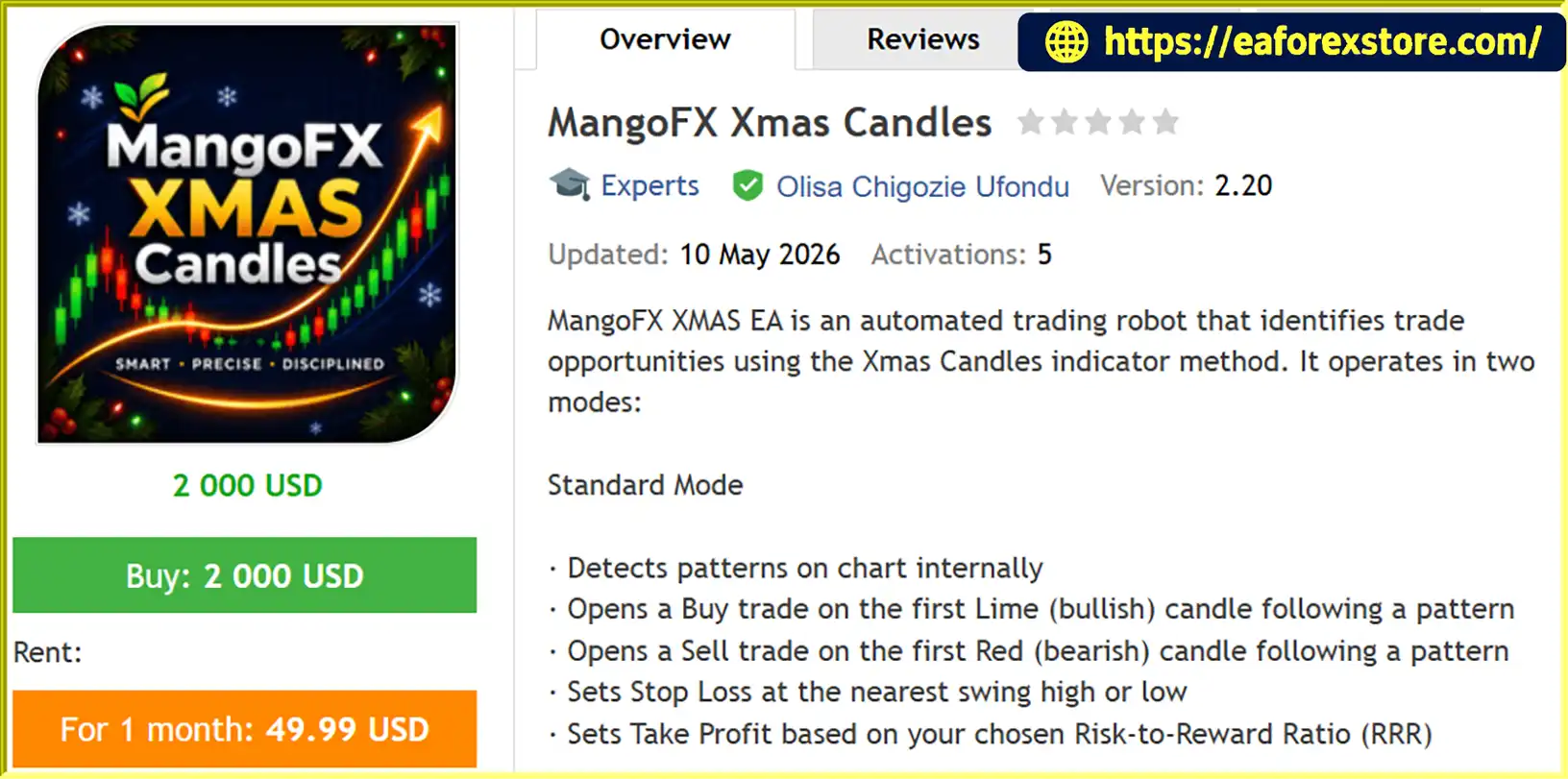
MangoFX Xmas Candles EA MT5 is an automated trading EA for MetaTrader 5 that identifies potential trading opportunities using the Xmas Candles indicator method. It supports two trading modes, allowing traders to choose between pattern-based entries with predefined risk-to-reward targets and an alternative strategy that reacts to changes in candle color.
In Standard Mode, the EA identifies patterns internally and opens Buy trades when the first Lime (bullish) candle appears after a pattern, or Sell trades when the first Red (bearish) candle appears. Stop Loss is placed near the nearest swing high or low, while Take Profit can be calculated using a configurable Risk-to-Reward Ratio (RRR) or set to a fixed amount.
The alternative Simple Opposite Mode follows candle-color changes. It can close an existing Buy position when a Red candle appears or close a Sell position when a Lime candle appears, with optional entry in the opposite direction. This approach is designed for traders who prefer a straightforward trend-following strategy with reversal detection.
MangoFX Xmas Candles EA MT5 also includes profit targets, loss limits, account drawdown protection, and automatic breakeven functionality. These features help traders define trading boundaries and manage exposure according to their individual risk preferences.
>>> Delivery time 24h-48h after payment.
>>> Refund if not delivered.
>>> You will receive the latest version without any limitations (ID+Time).Reviewed by Jason Stap <<<
MangoFX Xmas Candles EA MT5 Overview
MangoFX Xmas Candles EA MT5 uses candle signals and configurable trading rules to manage entries, exits, and risk. Its operation depends on the selected trading mode.
In Standard Mode, the EA identifies Xmas Candles patterns internally and waits for the corresponding candle-color confirmation.
This mode combines candle-based entry confirmation with swing-based stop placement and configurable profit targets. Actual trade outcomes depend on market conditions, execution quality, and the selected settings.
Simple Opposite Mode uses changes in candle color to manage positions and detect potential reversals.
This mode offers a simpler alternative for traders who want the EA to respond to changing candle direction. However, candle-color reversals do not always indicate a sustained trend change, and frequent reversals in sideways markets may result in repeated losses.
The EA includes several configurable controls for managing account exposure:
These settings can help establish a more disciplined trading framework. They should be configured carefully, as protective limits do not eliminate market risk or guarantee that losses will remain within a specified amount during volatile conditions or execution gaps.
The two available modes allow traders to choose between pattern-based entries and a candle-reversal approach. This flexibility makes it possible to test different trading behaviors without switching to a completely different EA.
Standard Mode uses candle-color confirmation, swing-based Stop Loss placement, and configurable Take Profit targets. These rules provide a defined framework for planning trade entries and exits.
Traders can configure the RiskRewardRatio to match their preferred trade structure. For example, a ratio of 2.0 represents a target of two units of potential reward for each unit of defined risk. A higher target does not guarantee a higher realized return, and not every trade will reach its Take Profit.
Daily, monthly, and yearly profit targets, daily loss limits, and maximum drawdown settings give users additional control over when the EA should stop trading. The IncludeFloatingPL option allows the user to decide whether unrealized results count toward these limits.
When enabled, the EA can move Stop Loss to the entry price after the market reaches 50% of the Take Profit target. This may reduce the risk of a profitable trade turning into a loss after the breakeven adjustment, although transaction costs and execution conditions can still affect the final result.
Parameters such as WaitForClose, MaxPositions, and MinCandlesBetweenTrades allow traders to control position handling and reduce overly frequent entries according to their chosen configuration.
MangoFX Xmas Candles EA MT5 Backtet
Risk management is an important part of using MangoFX Xmas Candles EA MT5. The EA provides several settings to help traders define acceptable trading boundaries.
For more controlled risk exposure, traders should use conservative position sizes, test their chosen settings, and verify how the EA calculates and resets its limits. Profit targets and drawdown controls are not substitutes for appropriate lot sizing or ongoing monitoring.
The main settings can be grouped into several categories.
| Parameter | Description |
|---|---|
| EnableBuy / EnableSell | Enable or disable Buy and Sell trades independently. |
| LotSize | Fixed lot size used for each trade. |
| MagicNumber | Unique identifier for the EA’s positions. |
| EA_Comment | Comment displayed on trade tickets. |
| Slippage | Maximum permitted slippage in points. |
| EnableSimpleOppositeMode | Select Standard Mode when false or Simple Opposite Mode when true. |
| RiskRewardRatio | Defines the risk-to-reward ratio, such as 2.0 for a 1:2 ratio. |
| UseFixedTP | Enables a fixed Take Profit target instead of the RRR calculation. |
| FixedTP | Fixed Take Profit amount in account currency; 0 disables this target. |
| SwingLookback | Number of candles examined when determining swing highs and lows. |
| WaitForClose | Requires the current position to close before opening another trade when enabled. |
| MaxPositions | Maximum number of simultaneous positions. |
| MinCandlesBetweenTrades | Minimum number of candles that must close between trades. |
| MaxDailyProfitAmt | Daily profit threshold; 0 disables it. |
| MaxMonthlyProfitAmt | Monthly profit threshold; 0 disables it. |
| MaxYearlyProfitAmt | Yearly profit threshold; 0 disables it. |
| MaxDailyLoss | Daily loss threshold; 0 disables it. |
| MaxAccountDrawdown | Drawdown threshold as a percentage from peak equity; 0 disables it. |
| IncludeFloatingPL | Includes or excludes floating P/L from profit and loss limit calculations. |
| EnableBreakeven | Enables the breakeven adjustment at 50% of the Take Profit target. |
| ShowDisplay | Shows or hides the on-chart information panel. |
| DisplayX / DisplayY | Reserved parameters for the information panel’s position. |
| DisplayColor | Reserved parameter for the information panel’s text color. |
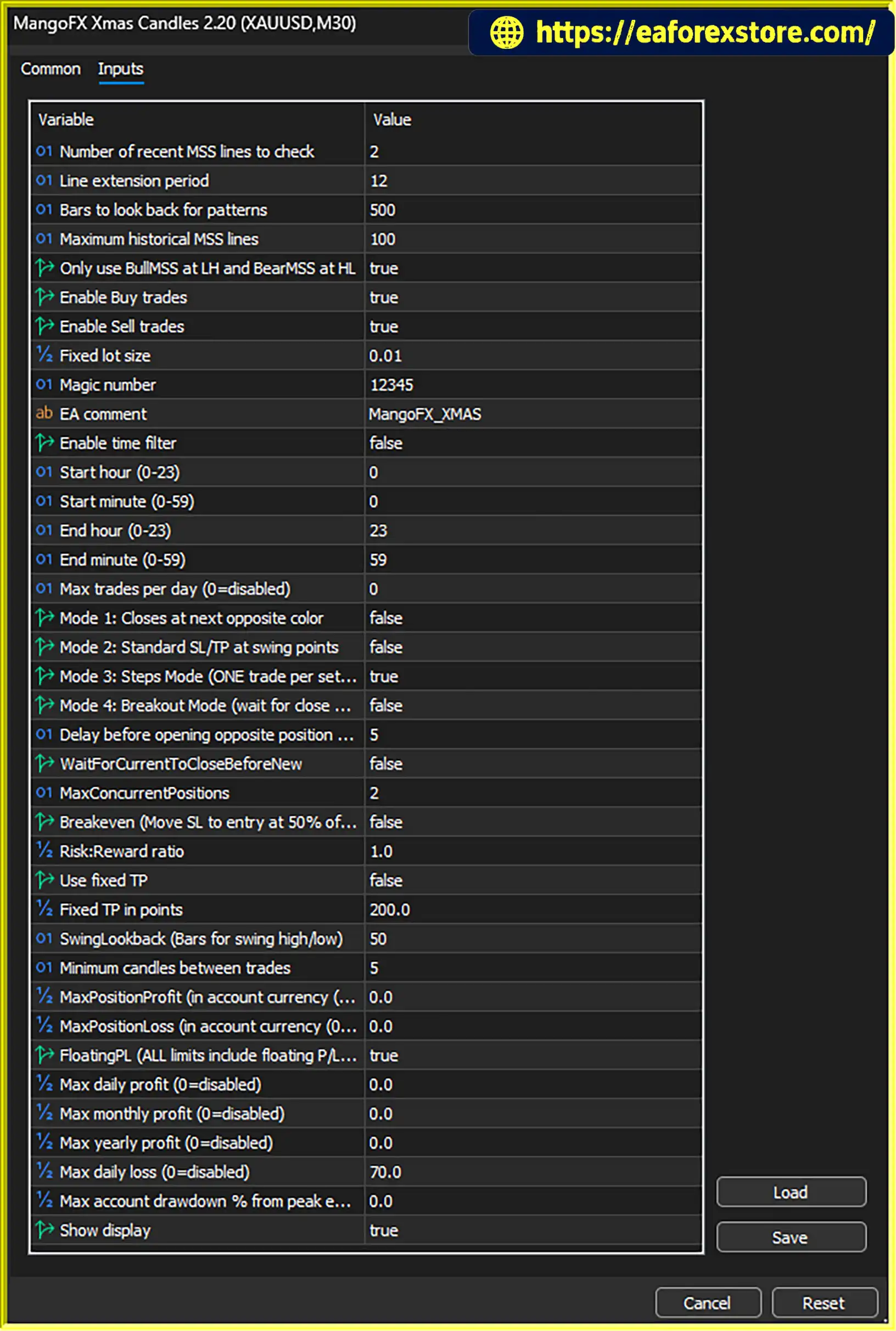
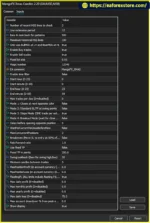
The EA’s actual behavior depends on how these inputs interact. Before live deployment, confirm the settings and verify the entry, exit, and risk-limit behavior in the MT5 Strategy Tester.
setting
MQL5/Experts directory. If the developer supplies additional files or installation instructions, follow those requirements.Use a unique MagicNumber when running multiple EA instances on the same account, and check that the selected lot size is appropriate for the account balance and risk tolerance.
>>> Join VIP Membership Now <<<
MangoFX Xmas Candles EA MT5 is an automated trading solution built around the Xmas Candles indicator method, with two operating modes and a range of configurable trade-management tools. Standard Mode focuses on pattern-based entries with swing-based Stop Loss placement and configurable Take Profit targets, while Simple Opposite Mode responds to changes in candle color to manage potential reversals.
Its profit targets, daily loss limit, account drawdown protection, and optional breakeven feature provide useful tools for structuring risk management. However, these features do not eliminate the possibility of losses, and the EA’s performance will depend on market conditions, execution quality, and configuration.
Traders should test both modes, review the behavior of each risk-control setting, and validate performance with realistic spreads, commissions, and slippage before using real funds.
Risk Disclaimer: Forex and CFD trading involve substantial risk and may not be suitable for every trader. Automated trading systems can incur losses, and historical backtest results do not guarantee future performance. Always use risk capital and evaluate the EA carefully before live trading.
1. What Is MangoFX Xmas Candles EA MT5?
MangoFX Xmas Candles EA MT5 is an automated Expert Advisor for MetaTrader 5 that uses the Xmas Candles indicator method to identify potential trading opportunities. It supports two trading modes, configurable Buy and Sell signals, Stop Loss, Take Profit, and automated trade management features.
2. What Is the Difference Between Standard Mode and Simple Opposite Mode?
Standard Mode identifies Xmas Candles patterns internally and enters Buy trades on the first Lime bullish candle or Sell trades on the first Red bearish candle after a detected pattern. Simple Opposite Mode reacts to candle-color changes, allowing the EA to close existing positions and optionally open trades in the opposite direction.
3. Does MangoFX Xmas Candles EA MT5 Support Automatic Stop Loss and Take Profit?
Yes. In Standard Mode, the EA places Stop Loss near a recent swing high or low based on the configured SwingLookback parameter. Take Profit can be calculated using a configurable Risk-to-Reward Ratio or set to a fixed target. Actual execution prices may differ because of slippage and market conditions.
4. What Risk Management Features Does MangoFX Xmas Candles EA MT5 Offer?
The EA includes configurable daily, monthly, and yearly profit targets, a daily loss limit, maximum account drawdown protection, and optional automatic breakeven. It also supports position limits and controls for trade frequency. These features help manage trading exposure but cannot eliminate risk or guarantee that losses remain within a specific amount.
5. How Does the Automatic Breakeven Feature Work?
When EnableBreakeven is activated, MangoFX Xmas Candles EA MT5 can move the Stop Loss to the entry price when the market reaches 50% of the Take Profit target. This is designed to reduce the risk of a trade turning into a loss after reaching the trigger level. Transaction costs and execution conditions can still affect the final outcome.
6. What Are the Backtest Results of MangoFX Xmas Candles EA MT5?
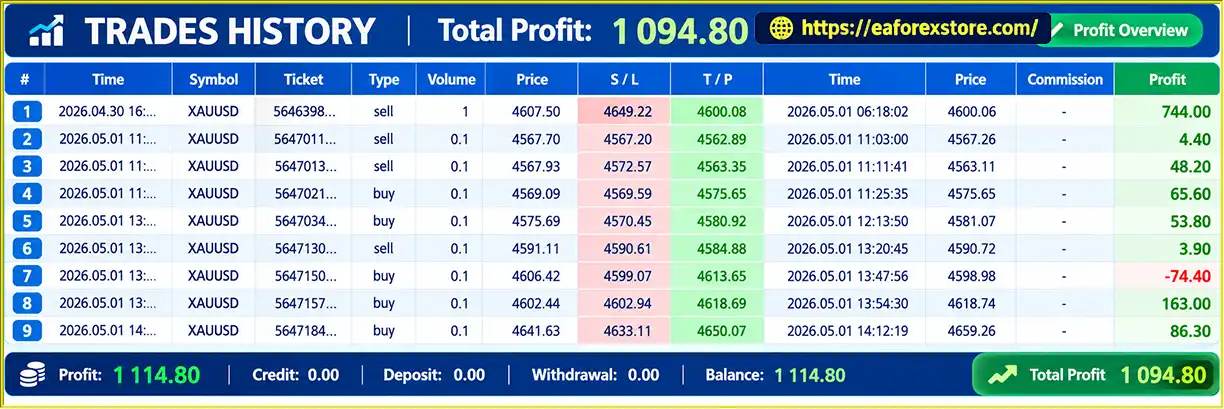
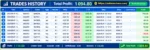
The provided product information reports a backtest on XAUUSD (Gold) from April 30 to May 1, 2026, with total net profit of $1,114.80 and trading volumes ranging from 0.1 to 1.0 lots across Buy and Sell trades. The source does not specify the initial deposit, win rate, or maximum drawdown, so these metrics should not be assumed. Verify the original backtest report before evaluating performance.
7. Can I Customize the Trading Settings in MangoFX Xmas Candles EA MT5?
Yes. Users can configure lot size, enable or disable Buy and Sell trades, choose the trading mode, adjust the RiskRewardRatio, set fixed Take Profit, configure the swing lookback period, and control the maximum number and frequency of trades. Daily and longer-term profit targets, loss limits, and account drawdown settings are also available.
8. How Do I Install MangoFX Xmas Candles EA MT5 on MetaTrader 5?
Obtain the EA file, open MetaTrader 5, and navigate to File → Open Data Folder → MQL5 → Experts. Copy the compatible .ex5 file into the folder, refresh the Navigator panel, and attach the EA to your chosen chart. Configure the trading parameters and enable the required automated-trading permissions. Backtest the EA and run it on a demo account before using real funds.
In stock
In stock
In stock
In stock
In stock
Out of stock
No account yet?
Create an Account












 Automatic EA
 EA Best Seller
 Expert Advisor MT4
 Expert Advisor MT5
 HFT EA


Reviews
Clear filtersThere are no reviews yet.