









-
 Unlimited Activations
-
 Instant delivery
-
 Easy to install







 Unlimited Activations
Instant delivery
Easy to install
Unlimited Activations
Instant delivery
Easy to install
 Free Update
 Free Install Support

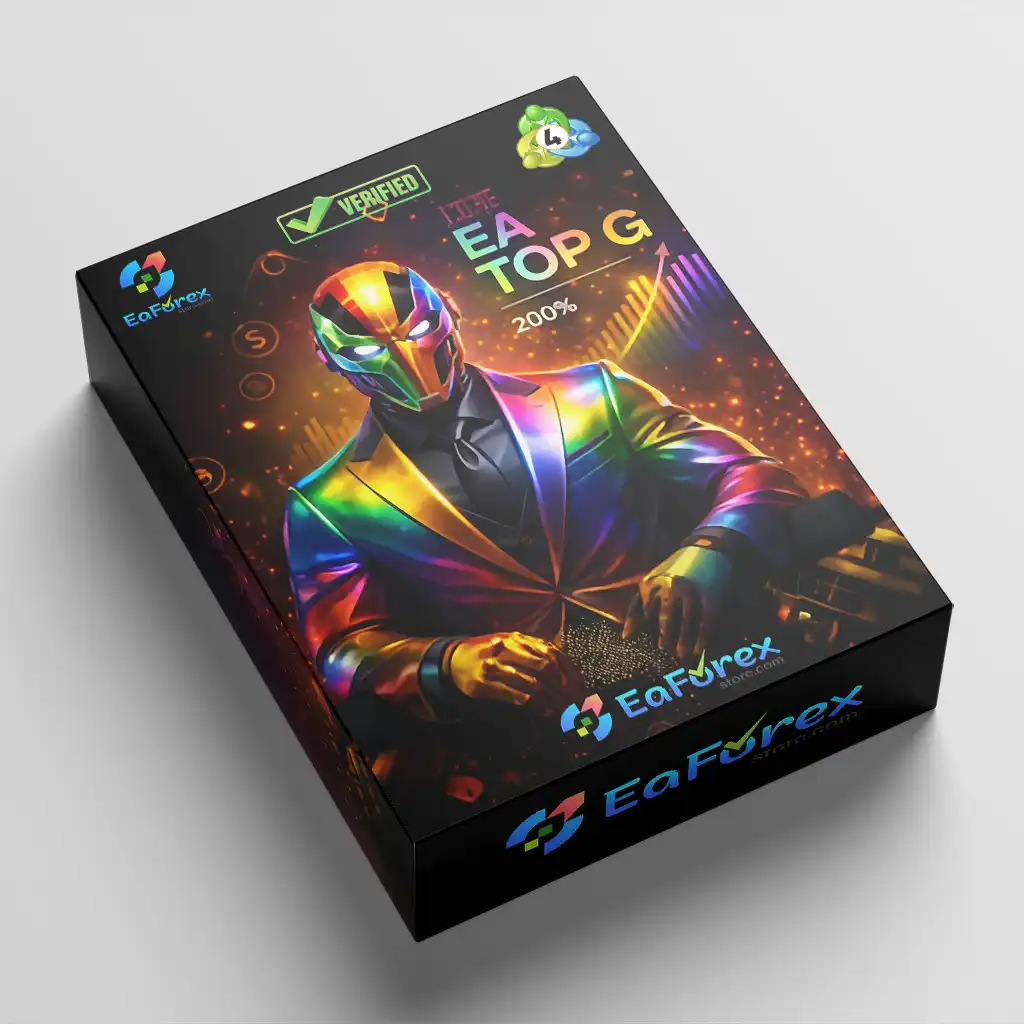
EA Top G MT4 is a professional automated forex trading system designed for long-term stability, portfolio diversification, and adaptive risk control using trend-following and hedge-based strategies.
• Author: Mohamed Hassan.
• Experience: Over +4 years of experience on MQL5.
• Notable Products: EA Top G MT4, EA Iron Machine MT4, Fx Kenji MT4, EA Black Lion MT4 and others.
• Flagship Product: EA Top G MT4 is rated as the best performing product of the year.
>>> Join our Channel Telegram <<<
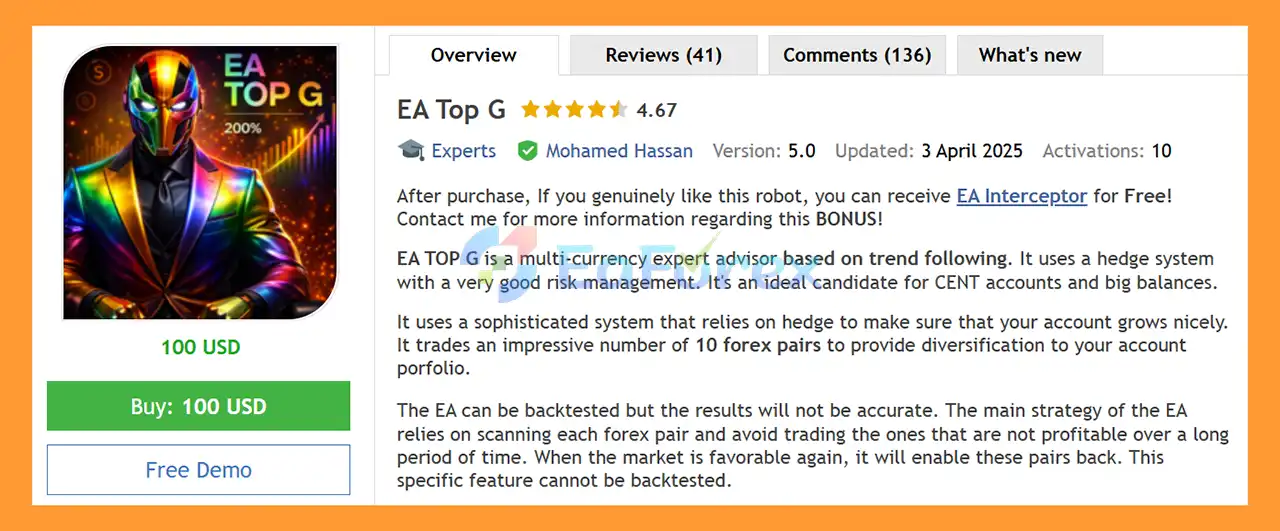
EA Top G MT4 Overview
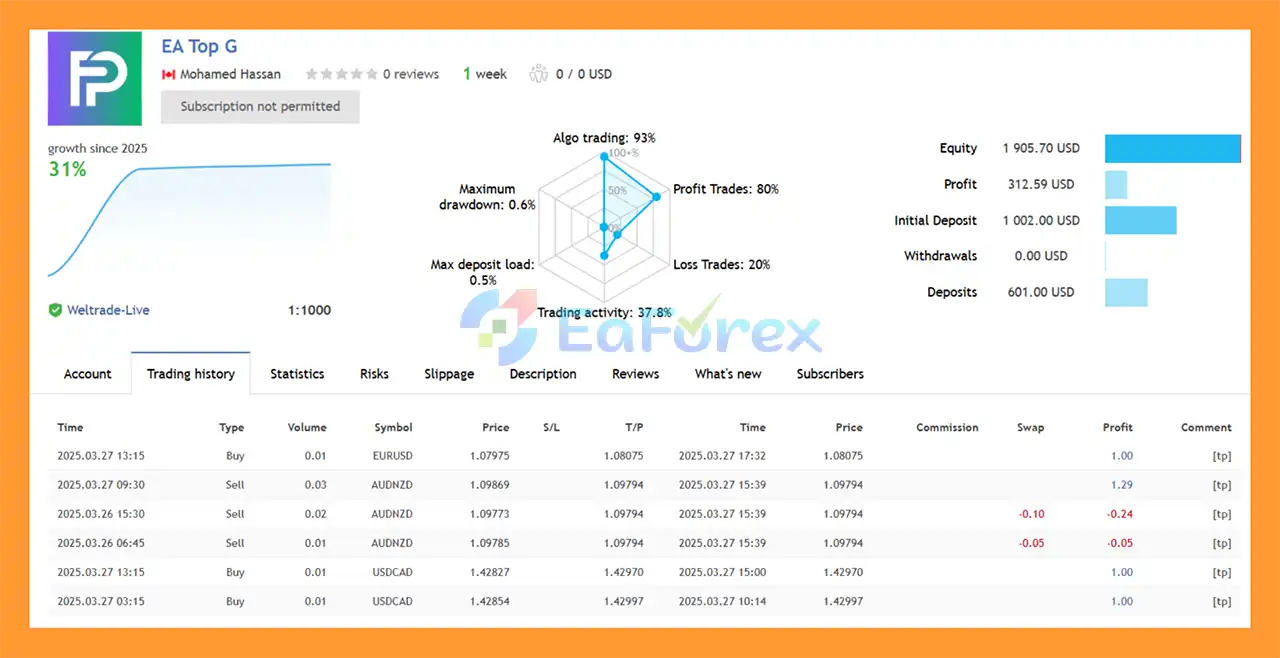
EA Top G MT4 Signal Results
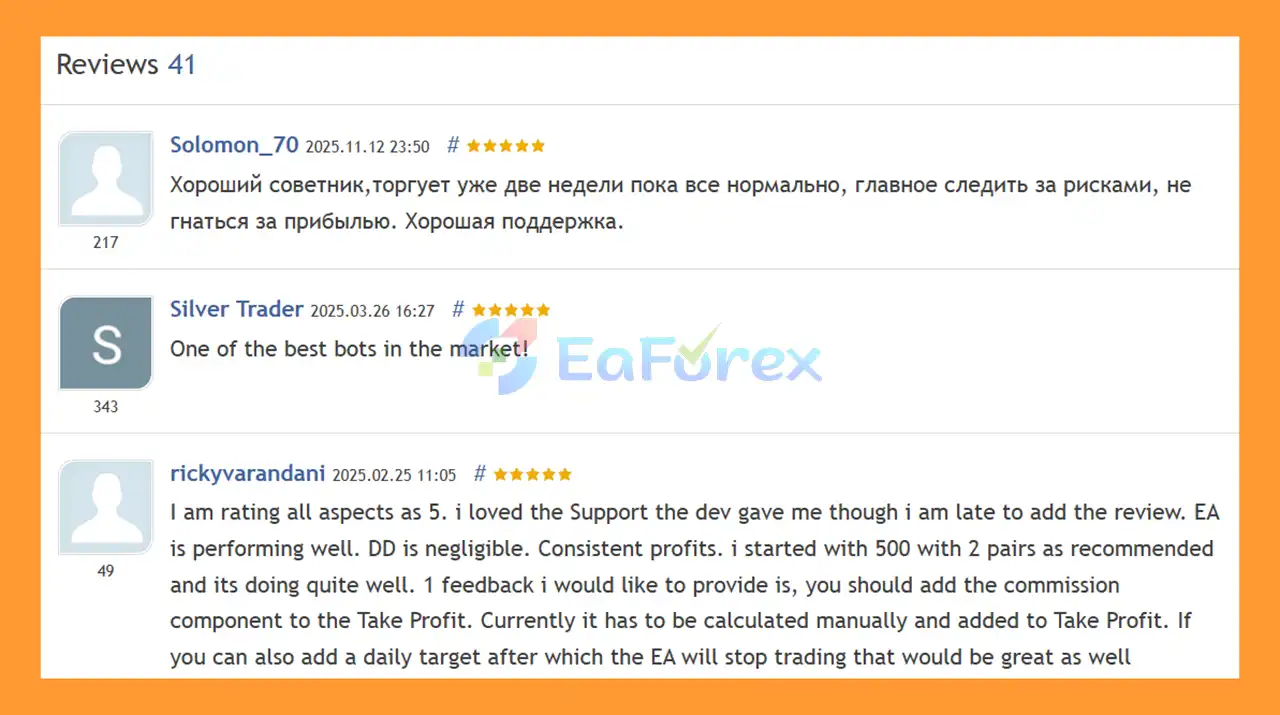
🔺 EA Top G is highly appreciated by the MQL5 community for bringing stable and reliable profits. Below are 5 star reviews from users:
User Reviews
>>> Join VIP Membership Now <<<
🔻EA Top G MT4 is a sophisticated automated trading robot designed for the MetaTrader 4 (MT4) platform. Proper installation and a thorough understanding of the configuration settings are crucial for the robot’s functionality and performance.
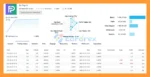
EA Top G MT4 setting
.mq4 or .ex4 extension) from the vendor.File > Open Data Folder.MQL4 > Experts.Experts folder.Navigator window, right-click on Expert Advisors and select Refresh to make the new EA appear.AutoTrading button on the top toolbar of your MT4 platform. The button should turn green.Navigator window, drag the EA Top G onto the desired currency pair chart (e.g., EURUSD, GBPUSD). This will open the settings window.Allow live trading.Allow DLL imports.EURUSD,GBPUSD,USDCAD,EURJPY,AUDUSD,GBPCAD...).0.01.300 (points), meaning the EA will trade if the spread is less than this value.true.0 (disabled).2.5.999 to uniquely identify trades from this EA.true by default, using different internal algorithms.Off By Default, but settings are available for pausing before/after high, medium, and low impact news events.0.0 (disabled by default).OK to save your settings and attach the EA to the chart. A smiling face icon in the top-right corner of the chart confirms that it is active.In summary, EA Top G MT4 is a stability-focused automated forex trading system built for traders who prioritize long-term consistency, portfolio diversification, and intelligent risk control. By combining trend-following logic with hedge-based risk management, the EA effectively reduces drawdown pressure while maintaining smooth and steady equity growth. Its ability to trade multiple currency pairs simultaneously, automatically disable underperforming pairs, and adapt to changing market conditions makes EA Top G MT4 a strong choice for hands-free, long-term trading. Supported by positive user feedback, low drawdown signal results, and flexible configuration options, EA Top G MT4 stands out as a reliable solution for traders seeking a disciplined, diversified, and risk-aware automated trading strategy on the MT4 platform.
>>> Reviewed by Jason Stap <<<
1. What is EA Top G MT4 and how does it work?
EA Top G MT4 is a professional automated forex trading system designed for long-term stability and portfolio diversification. It trades multiple currency pairs using trend-following logic combined with intelligent hedge-based risk management to maintain smooth equity growth.
2. What trading strategy does EA Top G MT4 use?
EA Top G MT4 uses a trend-following strategy supported by a hedge-based risk control system. The EA focuses on sustained market trends and avoids short-term market noise, helping reduce unnecessary trades and drawdown.
3. How many currency pairs can EA Top G MT4 trade?
EA Top G MT4 can trade up to 10 major forex pairs simultaneously. This multi-currency approach helps diversify risk and reduces dependence on the performance of a single trading pair.
4. Does EA Top G MT4 use martingale or grid strategies?
No. EA Top G MT4 does not use martingale, grid, or averaging strategies. It focuses on controlled exposure, trend confirmation, and hedging logic to protect the account during adverse market conditions.
5. How does the hedge-based risk management work?
The EA uses intelligent hedging to balance buy and sell exposure during volatile or uncertain market phases. This helps stabilize equity, reduce drawdown pressure, and protect the account during trend reversals.
6. Is EA Top G MT4 suitable for long-term trading?
Yes. EA Top G MT4 is specifically designed for long-term, stability-focused trading. It prioritizes smooth equity curves and consistent growth rather than aggressive short-term profit chasing.
7. Can EA Top G MT4 automatically manage underperforming pairs?
Yes. EA Top G MT4 features adaptive pair selection, which automatically disables underperforming currency pairs and reactivates them once performance conditions improve. This helps maintain overall portfolio efficiency.
8. Is EA Top G MT4 beginner-friendly?
Yes. EA Top G MT4 can be used by beginners thanks to its automated execution and ready-to-use settings. At the same time, experienced traders can fine-tune parameters such as lot size, hedge behavior, and execution modes.
9. What account types and balances are supported by EA Top G MT4?
EA Top G MT4 works on both cent accounts and standard accounts, making it suitable for small and large trading capital. It supports flexible lot sizing and controlled exposure across different account sizes.
In stock
In stock
In stock
In stock
In stock
In stock
No account yet?
Create an Account








 Automatic EA
 EA Best Seller
 Expert Advisor MT4
 Expert Advisor MT5
 HFT EA


Reviews
Clear filtersThere are no reviews yet.