









-
 Unlimited Activations
-
 Instant delivery
-
 Easy to install


 Unlimited Activations
Instant delivery
Easy to install
Unlimited Activations
Instant delivery
Easy to install
 Free Update
 Free Install Support

MFXT PHANTOM X MT5 is an advanced automated trend-following Expert Advisor developed for MetaTrader 5 traders who prioritize disciplined execution, intelligent risk management, and long-term trading consistency. The EA combines ATR-based volatility analysis, ADX trend strength confirmation, triple EMA alignment, dynamic drawdown control, and integrated news protection to identify high-probability market opportunities while avoiding unfavorable conditions. Designed to focus on quality over quantity, MFXT PHANTOM X MT5 delivers a professional trading approach that emphasizes capital preservation, adaptive trade management, and stable performance across changing market environments.
>> Join our Channel Telegram <<<
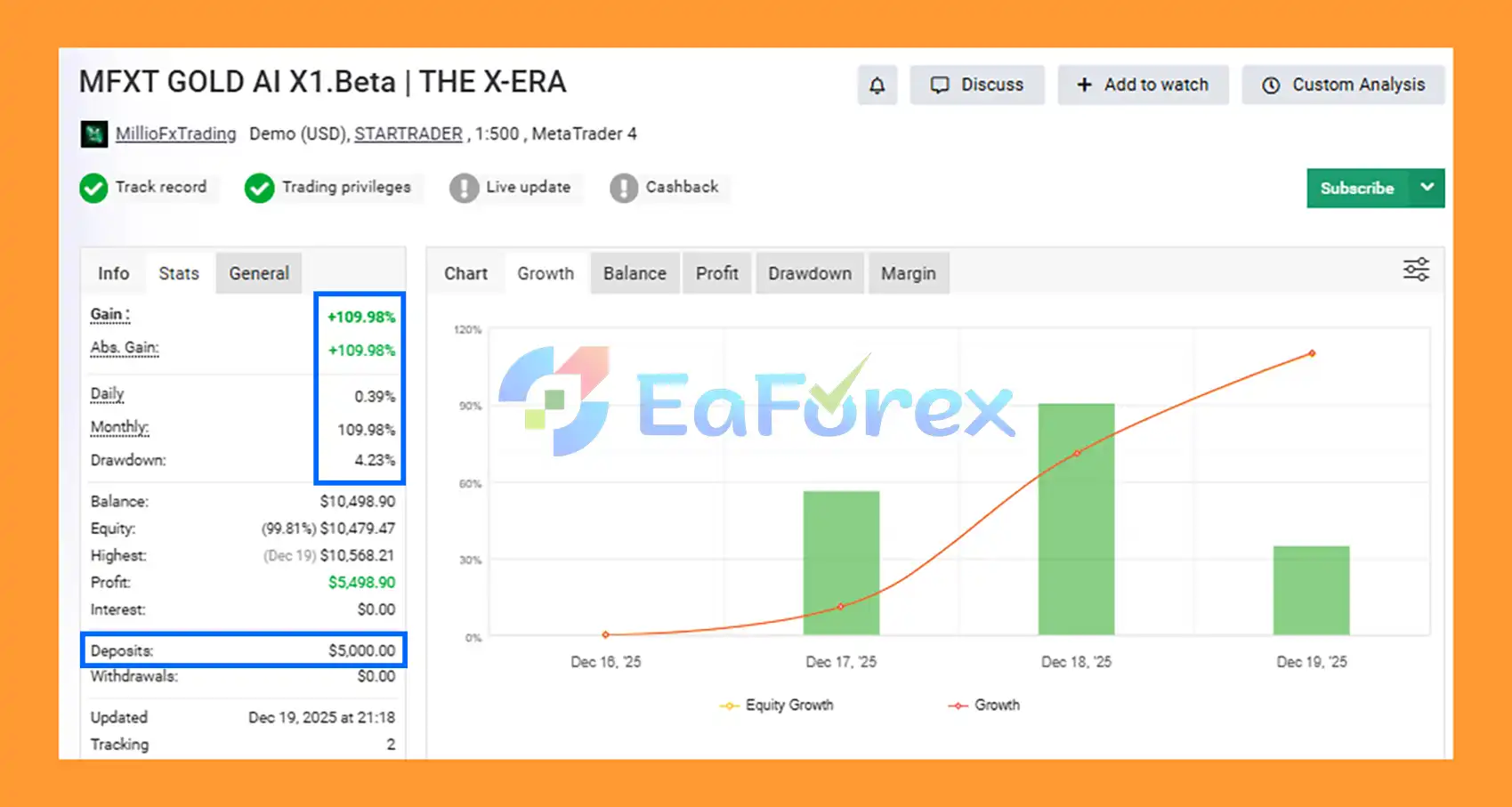
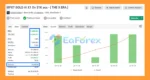
🔺XAUUSD (Gold) pair
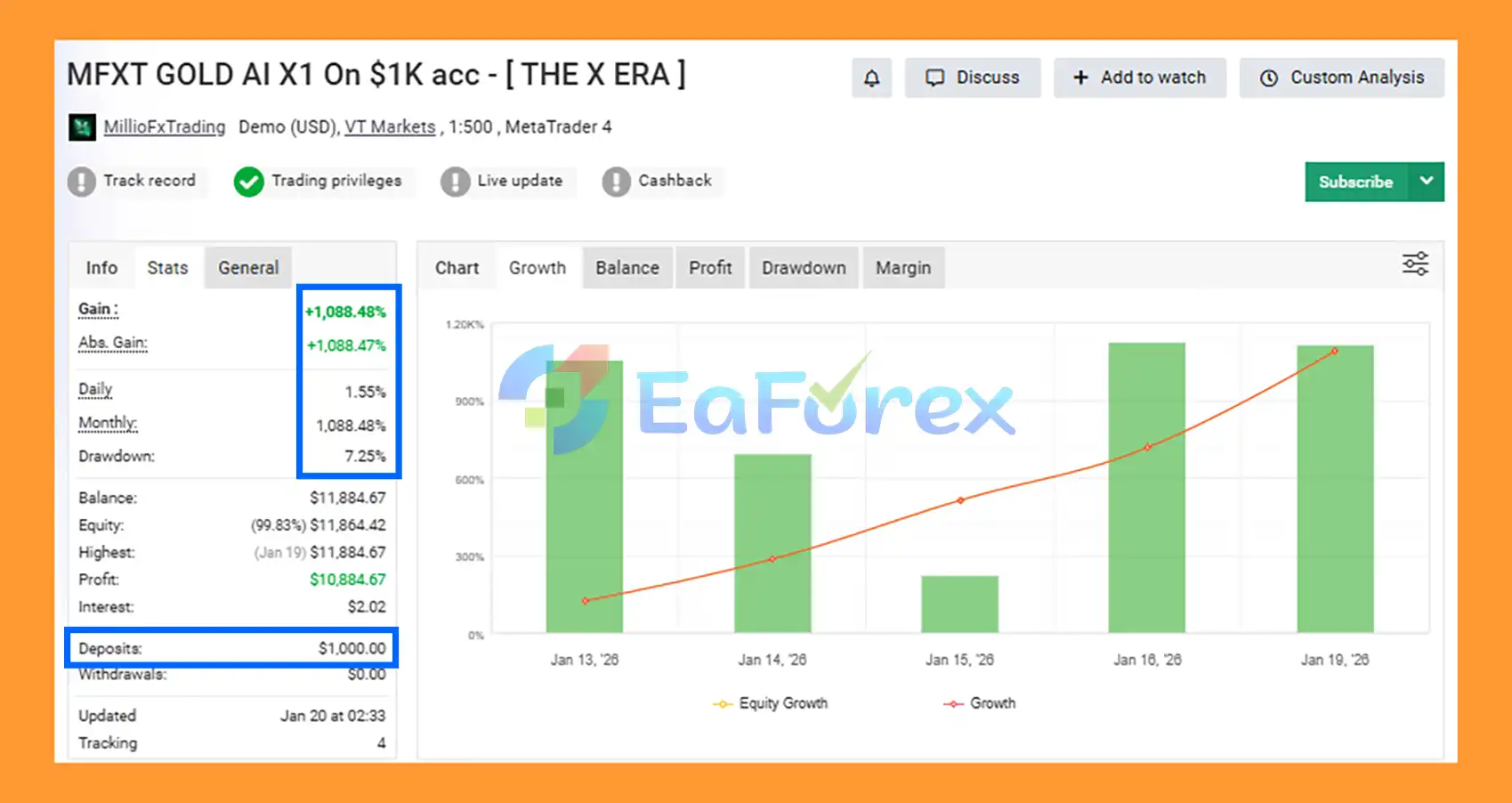
MFXT PHANTOM X MT5 Myfxbook
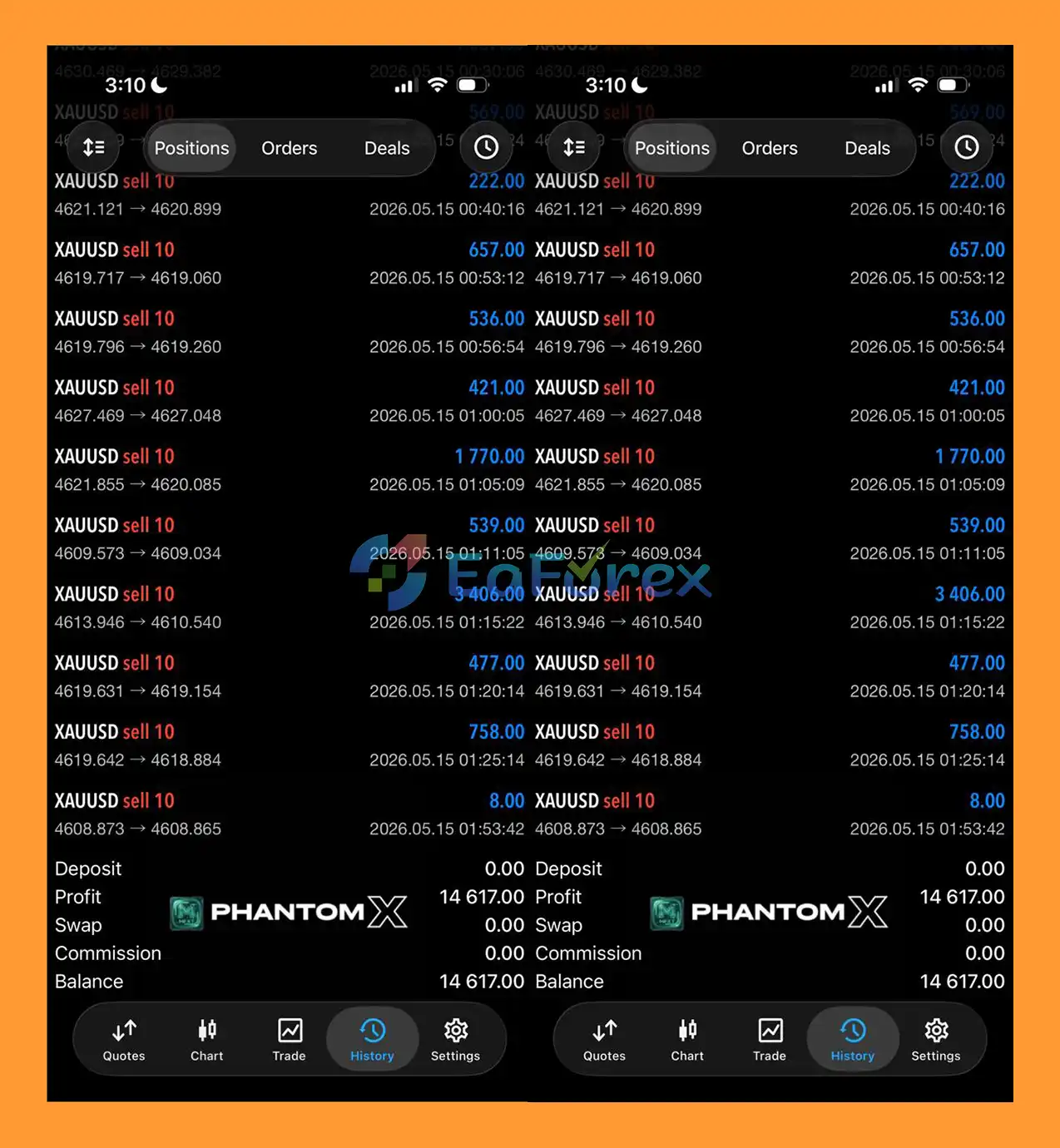
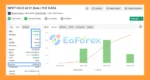
🔺XAUUSD (Gold) pair
MFXT PHANTOM X Myfxbook
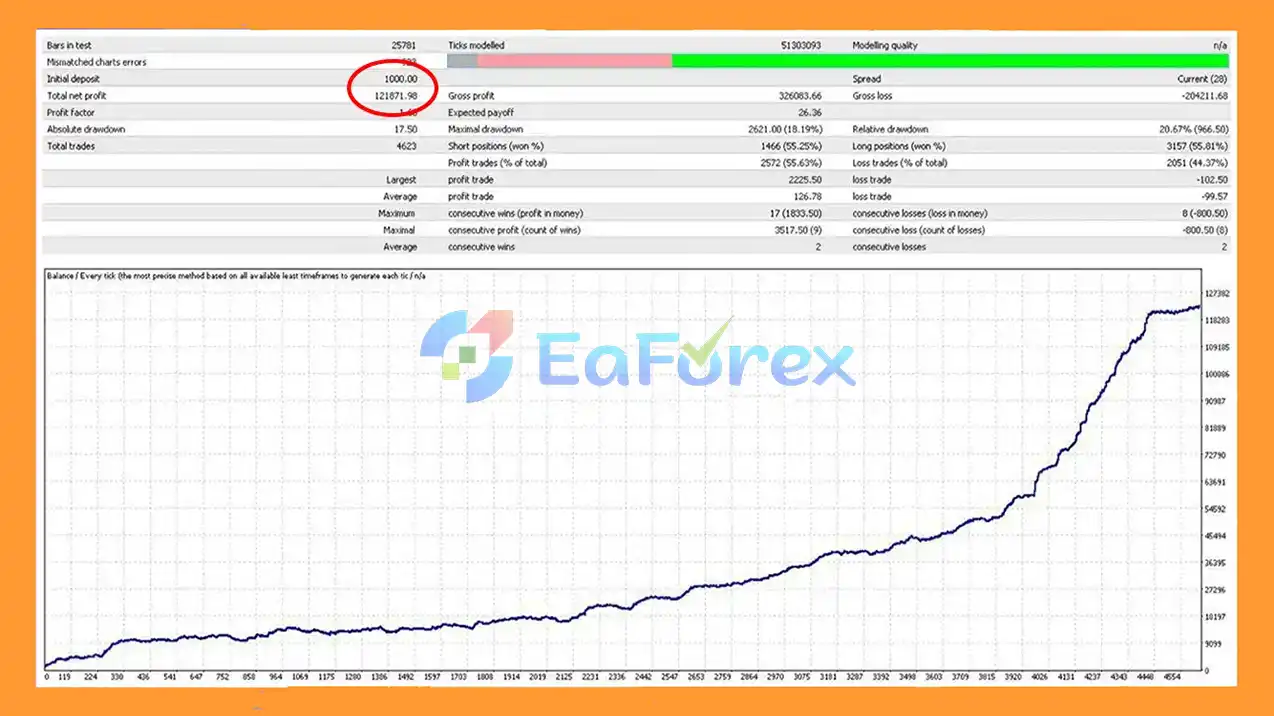
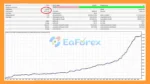
MFXT PHANTOM X MT5 Backtest
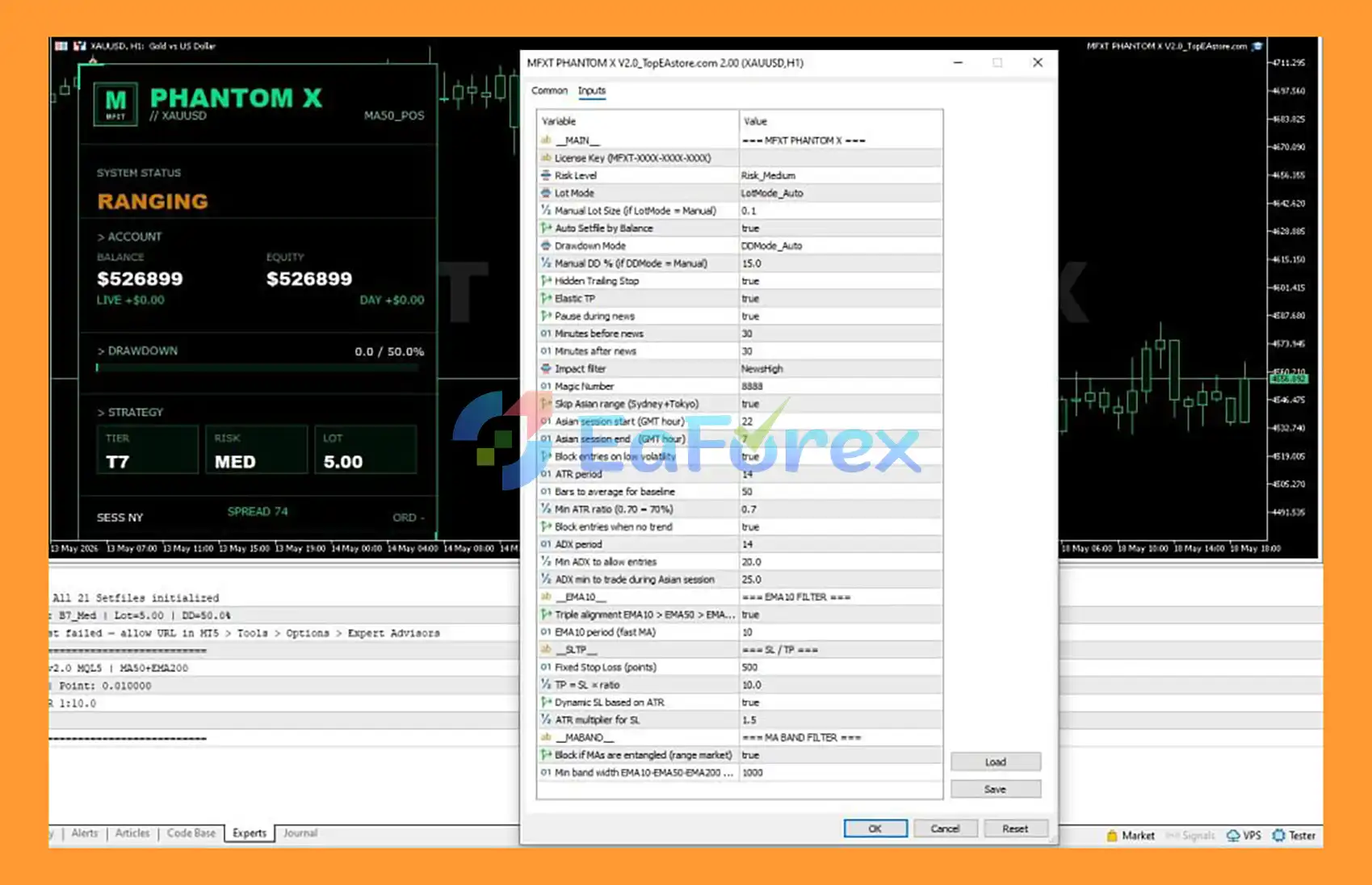
🔺Setting up MFXT PHANTOM X MT5 is simple and designed to deliver disciplined trend-following performance on XAUUSD through advanced risk management, trend confirmation, and volatility filtering.
settingg
🔺Select Risk Level = Medium and enable Auto Lot Sizing by Balance for dynamic position sizing. Keep Hidden Trading Stop = True to enhance account protection and trade management.
🔺Activate the News Filter and pause trading:
🔺This helps avoid high-impact market volatility and unexpected price spikes.
🔺Enable the Asian Session Range Filter and block entries during low-volatility conditions. Set:
🔺This allows the EA to focus on higher-probability breakout opportunities.
🔺Enable the ADX Trend Filter with:
🔺Also enable the Triple EMA Alignment Filter using:
🔺These filters help identify strong market trends before entering trades.
🔺Use the following risk parameters:
🔺This setup allows the EA to adapt to changing market volatility while maintaining favorable reward potential.
🔺Activate the EMA Band Filter to block trades during ranging market conditions. This helps reduce false entries and improves overall trade quality.
🔺Attach MFXT PHANTOM X MT5 to an XAUUSD H1 chart, verify all settings, enable AutoTrading, and allow the EA to manage trades automatically.
🔺With these recommended settings, MFXT PHANTOM X MT5 can effectively combine trend-following logic, ADX strength confirmation, EMA alignment, ATR-based risk management, and intelligent news protection to deliver consistent and disciplined automated Gold trading performance.
In summary, MFXT PHANTOM X MT5 is a sophisticated trend-following Expert Advisor that combines advanced market analysis, intelligent risk management, and fully automated execution into a comprehensive trading solution. By utilizing ATR volatility filtering, ADX trend confirmation, Triple EMA alignment, dynamic drawdown control, and integrated news protection, the EA focuses on capturing high-probability market opportunities while minimizing exposure to unfavorable conditions. Its adaptive trade management features, including automatic lot sizing, hidden trailing stops, and elastic take profit targets, help maintain a disciplined and professional trading approach. Designed for traders who prioritize consistency, capital preservation, and long-term account growth, MFXT PHANTOM X MT5 offers a reliable and efficient automated trading system capable of adapting to changing market environments.
>>> Reviewed by Jason Stap <<<
1. What is MFXT PHANTOM X MT5?
MFXT PHANTOM X MT5 is an advanced automated trend-following Expert Advisor for MetaTrader 5 that combines ATR volatility analysis, ADX trend confirmation, Triple EMA alignment, and intelligent risk management to identify high-probability trading opportunities.
2. How does MFXT PHANTOM X MT5 identify trading opportunities?
The EA uses a multi-layer validation process that includes ATR volatility filtering, ADX trend strength confirmation, and Triple EMA alignment (EMA10, EMA50, and EMA200) before opening any trade.
3. Is MFXT PHANTOM X MT5 fully automated?
Yes. MFXT PHANTOM X MT5 is fully automated and handles market analysis, trade execution, position management, trailing stops, and exit decisions without requiring manual intervention.
4. What risk management features are included in MFXT PHANTOM X MT5?
The EA includes dynamic auto lot sizing, automatic drawdown control, balance-based risk optimization, hidden trailing stops, and advanced news protection to help preserve trading capital and control risk exposure.
5. Does MFXT PHANTOM X MT5 avoid trading during major news events?
Yes. The built-in news protection system automatically pauses trading before and after high-impact economic announcements to reduce exposure to unpredictable market volatility.
6. What markets and trading styles is MFXT PHANTOM X MT5 designed for?
MFXT PHANTOM X MT5 is designed for trend-following traders who prefer disciplined and structured trading. It focuses on strong trending market conditions and avoids low-quality ranging markets through advanced filtering systems.
7. How does the Triple EMA strategy work in MFXT PHANTOM X MT5?
The EA requires EMA10, EMA50, and EMA200 to align in the same direction before entering a trade. This helps confirm market structure and improves the probability of trading with the prevailing trend.
8. Who should use MFXT PHANTOM X MT5?
MFXT PHANTOM X MT5 is ideal for traders seeking a professional automated trading solution that prioritizes trend quality, risk management, capital preservation, and long-term account growth rather than aggressive high-risk trading.
In stock
In stock
In stock
In stock
In stock
In stock
No account yet?
Create an Account










 Automatic EA
 EA Best Seller
 Expert Advisor MT4
 Expert Advisor MT5
 HFT EA


Reviews
Clear filtersThere are no reviews yet.