









-
 Unlimited Activations
-
 Instant delivery
-
 Easy to install



 Unlimited Activations
Instant delivery
Easy to install
Unlimited Activations
Instant delivery
Easy to install
 Free Update
 Free Install Support

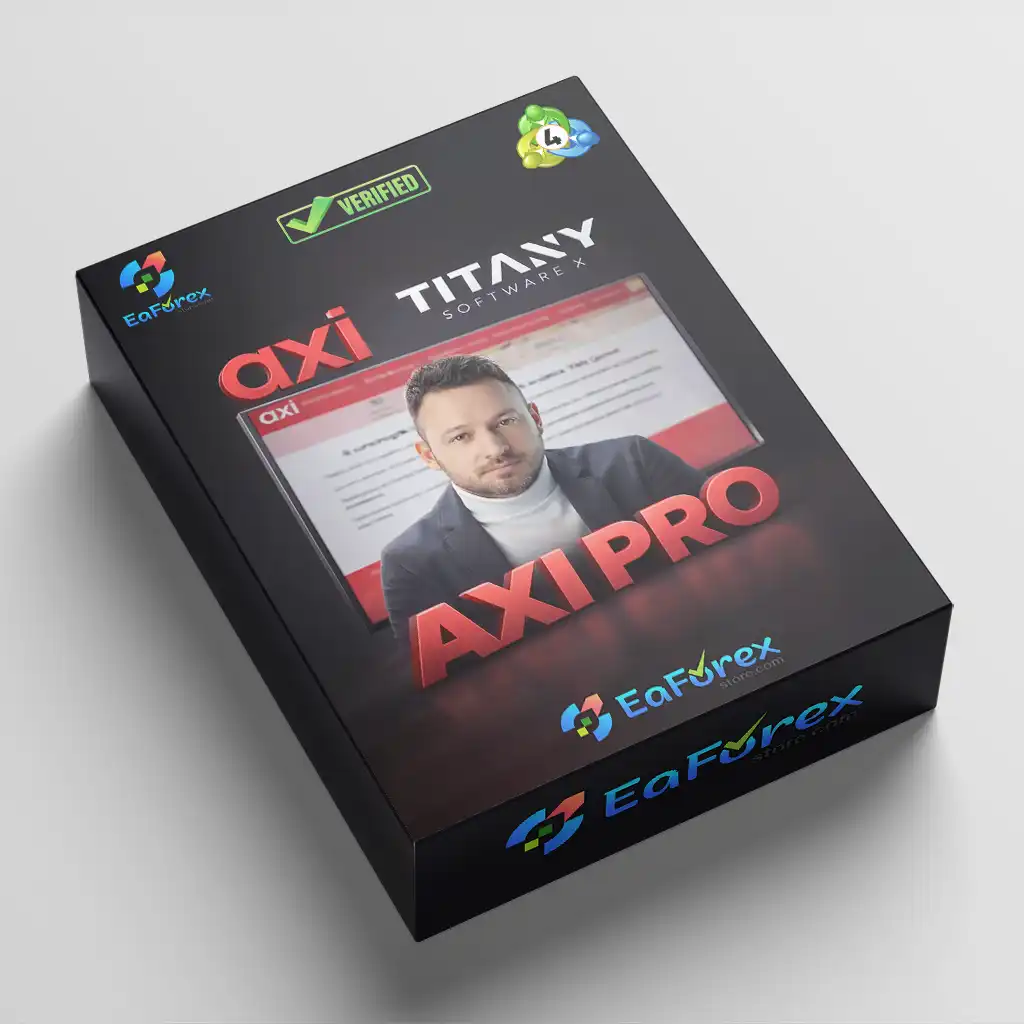
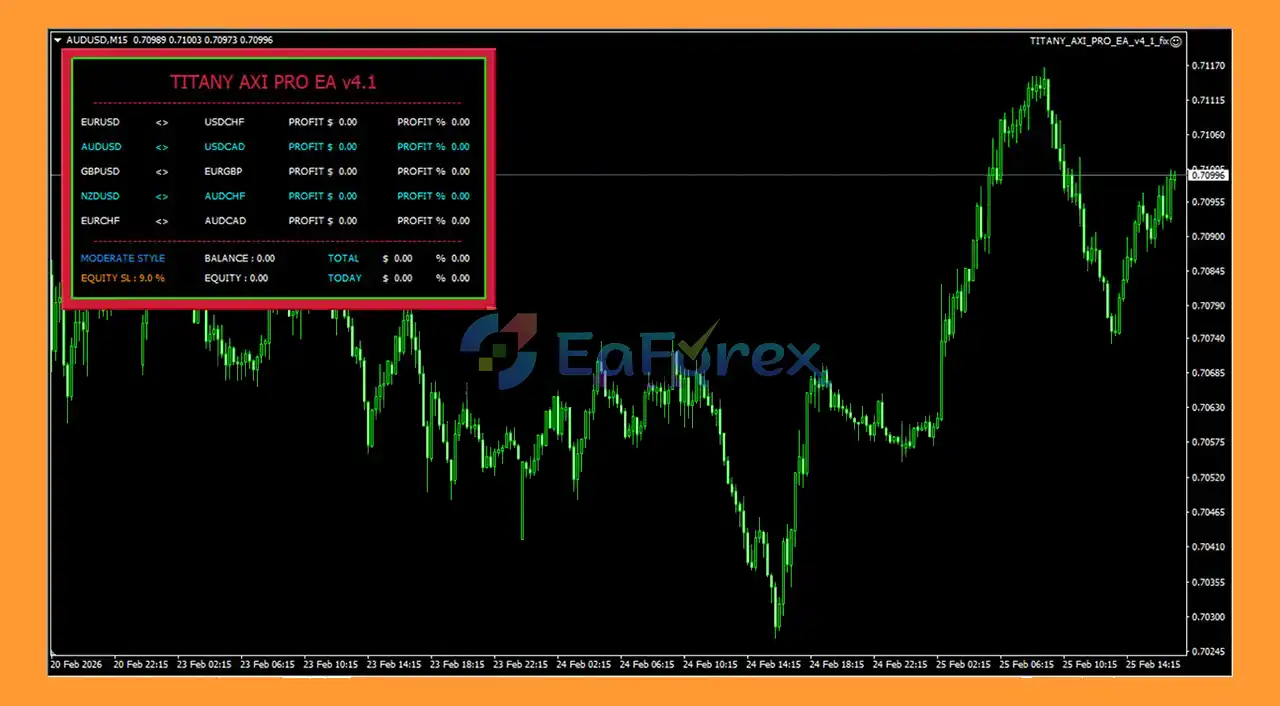
TITANY AXI PRO EA MT4 is an Expert Advisor that delivers multi-value profits on each arbitrage trade based on correlation and client risk control. This system focuses on identifying inefficiencies in copying correlation values, simultaneously applying a strict risk management strategy, protecting capital, and filtering underlying assets of the session. This architecture is cost-effective in maintaining stability, limiting potential risk, and allowing you to adjust to correlation and all market fluctuations.
TITANY AXI PRO EA MT4 reviews
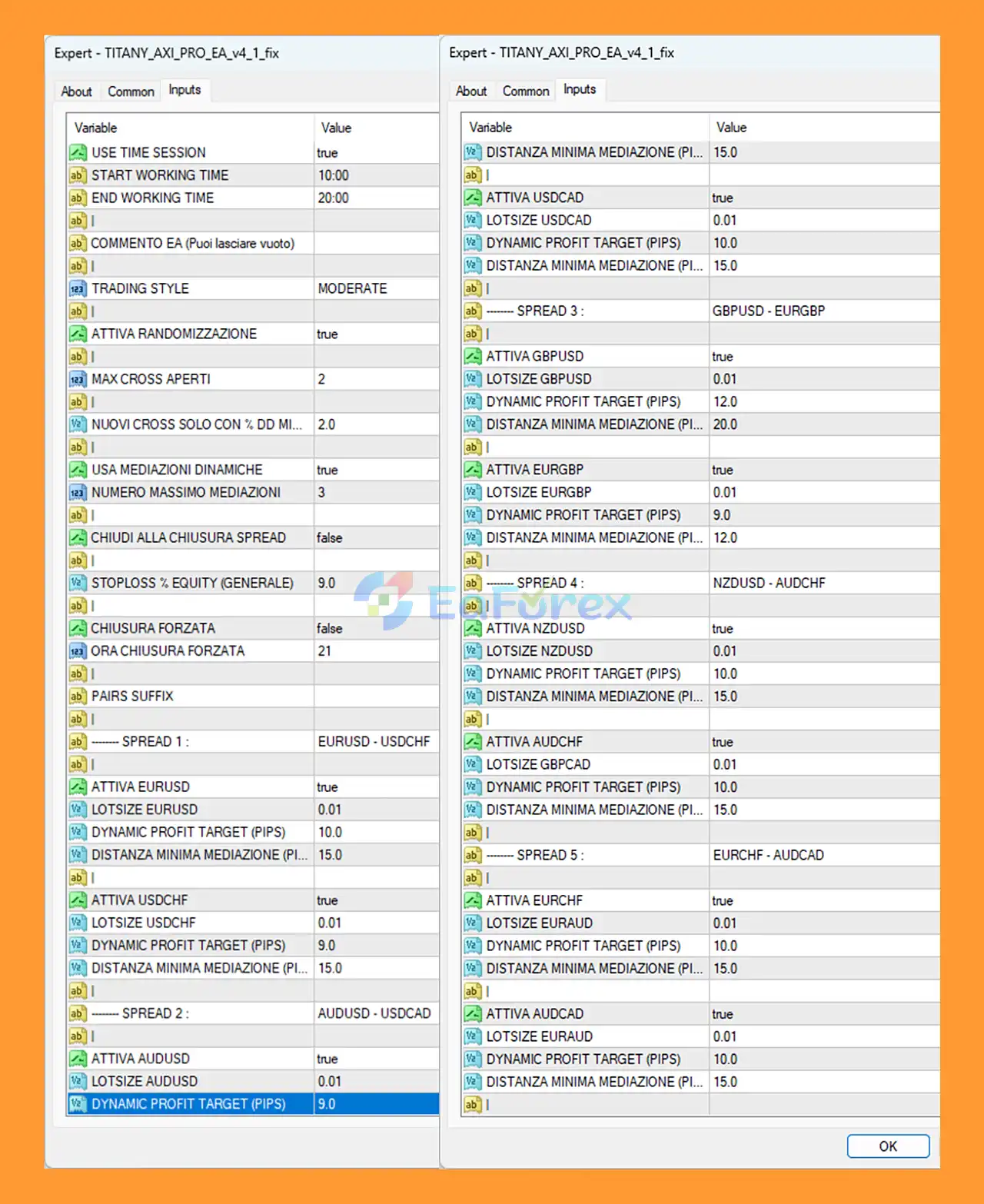
🔻 Below is a short and clear guide to install and optimize the EA for stable automated trading.
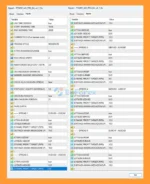
setting
➡️Use the following recommended configuration:
🔺Trading Session
🔺Risk Management
🔺Lot Size
Default Lot Size for each pair: 0.01
➡️Enable trading pairs and set profit targets:
🔺Spread 1 – EURUSD / USDCHF
🔺Spread 2 – AUDUSD / USDCAD
🔺Spread 3 – GBPUSD / EURGBP
🔺Spread 4 – NZDUSD / AUDCHF
🔺Spread 5 – EURCHF / AUDCAD
➡️Click OK and make sure the AutoTrading button on MT4 is enabled. A smiling face icon in the chart corner confirms that the EA is running.
With the correct setup, TITANY AXI PRO EA MT4 can trade automatically and manage positions based on its built-in strategy.
>>> Join VIP Membership Now <<<
In summary, TITANY AXI PRO EA MT4 is a correlation-based Forex trading robot designed to capture arbitrage opportunities between related currency pairs while maintaining strict risk control. With features such as multi-pair spread trading, adaptive correlation monitoring, structured averaging, and built-in equity protection, the EA aims to deliver stable and automated performance on the MetaTrader 4 platform. Its disciplined risk management framework, session-optimized execution, and portfolio diversification make TITANY AXI PRO EA MT4 a suitable solution for traders seeking a balanced approach to automated Forex trading with controlled drawdown and consistent strategy execution.
>>> Reviewed by Jason Stap <<<
1. What is TITANY AXI PRO EA MT4?
TITANY AXI PRO EA MT4 is an automated Forex trading robot designed for the MetaTrader 4 platform. It uses a correlation-based spread trading strategy to identify price inefficiencies between related currency pairs and execute arbitrage-style trades while maintaining strict risk management.
2. How does TITANY AXI PRO EA MT4 work?
The EA monitors correlated Forex pairs and opens opposite positions when temporary price divergence occurs. When the price relationship returns to normal (spread convergence), the system closes the trades for profit. It also uses dynamic averaging and hedging logic to manage market fluctuations.
3. Which currency pairs does TITANY AXI PRO EA MT4 trade?
TITANY AXI PRO EA MT4 trades multiple correlated Forex pairs, including:
EURUSD / USDCHF
AUDUSD / USDCAD
GBPUSD / EURGBP
NZDUSD / AUDCHF
EURCHF / AUDCAD
These pairs are selected because they often show strong correlation relationships that the EA can exploit.
4. Is TITANY AXI PRO EA MT4 suitable for beginners?
Yes. TITANY AXI PRO EA MT4 is designed for both beginners and experienced traders because it operates fully automatically on MetaTrader 4. Once installed and configured, it can execute trades without manual intervention, making automated trading more accessible.
5. What is the recommended minimum account balance for TITANY AXI PRO EA MT4?
The recommended minimum account balance is $500 or more when trading with a 0.01 lot size. This helps the EA maintain stable performance and manage drawdown effectively.
6. Does TITANY AXI PRO EA MT4 include risk management features?
Yes. The EA includes several built-in protection systems such as:
Global equity stop (automatic trade closure at a defined drawdown)
Maximum cross-pair exposure limits
Dynamic averaging with limited recovery levels
Session-based trading filters
These features help protect the trading account from excessive risk.
7. What broker conditions are recommended for using TITANY AXI PRO EA MT4?
For optimal performance, it is recommended to use:
A low-spread ECN broker
Fast trade execution
A VPS running 24/7
These conditions help the EA execute spread trades more efficiently.
8. Can TITANY AXI PRO EA MT4 run on a VPS?
Yes. Running TITANY AXI PRO EA MT4 on a Virtual Private Server (VPS) is highly recommended. A VPS ensures that the trading robot operates continuously without interruption and maintains stable connectivity with the broker.
9. How do I install TITANY AXI PRO EA MT4 on MetaTrader 4?
To install the EA:
Open MetaTrader 4.
Click File → Open Data Folder.
Go to MQL4 → Experts.
Copy the EA file into this folder.
Restart MT4 and attach the EA to a chart.
Enable AutoTrading, Allow Live Trading, and Allow DLL Imports.
Once the setup is complete, the EA will start trading automatically.
10. What makes TITANY AXI PRO EA MT4 different from other Forex EAs?
Unlike many Forex robots that trade a single pair, TITANY AXI PRO EA MT4 uses a multi-pair correlation strategy. This allows it to diversify trades, reduce directional risk, and capture profits from price spread convergence between related currency pairs, while maintaining a structured risk management framework.
In stock
In stock
In stock
In stock
In stock
In stock
No account yet?
Create an Account






 Automatic EA
 EA Best Seller
 Expert Advisor MT4
 Expert Advisor MT5
 HFT EA


Reviews
Clear filtersThere are no reviews yet.