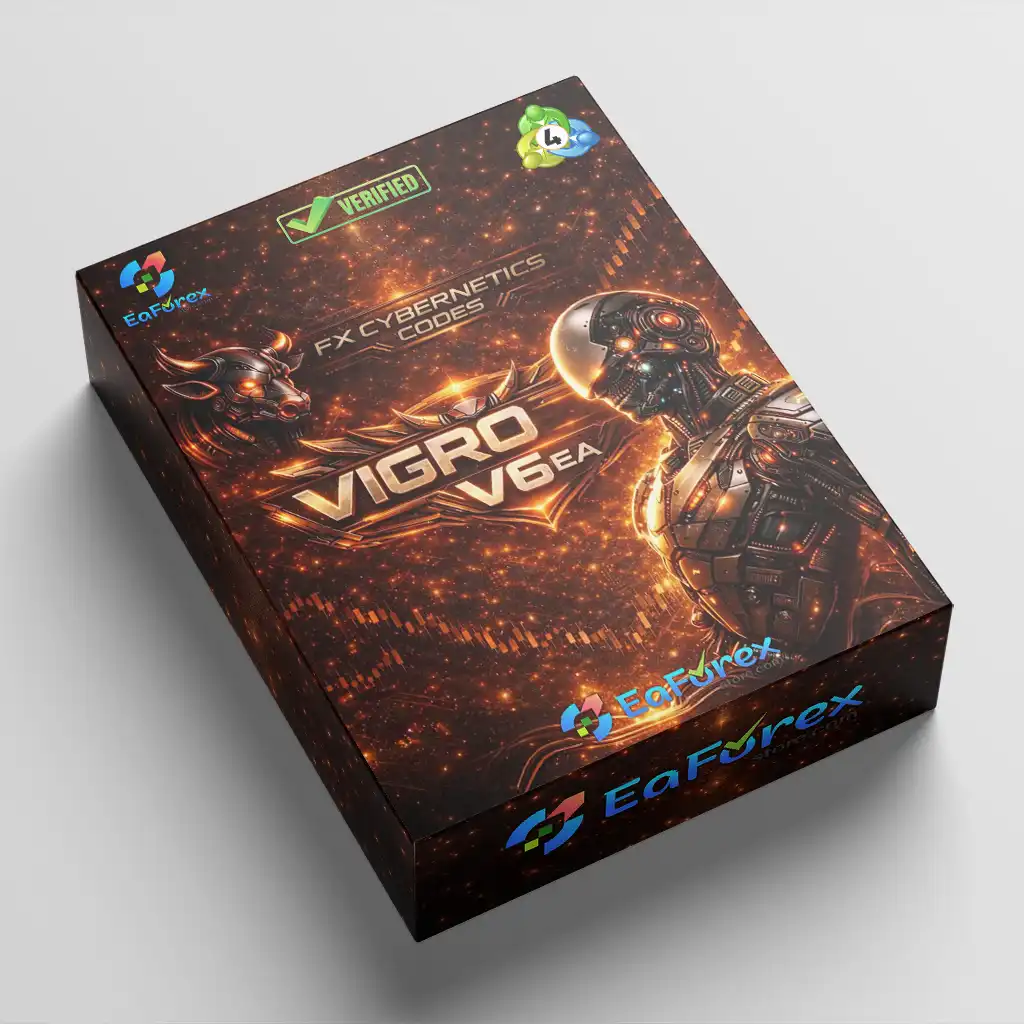
What is VIGRO PRO EA MT4?
VIGRO PRO EA MT4 is a multi-timeframe Expert Advisor (EA) developed for automated Forex trading with structured execution and adaptive risk management. Operating across M15, M30, H1, and H4 charts, it combines trend and momentum alignment with intelligent lot multipliers and strict frequency controls to deliver disciplined, rule-based automation.
Built for stability and capital preservation, VIGRO PRO EA focuses on high-liquidity trading sessions while preventing overexposure and excessive trade frequency.
Vendor website
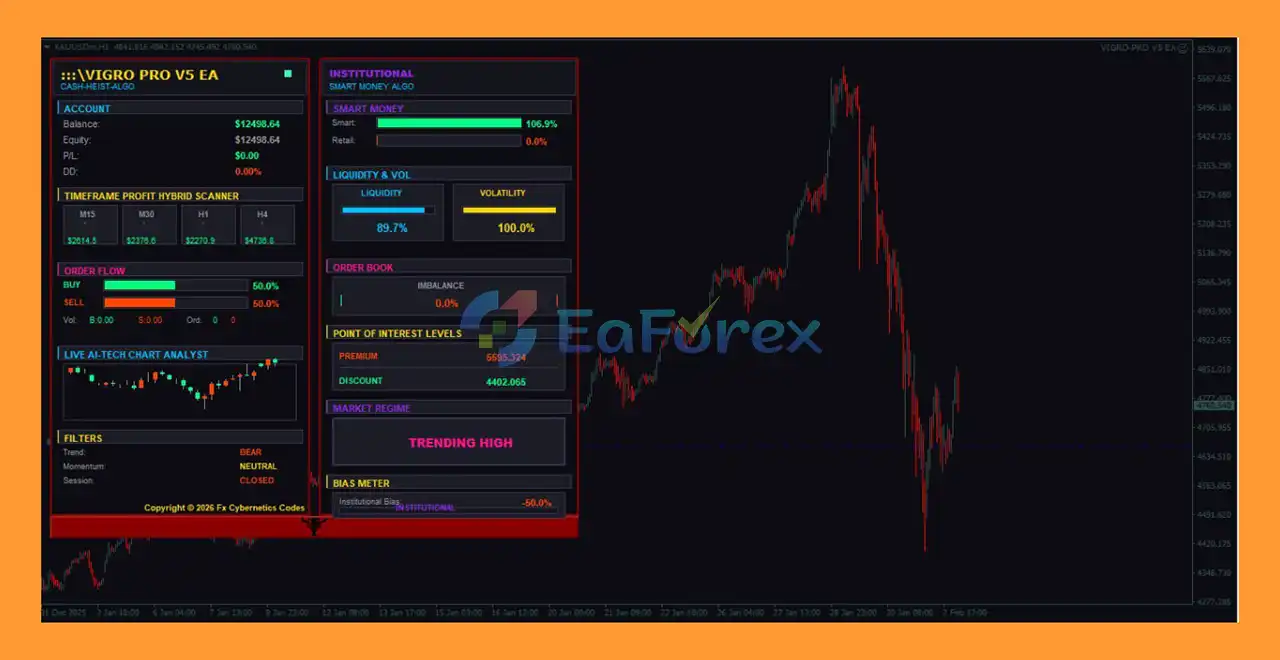
VIGRO PRO EA MT4 Reviews
Main Features of VIGRO PRO EA MT4
- Multi-Timeframe Trading Engine: Generates confirmation signals simultaneously from M15, M30, H1, and H4 charts.
- Trend & Momentum Alignment Model: Combines short-term and higher-timeframe analysis for stronger trade validation.
- Adaptive Lot Multipliers: Adjusts lot exposure based on timeframe strength and structural confirmation.
- Strict Frequency Control System: Prevents overtrading through built-in cooldown logic between entries.
- Session-Based Trading Filter: Operates exclusively during London and New York high-liquidity sessions.
- Timeframe-Based Risk Allocation: Applies adjusted lot scaling depending on chart hierarchy.
- Precision Entry with Slippage Limits: Maintains execution accuracy during volatile conditions.
Additional Features
- Balanced Multi-Timeframe Approach: Captures both intraday opportunities and short-term swing setups.
- Controlled Trade Spacing Logic: Requires candle gaps before opening new positions.
- Configurable Risk Management: Supports fixed lot sizing or percentage-based exposure models.
- Capital Preservation Priority: Integrated frequency and exposure controls enhance account stability.
- Session-Optimized Execution Timing: Focuses on periods with higher liquidity and tighter spreads.
- Customizable Risk Profile: Adjustable lot multipliers for conservative or more active strategies.
- Structured Automation Framework: Designed for disciplined, systematic Forex trading.
Why Choose VIGRO PRO EA MT4?
- Disciplined Multi-Timeframe Strategy: Aligns multiple chart structures for higher-quality entries.
- Adaptive Exposure Management: Dynamically adjusts risk based on timeframe confirmation strength.
- Overtrading Prevention System: Cooldown logic reduces unnecessary market exposure.
- Liquidity-Focused Execution: Trades only during optimal London and New York sessions.
- Stable Capital Control: Built with protective mechanisms to support consistent performance.
- Flexible Customization: Allows traders to tailor lot scaling and risk parameters.
- Marketplace-Ready Automation: Ideal for traders seeking structured, rule-based growth with controlled risk.
VIGRO PRO EA MT4 Reviews
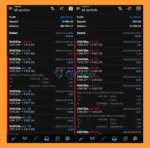
- Strong Real-Account Profit Performancel: The VIGRO PRO EA delivers impressive and consistent profit performance on real trading accounts. With proven real-account results, this automated trading system demonstrates reliability, stability, and effective risk management for traders seeking sustainable and steady returns.
- Long-Term Profit Potential on XAUUSD (Gold): When trading the XAUUSD (Gold) pair, VIGRO PRO EA shows strong long-term growth potential. Optimized to capture gold market volatility, it is designed to maximize trading opportunities while maintaining controlled drawdowns, making it an ideal solution for long-term gold trading strategies.
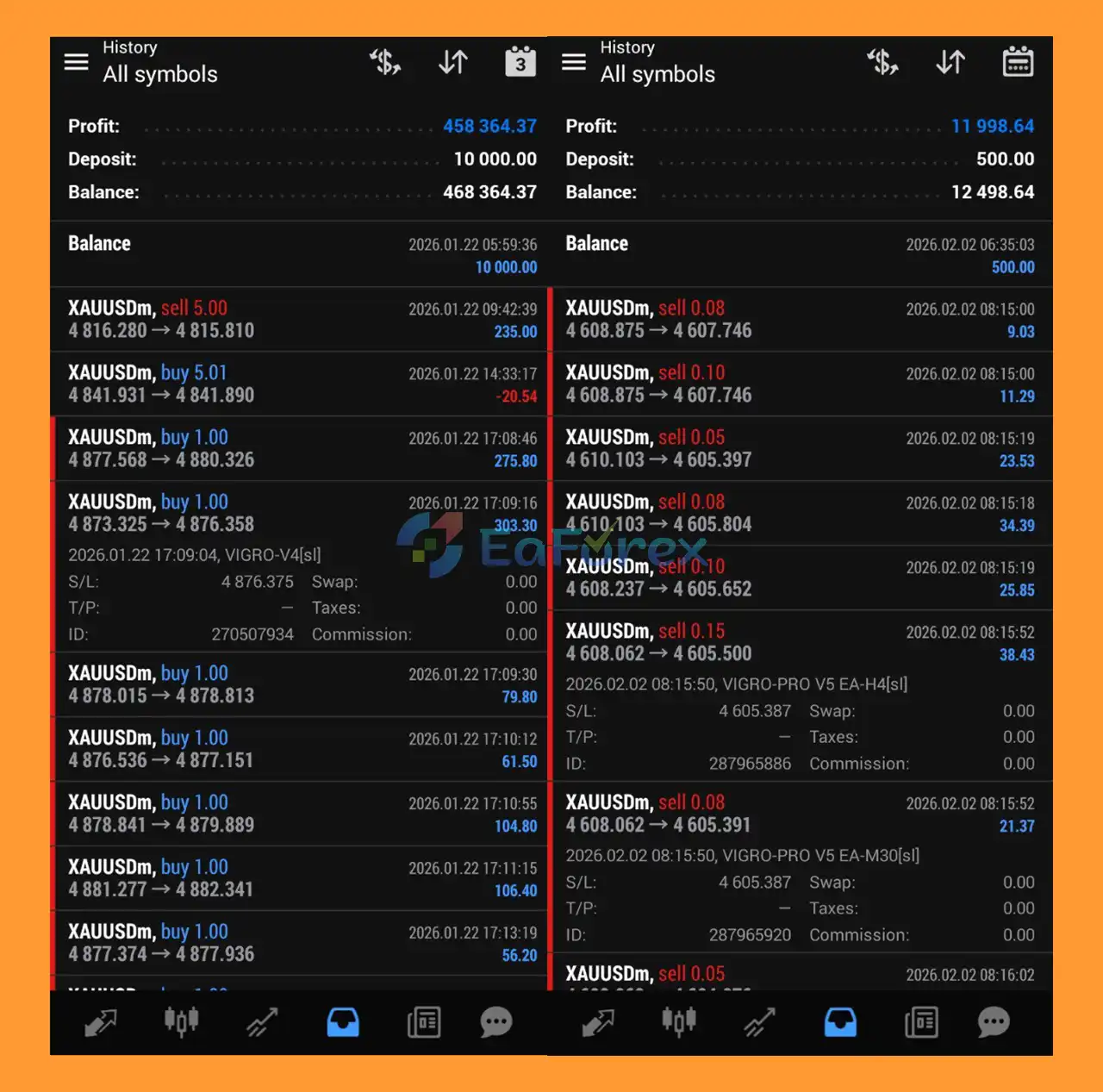
VIGRO PRO MT4 Reviews
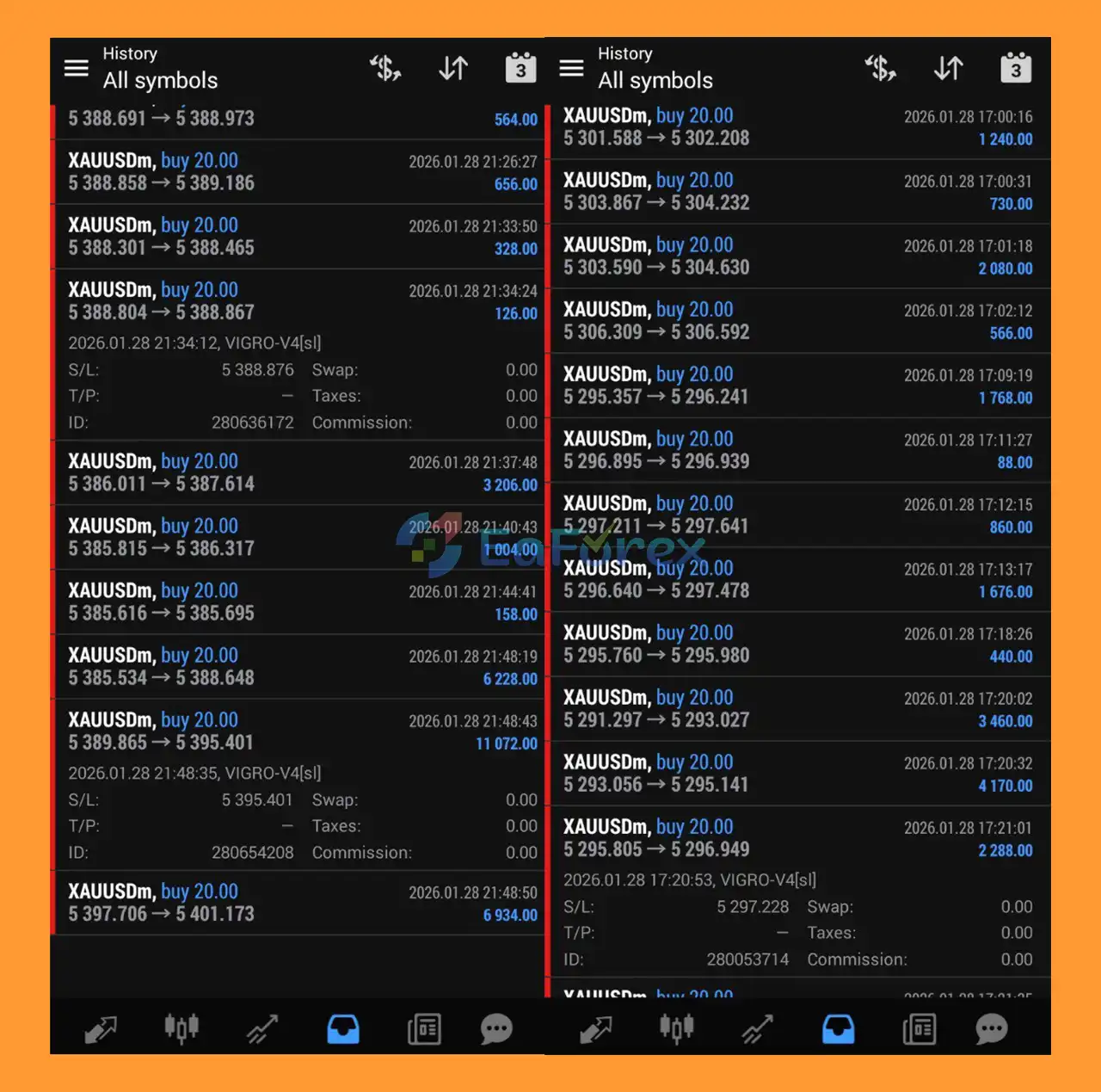
VIGRO PRO EA Reviews
How To Set Up EA
🔻If you are looking for a step-by-step guide on how to install VIGRO PRO EA MT4, this SEO-optimized tutorial will help you configure the Expert Advisor correctly for stable and efficient automated trading.
Proper setup is essential to maximize performance, control risk, and avoid common mistakes when running VIGRO PRO EA on MetaTrader 4.
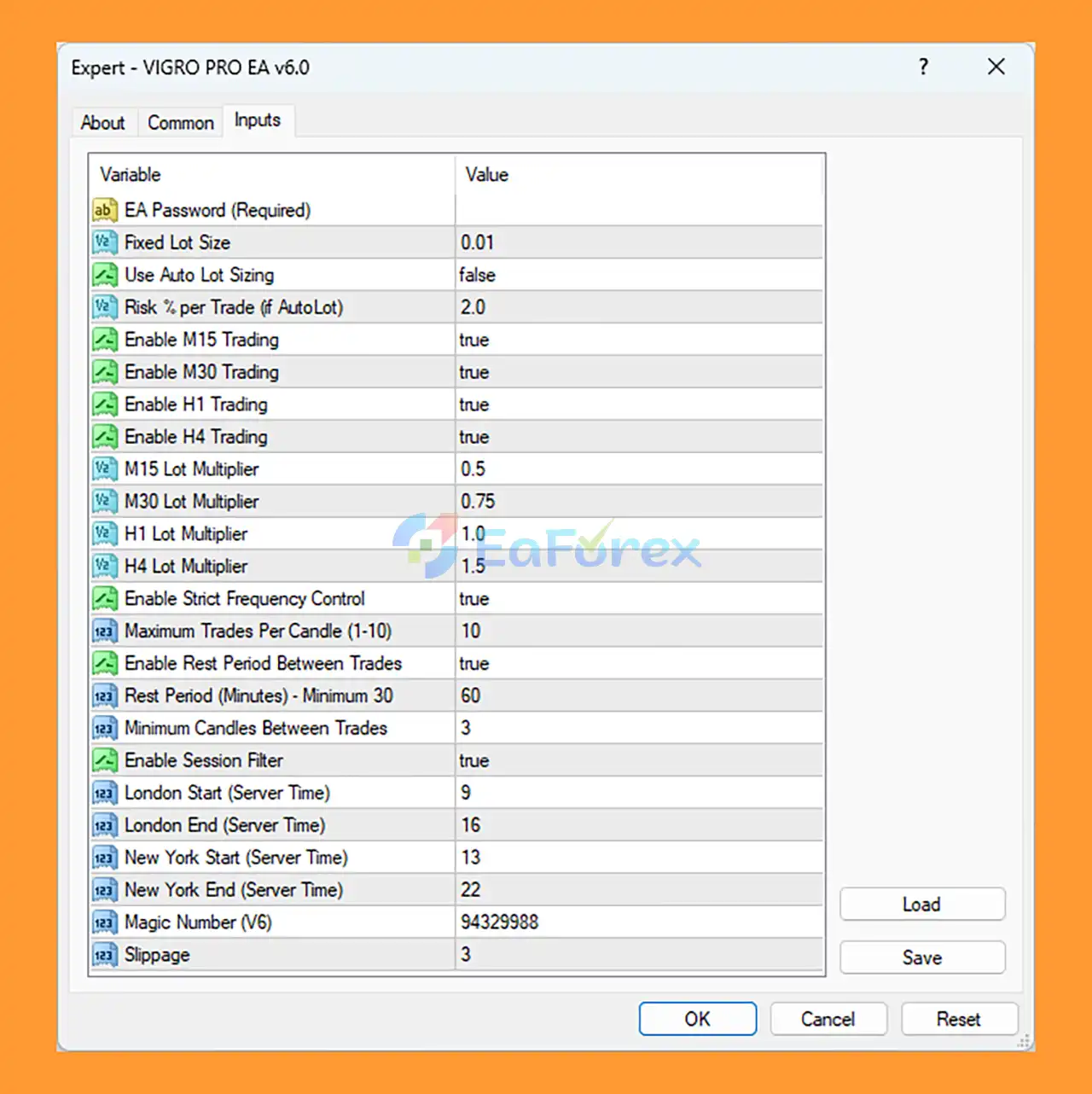
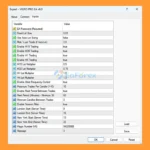
setting
Step 1: Install VIGRO PRO EA
1. Copy the EA File
- Open MetaTrader 4
- Click File → Open Data Folder
- Navigate to:
MQL4 → Experts
- Paste the VIGRO PRO EA (.ex4 or .mq4) file into the folder
- Restart MT4
2. Attach the EA to a Chart
- Open your preferred currency pair
- Select your desired timeframe
- Drag VIGRO PRO EA MT4 from Navigator → Expert Advisors onto the chart
- Enable:
- ✅ Allow Live Trading
- ✅ Allow DLL Imports (if required)
➡️Make sure the AutoTrading button on MT4 is turned ON (green).
Step 2: Configure Basic Settings
🔺EA Password (Required)
➡️Enter your activation password in the EA Password field before running the system.
Step 3: Lot Size & Risk Management Settings
➡️Proper risk management is crucial when using VIGRO PRO EA MT4.
🔺Fixed Lot Size
- Default:
0.01
- Used when Auto Lot is disabled.
🔺Use Auto Lot Sizing
true → Lot size calculated automatically based on risk %false → Uses fixed lot size
🔺Risk % Per Trade (if Auto Lot Enabled)
🔺Recommended Risk Levels:
- Conservative: 0.5% – 1%
- Moderate: 1% – 2%
- Aggressive: 3% or higher
➡️For small accounts, it is recommended to stay below 1.5%.
Step 4: Timeframe Trading Configuration
➡️VIGRO PRO EA allows you to enable or disable trading per timeframe.
🔺Enable Timeframes:
- Enable M15 Trading:
true
- Enable M30 Trading:
true
- Enable H1 Trading:
true
- Enable H4 Trading:
true
🔺Safe Setup Tip:
➡️If you want lower risk, disable M15 trading and focus on H1 and H4 only.
Step 5: Lot Multipliers Per Timeframe
➡️These settings adjust lot scaling depending on timeframe.
- M15 Lot Multiplier:
0.5
- M30 Lot Multiplier:
0.75
- H1 Lot Multiplier:
1.0
- H4 Lot Multiplier:
1.5
➡️Higher timeframe → Larger multiplier → Higher exposure.
➡️ Increasing multipliers increases drawdown risk.
Step 6: Trade Frequency Control
➡️To prevent overtrading, VIGRO PRO EA MT4 includes built-in frequency management.
🔺Enable Strict Frequency Control
🔺Maximum Trades Per Candle
🔺Rest Period Between Trades
- Enable Rest Period:
true
- Rest Period (Minutes):
60
- Minimum Candles Between Trades:
3
➡️These settings reduce excessive entries during volatile market conditions.
Step 7: Trading Session Filter Setup
➡️One of the key features of VIGRO PRO EA MT4 is the session filter.
🔺Enable Session Filter
🔺London Session (Server Time)
🔺New York Session (Server Time)
➡️Always verify your broker’s server time before configuring sessions.
➡️Best practice:
Trade during the London and New York sessions for better liquidity and volatility.
Step 8: Additional Important Settings
🔺Magic Number
- Default:
94329988
- Use a unique magic number if running multiple EAs.
🔺Slippage
- Default:
3
- Increase slightly if your broker has higher execution delay.
What’s Included in the Download Package?
- Experts:
- SetFiles:
- Fixed Lot Size_0.01.set
- Autolot Lot Size_Risk2%.set
- Autolot Lot Size_Risk3%.set
- Autolot Lot Size_Risk5%.set
>>> Join VIP Membership Now <<<
Conclusion
In summary, VIGRO PRO EA MT4 is a structured multi-timeframe automated trading system built for disciplined Forex execution and adaptive risk management on MetaTrader 4. By combining M15, M30, H1, and H4 confirmation logic with trend and momentum alignment, it delivers higher-quality entries supported by controlled lot multipliers and strict frequency filters.
With session-based trading focused on London and New York liquidity, customizable risk profiles, auto lot sizing options, and built-in cooldown logic to prevent overtrading, VIGRO PRO EA MT4 prioritizes capital preservation and stable account growth. Its balanced exposure management and timeframe-based scaling make it suitable for both conservative and moderate traders seeking systematic, rule-based automation with controlled drawdown potential.
>>> Reviewed by Jason Stap <<<














 Unlimited Activations
 Instant delivery
 Easy to install















 Automatic EA
 EA Best Seller
 Expert Advisor MT4
 Expert Advisor MT5
 HFT EA


Reviews
Clear filtersThere are no reviews yet.