









-
 Unlimited Activations
-
 Instant delivery
-
 Easy to install





 Unlimited Activations
Instant delivery
Easy to install
Unlimited Activations
Instant delivery
Easy to install
 Free Update
 Free Install Support

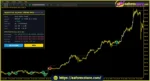
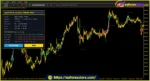
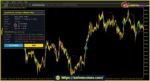
Adaptive Alpha Trend Pro MT5 is an advanced trend-following indicator for MetaTrader 5 (MT5) that combines the AlphaTrend engine, multi-timeframe trend confirmation, 22 classic candlestick patterns, and automatic statistical optimization. Designed to help traders identify potential market opportunities, this indicator adapts its parameters to recent market conditions instead of relying entirely on a fixed configuration.
The indicator uses the Average True Range (ATR) and either the Money Flow Index (MFI), based on tick volume, or the Relative Strength Index (RSI) to evaluate market momentum and volatility. It generates BUY and SELL signals based on trend direction and configurable confirmation rules, while displaying ATR-based Stop Loss (SL) and Take Profit (TP) zones directly on the chart.
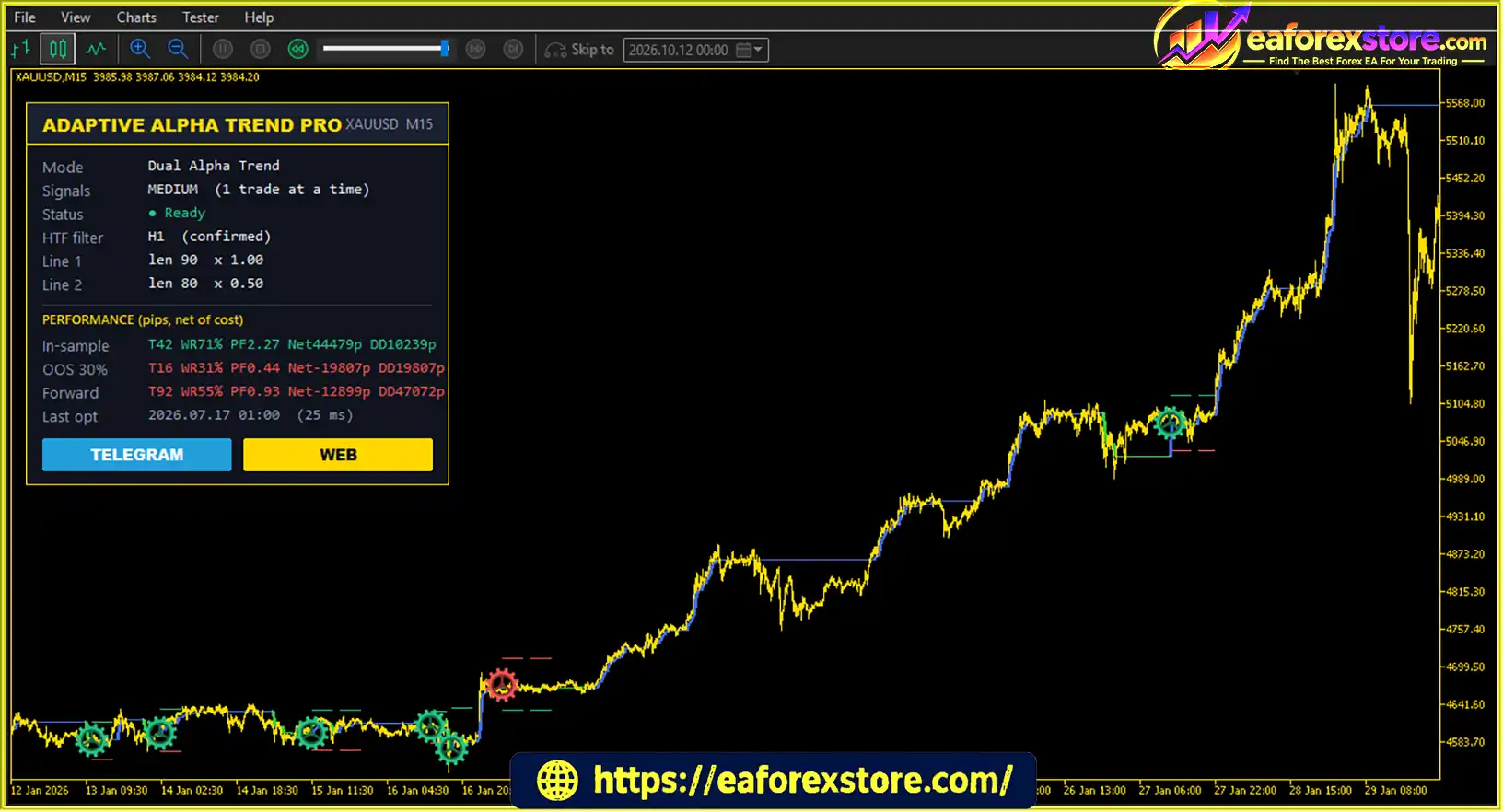
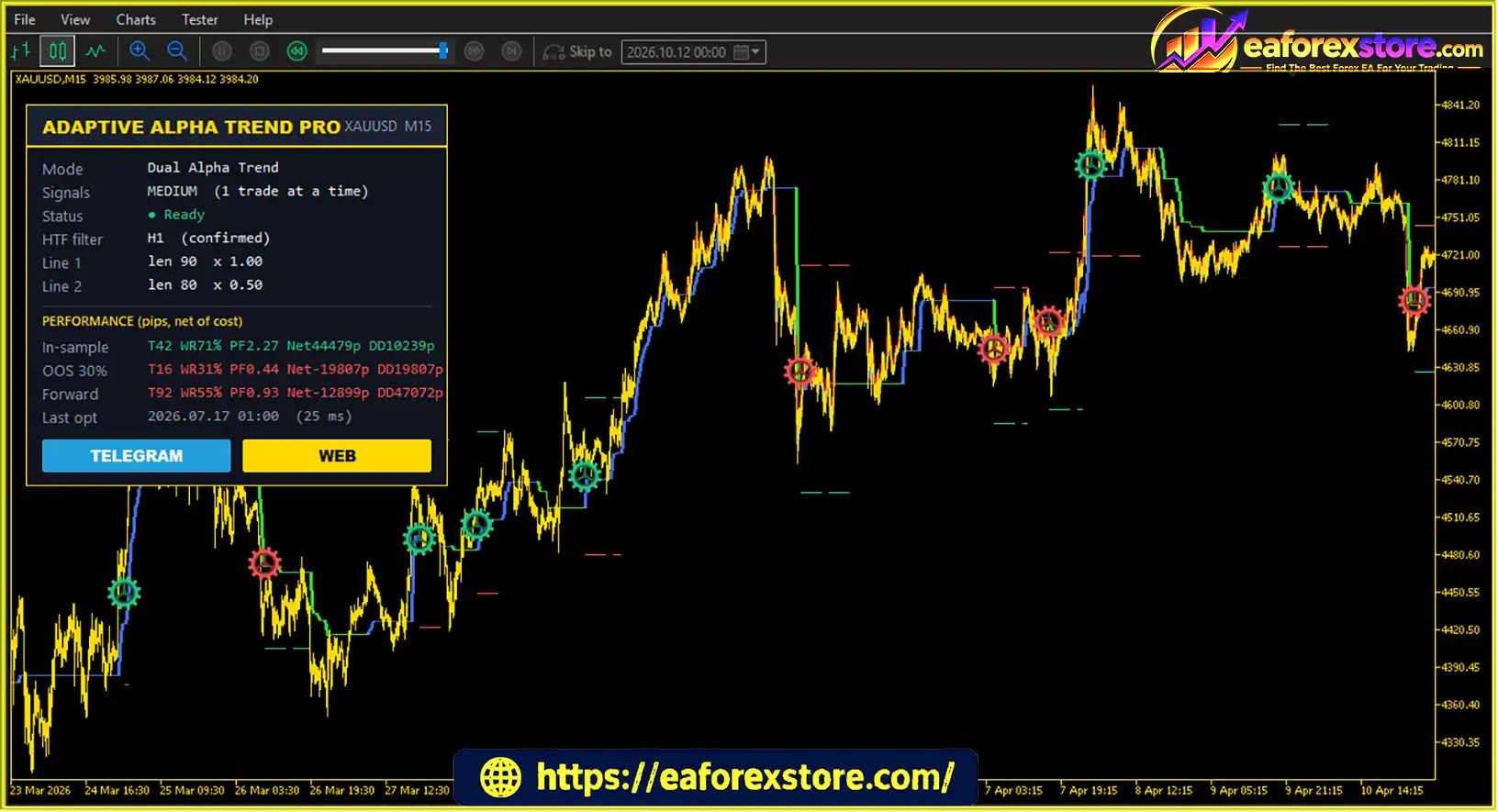
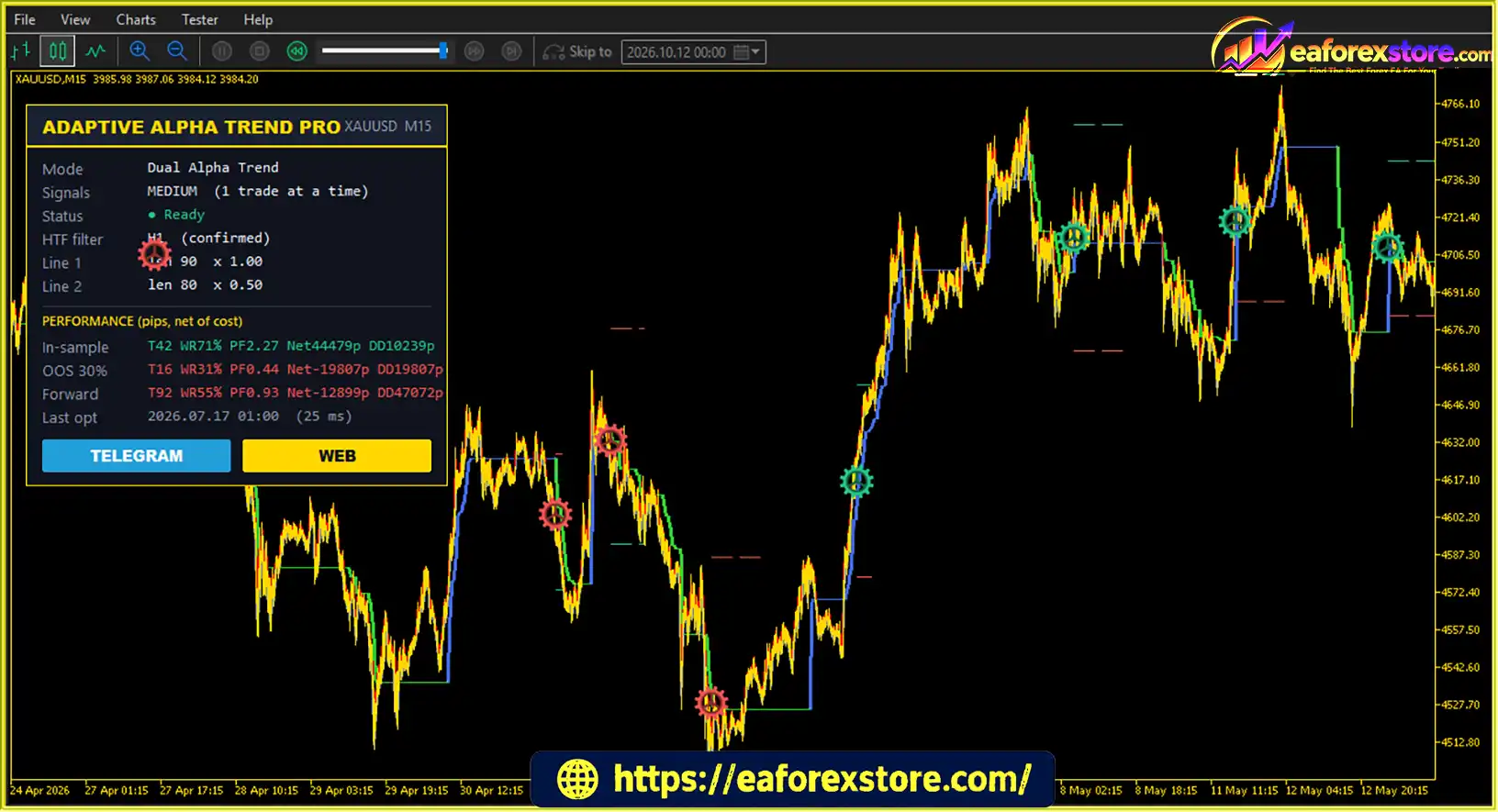
One of the key advantages of Adaptive Alpha Trend Pro MT5 is its automatic parameter optimizer. It tests different AlphaTrend lengths, multipliers, and eligible configuration combinations using recent historical data. Traders can select optimization objectives such as Profit Factor, Net Profit, Win Rate, Recovery, or minimum drawdown. The performance dashboard also separates results into In-Sample, Out-of-Sample (OOS), and Forward categories, helping users evaluate how a configuration performs across different data periods.
With two trading modes, flexible signal frequency settings, scheduled re-optimization, and a no-repaint design based on confirmed candle closes, Adaptive Alpha Trend Pro MT5 provides a comprehensive analytical framework for traders seeking a more systematic approach to technical analysis.
>> Join our Channel Telegram <<<
The core AlphaTrend engine combines ATR-based volatility analysis with a momentum filter to determine the prevailing market direction. Depending on momentum conditions, the trend line follows a volatility-adjusted price level calculated from the high or low of the candle.
The indicator compares the current AlphaTrend line with its value two bars earlier to determine the trend direction. This approach helps traders identify potential bullish and bearish market conditions while accounting for changes in volatility.
Adaptive Alpha Trend Pro MT5 uses two AlphaTrend lines simultaneously. The first operates on the current chart timeframe and generates trading signals, while the second uses a higher timeframe to establish the broader market regime.
BUY signals require bullish higher-timeframe confirmation, whereas SELL signals require bearish confirmation. This additional filter helps traders focus on opportunities that align with the broader trend rather than relying exclusively on short-term price movements.
The Candlestick plus Alpha mode recognizes 22 classic bullish and bearish candlestick formations. These include:
Bullish patterns are considered only when the higher-timeframe trend is bullish, while bearish patterns require a bearish market regime. An optional confirmation bar provides an additional condition before a signal is accepted.
The built-in optimizer evaluates multiple parameter combinations using recent historical market data. Depending on the selected trading mode, it can test AlphaTrend lengths, ATR multipliers, higher-timeframe settings, and eligible candlestick combinations.
Traders can optimize for Profit Factor, Net Profit, Win Rate, Recovery, or minimum drawdown. A minimum trade requirement helps reject configurations supported by too few historical trades.
The performance dashboard separates results into three categories:
This separation makes it easier to assess whether a configuration performs consistently beyond the historical data used to select its parameters.
The indicator calculates Stop Loss and Take Profit levels using configurable ATR multipliers. This allows trade management distances to respond to changing market volatility rather than relying exclusively on fixed point-based targets.
Entry prices, SL levels, TP levels, and their respective distances can be displayed directly on the chart to support more structured trade planning.
Adaptive Alpha Trend Pro MT5 can re-optimize its parameters daily, weekly, or monthly. This feature allows traders to reassess their indicator settings as market conditions evolve without depending permanently on a single historical configuration.
Signals are calculated after the relevant candles close. When confirmed higher-timeframe mode is enabled, the indicator also uses fully closed higher-timeframe bars. The Freeze History feature helps prevent previously displayed signals from changing when new optimized settings are selected.
The indicator provides accessible buffers for an Expert Advisor to retrieve AlphaTrend values, BUY and SELL signals, Stop Loss, Take Profit, and market regime information through the MT5 iCustom function. This makes it suitable for traders who want to incorporate its analytical outputs into a compatible automated trading system.
Adaptive Alpha Trend Pro MT5 EA Reviews
Adaptive Alpha Trend Pro MT5 Reviews
Adaptive Alpha Trend Pro MT5 Indicator Reviews
Adaptive Alpha Trend Pro MT5 combines trend analysis, momentum filtering, candlestick recognition, and statistical optimization to identify potential trading opportunities.
First, the AlphaTrend engine evaluates price movement, ATR volatility, and the selected momentum filter. The resulting trend line helps identify whether the market is displaying bullish or bearish conditions.
Second, the higher-timeframe AlphaTrend line acts as a directional filter. This means a potential BUY signal must satisfy the bullish regime requirement, while a potential SELL signal must meet the bearish regime requirement.
Third, the indicator applies one of its two signal-generation methods. Dual Alpha Trend mode looks for agreement between the two AlphaTrend lines. Candlestick plus Alpha mode uses recognized candlestick patterns as entry triggers within the higher-timeframe trend direction.
The automatic optimizer then evaluates eligible configurations against the selected performance objective. Depending on the optimization schedule and settings, the indicator can reassess its parameters as new market data becomes available.
Finally, the indicator displays potential entries and ATR-based Stop Loss and Take Profit zones. Its statistical dashboard tracks historical and forward signal performance, allowing traders to evaluate the system rather than judging it solely by individual chart signals.
It is important to understand that the indicator is primarily an analytical tool. Its simulated trades and performance statistics do not automatically represent live broker execution, and the indicator’s signals do not guarantee profitable trades.
Adaptive Alpha Trend Pro MT5 is designed for traders who want more than a conventional trend indicator with fixed settings. Its combination of adaptive optimization, multi-timeframe confirmation, and candlestick analysis offers several practical advantages.
Adaptive market analysis: The optimizer evaluates multiple configurations using recent historical data, helping traders investigate settings that better reflect current market behavior.
Multiple signal-generation methods: Dual Alpha Trend mode focuses on trend alignment, while Candlestick plus Alpha mode combines the higher-timeframe trend with classic candlestick formations.
Flexible signal frequency: LOW, MEDIUM, HIGH, and CUSTOM settings allow traders to adjust how selectively the indicator generates signals and continuation entries.
Structured risk planning: ATR-based Stop Loss and Take Profit levels provide volatility-adjusted reference points for trade management.
More informative performance evaluation: In-Sample, OOS, and Forward statistics help traders distinguish optimization results from performance measured on separate historical data or subsequently generated signals.
Configurable optimization objectives: Traders can prioritize different metrics, including Profit Factor, Net Profit, Win Rate, Recovery, or minimum drawdown, depending on their evaluation criteria.
Automation compatibility: Accessible indicator buffers allow compatible Expert Advisors to retrieve important signal and trade-management values through iCustom.
For traders who value systematic analysis and configurable signal logic, Adaptive Alpha Trend Pro MT5 offers a flexible framework for evaluating market trends and potential entries. However, its effectiveness still depends on market conditions, configuration choices, execution costs, and risk management.
Adaptive Alpha Trend Pro MT5 supports two primary trading approaches: Dual Alpha Trend and Candlestick plus Alpha. Both methods use trend direction and confirmation rules to help identify potential entries.
This approach uses the current-timeframe AlphaTrend line as the primary signal line and the higher-timeframe line as a market regime filter.
BUY Entry Rules
SELL Entry Rules
The signal frequency setting controls how aggressively this strategy generates opportunities. LOW is more selective, MEDIUM provides the default balance, HIGH permits additional continuation entries, and CUSTOM allows individual control over entry, filtering, and re-entry conditions.
This strategy uses the higher-timeframe AlphaTrend line to identify the broader market direction and candlestick patterns to trigger potential entries.
BUY Setup
SELL Setup
The default configuration uses a Stop Loss of 5 ATR and a Take Profit of 3 ATR. This creates an asymmetric risk-to-reward profile in which the planned loss distance is larger than the planned profit distance.
Before trading with these settings, users should evaluate whether the resulting win rate and drawdown characteristics are appropriate for their strategy. Alternative ATR multipliers may be tested, but optimization should be followed by out-of-sample evaluation and forward testing.
A practical approach is to begin with the MEDIUM signal frequency, evaluate both trading modes separately, and test the selected configuration on a demo account before considering live trading.
Although Adaptive Alpha Trend Pro MT5 offers advanced analytical features, traders should understand its limitations before using it in live markets.
The optimizer selects parameters based on historical market behavior. A configuration that performs exceptionally well on the optimization sample may fail when market volatility, trend strength, or price structure changes.
Out-of-sample testing provides an additional assessment of a configuration, but it cannot eliminate market uncertainty. Forward results may also be based on a limited observation period and may not represent performance across different market conditions.
The default Stop Loss of 5 ATR and Take Profit of 3 ATR produces a planned risk-to-reward ratio of approximately 1.67:1, before costs and execution effects.
Under these assumptions, the theoretical break-even win rate is approximately 62.5% before trading costs. Actual results may require a higher win rate after accounting for spreads, commissions, slippage, and other execution factors.
HIGH frequency mode permits additional continuation entries, which may increase trading activity but can also introduce more false signals. LOW mode is more selective, while MEDIUM offers the default balance between selectivity and activity.
Optimized parameters may not transfer effectively between different symbols, timeframes, or market conditions. Settings selected for one instrument should be independently evaluated before being applied elsewhere.
When the optimizer selects a new configuration, subsequent signals may differ from those generated using earlier settings. Freeze History is designed to help preserve previously displayed signals, but users should understand how optimization and historical signal handling work in their selected configuration.
Spread and commission settings can be incorporated into simulated performance calculations. However, actual execution may also be affected by slippage, latency, liquidity, broker conditions, and price gaps. Backtest results may therefore differ significantly from live trading outcomes.
Adaptive Alpha Trend Pro MT5 is a technical analysis indicator, not a guarantee of trading success. Forex and CFD trading involve substantial risk, and losses can exceed expectations. Always evaluate the strategy carefully, use appropriate position sizing, and avoid risking money you cannot afford to lose.
Overall, Adaptive Alpha Trend Pro MT5 is best suited to traders who value configurable trend analysis, statistical evaluation, and systematic signal filtering. Its complexity may be less suitable for users seeking a completely hands-off solution without testing or monitoring.
Follow these steps to install Adaptive Alpha Trend Pro MT5 on MetaTrader 5.
Download the Adaptive Alpha Trend Pro MT5 indicator files from the official product source. Depending on the package, the main file may use the .ex5 or .mq5 extension.
Launch MetaTrader 5 and select File → Open Data Folder from the top menu.
Navigate to:
MQL5 → Indicators
Copy the supplied indicator files into this directory. If the package includes supporting files or libraries, follow the developer’s installation instructions for those components.
If the download includes an editable .mq5 source file rather than a compiled .ex5 file, open it in MetaEditor and compile it. Resolve any compilation errors before proceeding.
If only a compiled .ex5 file is provided, compilation is generally unnecessary.
Return to MetaTrader 5. In the Navigator panel, right-click Indicators and select Refresh. Alternatively, restart the trading platform.
Open the chart for your preferred trading instrument and timeframe. Find Adaptive Alpha Trend Pro MT5 in the Navigator panel and drag it onto the chart.
Review the available settings, including:
Confirm that the AlphaTrend lines, BUY and SELL signals, risk zones, and performance dashboard are displayed correctly. Review the optimization results and check that the selected configuration has sufficient trade observations.
Before using the indicator for live trading, test its settings on historical data and evaluate the OOS results. Then run the indicator on a demo account to observe forward signals under current market conditions.
If you intend to integrate it with an Expert Advisor, verify that the EA reads the correct indicator buffers and handles entry signals, Stop Loss, Take Profit, and position management as intended.
Important: The exact installation requirements may vary by package version. Always follow the supplied developer documentation, and do not assume that installing the indicator automatically executes trades. Automated execution requires a compatible Expert Advisor or a separate trading implementation.
>> Join VIP Membership Now <<<
Adaptive Alpha Trend Pro MT5 is a feature-rich MetaTrader 5 indicator that combines trend-following analysis, multi-timeframe confirmation, 22 candlestick patterns, and automatic statistical optimization. Its two trading modes provide flexibility for traders who prefer trend alignment or candlestick-based entries within a broader market regime.
The ATR-based Stop Loss and Take Profit zones help establish structured trade plans, while the In-Sample, Out-of-Sample, and Forward dashboard provides a more comprehensive way to assess signal performance. Scheduled re-optimization and configurable statistical objectives also allow traders to investigate how different settings respond to changing market conditions.
However, automatic optimization is not a substitute for robust testing. Historical results can be misleading, the default risk-to-reward profile requires careful evaluation, and live trading outcomes may differ from simulated performance. Traders should validate their settings on separate historical data, monitor forward results, and apply disciplined position sizing.
In conclusion, Adaptive Alpha Trend Pro MT5 is worth evaluating for traders seeking an adaptive trend-following indicator with configurable signals and statistical analysis. Its greatest value lies in combining multiple analytical tools within one MT5 indicator, provided users understand its limitations and test their chosen configuration before risking real capital.
1. What Is Adaptive Alpha Trend Pro MT5?
Adaptive Alpha Trend Pro MT5 is an advanced technical analysis indicator for MetaTrader 5 designed to identify potential trading opportunities through adaptive trend analysis, multi-timeframe confirmation, and candlestick pattern recognition. It combines the AlphaTrend engine, ATR-based volatility analysis, MFI or RSI momentum filtering, and automatic statistical optimization. The indicator displays BUY and SELL signals, along with ATR-based Stop Loss and Take Profit levels, to support structured trading decisions.
2. How Does Adaptive Alpha Trend Pro MT5 Generate Trading Signals?
Adaptive Alpha Trend Pro MT5 evaluates price movement, market volatility, and momentum to determine the prevailing trend. It then uses a higher-timeframe AlphaTrend line to confirm the broader market direction. The indicator offers two signal-generation methods: Dual Alpha Trend, which looks for alignment between two AlphaTrend lines, and Candlestick plus Alpha, which uses recognized candlestick patterns as potential entry triggers. Signals are calculated after the relevant candles close, subject to the selected settings.
3. What Are the Main Features of Adaptive Alpha Trend Pro MT5?
The main features include an adaptive AlphaTrend engine, higher-timeframe trend confirmation, recognition of 22 classic candlestick patterns, and an automatic optimizer that evaluates different parameter combinations. The indicator also supports configurable signal frequency, scheduled daily, weekly, or monthly re-optimization, ATR-based Stop Loss and Take Profit levels, and an In-Sample, Out-of-Sample (OOS), and Forward performance dashboard. Additionally, its indicator buffers can be accessed by compatible Expert Advisors through the MT5 iCustom function.
4. Does Adaptive Alpha Trend Pro MT5 Repaint Signals?
According to the supplied product description, Adaptive Alpha Trend Pro MT5 uses a no-repaint design based on confirmed candle closes. When confirmed higher-timeframe mode is enabled, it also uses fully closed higher-timeframe candles. The Freeze History feature is intended to help preserve previously displayed signals when new optimized settings are selected. However, traders should test the specific version and configuration to understand how historical signals behave when optimization settings change.
5. What Are the Best Settings for Adaptive Alpha Trend Pro MT5?
There is no universally optimal configuration for every instrument or market condition. The indicator allows traders to optimize parameters according to objectives such as Profit Factor, Net Profit, Win Rate, Recovery, or minimum drawdown. The supplied description recommends starting with MEDIUM signal frequency, testing Dual Alpha Trend and Candlestick plus Alpha separately, and evaluating results using out-of-sample data and forward testing. The default Stop Loss is 5 ATR, while the default Take Profit is 3 ATR; these settings should be assessed carefully before live trading.
6. Is Adaptive Alpha Trend Pro MT5 Suitable for Automated Trading?
Adaptive Alpha Trend Pro MT5 can support automated trading through integration with a compatible MetaTrader 5 Expert Advisor. Its accessible indicator buffers provide AlphaTrend values, BUY and SELL signals, Stop Loss, Take Profit, and market regime information through iCustom. However, the indicator itself is primarily an analytical tool and does not automatically execute trades simply because it is installed. Automated execution requires a compatible EA or a separate trading implementation that correctly reads and processes the indicator's outputs.
7. What Are the Main Risks of Using Adaptive Alpha Trend Pro MT5?
The main risks include historical overfitting, false signals, changing market conditions, trading costs, and differences between simulated and live execution. The default 5 ATR Stop Loss and 3 ATR Take Profit settings also create an asymmetric risk-to-reward profile, with a planned loss distance greater than the planned profit distance. Based on those distances, the theoretical break-even win rate is approximately 62.5% before spreads, commissions, and slippage. Higher signal frequency may increase trading activity and false signals. Traders should validate their settings and use appropriate position sizing rather than relying solely on optimization results.
8. How Do I Install Adaptive Alpha Trend Pro MT5 on MetaTrader 5?
To install Adaptive Alpha Trend Pro MT5, download the indicator files and open MetaTrader 5. Select File → Open Data Folder, then navigate to MQL5/Indicators and copy the supplied files into that directory. If the package contains an editable .mq5 file, open it in MetaEditor and compile it; a compiled .ex5 file generally does not require compilation. Return to MT5, refresh the Navigator panel, and attach the indicator to your preferred chart. Configure the trend filters, signal mode, optimization objective, and ATR settings, then review the displayed signals and statistics. Backtest and forward-test the configuration on a demo account before considering live trading.
In stock
In stock
In stock
In stock
In stock
Out of stock
No account yet?
Create an Account












 Automatic EA
 EA Best Seller
 Expert Advisor MT4
 Expert Advisor MT5
 HFT EA


Reviews
Clear filtersThere are no reviews yet.