









-
 Unlimited Activations
-
 Instant delivery
-
 Easy to install






 Unlimited Activations
Instant delivery
Easy to install
Unlimited Activations
Instant delivery
Easy to install
 Free Update
 Free Install Support

Beat the Market EA MT4 is a fully automated trading system engineered for high-precision scalping on the EUR/USD M1 chart, with the flexibility to operate on all major Forex pairs. Built around a refined low-timeframe engine, it aims to deliver steady monthly returns above 10% while maintaining a controlled drawdown under 10%. The EA uses adaptive logic, advanced risk management, and consistent market filtering to ensure stable, reliable performance even during volatile conditions.
🔺EURUSD
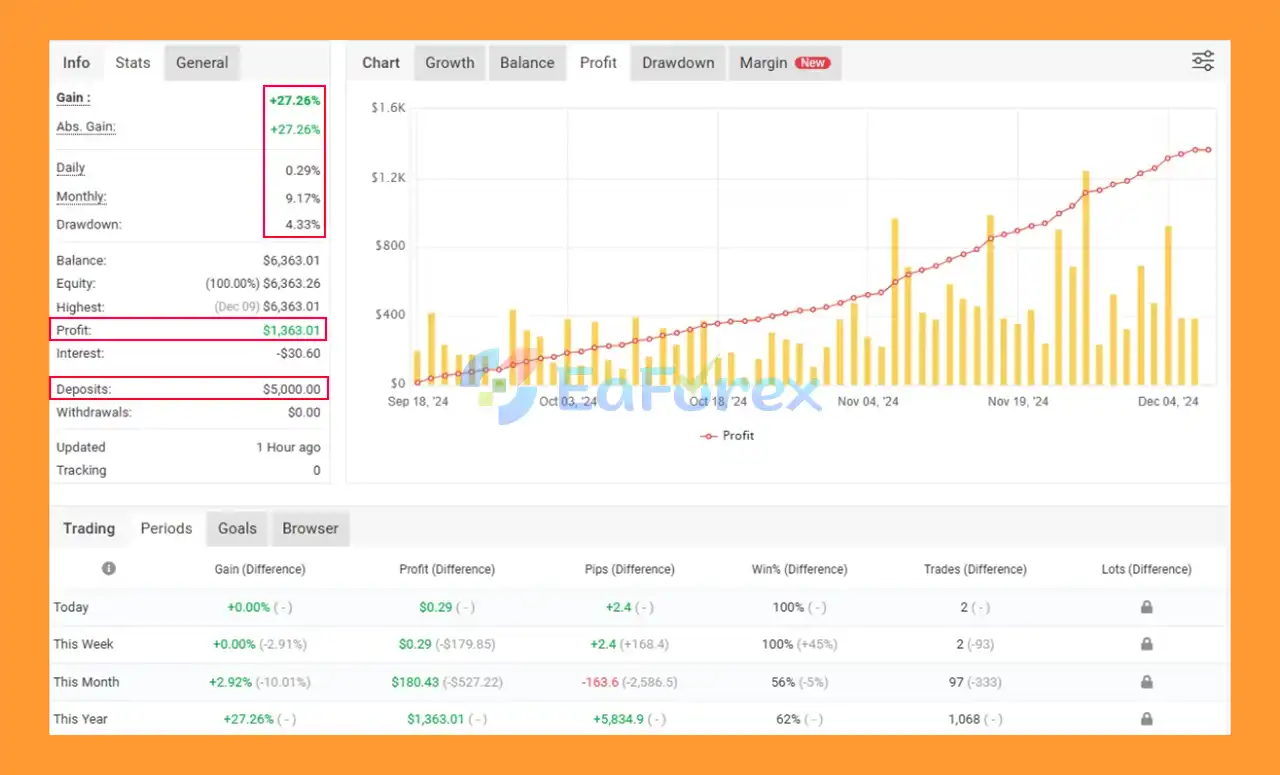
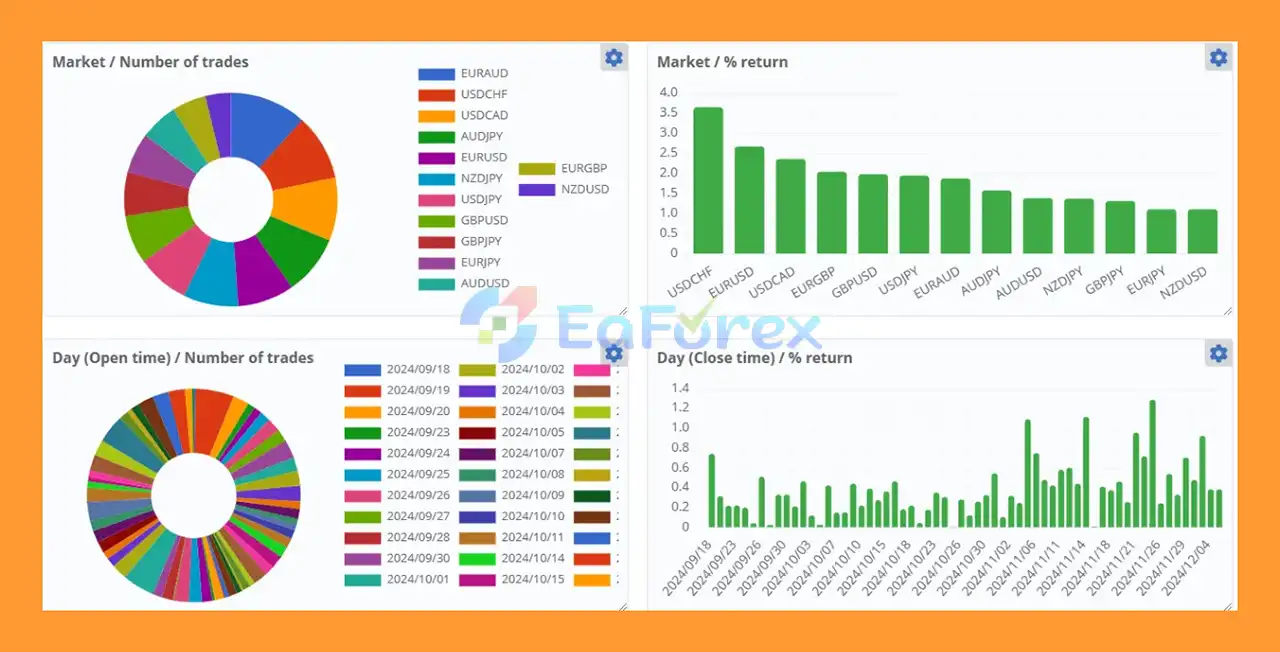
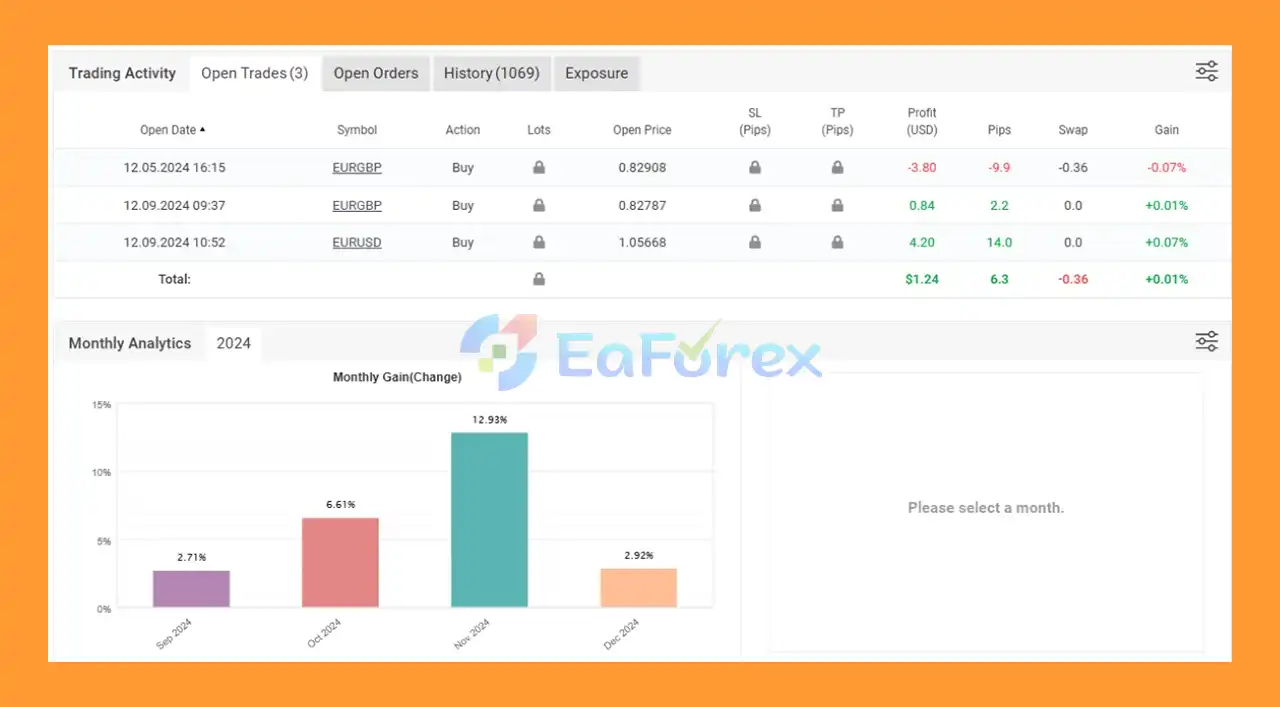
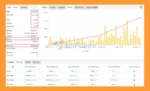
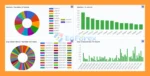
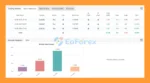
Beat The Market EA MT4 Myfxbook
Beat The Market MT4 Myfxbook
Beat The Market EA Myfxbook
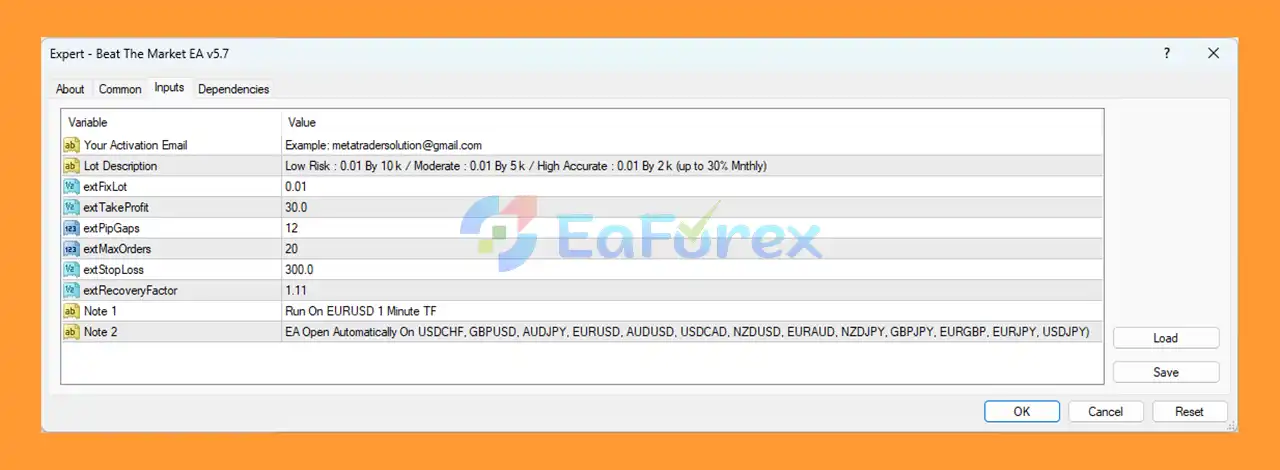
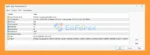
🟢Setting up Beat The Market EA MT4 is simple when you follow the correct installation procedure and use the optimized settings displayed in the image. With parameters such as extFixLot, extTakeProfit, extPipGaps, extMaxOrders, and extStopLoss configured properly, the EA can execute high-precision trades across multiple currency pairs automatically. By running the EA on EURUSD M1 and ensuring AutoTrading is enabled, you secure the best performance and long-term stability.
🔺Step 1: Download the EA File
.ex4 or .mq4) from your provider.🔺Step 2: Open MT4
🔺Step 3: Open the EA Installation Folder
MQL4 → ExpertsCopy the EA file into the Experts folder.
🔺Step 4: Restart MT4
🔺Step 5: Enable Auto Trading
🔺Step 6: Attach the EA to a Chart
Setting
In summary, Beat The Market EA MT4 is a high-precision, fully automated scalping system optimized for EUR/USD M1, offering stable monthly growth above 10% while keeping drawdowns below 10%. Its adaptive trading engine, strict risk control, and volatility-aware execution ensure consistent, long-term performance without relying on risky grid or martingale strategies. Beginner-friendly and ideal for passive traders, the EA provides hands-off operation, low-maintenance setup, multi-pair support, and verified Myfxbook results—making it a reliable choice for disciplined, steady Forex account compounding.
>>> Reviewed by Jason Stap <<<
1. What is Beat The Market EA MT4 and how does it work?
Beat The Market EA MT4 is a fully automated scalping system optimized for EUR/USD M1, capable of trading all major Forex pairs. It uses adaptive price-action logic, strict risk control, and volatility filtering to deliver consistent monthly growth while keeping drawdown under 10%.
2. Which timeframe and currency pair does Beat The Market EA MT4 work best on?
The EA is specifically optimized for EURUSD on the M1 timeframe, where it achieves its highest accuracy. However, it can also operate on other major Forex pairs for portfolio diversification.
3. Does Beat The Market EA use Martingale, Grid, or averaging strategies?
No. The EA does not use martingale, grid, or high-risk averaging systems. It focuses on safe, precision-based scalping, which is why its drawdown remains consistently below 10%.
4. What is the recommended minimum deposit to run the EA?
While traders can start with $100–$300, the recommended minimum deposit for stable long-term operation—especially on M1 scalping—is $500 or more, depending on risk settings and broker conditions.
5. Do I need a VPS to run Beat The Market EA MT4 effectively?
Yes. A low-latency VPS is strongly recommended. Since M1 scalping requires fast execution and continuous uptime, a VPS ensures the EA performs optimally without interruptions.
6. What type of broker is best for Beat The Market EA MT4?
A low-spread ECN broker with fast execution is ideal. Tight spreads and minimal slippage significantly improve scalping performance and reduce overall risk.
7. Is Beat The Market EA suitable for beginners?
Yes. The EA is plug-and-play with minimal configuration required. Default settings are optimized, making it easy for beginner traders or passive investors to start quickly and safely.
8. How does the EA maintain drawdowns under 10%?
Beat The Market EA uses strict risk parameters, controlled position sizing, smart stop-loss placement, and volatility filtering. It avoids stacking orders or using dangerous multipliers, which keeps drawdowns consistently low.
9. Is the EA’s performance verified by Myfxbook?
Yes. Beat The Market EA MT4 has verified Myfxbook results, showing stable average monthly profits of over 9% and low drawdown, confirming real-market performance—not just backtests.
10. Can I run Beat The Market EA on multiple currency pairs at once?
Yes. Although optimized for EURUSD M1, the EA can run on multiple major pairs. Performance may vary by instrument, so traders often test additional pairs using a VPS or separate charts.
In stock
In stock
In stock
In stock
In stock
In stock
No account yet?
Create an Account











 Automatic EA
 EA Best Seller
 Expert Advisor MT4
 Expert Advisor MT5
 HFT EA


Reviews
Clear filtersThere are no reviews yet.