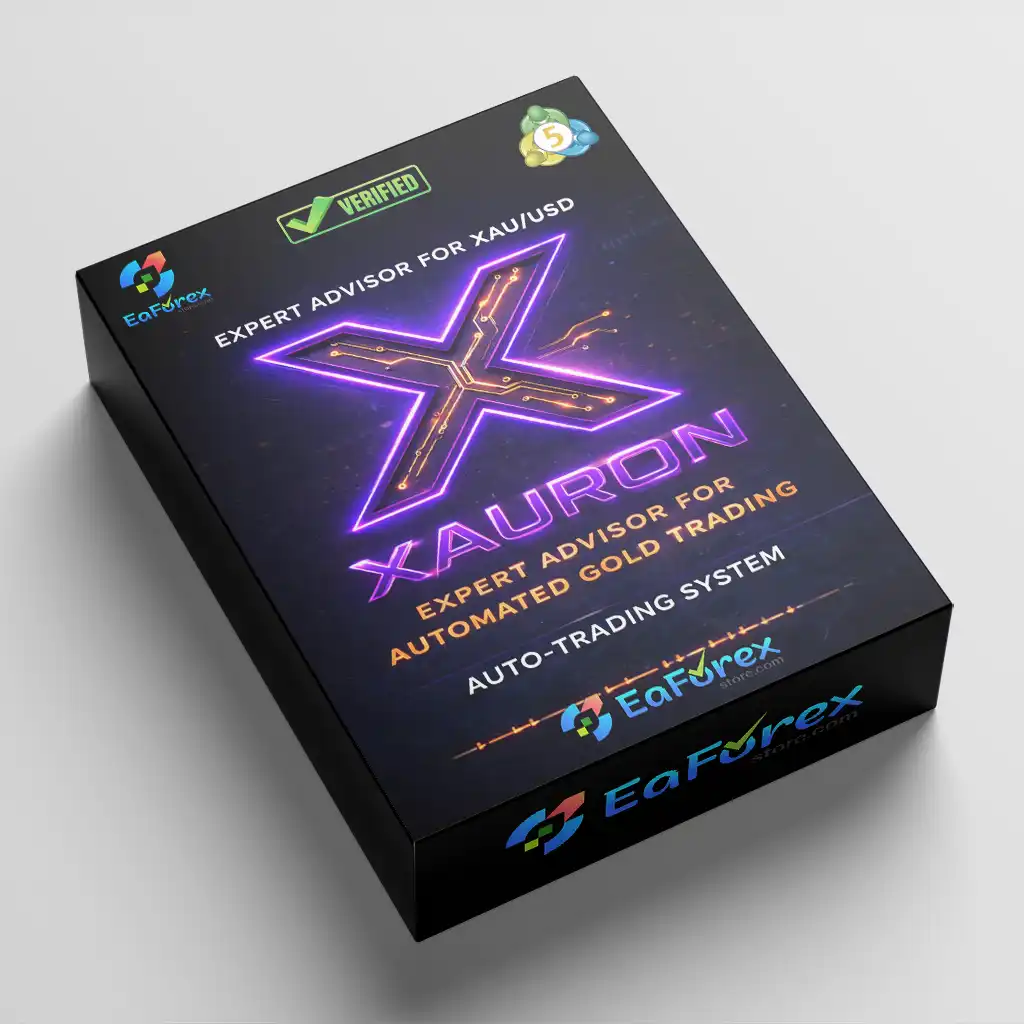
What is XAURON EA MT5?
XAURON EA MT5 is a premium Expert Advisor designed for automated gold trading on XAU/USD, built to detect high-probability breakout opportunities using a secure, adaptive, and professional strategy. Developed specifically for MetaTrader 5, it helps traders navigate different broker conditions, execution types, latency levels, VPS quality, and changing market environments with greater precision and control.
Vendor website
Core Features of XAURON EA MT5
- Breakout Detection: Identifies high-probability gold (XAU/USD) breakouts using advanced price action and volume analysis.
- No Risky Strategies: Avoids martingale, grid systems, and neural networks to reduce excessive drawdown exposure.
- Optimized for XAUUSD M5/M15: Works efficiently on a single chart setup for streamlined gold trading.
- Integrated News Filter: Automatically avoids high-impact events such as NFP and FOMC to reduce volatility risk.
- Fixed SL & TP Protection: Uses predefined Stop Loss and Take Profit with intelligent trailing stop management.
- Smart Market Filtering: Automatically blocks unfavorable trading hours and unstable market conditions.
- Real-Time Broker Adaptation: Adjusts dynamically to spread, slippage, execution speed, and latency differences.
Additional Features
- 100% Customizable System: Fully adjustable parameters to match individual trading styles and risk preferences.
- Live Statistics Dashboard: Displays real-time trading data and performance metrics directly on the chart.
- Broker Compatibility: Supports all brokers, with optimal performance on ECN/RAW accounts.
- Lifetime Free Updates: Continuous improvements and upgrades included with purchase.
- Premium Support Access: Direct assistance for setup and optimization.
- Private Community Access: Join an exclusive trader network for shared insights and updates.
- Complete User Guide: Step-by-step instructions for installation, configuration, and best practices.
Why Choose XAURON EA MT5?
- Professional Gold Trading Focus: Specifically engineered for XAU/USD breakout strategies.
- Transparent Strategy Logic: No hidden high-risk recovery systems that inflate backtest results.
- Adaptable to Real Conditions: Designed to perform across different brokers, VPS setups, and execution types.
- Minimum Recommended Capital: Accessible starting from €500 trading capital.
- VPS 24/7 Compatibility: Optimized for continuous operation on a reliable VPS environment.
- Demo Testing Friendly: Encourages traders to verify compatibility before going live.
- Personalized Configuration Support: Direct assistance to tailor settings based on your trading style.
XAURON EA MT5 Backtest Results
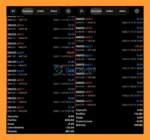
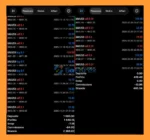
- Proven Real-Account Profit Performance: The XAURON EA demonstrates strong and consistent profit performance on real trading accounts. With verified real-account results, this automated trading system highlights its reliability, stability, and effective risk management for traders seeking sustainable returns.
- Long-Term Potential on XAUUSD (Gold) Trading: When trading the XAUUSD (Gold) pair, XAURON EA showcases impressive long-term profit potential. Optimized specifically for gold market volatility, it aims to maximize opportunities while maintaining controlled drawdowns, making it a powerful solution for long-term gold trading strategies.
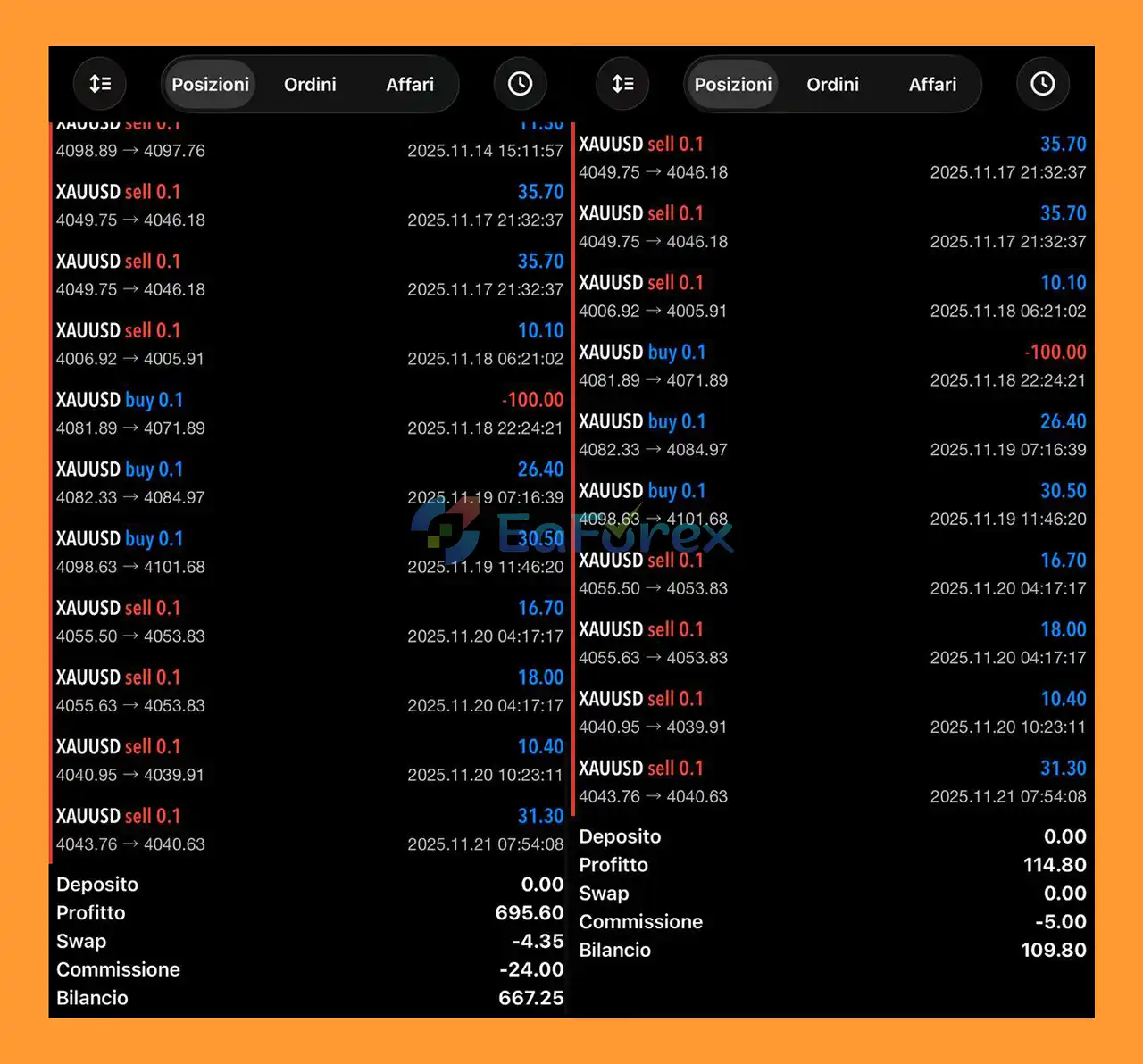
XAURON EA MT5 reviews
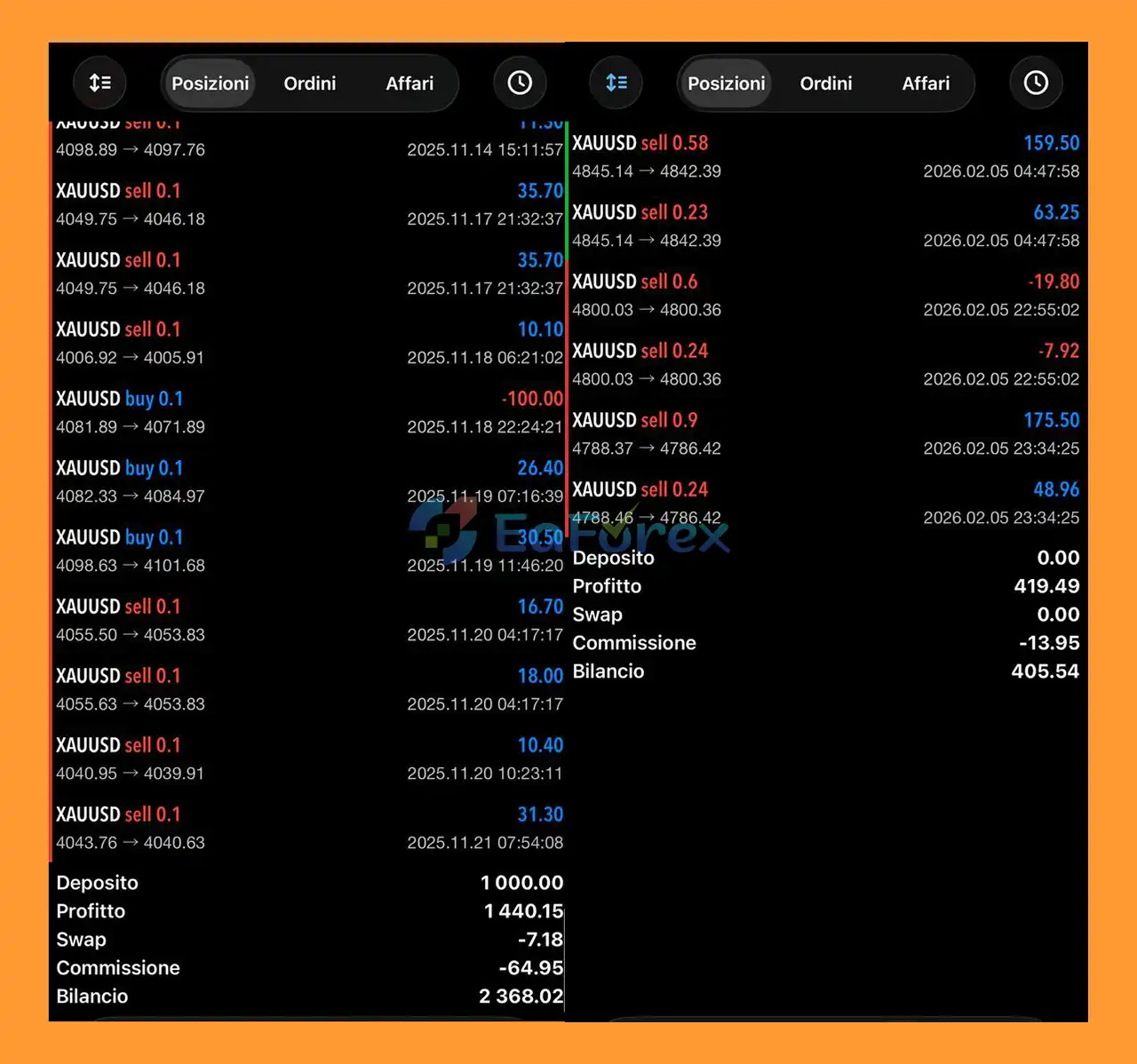
XAURON EA reviews
How To Set Up EA
🔻Are you looking for a complete guide to installing and configuring the XAURON EA for MetaTrader 5? This step-by-step guide will help you set up the EA correctly, optimize parameters, and ensure stable automated trading performance.
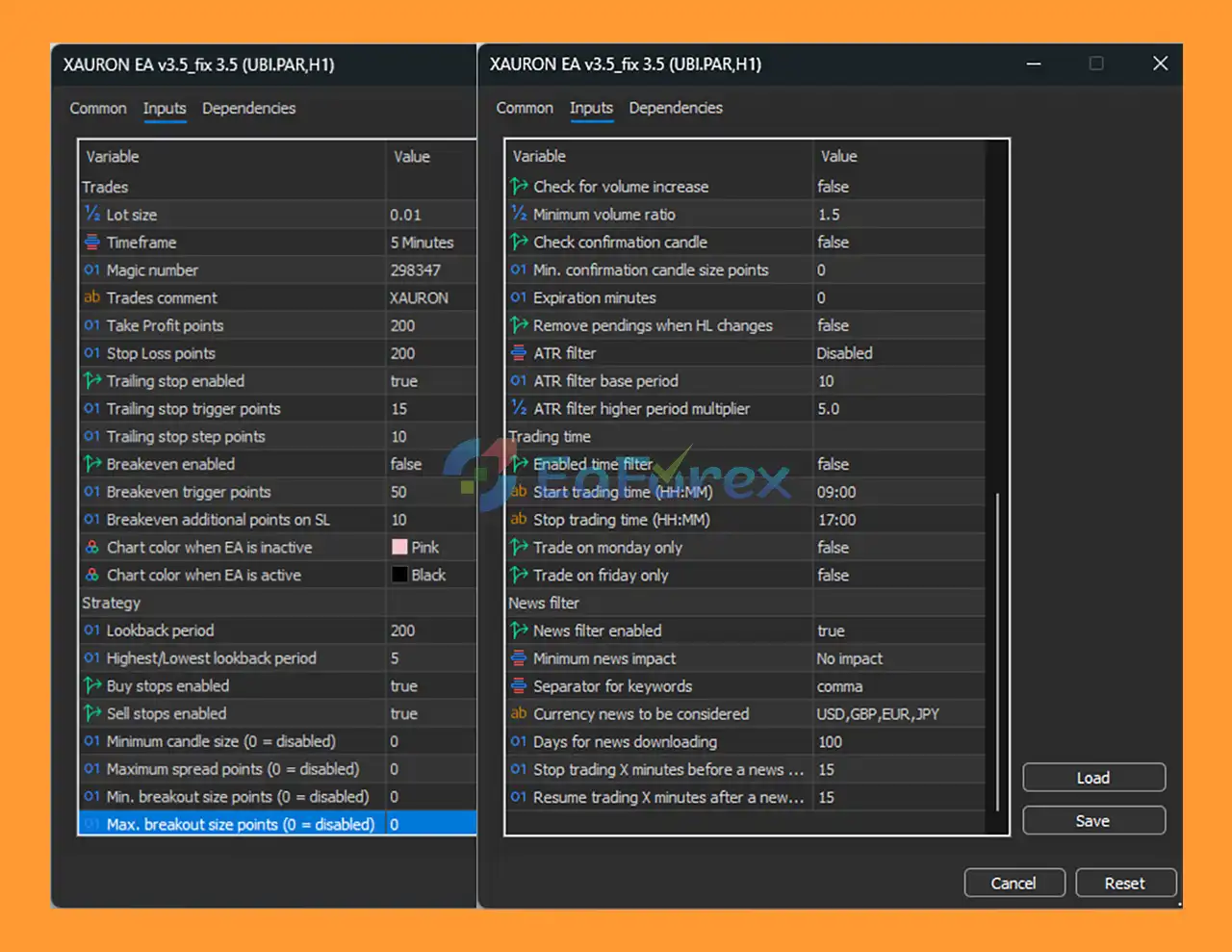
setting
Step 1: Install MetaTrader 5
- Download MetaTrader 5 from your broker.
- Install and log in to your trading account.
- Enable Algo Trading on the top toolbar.
Step 2: Add XAURON EA to MT5
- Open MT5
- Click File → Open Data Folder
- Go to:
- Copy XAURON EA v3.5_fix.ex5 into the Experts folder
- Restart MetaTrader 5
Step 3: Attach XAURON EA to a Chart
- Open your trading pair (example: UBI.PAR H1).
- Go to Navigator → Expert Advisors.
- Drag XAURON EA v3.5_fix 3.5 onto the chart.
- Enable:
- ✔ Allow Algo Trading
- ✔ Allow DLL Imports (if required)
- Click OK to activate.
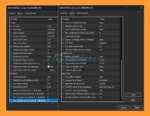
🔶Recommended XAURON EA Settings
➡️Below are the core configuration parameters based on the provided setup:
🔺General Trading Settings
| Parameter |
Recommended Value |
| Lot Size |
0.01 |
| Timeframe (logic) |
5 Minutes |
| Magic Number |
298347 |
| Take Profit |
200 points |
| Stop Loss |
200 points |
🔺Risk & Trade Management
- Trailing Stop: Enabled
- Trailing Trigger: 15 points
- Trailing Step: 10 points
- Breakeven: Disabled (optional activation at 50 points)
- Breakeven Additional Points: 10
🔺Strategy Parameters
- Lookback Period: 200
- Highest/Lowest Lookback: 5
- Buy Stops: Enabled
- Sell Stops: Enabled
- Minimum Candle Size: 0 (disabled)
- Maximum Spread: 0 (disabled)
- Breakout Size Filters: Disabled
🔺Volume & Confirmation Filters
- Check Volume Increase: Disabled
- Minimum Volume Ratio: 1.5
- Confirmation Candle Check: Disabled
➡️These filters can be enabled for stricter market conditions.
🔺ATR Volatility Filter
- ATR Filter: Disabled
- ATR Base Period: 10
- ATR Higher Period Multiplier: 5.0
➡️Enable ATR filter to avoid low-volatility markets.
🔺Trading Time Settings
- Time Filter: Disabled
- Default Trading Window: 09:00 – 17:00
- Monday Only: Disabled
- Friday Only: Disabled
➡️You can enable time filters for session-based trading.
🔺News Filter Settings
- News Filter: Enabled
- Minimum Impact: No Impact
- News Currencies: USD, GBP, EUR, JPY
- Stop Trading Before News: 15 minutes
- Resume After News: 15 minutes
➡️This helps protect trades during high-impact economic events.
🔶How to optimize XAURON EA in Strategy Tester
- Press Ctrl + R to open Strategy Tester.
- Select XAURON EA.
- Choose symbol and timeframe.
- Run backtest.
- Optimize:
- Stop Loss
- Take Profit
- Trailing Stop
- Lookback Period
➡️Always test on a demo account before live trading.
🔶Best Practices for XAURON EA MT5
- Use a VPS for uninterrupted 24/5 trading.
- Keep risk per trade below 2%.
- Monitor drawdown regularly.
- Avoid trading during extreme volatility.
- Update EA when new versions are released.
🔶Troubleshooting XAURON EA Not Trading
✔ Check Algo Trading is enabled
✔ Confirm smiley face icon appears on chart
✔ Verify spread conditions
✔ Ensure broker allows pending orders
✔ Check news filter settings
What’s Included in the Download Package?
- Experts: XAURON EA v3.5_fix.ex5
>>> Join VIP Membership Now <<<
Conclusion
In summary, XAURON EA MT5 is a professional breakout trading system engineered specifically for XAU/USD (Gold) on MetaTrader 5. Designed to detect high-probability breakout opportunities, it combines advanced price action logic, volume analysis, fixed SL/TP protection, and intelligent trailing stop management to deliver structured and disciplined automated trading.
By avoiding martingale, grid systems, and high-risk recovery strategies, XAURON EA MT5 focuses on controlled drawdown and long-term stability. Its integrated news filter, real-time broker adaptation, VPS compatibility, and fully customizable settings make it suitable for different trading environments and execution conditions
>>> Reviewed by Jason Stap <<<














 Unlimited Activations
 Instant delivery
 Easy to install
















 Automatic EA
 EA Best Seller
 Expert Advisor MT4
 Expert Advisor MT5
 HFT EA


Reviews
Clear filtersThere are no reviews yet.